What automatic invoicing actually means
Automatic invoicing is a trigger-based workflow: when a defined event occurs, such as a project milestone being marked complete, a subscription renewing, or a contract period ending, the system generates and sends an invoice without anyone touching it manually. That's meaningfully different from a scheduled email reminder or a PDF template someone fills out each month.
Automated invoice processing replaces the manual steps between "work is done" and "client receives a bill." The trigger fires, the invoice pulls in the correct line items, applies the right tax rules, and routes to the client, all within the same workflow. No copy-pasting from a project tracker. No chasing down an account manager for the hours log.
For IT company owners, this distinction matters because your billing patterns are rarely simple. You're mixing fixed retainers, time-and-materials work, and milestone-based project fees, sometimes on the same client account. A system that only handles recurring fixed amounts will break on that complexity. Trigger-based invoice generation handles each billing type as its own conditional logic, not a workaround.
That's the foundation the benefits in the next section build on.
Six advantages of automatic invoicing for your business
Most IT owners already know invoicing is slow. The real cost is harder to see until you add it up: time chasing payment status, hours rebuilding invoices from scratch for recurring clients, and the occasional billing error that creates a support conversation you didn't need.
Automatic invoicing removes each of those friction points. Here's where the gains show up concretely.
1. Faster collections
Invoices sent immediately after a trigger, whether that's a project milestone, a time log closing, or a subscription renewal, reach clients while the work is still fresh. Clients who receive invoices promptly tend to pay promptly. Delayed billing, on the other hand, signals ambiguity about whether the invoice is even final.
2. Fewer billing errors
Manual invoicing means re-entering data that already exists somewhere: project hours, contract rates, client addresses. Every re-entry is a chance for a typo. When your invoice generation pulls directly from source data, the rate, the hours, and the client details are already confirmed. You're not retyping; you're confirming.
3. Better cash flow visibility
Invoice tracking inside an automated system gives you a live view of what's been sent, what's been opened, what's overdue, and what's been paid. That's not a report you run at month-end; it's a dashboard you check on Tuesday morning before a client call.
4. Time saved at scale
Recurring invoice automation is where the hours compound. A 10-client retainer business sending monthly invoices manually spends that time every single month. Automate it once and the process runs without you. That time goes back to billable work or client relationships.
5. Client trust
Consistent, accurate invoices sent on a predictable schedule signal that your business operates with discipline. Clients who receive erratic or error-prone invoices start to question whether the work itself is managed the same way.
6. Audit readiness
Every invoice generated through automated invoice processing carries a timestamp, a trigger record, and a delivery confirmation. When a client disputes a charge or an accountant needs documentation, the trail is already there.
The combination of these six advantages is why comparing automatic invoicing software options has become a standard step in IT operations planning, not just a finance team conversation.
How automatic invoicing works with your existing systems
The integration question is the one most IT owners ask first: "Will this break what we already have?" The short answer is no, and the longer answer is worth understanding before you commit to any automatic invoicing software.
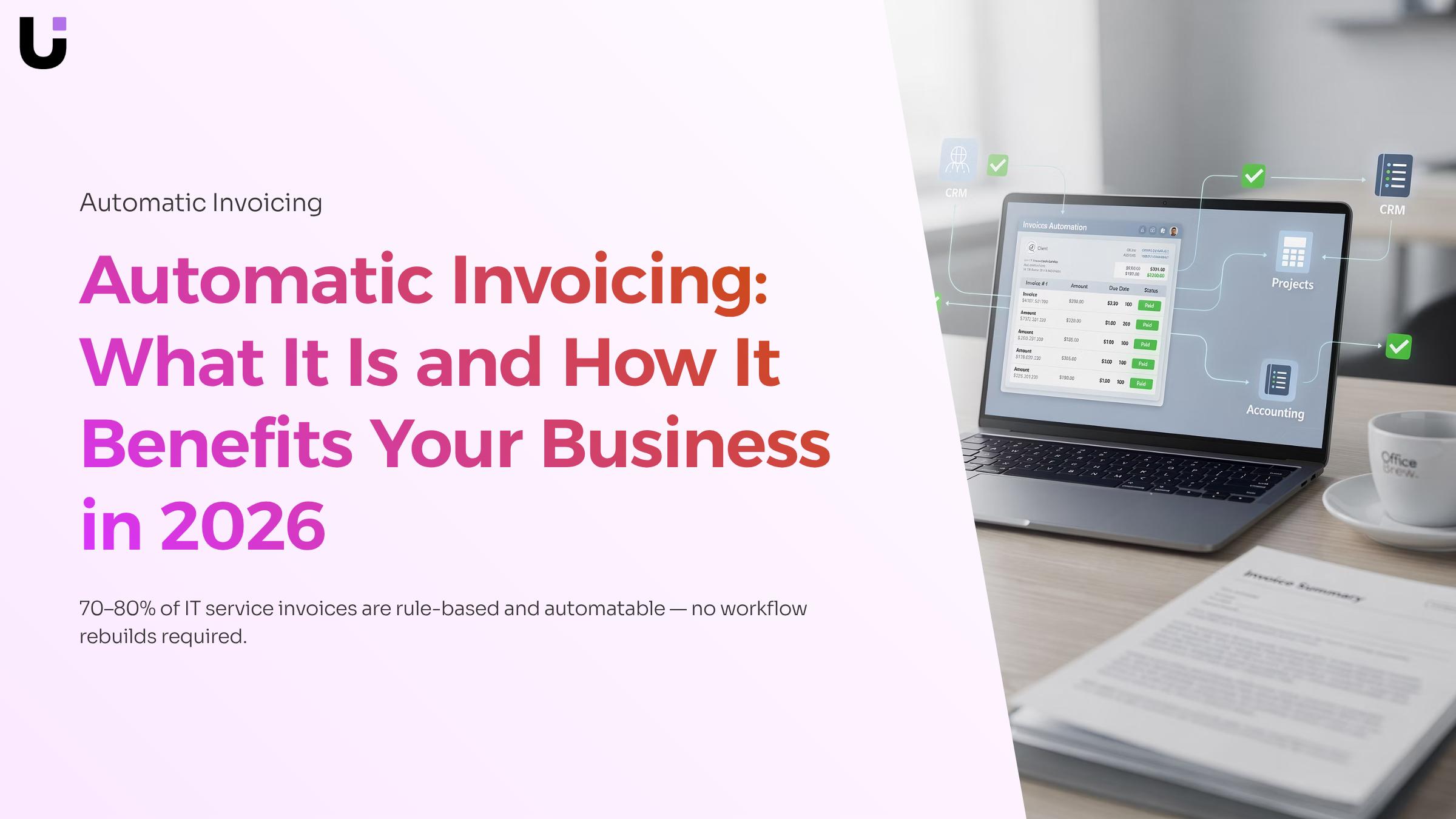
Most modern automated invoice generation tools connect to your stack through native integrations or API-based triggers. QuickBooks automatic invoicing, for example, syncs invoice status, payment records, and client data bidirectionally, so your books update the moment a payment clears without anyone touching a spreadsheet. Your CRM feeds client and contract data upstream; your project management platform signals when a milestone or hours threshold is hit; the invoicing layer picks up those signals and fires the document. How automated invoice processing replaces manual data entry covers the data-flow mechanics in detail if you want to go deeper there.
Here is what a connected workflow looks like in practice. A client deal closes in your CRM. That status change triggers Inzo, WorksBuddy's billing agent, to generate and send the onboarding invoice automatically, with the correct line items pulled from the contract record. No copy-paste. No delay waiting for someone to notice the deal closed. If the engagement is recurring, Inzo schedules the next invoice based on the billing cycle defined in the original agreement.
The same trigger logic applies to project completions and time-based thresholds. Trigger-based invoice generation explains how those event conditions get configured without writing code.
If you are still evaluating platforms, a side-by-side look at automatic invoicing software options can help you match integration depth to your current tool stack before you decide.
How to implement automatic invoicing in four steps
Getting automatic invoicing running doesn't require a full IT project. Most teams can move from audit to live automation in a week or less.
1. Audit your current billing triggers
List every invoice you send and what causes it: a project milestone, a subscription renewal date, a contract end, a time-log threshold. This step exposes which invoices are already rule-based (and therefore automatable today) versus which genuinely need human judgment. For most IT service businesses, 70–80% fall into the first category.
2. Map your tool stack
Identify where the billing trigger lives. Is it a project completion status in your PM tool? A deal closed in your CRM? A recurring date in your accounting system? Once you know the source, you can connect it to your invoicing layer. This is where how automated invoice processing replaces manual data entry becomes relevant — the connection between source data and invoice output is the core of the workflow.
3. Configure your recurring invoice automation rules
Set the trigger condition, the invoice template, the delivery recipient, and the payment terms. If you're using a platform like Revo that supports trigger-based automation, you define the rule once and it fires every time the condition is met — no manual queue to check. For IT companies running retainer clients, this means monthly invoices go out on schedule without anyone touching them.
4. Run a parallel test before going fully live
For two to four weeks, let the automated system generate invoices while you still review them before sending. This surfaces edge cases: clients with custom terms, projects that closed early, or billing contacts that changed. After the test period, automating your full invoice workflow end to end becomes a realistic next step rather than a leap of faith.
Fix the edge cases you found, then turn off the manual process.
Is automatic invoicing secure and reliable
Good automatic invoicing software handles security through layered controls, not a single setting. Here is what that looks like in practice.
Encrypted data transmission is standard in reputable platforms. As Acronis notes, automated invoicing software is highly secure and reliable since it uses encrypted data to protect client and billing information in transit and at rest.
Role-based access controls limit who can create, approve, or void an invoice. For IT company owners managing contractors alongside full-time staff, that distinction matters. A contractor should not have the same invoice permissions as your finance lead.
Audit trails log every action: who triggered an invoice, when it was sent, and whether delivery was confirmed. This is where invoice tracking becomes a reliability feature, not just a reporting convenience. If a client disputes a charge, you have a timestamped record.
Error handling is the part most teams overlook. Solid platforms flag duplicate invoice numbers, mismatched amounts, and failed delivery attempts automatically, rather than letting errors accumulate until month-end reconciliation.
Stripe also points out that automated invoice processing reduces fraud risk by catching errors automatically before they reach a client. That is a meaningful control for any IT business billing across multiple projects simultaneously.
What to look for in automatic invoicing software
Most automatic invoicing software looks similar on a feature list. The differences show up when you map capabilities against how IT service businesses actually bill: project milestones, retainers, hourly overages, and multi-client recurring schedules running in parallel.
Four criteria separate tools that handle this well from tools that create new manual work:
- Integration depth : Your invoicing tool needs a live connection to your project management and time-tracking systems, not a nightly CSV export. If the data sync breaks, you're back to manual reconciliation. Check whether the integration is native or webhook-dependent, and what happens when it fails.
- Template customization : IT invoices often carry line items that standard templates don't support: SLA credits, hardware pass-throughs, tiered support hours. A tool that limits template structure will force you to edit invoices manually before sending.
- Recurring invoice automation : Look for schedule flexibility beyond simple monthly cycles. Project-based billing requires triggers tied to deliverable completion, not calendar dates. The mechanics behind trigger-based invoice generation matter more than most buyers check before purchasing.
- Partial payment handling : Clients pay deposits, split invoices, or dispute line items. Software that can't track partial payments forces your team to maintain a separate reconciliation log.
Accounting integration deserves its own check. QuickBooks automatic invoicing works well when the sync is bidirectional, meaning payments recorded in QuickBooks update invoice status automatically. One-way syncs create discrepancies that take longer to fix than manual entry would have. For a broader comparison, reviewing automatic invoicing software options side by side before committing to a platform saves significant rework later.
Closing
Automatic invoicing isn't just about sending bills faster—it's about connecting your billing to the work itself, so nothing falls through the cracks between project completion and payment. When invoices fire automatically from your CRM, project tracker, or time logs, you eliminate the manual handoff that costs hours every month and introduces errors that damage client trust.
The path forward is straightforward: audit which invoices follow a rule today, map where those triggers live in your current stack, and configure them once. Most teams go live within a week. Ready to see your first automatic invoice generated? Start a free trial with Inzo and we'll walk you through getting one live—no generic product tour, just the exact workflow your business needs.
FAQ
Q. What are the advantages of using automatic invoicing for my business?
A. Automatic invoicing delivers faster collections, fewer billing errors, better cash flow visibility, and audit-ready records. It also reclaims hours spent on manual invoicing each month—time that scales as your client base grows.
Q. How does automatic invoicing work with my existing accounting system?
A. Modern automatic invoicing tools connect via native integrations or APIs. Your CRM, project tracker, and accounting system feed trigger data and client details upstream; the invoicing layer picks up those signals and generates invoices without manual data entry.
Q. Can I customize automatic invoicing templates to fit my brand?
A. Yes. Most platforms let you customize invoice templates with your branding, line items, tax rules, and payment terms. The template fires automatically each time the trigger condition is met.
Q. Is automatic invoicing secure and reliable?
A. Automated invoice generation carries a timestamp, trigger record, and delivery confirmation for every invoice sent. This audit trail ensures security and provides documentation for disputes or compliance reviews.
Q. How can I implement automatic invoicing for my small business?
A. Audit your current billing triggers, map where they live in your tool stack, configure your automation rules once, and test with a pilot client. Most teams go live within a week without disrupting existing workflows.
Q. What is the difference between automatic invoicing and recurring invoicing?
A. Recurring invoicing sends the same invoice on a fixed schedule. Automatic invoicing fires based on any defined event—a project milestone, CRM status change, or time threshold—and pulls fresh data each time, handling complex billing patterns IT companies actually use.


 Elena Petrova15 September 2026


