TL;DR: Most CRM and document management roundups treat the two as separate categories you happen to buy together. The real question is whether a document attached to a deal moves with that deal through every stage or sits orphaned in a folder nobody checks. This guide uses that integration mechanism as the primary filter for evaluating which tools actually work for small businesses.
What Is a CRM with Document Management?
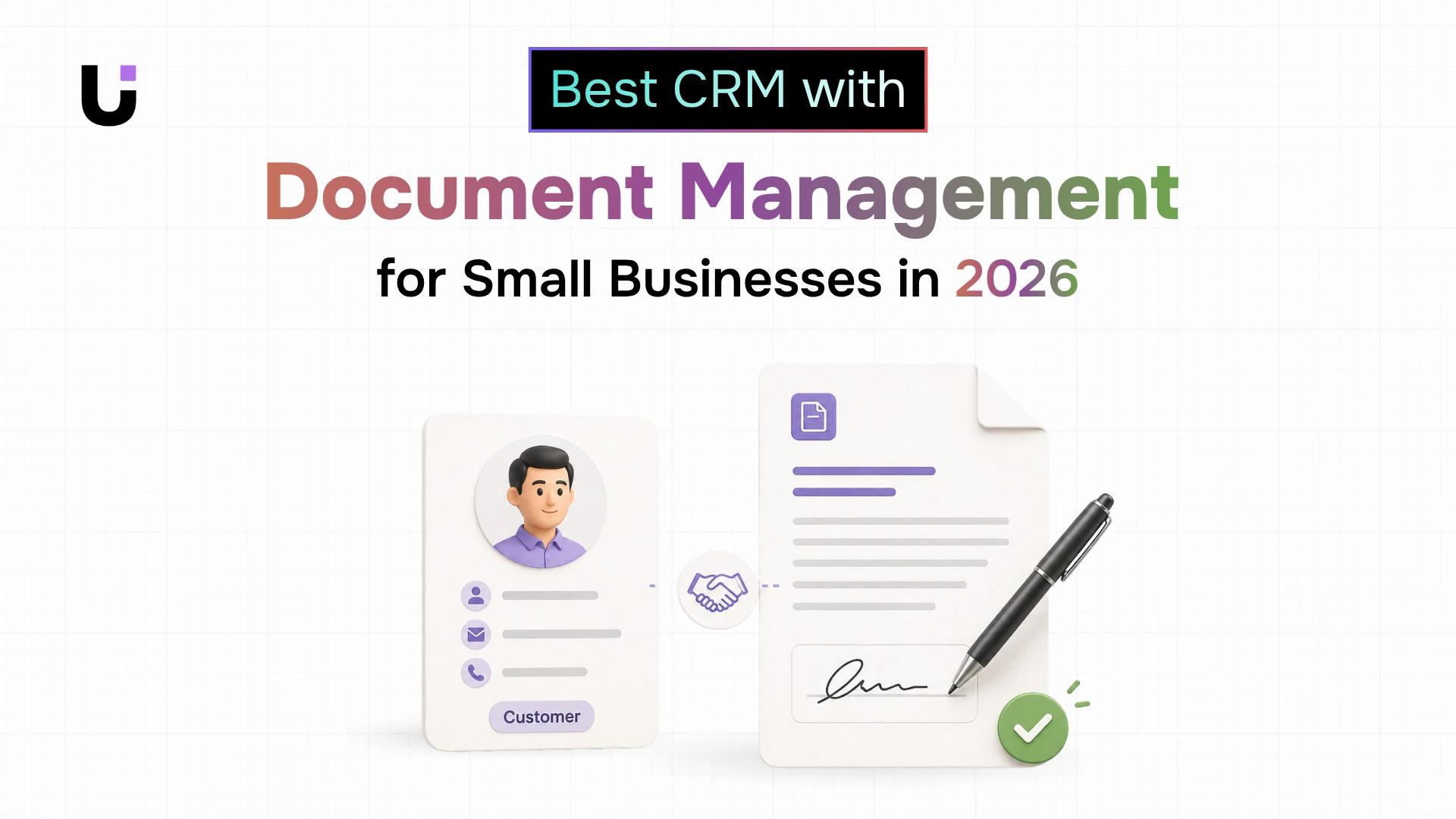
A CRM with document management is a system where contracts, proposals, and signed agreements live inside the same workflow as your deals and contacts not in a separate folder, email thread, or cloud drive that someone has to manually sync.
Most small businesses run these as two separate systems. Contracts sit in Google Drive. Proposals live in email threads. NDAs get saved to someone's desktop as "final_v3_REAL.pdf." Meanwhile, the CRM shows a deal as "in progress" with no record of what was actually sent, signed, or agreed to.
That gap is where deals slow down and context gets lost.
When documents live outside your CRM, every status change requires a manual handoff. A rep closes a deal, then has to remember to attach the signed contract somewhere findable. A manager reviews a lead and has no idea which proposal version the prospect received. A follow-up gets missed because the document that should have triggered it was sitting in a folder nobody checked. These aren't edge cases they're the manual tasks that pile up when documents live outside your CRM on a daily basis.
The fix isn't a better folder structure. It's treating lead management with document storage as a single workflow. When a contract is attached to the contact record that generated it, the entire deal history is in one place visible, searchable, and tied to the next action.
What to Look for When Choosing a CRM with Document Management
Most tools that advertise "document management" mean one thing: you can attach a PDF to a contact record. That's a file upload button, not integration. Here are the five criteria that tell the difference.
1. Record-level attachment
Documents should attach to the specific deal, contact, or invoice they belong to not dumped into a shared folder outside the CRM. When a rep opens a deal, the NDA, proposal, and signed contract should all be right there. If they're hunting through a separate drive, manual tasks that pile up when documents live outside your CRM are inevitable.
2. Version control
Contracts get revised. Proposals get updated. Without version tracking, teams end up emailing "final_v3_ACTUALLY_FINAL.pdf" and hoping the right person opens the right file. A real CRM document management integration keeps every version, timestamps each one, and makes the current version obvious without deleting the history.
3. Permission settings
Not everyone on your team should see every document. A client's signed agreement shouldn't be visible to a new hire in a different department. Granular permissions at the document level, not just the folder level are what separate a business-grade system from a shared Google Drive with a CRM logo on it.
4. Search across documents
If you can't search by document name, type, deal stage, or date from inside the CRM, you're back to manual hunting. How much time your team spends hunting for documents outside the CRM adds up faster than most teams realize. Full-text search, or at minimum metadata filtering, is non-negotiable.
5. Audit trail
For any document that carries legal or financial weight, you need a timestamped record of who viewed it, who signed it, and when. This is especially relevant for getting contracts signed and stored in the same place the audit trail is what makes a signed document defensible, not just convenient.
Run any CRM with file attachments through this list. If it fails two or more criteria, it's file storage dressed up as workflow.
Best CRMs with Document Management at a Glance (Comparison Table)
| | | | | | |
|---|
Tool | Record-Level Attachment | Version Control | Permissions | Search | Audit Trail | Starting Price |
WorksBuddy + Sigi | Yes | Yes | Yes | Yes | Yes | Free plan available |
HubSpot | Yes | No | Limited | Partial | No | $20/seat/mo |
Zoho CRM | Yes | Via WorkDrive | Configurable | Partial | Partial | $20/seat/mo |
Pipedrive | Yes | No | Limited | No | Shallow | $14/seat/mo |
Salesforce Starter | Yes | Yes | Yes | Yes | Yes | $25/seat/mo |
Freshsales | Yes | No | Limited | Partial | No | $15/seat/mo |
Monday CRM | Yes | Partial | Partial | Partial | No | $12/seat/mo |
WorksBuddy is the most direct path for small teams that want document workflows and CRM records connected without stitching two tools together.
The document layer is handled by Sigi, which connects contract workflows directly to deal records inside WorksBuddy's CRM. A rep creates a deal, sends a contract for e-signature, and the signed document lands back on that deal record automatically with a full audit trail, completion certificate, and status update. No manual filing. No tab-switching to find the latest version.
Permissions and version tracking are built in, not bolted on. When a document gets revised, the history stays intact and the current version is clearly marked. When a deal is reassigned, the documents follow. When a contract is signed, the deal status updates in real time.
For teams that want contracts signed and stored in the same place without switching between platforms, this is the most complete setup available at the small business tier.
Best for: Teams choosing a CRM fresh who want native document management without integration overhead.
Honest tradeoff: WorksBuddy requires you to run your CRM inside the platform. If you're committed to HubSpot or Pipedrive, the better move is pairing one of those with a dedicated e-signature tool and accepting the integration overhead.
Try it before you commit.Book a 30-minute demo and bring a real contract or use case. Free plan available. No credit card required.
HubSpot lets you attach files directly to contact, deal, and company records. The interface is clean and most reps can figure it out without training. On the free tier, storage caps at 5 documents in the documents tool too thin for active deal management. Starter ($20/month/seat) removes that cap and adds basic tracking.
What it doesn't give you: version control or granular permission settings below the team level. If your team is small and document volume is low, it works. If you're managing contracts across multiple clients simultaneously, you'll hit the ceiling fast.
HubSpot's strength is its broader CRM ecosystem. If you're already using HubSpot for email sequences, pipeline management, or marketing automation, keeping documents inside the same platform reduces context-switching even if the document features are shallow.
Best for: Teams already invested in the HubSpot ecosystem with low-to-moderate document volume.
Honest tradeoff: You'll likely need a separate e-signature tool for anything beyond basic file storage, which adds integration overhead.

Zoho CRM supports file attachments per record and integrates with Zoho Docs and WorkDrive. The Standard plan ($20/month/seat) gives you 1GB storage per user. Version control requires WorkDrive, which is a separate subscription. Permissions are available but take real configuration time to set up correctly.
The integration works, but it's not native you're connecting two products, not using one. Teams already on the Zoho suite may find this worthwhile. Teams that aren't will spend setup time they don't have.
Where Zoho earns its place is breadth. If your small business needs CRM, email, project management, and document storage under one vendor, the Zoho suite covers all of it. The document management piece is functional once configured, even if it takes effort to get there.
Best for: Teams already using or planning to use the broader Zoho suite.
Honest tradeoff: Out-of-the-box document management is limited. You need WorkDrive for version control, which means a second subscription and a real setup investment.
Pipedrive handles CRM document upload cleanly at the deal level. Files attach to deals and contacts, and the interface is fast. The pipeline view is one of the best in class for small sales teams who want visual deal tracking without complexity.
What's missing: version control is absent, audit trails are shallow, and document search doesn't extend across all records. It's a solid choice if your document workflow is simple attach a proposal, attach a signed contract, move on. For anything more structured, it falls short of the criteria above.
Pipedrive does integrate with tools like PandaDoc and DocuSign, so teams that need proper e-signature and document management can wire those in. That adds cost and a sync dependency, but it works reliably.
Best for: Sales-focused small teams with simple document needs and a preference for clean pipeline management.
Honest tradeoff: Native document features are basic. A real document workflow requires a third-party integration, which adds cost and maintenance.
Salesforce Starter ($25/seat/month) is the entry point into the Salesforce ecosystem and includes file attachments, basic version control, and permission settings that go deeper than most tools at this price point. Search across records works, and the audit trail is more complete than HubSpot or Pipedrive at comparable tiers.
The tradeoff is complexity. Salesforce is built for scale, and even the Starter tier carries configuration overhead that a 5-person team will feel. Setup takes longer, the interface has a steeper learning curve, and unlocking the more advanced document features often requires admin time.
If your small business is growing toward 50+ employees and you want to avoid a CRM migration in 18 months, Salesforce Starter is worth the setup cost. If you're a 10-person team that wants something running this week, it's probably more than you need.
Best for: Small businesses with growth plans that want to avoid a CRM migration later.
Honest tradeoff: Setup overhead is real. The document features are strong, but getting them configured correctly takes time most small teams don't have.
Freshsales (part of Freshworks) supports file attachments at the contact and deal level and has a clean, approachable interface. The Growth plan ($15/seat/month) covers the basics: file uploads, deal-level storage, and decent pipeline management.
Version control is not a native feature. Permissions are limited to role-based access at the team level rather than the document level. The audit trail is shallow you can see that a file was uploaded, but not who viewed it or when.
Freshsales works well for teams that want a simple CRM with document attachment and don't need the depth of Salesforce or the ecosystem of Zoho. It's a practical mid-tier option for service businesses that primarily need to store proposals and signed agreements against client records.
Best for: Small service businesses that want a clean CRM with basic document storage and don't need advanced version control or audit trails.
Honest tradeoff: Document features are functional but shallow. Teams with compliance requirements or complex contract workflows will outgrow this quickly.
Monday CRM is built on top of Monday.com's work management platform, which means document storage is handled through Monday's file column and integrations with Google Drive or Dropbox. Files can be attached to deal or contact records, and the visual board interface makes it easy to see deal status at a glance.
Version control is partial Monday.com tracks file updates in its activity log, but it's not a true version control system. Permissions are available at the board and column level but don't extend to individual documents. Audit trails are limited to activity logs rather than document-specific tracking.
Where Monday CRM stands out is workflow flexibility. If your team already uses Monday.com for project management and wants to extend it into CRM territory, the document attachment features are good enough for basic use. For teams that need proper document management tied to a sales pipeline, it's a workaround rather than a solution.
Best for: Teams already using Monday.com for project management who want to consolidate tools.
Honest tradeoff: Document management is an add-on behavior, not a native capability. Complex document workflows require external integrations.
Which CRM with Document Management Is Right for Your Business?
The right choice depends on where your team is today and what you're willing to configure.
If you're choosing a CRM for the first time and want document management that works without integration overhead, WorksBuddy is the most direct path. Everything deal records, contract sending, e-signature, audit trail lives in one place.
If you're already on HubSpot and your document volume is low, stay there and add a signing tool. The integration overhead is manageable and switching costs aren't worth it for basic use cases.
If you're on the Zoho suite already, invest the setup time to configure WorkDrive properly. The native integration is functional once it's running.
If you're a sales-focused team that lives in the pipeline view, Pipedrive with PandaDoc or DocuSign is a proven combination. You'll pay for two tools, but both do their job well.
If you're growing fast and want to avoid a CRM migration in 18 months, Salesforce Starter's document features are the most complete at the small business tier if you have the patience for setup.
The honest filter: can a non-technical team member attach a document to a deal record, send it for signature, and find the signed copy three months later without leaving the CRM? If the answer requires a tutorial and a support ticket, the tool isn't right for your team's actual workflow.
If you want to see how this works in practice, Book a 30-minute demo with WorksBuddy. Bring a real contract or use case. Free plan available. No credit card required.
Frequently Asked Questions
Q. What is a CRM with document management?
A. A CRM with document management keeps contracts, proposals, and signed agreements inside the same workflow as your deals and contacts so documents are tied to records, not stored separately in a drive or email thread.
Q. What should I look for when choosing a CRM with document management?
A. Focus on five things: record-level attachment, version control, permission settings, search across documents, and audit trail. If a tool fails two or more of those, it's file storage, not document management.
Q. Does a CRM with document management replace Google Drive or Dropbox?
A. No. Cloud storage handles internal files. A CRM with document management ties contracts and proposals directly to deals and contacts. You might still use both, but signed agreements belong in the CRM where they're connected to context.
Q. Can I customize document workflows inside a CRM?
A. Yes, on most mid-tier plans. Custom fields, conditional signing orders, role-based access, and stage-triggered document actions are available in tools like WorksBuddy, Salesforce, and Zoho. Basic plans usually limit this.
Q. How much storage do CRMs include for documents?
A. Most entry-level plans offer between 1GB and 10GB per user. Teams managing active contracts and onboarding documents regularly will hit those limits faster than the pricing page suggests.
Q. Which CRM has the best document management for a 10-person team?
A. WorksBuddy covers the full workflow natively. HubSpot Starter works for low document volume. Salesforce Starter is the most complete but carries setup overhead. The right answer depends on whether you're choosing a CRM fresh or already committed to a platform.
Conclusion
The criteria in this guide aren't theoretical. They reflect where real document workflows break down: contracts detached from deal records, signatures chased over email, no audit trail when a dispute surfaces.
If your current setup requires you to leave the CRM to handle any of those steps, you're carrying manual overhead that compounds across every deal.
Sigi is built inside WorksBuddy, which means document sending, AI contract review, signature tracking, and completion certificates all connect directly to the lead records and deals you're already managing. No separate tool to sync. No integration to maintain.
If you walked through the evaluation checklist in this article and found gaps in your current setup, the clearest next step is to see how Sigi handles your specific document workflow.


 Elena Petrova15 September 2026


