What is End-to-End Process Automation?
End-to-end process automation connects every step of a business workflow into a single, continuously running chain — from the moment a trigger fires to the final output, with no manual handoff required.
That definition matters because most teams start with task-level automation: a Zap that copies a form submission to a spreadsheet, or a script that sends a weekly report. Those are useful, but they are isolated. End-to-end process automation involves using technology to automate an entire business workflow, from initial tasks through decision-making to monitoring. The difference is scope. A single-step automation handles one action; an end-to-end solution owns the entire sequence.
Consider a practical example. A new client submits an onboarding form. A task-level automation might log that submission. An end-to-end solution does the rest: creates the client record, assigns an account manager, sends a welcome email, schedules a kickoff call, and flags missing documents for review — all without anyone touching a keyboard. Each step is aware of the previous one, and the process does not stall because a person forgot to move it forward.
According to McKinsey's 2023 State of AI report, organizations that automate full workflows rather than isolated tasks report 2x the efficiency gains of those using point solutions. Here is how end-to-end automation works and what to look for when choosing a platform.
How End-to-End Process Automation Works
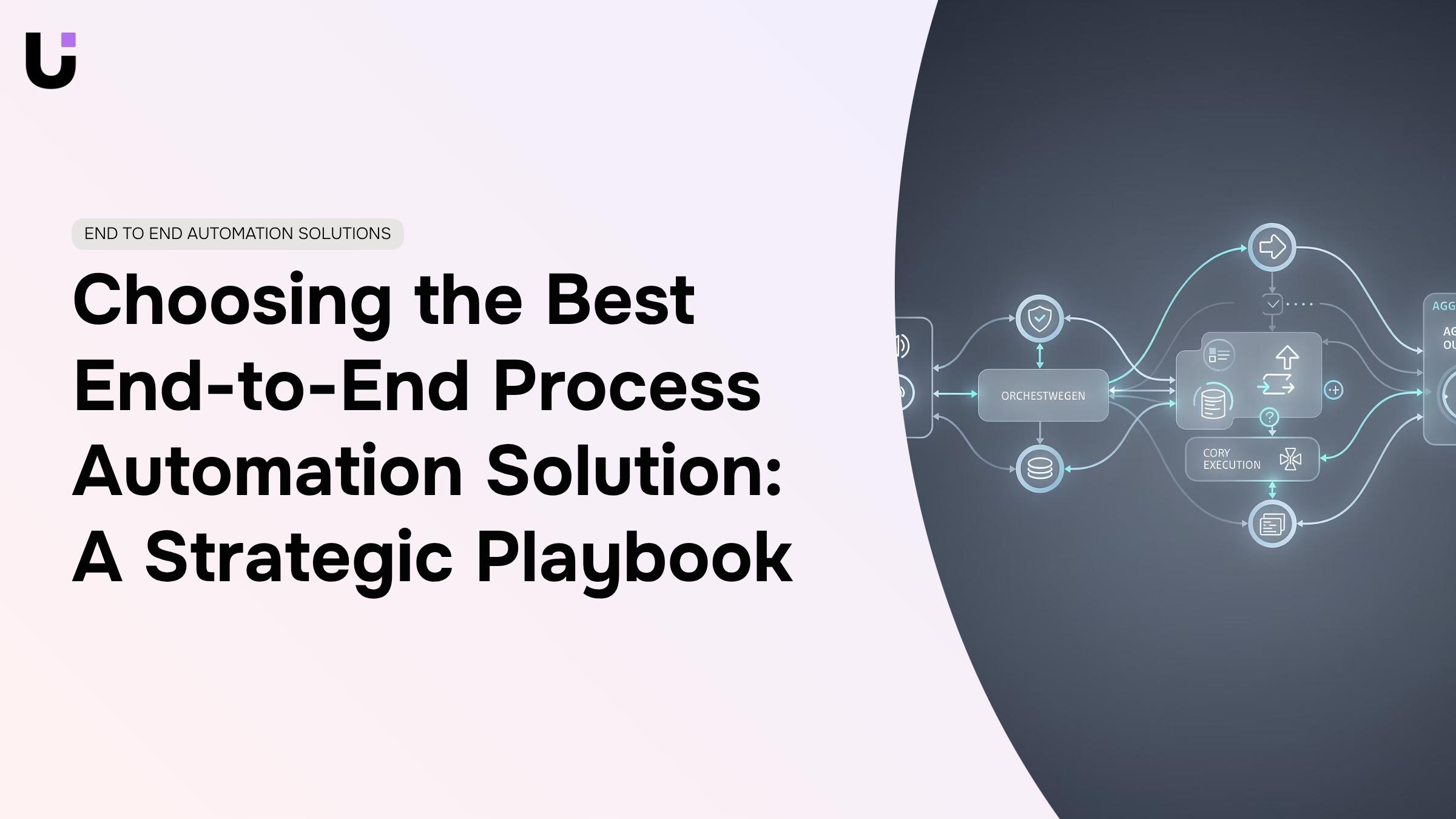
End-to-end automation follows a fixed chain: something happens, the system responds, work moves forward, and a record is written. Understanding each stage shows you where a process can break — and where most single-step automations fall short.
The chain runs in four stages:
1. Trigger
An event fires the process. This could be a form submission, an incoming email, a scheduled time, a status change in your CRM, or an API call from an external system. You can schedule tasks and workflows to run automatically on a timer or fire them on demand — both are valid trigger types.
2. Orchestration
The platform evaluates conditions and decides what happens next. Branching logic routes work differently based on data: a high-value ticket escalates to a senior engineer; a routine request goes straight to the queue. This is where business process automation earns its complexity.
3. Execution
Actions run across connected tools — creating records, sending notifications, updating fields, calling APIs, generating documents. A single trigger can touch five or six systems without any manual handoff.
4. Reporting
The outcome is logged. Timestamps, status changes, and errors are captured so the process is auditable and improvable.
The difference between workflow automation that actually reduces workload and automation that just moves the problem is almost always in stages two and three. Weak orchestration means humans still make routing decisions. Weak execution means data lands in one tool but not another.
For a practical look at how IT process automation improves efficiency at each stage, that breakdown covers where the gains are largest.
How to Identify Processes Ready for Automation
Not every process is worth automating. The ones that are share a recognizable pattern: high frequency, low variation, and a clear cost when they go wrong.
Start by listing every task your team repeats more than once a week. Ticket routing, invoice approvals, onboarding checklists, status update emails — anything where someone follows the same steps each time. These are your first candidates. The repetition is the signal.
Next, filter by error rate and handoff count. A process that crosses three departments and relies on someone remembering to forward an email is exactly what process automation is built for. Manual handoffs are where work stalls and mistakes compound. If your team regularly asks "did that get sent?" or "who's handling this now?", that process belongs on your automation shortlist.
Then apply a simple two-axis test: how often does it run, and how painful is a failure? A daily process that causes a client escalation when it breaks scores high on both. A monthly report that is mildly inconvenient when late scores low. Prioritize the top-right quadrant.
Time-based triggers are another reliable indicator. If a task always runs at a fixed interval — weekly reports, monthly billing reminders, scheduled compliance checks — automation software can handle it on a timer without any manual prompt.
Document what you find before you build anything. Boomi's process automation guide recommends mapping existing workflows before selecting tools — the map surfaces edge cases that would otherwise break your automation mid-run.
Once you have a prioritized list, building the first automation takes less time than most teams expect.
Key Components of a Successful End-to-End Automation Solution
Not every automation tool qualifies as a true end-to-end solution. The difference shows up in six specific capabilities — and missing even one usually means a human still has to step in somewhere.
1. Cross-Platform Orchestration
Cross-platform orchestration is the foundation of any end-to-end automation strategy. The platform needs to connect tools across departments — CRM, helpdesk, billing, communication — and coordinate multi-step processes that span all of them. A single-trigger, single-app connection is not orchestration; it is a shortcut.
2. Conditional Logic
Conditional logic determines whether the system can handle real-world variation. Processes rarely follow one path. A capable workflow automation engine branches based on data: if a ticket is high-priority, route it differently; if a form field is empty, pause and request input. Without this, you are automating only the easy cases.
3. Error Handling and Recovery
Error handling and recovery separates production-grade systems from demos. When an API call fails or a record is missing, the automation should retry, alert the right person, or follow a fallback path — not silently stop. According to resolve.io, workflow orchestration tools that coordinate complex, multi-step processes across departments must include this kind of resilience to qualify as end-to-end.
4. Scheduled and Event-Driven Triggers
Scheduled and event-driven triggers give you control over when processes run. The ability to schedule tasks and workflows to run automatically on a timer — not just on manual trigger — is what makes overnight processing, recurring reports, and time-sensitive routing possible.
5. Reporting and Audit Trails
Reporting and audit trails make the system trustworthy. You need visibility into what ran, what failed, and how long each step took. Without this, diagnosing bottlenecks or proving compliance is guesswork.
6. Low-Code Setup
Low-code setup determines who can actually build and maintain workflows. If every change requires a developer, the system creates a new bottleneck. The best solutions let IT owners configure and adjust automations without writing code — which is also what keeps time-to-value short.
Benefits of End-to-End Process Automation
The clearest way to measure whether end-to-end automation is working is to look at what stops happening: the approval email that sat in someone's inbox for three days, the invoice that got keyed twice, the onboarding task that fell through because no one owned the handoff.
Those are not edge cases. They are the default state for IT companies running disconnected tools.
Here is what changes when automation covers the full process rather than individual steps:
Faster cycle times : When triggers, conditions, and actions are chained across systems, a process that took 2 to 3 days of back-and-forth can complete in minutes.
Fewer errors at handoff points : Most mistakes happen when data moves between tools, not inside a single one. Automated data transfer removes the copy-paste step where errors enter.
Lower operational cost per task : Repetitive work that previously required staff time runs on a schedule or trigger instead.
Consistent client experience : Automated follow-ups, status notifications, and delivery confirmations go out on time, every time, regardless of who is in the office.
Scalability without proportional headcount growth : An automated process handles 10 requests the same way it handles 1,000. End-to-end automation offers scalability and flexibility to accommodate changing requirements, which matters when IT workloads spike unpredictably.
Visibility across the full workflow : Because every step is logged, you can see exactly where a process slowed down or failed, not just that it did.
Most teams shortlist automation software by comparing feature checklists. That approach misses the criteria that actually determine whether a platform works at scale.
Step 1 : Evaluate Integration Depth, Not Breadth
Start with integration depth, not the number of integrations listed. A platform that connects 500 apps through shallow, single-trigger automations will break the moment your workflow requires conditional branching or multi-step error handling. Ask vendors specifically: does the integration support bidirectional data sync, and can it schedule tasks and workflows to run automatically on a timer without manual triggers?
Step 2 : Test Time-to-Value Before You Commit
Most IT teams can identify two or three high-friction processes immediately. If a platform cannot automate one of them within a week using its standard setup, that is a signal about the real complexity cost. Platforms that advertise low-code setup but require a developer for every edge case shift the cost to your team, not theirs.
Step 3 : Scrutinize the Pricing Model
Pricing model matters more than sticker price. Per-task pricing penalizes growth; per-seat pricing penalizes automation depth. Look for a model that does not charge you more for running automations successfully.
Step 4 : Stress-Test for Scalability
Check scalability against your actual volume, not your current volume. End-to-end automation solutions that perform well at 50 workflows often hit API rate limits or queue delays at 500. Ask for documented limits, not sales estimates.
For a structured comparison of what to evaluate at each stage, the workflow automation software selection guide covers the full decision sequence.
End-to-End Automation vs. Task Automation : A Direct Comparison
Dimension | Task Automation | End-to-End Process Automation |
|---|
Scope | Single action or step | Full workflow, trigger to outcome |
Handoffs | Manual between steps | Automated across all steps |
Branching logic | Rarely supported | Core capability |
Error handling | Silent failure common | Retry, alert, or fallback path |
Visibility | Action-level only | Full audit trail across systems |
Scalability | Breaks at volume | Designed for high-frequency runs |
Setup complexity | Low | Moderate, but low-code tools close the gap |
How End-to-End Automation Improves Customer Experience
For IT service companies, the customer experience lives or dies in the handoffs: how fast a ticket gets acknowledged, whether the follow-up actually arrives, and whether the client ever has to ask "what's the status?" twice.
Business process automation removes those gaps by connecting the steps that humans typically drop. When a new support request comes in, an end-to-end system can log the ticket, assign it to the right technician based on workload, send the client an automated acknowledgment within minutes, and trigger a follow-up if the ticket stays open past a defined threshold — all without anyone manually orchestrating it.
The concrete difference shows up in three places:
Response time : Automated acknowledgment and routing cut the window between submission and first contact from hours to minutes.
Error reduction : Removing manual data entry between systems means client details do not get lost or mistyped across handoffs.
Consistent follow-up : You can schedule follow-up tasks and reminders to run automatically on a timer so no client falls through the cracks during busy periods.
According to nitcoinc, end-to-end automation enables faster response times, personalized interactions, and more consistent service delivery — outcomes that compound directly into client retention for IT firms.
How AI is Changing End-to-End Process Automation in 2026
AI is shifting automation from rule-based execution to adaptive decision-making. Traditional workflow automation runs the same logic every time; AI-augmented automation adjusts based on patterns in the data.
The most immediate change is in orchestration. Instead of manually configuring every branch condition, AI-assisted platforms can suggest routing rules based on historical process data — flagging that high-priority tickets from enterprise clients consistently need a different path than the default queue.
Document processing is another area moving fast. AI models now extract structured data from unstructured inputs (emails, PDFs, support notes) and feed it directly into downstream automations, removing the manual data-entry step that most end-to-end workflows still rely on.
Predictive triggers are emerging as the next frontier. Rather than waiting for an event to fire, AI-enabled systems can anticipate when a process is likely to stall — a ticket aging past its SLA threshold, an invoice approaching its due date — and trigger a corrective action before the failure happens.
For IT teams evaluating platforms in 2026, the practical question is not whether a tool has AI features. It is whether those features reduce the configuration burden and handle edge cases that would otherwise require developer intervention. Platforms that embed AI into orchestration and error handling, rather than bolting it on as a separate module, will define the next standard for end-to-end automation.
Putting This Playbook to Work
End-to-end automation is not about replacing individual tasks. It is about owning entire workflows so work moves forward without manual intervention or handoff delays. When you connect your tools, automate routing decisions, and let processes run on schedule, you eliminate the gaps where IT teams waste time asking "who's handling this?" or "did that get sent?"
The strategic sequence is straightforward: map your highest-frequency, highest-cost processes first, test a platform against one real workflow before committing, and prioritize orchestration depth over integration count.
Revo connects tools across your departments and chains multi-step workflows into a single, continuously running process — from trigger to outcome. If your team is ready to move a specific workflow off manual handling, book a 30-minute walkthrough of how Revo handles it end to end. Free plan available. No credit card required.
FAQ
Q. What is end-to-end process automation?
A. End-to-end process automation connects every step of a workflow, from the initial trigger to the final output, into a single continuously running chain with no manual handoffs. Unlike task automation, it owns the full sequence across multiple systems, including routing decisions and outcome logging.
Q. What are the benefits of end-to-end automation solutions?
A. Cycle times drop from days to minutes, handoff errors disappear, and processes scale without adding headcount. Clients experience faster, more consistent service because nothing stalls between systems.
Q. How do I identify processes ready to automate?
A. List tasks your team repeats weekly, then filter by handoff count and error rate. Prioritize cross-departmental processes that rely on manual forwarding — those deliver the highest return on automation.
Q. What features should an end-to-end automation platform include?
A. Six capabilities matter most: cross-platform orchestration, conditional logic, error handling, event-driven triggers, audit trails, and low-code setup. Missing any one typically means a human still has to intervene somewhere.
Q. How do I choose the right automation platform?
A. Map your existing workflows first to surface edge cases. Then evaluate platforms on integration depth, time-to-value, pricing model, and scalability limits. Test with one high-frequency process before committing to a full rollout.
Q. Can end-to-end automation improve customer experience?
A. Yes. Faster acknowledgment, consistent follow-ups, and zero handoff delays give clients predictable, responsive service. Most client experience failures in IT service businesses originate where work stalls between systems, which automation eliminates.


 Elena Petrova15 September 2026


