Government Project Management Software Solutions 2026: How to Choose the Right One
TL;DR: Most guides on government project management software list tools without addressing what makes a platform viable in a public-sector context. This one covers the decision criteria that actually matter for government IT: compliance requirements, audit trails, multi-stakeholder visibility, and procurement constraints. By the end, you'll know how to evaluate any platform against those criteria and avoid the ones that become liabilities.
Why Government Projects Need Different Software Criteria
Modern 3D digital workspace showing government project management software dashboard with organized metrics and timelines
Modern 3D digital workspace showing government project management software dashboard with organized metrics and timelines
Generic project management software is built for speed and simplicity. Government IT projects require something different: compliance documentation, defensible audit trails, and reporting structures that satisfy multiple oversight bodies simultaneously.
A commercial SaaS tool optimized for a 10-person startup will not map cleanly onto a federal agency managing contractors across three departments. The procurement rules are different. The stakeholder hierarchy is different. The consequences of a missed audit trail are different.
Three requirements separate government IT project tracking from standard PM work:
Compliance documentation that survives an Inspector General review, not just an internal retrospective
Role-based access controls that enforce need-to-know at the field level, not just at the admin level
Multi-agency reporting that can produce outputs for different stakeholders without manual reformatting each time
Cloud-based tools introduce an additional layer of scrutiny that most listicles skip entirely. Data residency, sovereignty restrictions, and FedRAMP authorization status all affect whether a tool is even permissible, let alone practical. Understanding what a PMIS is and how it supports government reporting requirements helps clarify why purpose-built systems handle these constraints better than adapted commercial ones.
Many government programs also span multiple contracts. Treating them as isolated projects rather than a portfolio creates blind spots in resource allocation and schedule risk — a problem covered in depth when managing multiple government contracts as a portfolio rather than isolated projects.
Features That Actually Matter for Government Project Management
Generic feature checklists won't help you here. Government projects have specific compliance and accountability requirements that separate useful PM features from nice-to-haves.
Audit trails are non-negotiable. Every status change, file edit, and approval decision needs a timestamped, tamper-evident log. When an IG audit or congressional inquiry arrives, you need to show exactly who approved what and when — not reconstruct it from email threads. Look for tools that log at the field level, not just the task level.
Role-based access controls (RBAC) matter because government projects routinely involve contractors, partner agencies, and internal staff who should never see the same data. A contractor on one task order shouldn't have visibility into budget figures for another. Weak permission models create both security gaps and compliance violations under FISMA and agency-specific data handling policies.
Multi-stakeholder reporting is where most generic tools fall short. A 50-person SaaS company needs one dashboard. A multi-agency infrastructure project needs configurable views for the program office, the contracting officer, the oversight committee, and the public-facing status page — all drawing from the same source of record. Understanding what a PMIS is and how it supports government reporting requirements clarifies why a basic task tracker can't substitute here.
AI-assisted task tracking is increasingly relevant for project management features in the public sector. The practical value isn't automation for its own sake — it's catching schedule drift before it becomes a GAO finding. Tools that flag overdue dependencies, resurface stalled approvals, and update milestone status without manual entry reduce the administrative load that causes federal IT projects to run late. Taro handles this through automated project tracking that updates task status continuously, so project managers spend less time chasing updates and more time resolving blockers.
If your agency manages multiple contracts or programs simultaneously, the feature evaluation also needs to account for portfolio-level visibility. Managing multiple government contracts as a portfolio rather than isolated projects covers how that changes what you need from a platform.
One more filter worth applying: check whether the tool holds FedRAMP authorization. As of mid-2025, the FedRAMP Marketplace lists authorized tools — and several widely marketed PM platforms are not on it.
Cloud-Based vs. On-Premise: What Government Teams Need to Know
The choice comes down to two real constraints: where your data lives and who controls access to it.
Cloud-based government project management runs on shared infrastructure, which means faster deployment, automatic updates, and lower upfront cost. For smaller agencies or contractors managing government IT project tracking across multiple sites, that operational simplicity is genuinely useful. The tradeoff is that your data sits on a vendor's servers, which creates questions around data residency, sovereignty, and what happens when the vendor needs to push an emergency patch at 2 a.m.
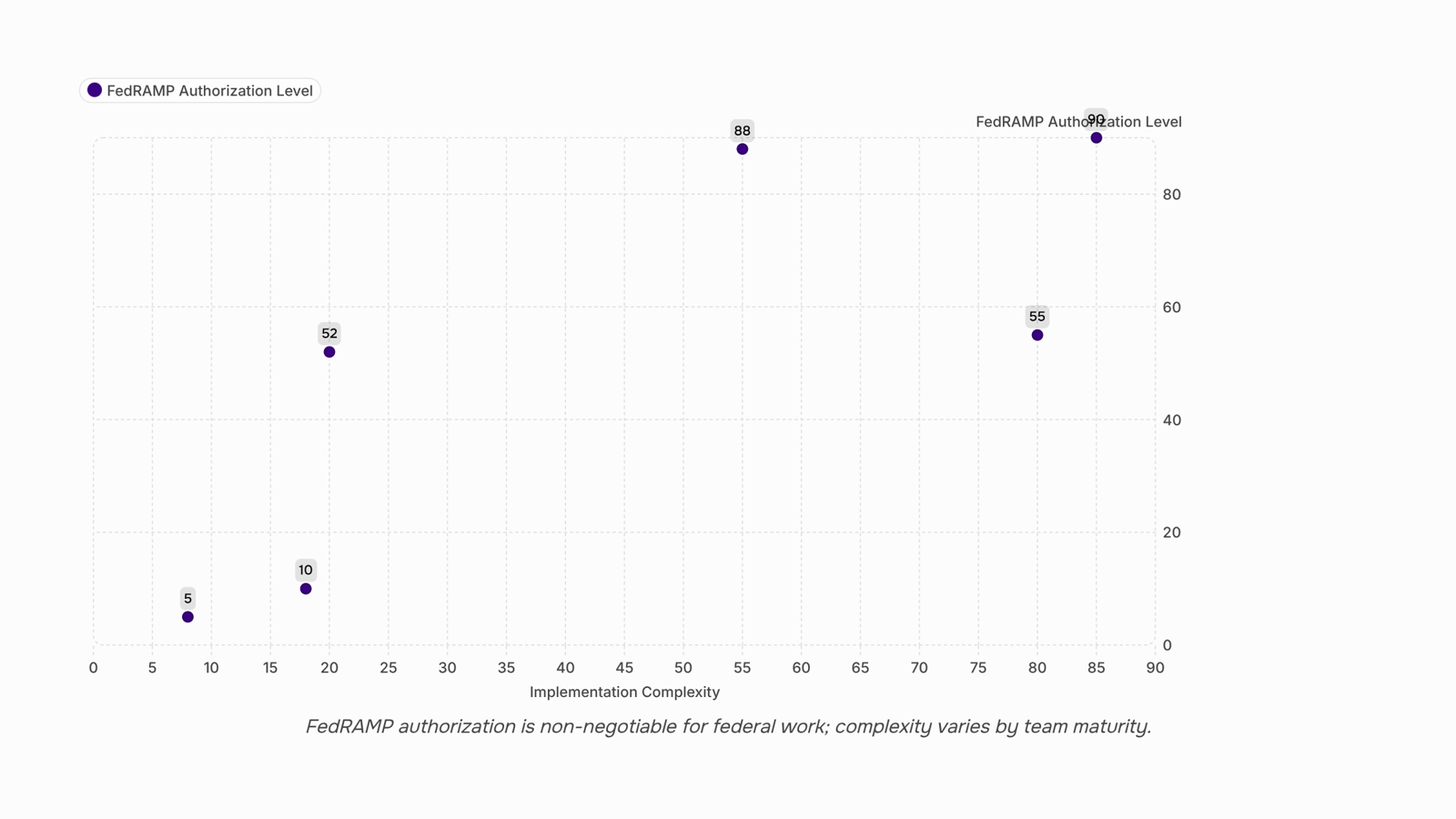
For federal work specifically, FedRAMP authorization is the non-negotiable filter. As of mid-2025, the FedRAMP Marketplace lists authorized platforms, but several widely marketed tools have not completed that authorization process. Before evaluating features, confirm authorization status. A tool without it is not a viable option for most federal contracts, regardless of how capable it looks.
On-premise deployments give your team full control over data residency and vendor access. That matters for classified or sensitive programs where data cannot leave a controlled environment. The cost is real: your IT staff owns patching, uptime, and disaster recovery. Uptime SLAs from a vendor mean nothing if you're running the server.
A hybrid model, where the application runs in a government-managed cloud environment like GovCloud, splits the difference. You get managed infrastructure without handing data sovereignty to a commercial vendor.
If your work spans multiple agencies or contracts, the architecture question connects directly to managing multiple government contracts as a portfolio rather than isolated projects — the deployment model you choose will either support or complicate that structure from day one.
Top Government Project Management Software Solutions for 2025
The tools below are evaluated against the criteria that actually matter for government work: FedRAMP authorization status, audit trail depth, role-based access controls, and whether the vendor can support compliance reporting without a custom integration project.
Smartsheet Gov holds FedRAMP High authorization, which covers the most sensitive federal workloads. It handles Gantt-style scheduling, resource allocation, and automated status reporting in a single interface. The tradeoff: the learning curve is steeper than most teams expect, and the licensing cost scales quickly once you move beyond a small core team.
Microsoft Project (via Microsoft 365 GCC High) is the default choice for agencies already inside the Microsoft ecosystem. GCC High meets ITAR and DFARS requirements, which matters for defense contractors and federal agencies handling controlled unclassified information. If your team already runs on Teams and SharePoint, the integration is tight. If you don't, you're buying into a much larger platform than you need.
Jira (FedRAMP Moderate, Atlassian Government Cloud) fits IT-heavy agencies running software delivery or infrastructure projects. It's not built for non-technical program managers, but for DevSecOps workflows and sprint-based delivery, it's difficult to match on traceability.
Taro takes a different approach: rather than requiring your team to configure workflows manually, Taro uses AI to actively manage project timelines, flag milestone drift, and surface ownership gaps before they become schedule overruns. For IT company owners managing government contracts, that matters most when you're running several concurrent engagements. If you want to understand how this connects to broader portfolio visibility, managing multiple government contracts as a portfolio rather than isolated projects covers the structural approach.
A few tools worth knowing about but not leading with: Asana and Monday.com both pursue FedRAMP Moderate authorization, but neither held full authorization as of mid-2025. Using them for federal work carries compliance risk that procurement teams will flag.
The right choice among these depends heavily on your data classification level, existing infrastructure, and whether your team needs a PMIS that supports government reporting requirements out of the box or can tolerate configuration time. For most IT company owners bidding on project management software for government projects, FedRAMP status is the first filter, not the last.
Are There Free Options That Work for Government Projects?
Free tiers exist for government work, but the fit is narrow.
Tools like Asana, ClickUp, and Notion all offer free plans with usable project management features for public sector teams. For small internal teams running low-stakes tasks — think coordinating a departmental move or tracking internal training schedules — those plans can cover the basics. You get task assignment, basic timelines, and file sharing without a procurement cycle.
The problems start when compliance enters the picture. Free plans almost never include the data residency controls, audit logs, or admin permissions that federal and state agencies require. None of the major free tiers currently hold FedRAMP authorization. That matters for any project touching federal data, citizen information, or systems subject to FISMA or CJIS requirements. Using a free tool in those contexts isn't a budget decision — it's a compliance risk.
Support is the other gap. Free plans typically mean community forums, not SLAs. If a project stalls because of a platform issue, there's no escalation path.
The honest answer on free government project management software: viable for internal, non-sensitive workflows at small agencies or municipal offices. Not viable anywhere audit trails, data handling requirements, or uptime guarantees are part of the job.
If your work touches any of those, a paid, FedRAMP-authorized tool is the only defensible choice.
Choosing among government project management software solutions 2025 comes down to five concrete checks, not a feature comparison spreadsheet.
Compliance first. Confirm FedRAMP authorization status on the FedRAMP Marketplace before anything else. A tool that isn't authorized isn't a shortcut — it's a liability for federal contracts.
Map your stakeholders. List every role that touches the tool: contracting officers, auditors, subcontractors, and agency reviewers. If any group needs read-only access without a paid seat, verify that before a demo.
Audit your integrations. Document which systems the tool must connect to — financial systems, procurement platforms, document repositories. A gap here creates manual reconciliation work that compounds across every project cycle.
Define a pilot scope. Pick one active, low-risk project. Run the tool for 30 days against real deliverables, not a sandbox. This surfaces data residency and support SLA issues that vendor demos never show.
Pressure-test vendor support. Ask specifically: what is the response time for critical issues, and is support US-based?
If you're managing multiple government contracts as a portfolio rather than isolated projects, also check whether the tool surfaces cross-project resource conflicts automatically — most don't.
Closing
Government project management software isn't a category where you can rely on feature lists or vendor marketing. The right tool is the one that survives an audit, enforces the access controls your agency needs, and produces the reports your stakeholders actually demand — without creating a custom integration project in the process. Start by confirming FedRAMP authorization status, then test how each platform handles role-based access and multi-stakeholder reporting against your own contract structure. Taro is built around the same criteria covered here: AI-assisted task tracking that catches schedule drift before it becomes a compliance gap, real-time collaboration across distributed teams, and a unified project and task system that supports both single-program and multi-contract visibility. Run it against your shortlist with a free trial or demo — you'll see immediately whether it maps onto your agency's approval workflows and reporting requirements.
FAQ
What are the top government project management software solutions for 2025?
Smartsheet Gov (FedRAMP High), Microsoft Project via GCC High, and tools with FedRAMP authorization are viable. Confirm authorization status on the FedRAMP Marketplace before evaluating features.
How do I choose the best project management software for government projects in 2025?
Filter first by FedRAMP authorization and data residency requirements, then evaluate audit trails, role-based access controls, and multi-stakeholder reporting capabilities against your specific contract structure.
What features should I look for in government project management software in 2025?
Prioritize tamper-evident audit trails, granular role-based access controls, configurable multi-stakeholder reporting, and AI-assisted task tracking that flags schedule drift before it becomes a GAO finding.
Are there any free government project management software solutions available in 2025?
Free tools rarely meet government compliance requirements for audit trails, RBAC, and FedRAMP authorization. Evaluate cost against compliance risk — paying for a viable tool is cheaper than remediation.
What are the benefits of using cloud-based government project management software in 2025?
Faster deployment, automatic updates, and lower upfront cost. The tradeoff is data residency and vendor access — only viable if the tool holds FedRAMP authorization for your sensitivity level.
Does government project management software need to be FedRAMP authorized?
For federal contracts, yes. FedRAMP authorization is non-negotiable for most federal workloads. Check the FedRAMP Marketplace; tools without it are not viable options regardless of capability.


 Elena Petrova15 September 2026


