Your Goals Live in a Spreadsheet. Your Tasks Live in a Board. That Is Why Nothing Connects.
Here is a scene that plays out in thousands of companies every quarter.
Leadership sets an OKR: "Improve customer retention by 20%."
The team defines a KPI: "NPS score above 50."
The task board fills up: "Update knowledge base." "Fix the checkout bug." "Send onboarding email sequence." "Redesign the help centre." "Build a customer feedback form."
Fifteen tasks get completed that quarter. The team feels productive. The weekly reports show green checkmarks everywhere.
At the quarterly review, someone asks: "Did we hit the retention OKR?"
Silence. Nobody knows. Because nobody ever connected the tasks to the goal. The OKR lived in a Google Sheet. The KPI lived in a dashboard. The tasks lived in a project board. Three systems. Zero links between them.
This is the strategy execution gap, and it is not caused by bad goals or lazy teams. It is caused by a wiring problem. The goals exist. The work exists. The connection between them does not.
Only 26% of knowledge workers clearly understand how their work contributes to company goals. 70% of OKR implementations fail in the first year. 41% of the workday is spent on tasks that employees themselves say do not contribute to organisational value. The problem is not ambition. It is architecture.
This guide shows how to fix that architecture in four steps.
What OKRs, KPIs, and Tasks Actually Are (and Why They Break Apart)
Before the system, a quick clarification. These three terms get used interchangeably in most organisations, which is part of why they never connect properly.
OKRs (Objectives and Key Results) answer the question: "Where are we trying to go and how will we measure progress?" An objective is qualitative and ambitious ("Become the go-to platform for small team project management"). Key results are quantitative and time-bound ("Increase monthly active users from 5,000 to 15,000 by Q3").
KPIs (Key Performance Indicators) answer the question: "How healthy is the business right now?" KPIs are ongoing metrics that you monitor continuously: churn rate, NPS score, average deal size, sprint velocity, customer acquisition cost. They do not have an end date. They have a target range.
Tasks answer the question: "What specific work is someone doing today?" Tasks are the atomic unit of execution: "Write 3 onboarding emails," "Fix the checkout timeout bug," "Design the new help centre layout."
The breakdown happens because each layer typically lives in a different system. OKRs in a spreadsheet or a dedicated OKR tool like Profit.co or Lattice. KPIs in a reporting dashboard or BI tool. Tasks in Asana, Monday.com, Jira, or a Kanban board. Three tools. Three owners. Three update cadences. No connective tissue.
Microsoft discontinued Viva Goals in December 2025, its dedicated OKR tool, signalling that even enterprise players struggle to make standalone goal-tracking tools stick. The problem is not the tool. It is the separation. When goals and work live in different systems, alignment is manual, fragile, and the first thing that breaks under pressure.
The 4-Step System for OKR KPI Task Alignment
Step 1: Set OKRs at the Workspace Level (Not in a Spreadsheet)
Most teams write OKRs in a Google Sheet, present them at a kickoff meeting, and never reference them again until the quarterly review. The goals are technically set. They are also functionally invisible.
The fix: OKRs should live in the same platform where work happens. Not in a separate document. Not in a separate tool. In the workspace your team opens every morning.
Set 3 to 5 objectives per quarter at the workspace level. Each objective gets 2 to 4 key results with specific, measurable targets:
Objective: Improve customer retention by 20%
-
KR1: Reduce monthly churn from 5.2% to 4.2%
-
KR2: Increase NPS from 38 to 52
-
KR3: Achieve 80% onboarding completion rate for new customers (currently 55%)
These are not tasks. They are outcomes. The difference matters. An outcome tells you what success looks like. A task tells you what to do today. The OKR defines the destination. The tasks build the road.
When OKRs live in the workspace, every team member sees them when they open their task board. That visibility alone changes behaviour. People start asking "does this task move an OKR?" before creating it, not after the quarter ends.
Step 2: Turn KPIs Into Project Milestones
KPIs are ongoing metrics. They do not expire. But they do have thresholds that matter for specific projects and time periods.
The bridge between a KPI and an OKR is the milestone. A milestone translates a continuous metric into a time-bound checkpoint that the project team can work toward.
Here is what that looks like in practice:
| KPI (ongoing metric) |
OKR it supports |
Milestone (time-bound checkpoint) |
| NPS score |
Improve retention by 20% |
Reach NPS 45 by end of Month 1, NPS 50 by end of Month 2 |
| Onboarding completion rate |
Improve retention by 20% |
Hit 65% completion by Week 6, 80% by end of quarter |
| Monthly churn rate |
Improve retention by 20% |
Reduce to 4.8% by Month 1, 4.2% by end of quarter |
Each milestone becomes a tracked checkpoint inside the relevant project. When the team completes the tasks that drive onboarding improvements, the milestone moves. When the milestone moves, the KPI moves. When the KPI moves, the OKR moves.
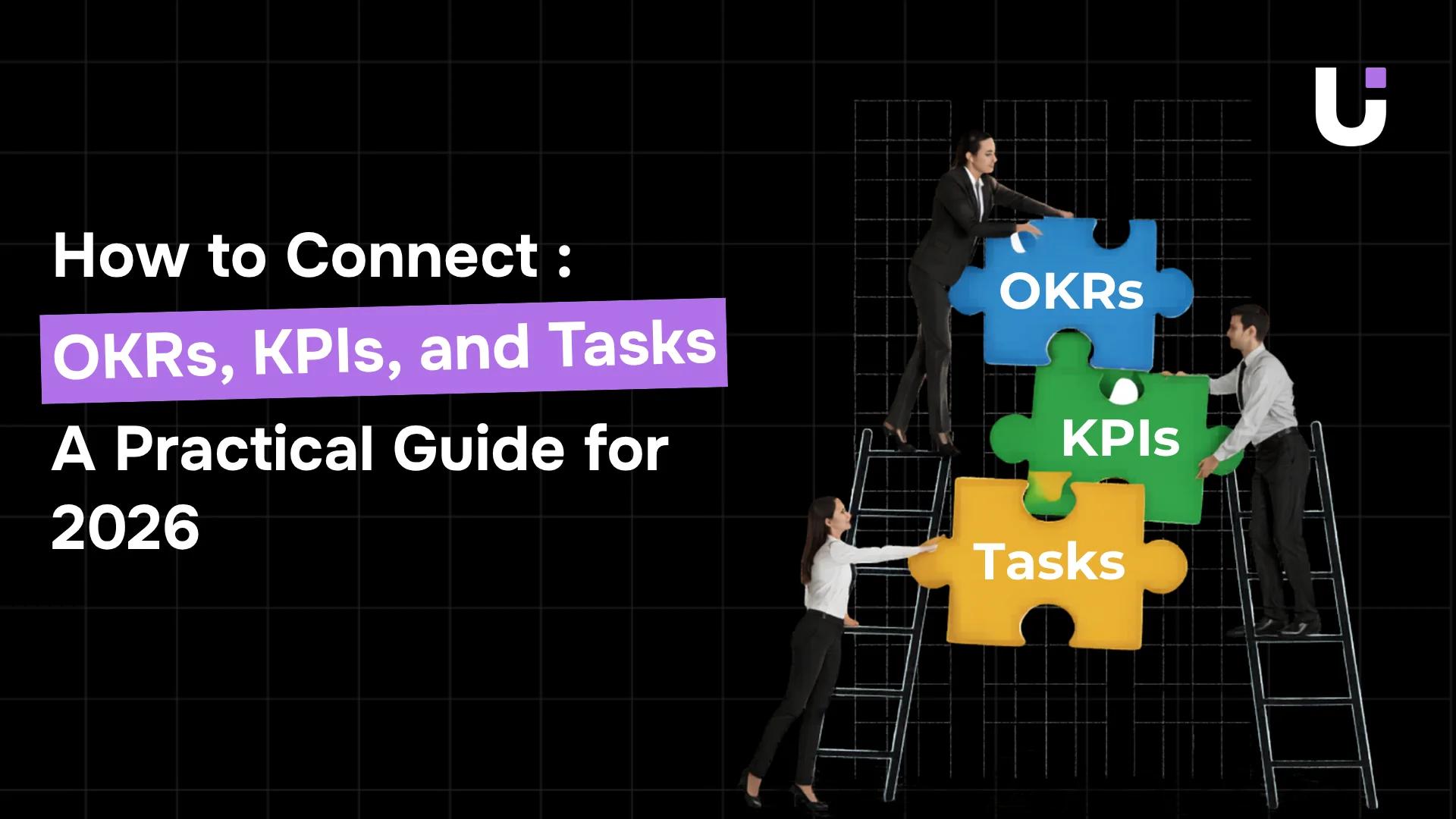
That is the chain: Task → Milestone → KPI → OKR. Without this chain, you have tasks on one side and goals on the other with nothing in between.
Step 3: Tag Every Task With the OKR It Contributes To
This is the step most teams skip. It is also the step that makes the entire system work.
Every task on your board should carry a tag or field that answers one question: which OKR does this task contribute to?
Not every task will have an OKR tag. Operational maintenance, admin work, and internal housekeeping exist outside the OKR framework. That is fine. But every task that is supposed to move a strategic goal forward should be explicitly tagged to that goal.
Here is the same set of tasks from the opening, now tagged:
| Task |
OKR tag |
Key result it moves |
| Rewrite onboarding email sequence |
Retention +20% |
KR3: Onboarding completion 80% |
| Fix checkout timeout bug |
Retention +20% |
KR1: Churn 4.2% |
| Redesign help centre layout |
Retention +20% |
KR2: NPS 52 |
| Build customer feedback form |
Retention +20% |
KR2: NPS 52 |
| Update internal wiki |
(no OKR tag) |
Operational |
The tagging takes 5 seconds per task. The impact is enormous. Three things change immediately:
Prioritisation becomes objective. When two tasks compete for attention, the one tagged to an active OKR wins. No debate. No gut feeling. The goal decides.
Busywork becomes visible. If 60% of your team's tasks have no OKR tag, 60% of your team's effort is disconnected from strategic goals. You cannot fix what you cannot see. The tags make the disconnect measurable.
Motivation shifts. When a developer sees that their checkout bug fix is tagged to the retention OKR and connected to the churn KPI, the work has meaning beyond "your manager asked for it." Companies with aligned employees generate 58% more revenue per employee and are 72% more profitable. Alignment is not a soft metric. It is a financial one.
Step 4: Generate a Weekly Report Showing OKR Progress by Task Completion
The final step closes the loop. Every week, the team should see one report that answers: how much closer are we to our OKRs based on the work completed this week?
Not a status update. Not a list of tasks done. A report that traces task completion back to goal progress.
Here is what that report looks like:
| OKR |
Key Result |
Target |
Current |
Tasks tagged |
Tasks completed this week |
Progress |
| Retention +20% |
Churn 4.2% |
4.2% |
4.9% |
8 |
3 |
37% of tasks done |
| Retention +20% |
NPS 52 |
52 |
43 |
12 |
4 |
33% of tasks done |
| Retention +20% |
Onboarding 80% |
80% |
61% |
6 |
2 |
33% of tasks done |
This report takes the quarterly OKR review and turns it into a weekly pulse. The team does not wait 90 days to find out whether their work is moving the needle. They see it every Monday.
How to track OKR progress effectively comes down to this: do not track goals separately from work. Track goals by the work that is tagged to them. When task completion drives the progress bar, the team's daily effort and the company's strategic goals are finally the same thing.
What Happens When the Alignment Breaks (and How to Spot It)
The system works when all four steps are in place. It breaks in predictable ways when one or more steps are missing. Here are the three warning signs:
Warning 1: High task completion, flat OKR progress. The team is completing tasks, but the key results are not moving. This means either the wrong tasks are tagged (activity that feels productive but does not affect the metric) or the tasks are too small to influence the outcome. The fix is not more tasks. It is better-targeted tasks.
Warning 2: Most tasks have no OKR tag. If more than 50% of your team's weekly tasks are untagged, the team is spending the majority of its time on work that is not connected to strategic goals. That is the 41% problem (Deloitte's finding that 41% of work does not contribute to organisational value) made visible. The fix is a weekly review where the team lead checks tag coverage before the sprint starts.
Warning 3: OKRs are set but never referenced after kickoff. The quarterly OKR was ambitious. The team was excited. Three weeks later, nobody mentions it. The goals slid back into a spreadsheet. The tasks kept flowing without tags. This is the most common failure mode, and it is what kills 70% of OKR implementations. The fix is the weekly report from Step 4. When OKR progress is visible every Monday, the goals stay alive.
85% of leadership teams spend less than one hour per month discussing strategy. The weekly OKR progress report forces that conversation to happen in 10 minutes, every week, backed by task-level data.
How WorksBuddy Connects All Three Layers
Most teams manage OKRs, KPIs, and tasks in three separate systems. A spreadsheet for goals. A BI tool for metrics. A PM tool for tasks. The alignment breaks because the systems are separate. Updating progress requires manual work that nobody does consistently.
WorksBuddy puts all three layers in one workspace:
-
OKRs are set at the workspace level. Every team member sees the active objectives when they open their board. The goals are not in a separate tool. They are the context for the work.
-
KPIs become milestones inside TARO projects. Churn targets, NPS thresholds, and onboarding rates are tracked as time-bound checkpoints with automatic progress updates. When the tasks that feed a milestone are completed, the milestone progress updates without anyone manually editing a spreadsheet.
-
Every task carries an OKR tag. TARO prompts users to connect tasks to active objectives at creation time. The tag is a field, not an afterthought.
-
The weekly report generates automatically. OKR progress by task completion, milestone status, and key result movement are compiled into one view. No manual assembly. No Friday afternoon scramble to update a slide deck.
The chain is built into the platform: Task → Milestone → KPI → OKR. One workspace. One data model. One report that shows whether the daily work is driving the quarterly goals.
The Three Questions Your Board Should Answer Right Now
Pull up your task board and ask:
-
Which of these tasks are connected to a quarterly OKR? If you cannot answer without checking a separate document, the connection does not exist.
-
What percentage of this week's completed work moved a key result forward? If you do not know, your team is measuring activity, not progress.
-
Could a new team member look at any task and understand why it matters to the business? If not, context is missing at the task level where it matters most.
If all three answers came easily, your OKR KPI task alignment is already working. If even one required guesswork, the gap between your goals and your tasks is wider than you think.
WorksBuddy closes that gap structurally. TARO tags tasks to OKRs, tracks milestones against KPIs, and compiles the weekly progress report without anyone assembling a slide deck. Free plan. No separate goal-tracking tool required.


 Elena Petrova15 September 2026


