TL;DR: Most teams treat invoices and receipts as interchangeable paperwork. They aren't: one creates a payment obligation, the other closes it. Mixing them up causes audit failures, delayed payments, and client disputes. Here's what each document must contain, where they differ, and how automating both cuts the manual back-and-forth that slows your cash flow.
What Is an Invoice?
An invoice is a formal payment request sent before money changes hands. It documents what was delivered, states the amount owed, and sets a due date. The moment a client receives it, a financial obligation exists on their books and yours.
That timing matters. An invoice sits in the middle of the transaction lifecycle: after the work is done (or a milestone is reached), but before payment is confirmed. For IT service businesses billing against project phases, this is especially consequential. If a client disputes scope or delays payment, the invoice is the document that defines what was agreed, when it was due, and what recourse you have.
A well-structured invoice includes the invoice number, issue date, payment due date, itemized services, applicable taxes, and payment terms. Each field does a job. The invoice number creates an audit trail. The due date establishes when late fees apply. Itemized line items prevent the "I didn't know that was included" conversation.
Where teams go wrong is treating an invoice as a formality. Sending a vague summary email instead of a numbered invoice leaves you with no paper trail if a dispute reaches your accountant or a collections process. The IRS and HMRC both require businesses to retain invoices as part of their tax records; a receipt alone does not satisfy that obligation.
A valid invoice should include:
- Your business name, address, and contact details
- Client name and billing address
- A unique invoice number
- Issue date and payment due date
- Itemized list of products or services, with quantity and unit price
- Subtotal, applicable taxes (sales tax, VAT, or GST), and total amount due
- Payment terms (net 30, net 15, due on receipt)
- Accepted payment methods or bank details
The line-item breakdown matters more than most people realize. For IT services, a vague line like "consulting work - $4,200" creates room for dispute. Breaking it into "UX audit: 12 hrs x $150" and "backend integration: 16 hrs x $150" gives the client a clear basis for approval and gives you a defensible record if payment is challenged.
If you're evaluating tools that handle this correctly, the best invoicing software for small businesses generates numbered, itemized invoices tied to specific projects or milestones. You can also see how Inzo handles invoice creation and receipt generation as part of a single billing workflow.
What Is a Receipt?
A receipt confirms a payment has been made. It comes after money changes hands, not before. Where an invoice says "you owe this," a receipt says "this is settled."
A receipt carries no financial obligation. It doesn't ask for anything. It records that a specific amount was paid, on a specific date, for a specific product or service. Once issued, the transaction is closed.
For bookkeeping, receipts serve as proof of expense on the buyer's side and proof of income on the seller's side. Tax authorities treat them as supporting documents, but they don't replace the original invoice. The IRS expects businesses to retain both when the two exist separately, because each captures a different moment in the transaction.
In IT services, this distinction gets blurry fast. A client pays a milestone deposit; the team sends a receipt for that partial payment while the project invoice is still open. Those are two different documents with two different functions. Treating one as the other creates gaps in your records, and when an audit or payment dispute arrives, those gaps are hard to close.
A valid receipt should include:
- Your business name and contact details
- Client name
- A unique receipt number (separate from the invoice number)
- Date payment was received
- Amount received
- Payment method (bank transfer, credit card, check)
- Reference to the original invoice number it settles
- Whether the payment is partial or full
That last field matters for project-based billing. If a client pays a deposit against a milestone invoice, the receipt should say "partial payment $2,000 of $5,000 due" rather than leaving the remaining balance ambiguous. Without that, your accounts receivable and the client's accounts payable can end up recording the same transaction differently.
One structural point: invoice numbers and receipt numbers should be separate sequences. Reusing the same number for both creates reconciliation problems in your accounting records and makes it harder to match payments to outstanding balances at month-end.
Platforms built for service businesses, like the best invoicing software for small businesses, handle both document types within a single workflow so the record stays complete from request to payment.
Invoice vs. Receipt: Key Differences at a Glance
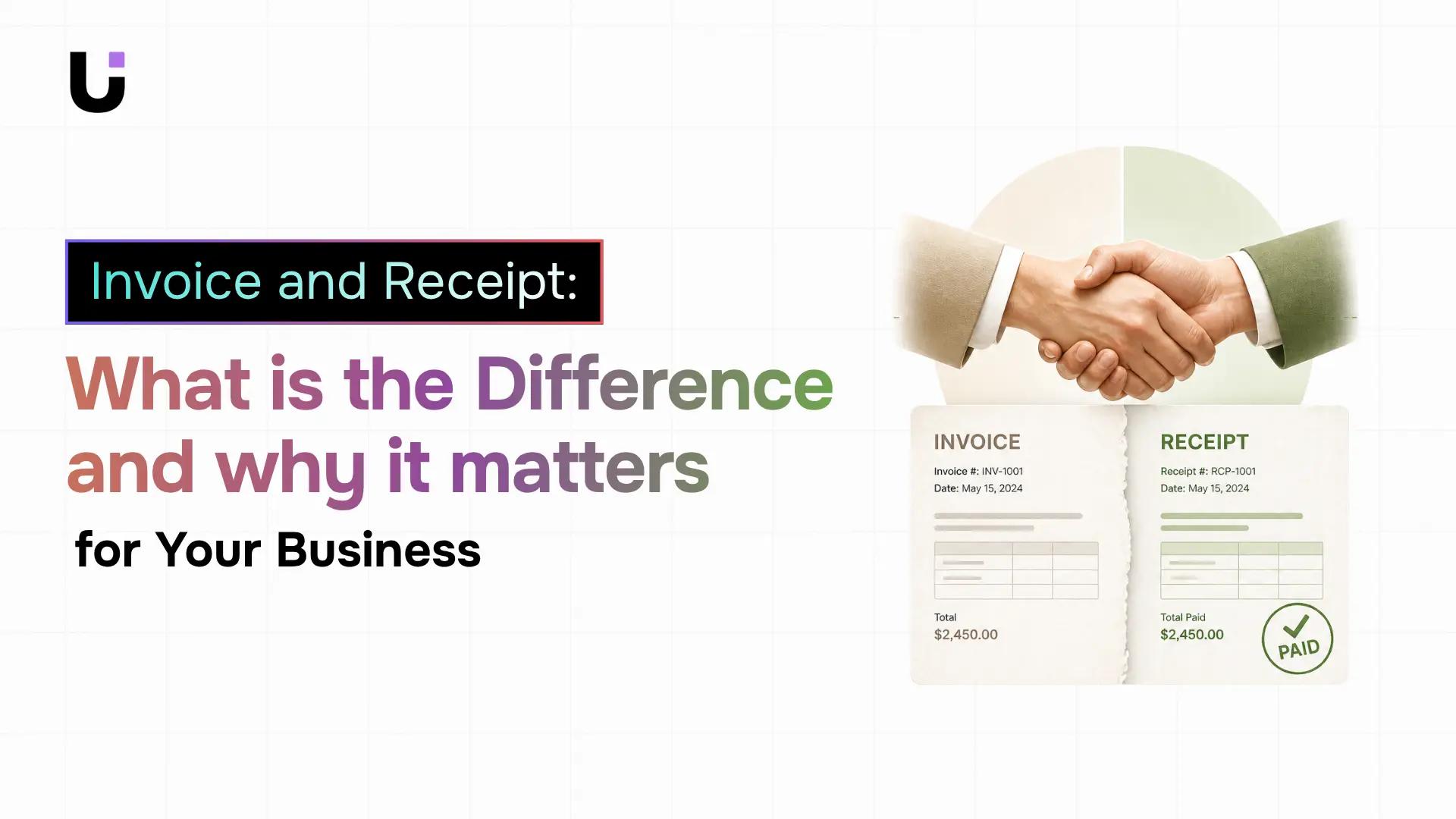
The core difference is timing. An invoice comes before payment. A receipt comes after. That single distinction determines everything else about how each document functions in your billing workflow.
|
Invoice |
Receipt |
| Purpose |
Requests payment |
Confirms payment was made |
| Timing |
Sent before payment |
Issued after payment clears |
| Legal function |
Creates a payment obligation |
Closes the obligation |
| Key fields |
Due date, payment terms, line items |
Payment date, amount received, payment method |
| Accounting role |
Outstanding receivable (seller) / liability (buyer) |
Income received (seller) / proof of expense (buyer) |
| Tax records |
Required to show what was billed and under what terms |
Required to show payment occurred |
| Numbering |
Unique invoice number |
Unique receipt number (separate sequence) |
| Partial payments |
Shows total amount due |
Shows amount received vs. total owed |
For tax purposes, a receipt alone does not satisfy your record-keeping obligations in most jurisdictions. The IRS and HMRC both require you to retain the underlying invoice as well, because the receipt only confirms payment, not the nature of the transaction or the tax treatment applied to it.
The practical fix is keeping both documents linked to the same transaction from the start. To see how that works end to end, see how Inzo handles invoice creation and receipt generation. For a broader look at tools that manage this workflow, the best invoicing software for small businesses roundup covers the options worth considering.
When to Use an Invoice vs. a Receipt
Knowing which document to send comes down to where you are in the transaction.
Send an invoice when:
- Work is complete or a project milestone has been reached
- You're requesting payment for a product or service
- A client needs a formal document to process payment through their accounts payable system
- You're billing in installments and need to establish what each phase costs
Send a receipt when:
- Payment has cleared your account (not just been promised)
- A client asks for proof that they paid
- A partial payment comes in against an open invoice
- You need to close out a transaction in your accounting records
The confusion between the two usually surfaces in one of three places: a client claims they paid but you have no receipt on file; you're audited and can only produce a receipt but not the original invoice; or a partial payment comes in on a milestone project and neither party is clear whether the invoice is still open.
For IT service businesses running milestone billing, that ambiguity creates real disputes. A client who receives an invoice formatted like a receipt may treat it as proof of payment and delay the actual transfer. A receipt issued before payment clears gives your accounts team a false record.
Common Mistakes Businesses Make with Invoices and Receipts
Most billing errors aren't caused by carelessness. They come from using the wrong document at the wrong time, or from systems that don't enforce the distinction.
1. Using one template for both
An invoice and a receipt carry different legal weight and require different fields. A due date belongs on an invoice; a payment method belongs on a receipt. Using a single template for both means sending clients incomplete documents or cluttering simple receipts with irrelevant fields. Keep them separate; the overlap is smaller than it looks.
2. Issuing a receipt before payment clears
Sending a receipt as a courtesy before funds arrive creates a false record. Across multiple active projects, that gap compounds fast. One misclassified document can throw off a month-end close or trigger questions during a tax audit.
3. Not referencing the original invoice on the receipt
A receipt that can't be traced back to the original invoice gives you two documents that don't tell a coherent story. Always include the invoice number on the receipt so the audit trail stays intact.
4. Treating a receipt as a substitute for an invoice at tax time
The IRS requires businesses to retain source documents that support income and deductions. A receipt alone doesn't satisfy that requirement if no invoice exists to show what was billed, to whom, and under what terms. Both documents serve distinct roles in the audit trail.
5. Leaving partial payments ambiguous
If a client pays a deposit against a milestone invoice, the receipt should state "partial payment - $2,000 of $5,000 due." Without that language, your accounts receivable and the client's accounts payable can end up recording the same transaction differently, and resolving it takes time, sometimes a formal dispute, and occasionally a damaged relationship.
How Invoicing Software Handles Both Automatically
Most invoice and receipt generators treat the two documents as separate tasks. You create an invoice, wait, then manually produce a receipt later. For IT businesses billing across multiple projects, that gap creates exactly the kind of documentation mismatch described above.
A good invoice and receipt generator handles both from a single payment event. When a client pays, the receipt should generate from the same record as the invoice, not from a separate workflow. That linkage matters for audit trails: a receipt that can't be traced back to the original invoice gives you two documents that don't tell a coherent story.
For IT businesses, the problem compounds. You might invoice at milestone one, receive partial payment, then invoice again at milestone two. Each payment needs a receipt tied to the right invoice and the right project phase. Managing that manually across five or six active clients means something gets missed.
Inzo handles invoice creation and receipt generation from connected deal and project records, so each document links back to the work it represents. Invoices can be generated from estimates or sales orders, sent as PDFs, and when payment is logged, the receipt reflects the same line items. No duplicate data entry, no orphaned documents.
If you're still using a free online invoice and receipt generator that treats these as separate tasks, the audit risk is real, not theoretical.
Frequently Asked Questions
Q. What is the difference between an invoice and a receipt?
A. An invoice requests payment before money changes hands. A receipt confirms payment after it does.
Q. Can I use the same template for invoices and receipts?
A. It's not recommended. Each document needs different fields, and combining them produces incomplete or cluttered records.
Q. What information should I include on an invoice and receipt?
A. An invoice needs your business details, client info, itemized services, due date, and payment terms. A receipt needs the amount paid, payment date, method, and a reference to the original invoice.
Q. How do I create an invoice and receipt for my business?
A. List your services, amounts, and due date for an invoice. For a receipt, record the payment amount, date, and method. Tools like Inzo generate both as PDFs directly from your CRM.
Q. What is the difference between a commercial invoice and a standard invoice?
A. A commercial invoice is required for international shipments and includes customs details like declared value and tariff codes. A standard invoice covers domestic sales between a buyer and seller.
Q. Does a receipt replace an invoice for tax purposes?
A. No. Tax authorities typically require both: the invoice as proof of the obligation and the receipt as proof it was settled.
Q. When should I send an invoice versus a receipt to a client?
A. Send an invoice before payment to request what's owed. Send a receipt after payment clears to confirm the transaction is complete.
Conclusion
Getting the two documents confused is a billing problem before it becomes an accounting problem. An invoice tells a client what they owe and when. A receipt confirms the money moved. Both need to exist, and both need to be traceable to the same job.
For IT businesses running multiple projects at once, that traceability is where things break down. When invoices live in one spreadsheet and receipts get filed somewhere else, reconciling a disputed payment means hunting across three tools instead of opening one record.
That's the gap Inzo closes. You create the invoice, send it, log the payment, and generate the receipt inside the same deal record. When a client asks for proof of payment six months later, the answer takes seconds. If your current billing setup makes that harder than it should be, it's worth a look.


 Elena Petrova15 September 2026


