TL;DR: Most automation guides tell you what to build but skip the logic that determines what to automate first and in what order. This one covers the sequencing decisions that actually drive conversions, from identifying which emails to automate through to measuring what is working. Each step is grounded in the reality of running client nurture, follow-up, and sales outreach at the same time.
What email marketing automation actually means
Email marketing automation is logic-driven sequencing, not volume sending. The distinction matters because IT owners often inherit the same mental model as bulk blasting: load a list, hit send, repeat. Automation works differently. It fires messages based on conditions, such as a contact opening an email, clicking a link, or going silent for seven days.
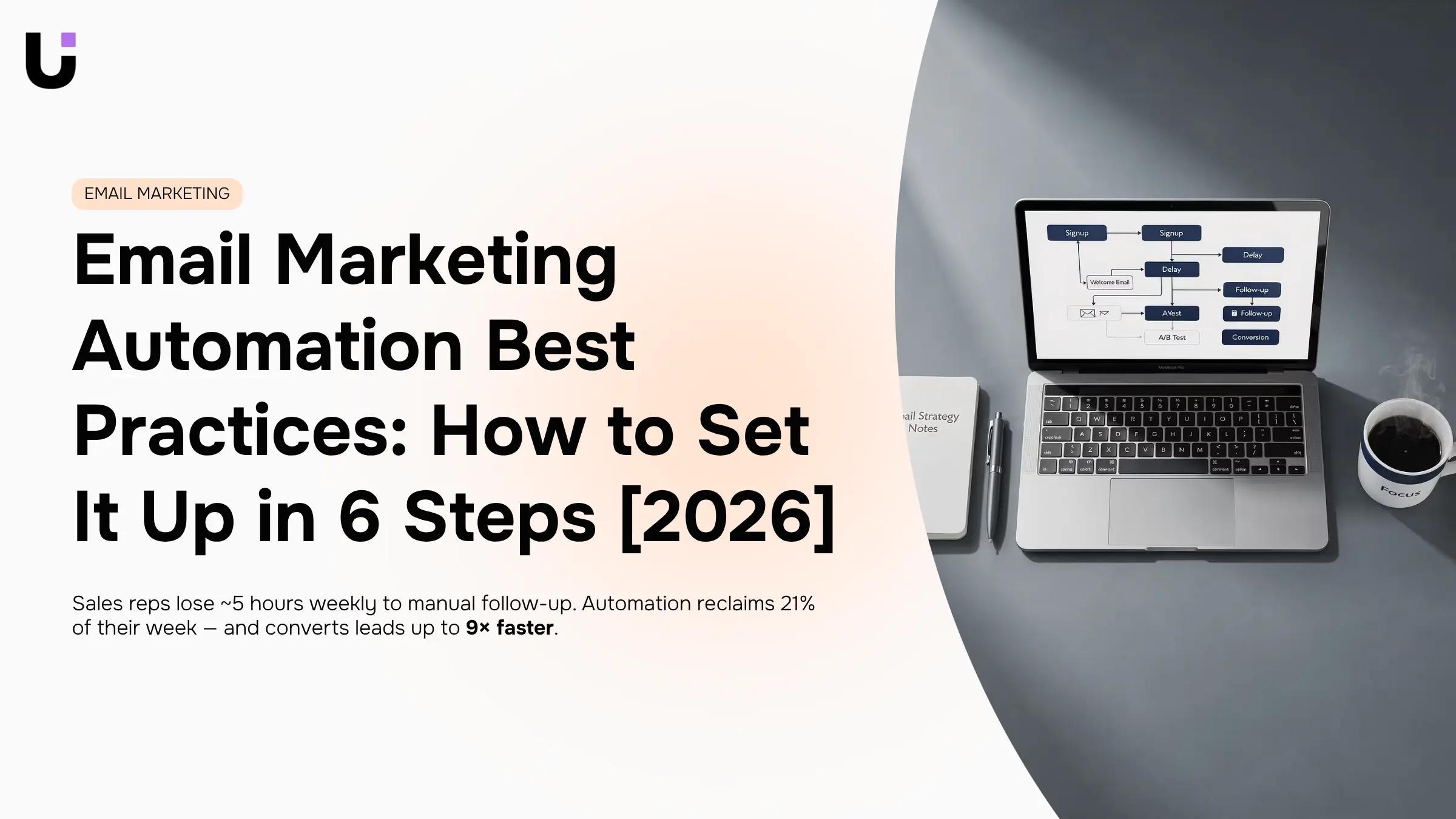
Think of it as a decision tree running in the background. A prospect downloads your security audit checklist. That action triggers a three-email nurture sequence with delays built in. If they reply, the sequence stops. If they don't, a follow-up lands on day four. No manual intervention required.
This matters for IT company owners specifically. You're managing client escalation threads, vendor renewals, and sales follow-ups from the same inbox. Manual sending at that volume doesn't just slow you down, it creates gaps. According to HubSpot's 2024 Sales Report, sales reps spend roughly five hours per week on manual email follow-up alone.
Proper email marketing automation replaces that manual layer with conditional logic. If you're newer to the channel, the foundational principles behind effective email marketing are worth reviewing before you build sequences.
When manual email sending stops working
Most IT owners don't hit a wall with email all at once. The breakdown is gradual, then suddenly obvious.
The inflection point tends to land somewhere between 200 and 300 active contacts. Below that threshold, a disciplined rep can manage follow-ups manually without much slipping through. Above it, the math stops working. You're tracking reply status across vendor threads, client escalations, and open sales conversations in the same inbox. Something gets missed. A warm lead goes cold because the fifth follow-up never went out, and research from RAIN Group confirms that over 80% of B2B sales require at least five touches before a prospect converts.
The specific failure modes IT owners report look like this:
Follow-up timing becomes inconsistent because it depends on whoever checks the inbox first
New contacts added mid-week fall outside whatever manual sequence was already running
There's no reliable way to automate email campaigns across different contact segments without rebuilding the list each time
Email follow-up automation gets deprioritized when a client escalation pulls the team's attention
None of these are discipline problems. They're capacity problems. Once your contact volume crosses that threshold, manual sending structurally cannot keep up with the sequencing logic a real sales cycle demands.
If you're already past 200 contacts and still sending one at a time, the cost is already accumulating.
Five benefits that matter to your pipeline
Most automation content lists benefits in the abstract. Here they are tied to the specific pressure points IT company sales cycles create.
Response speed closes deals. When a prospect fills out a contact form at 11 p.m., your automated email workflows send a reply within minutes, not the next morning. HubSpot research shows that responding to a lead within five minutes makes conversion nine times more likely than responding after an hour. For IT companies selling managed services or software contracts, that window is everything.
Consistency removes dropped leads. RAIN Group found that 80% of B2B sales require at least five follow-up touches, yet most sales reps stop after two. Email marketing automation enforces the full sequence every time, regardless of how busy your team is with client escalations or vendor threads.
Time compounds fast. Salesforce's State of Sales report found that sales reps spend roughly 21% of their week on manual email tasks. Automating follow-up sequences gives that time back for actual selling.
Conversion rates improve measurably. Automated sequences consistently outperform one-time broadcast emails on open and click rates, according to Mailchimp's benchmark data, because they arrive in context, tied to a specific action the contact just took.
Scalability does not require headcount. Once your automated email workflows are mapped to your pipeline stages, adding 500 contacts does not add 500 manual tasks. A tool like Evox handles the sequencing so your team handles the conversations that actually need a human.
Six steps to set up your first automated email workflow
Building your first automated email workflow feels complicated until you break it into a sequence of discrete decisions. Each step below maps to a real build action. Work through them in order and you can have a live campaign before end of day.
1. Define the trigger event. A trigger is the specific action or condition that starts your sequence. For IT companies, the highest-value triggers are a contact downloading a case study, submitting a contact form, or going quiet after a proposal. Pick one trigger per workflow. Mixing triggers in a single sequence is the fastest way to send the wrong message to the wrong person at the wrong time.
2. Segment the audience before you write a single word. Pull contacts who match that trigger into a defined list. Segment by role (IT manager vs. procurement lead), company size, or deal stage. A managed services pitch landing in a developer's inbox wastes the send and trains your list to ignore you. Tight segmentation is what separates automated email workflows that convert from ones that inflate your unsubscribe rate.
3. Map the sequence before you build it. Sketch the full path on paper or a whiteboard first. Decide how many emails the sequence contains, what each one asks the reader to do, and what happens if they click versus ignore. Most B2B sequences that close deals run between four and six touches. RAIN Group research shows that 80 percent of sales require at least five follow-up contacts, so a two-email sequence is structurally too short for most IT sales cycles.
4. Write the emails with delays built into the logic. Draft each message with its delay attached: email one sends immediately, email two sends after three business days, email three after five more. Delays are not arbitrary. They mirror a natural sales cadence and prevent the sequence from reading like a drip from a leaky faucet. Keep each email to one ask. If you are setting up email sequence automation for a proposal follow-up, the first email confirms receipt, the second surfaces a relevant case study, and the third opens the door to a call.
5. Configure reply detection and exit conditions. This is the step most guides skip entirely. If a contact replies, they should exit the sequence immediately. Continuing to send automated messages to someone who already responded is the kind of error that kills trust with a potential six-figure IT contract. Set your exit condition to trigger on reply, meeting booked, or link clicked, depending on the goal of the campaign.
6. Test, activate, and monitor the first 48 hours. Send the sequence to yourself and two colleagues. Check rendering on mobile, confirm delays fire correctly, and verify exit logic works. Then activate. Watch open rates and reply rates in the first 48 hours. Litmus data from 2024 shows automated sequences outperform one-time broadcast emails on open rate by a meaningful margin, which means your baseline expectation should be higher than a standard newsletter send.
Tools like Evox handle multi-step campaign creation with delay logic and reply detection built in, so you are configuring rather than coding each of these steps. That distinction matters when you are trying to automate email campaigns without pulling a developer into the process.
Three common mistakes that kill automation results
Most automation problems are not tool problems. They are setup problems, and they show up in three predictable places.
Broken sequencing logic. The most common error in email sequence automation is setting uniform delays regardless of behavior. Sending a follow-up three days after an unopened email makes sense. Sending that same follow-up three days after a reply does not. Before you go live, map every branch: what happens if someone opens but does not click, clicks but does not book, or replies immediately. If your sequence cannot answer those questions, it will annoy the contacts most likely to convert.
Segmenting too late. Segments built after sequences are written produce generic copy that fits no one well. Define your segments first, then write to each one. An IT services firm running email follow-up automation for both new leads and existing clients needs at least two separate tracks, different triggers, different tone, different calls to action.
Ignoring reply handling. Automated campaigns that keep firing after a contact replies are the fastest way to damage a relationship. Most platforms support reply detection. Use it. Set a clear exit condition so that a live conversation pulls the contact out of the sequence immediately.
If any of these feel unfamiliar, the CRM and automation integration guide covers the configuration layer in detail before you build.
Email automation vs. bulk email sending: what is the difference
Bulk email sending and email automation are not the same thing, and mixing them up is one of the most common setup errors in any automate email campaigns project.
Bulk sending is a broadcast. You write one message, pick a list, and hit send. It goes to everyone at the same time, with no awareness of where each contact is in a conversation or whether they already replied.
Email automation (or automatisation emailing, as it's often called in multilingual teams) is trigger-based. A contact fills out a form, misses a call, or moves to a new pipeline stage, and a pre-built sequence fires automatically. Each message reflects context. Reply detection can pause or reroute the sequence so a live conversation doesn't get buried under scheduled follow-ups.
The practical difference matters most when you're managing client escalations, vendor threads, and sales follow-ups from one inbox, which is exactly the scenario most automation guides ignore.
Dimension | Bulk sending | Email automation |
|---|
Trigger logic | Manual, date-based | Event or behavior-based |
Personalization | Merge tags only | Dynamic content, stage-aware |
Reply handling | None | Detects reply, pauses sequence |
Use case | Newsletters, announcements | Nurture, follow-up, onboarding |
If you're still deciding which approach fits your current list size, the beginner-level breakdown of email marketing fundamentals is a useful starting point before you connect your CRM. For teams ready to connect both systems, the CRM and marketing automation integration guide covers the setup logic in detail.
Closing
Email marketing automation isn't a set-it-and-forget-it tactic, it's a system, and the difference between one that converts and one that quietly burns your list comes down to how deliberately you build it.
Work through the six steps covered here and you'll be able to segment leads before a single email goes out, build sequences that adapt based on behaviour, and know exactly when a prospect is ready for a conversation — without your team manually tracking any of it. That's the shift from sending emails to running a revenue process.
The teams that get this right compound their results over time. The ones that skip the structure keep starting over.
If you're ready to put these steps into practice, Evox handles the whole workflow, sequence automation with delays, two-way reply tracking, lead scoring, and CRM in one place. Set up your first automated sequence and see what a properly built system actually feels like.
FAQ
Q. How can I automate my email marketing campaigns?
A. Connect your lead list to an automation platform, set your triggers, and let the tool handle sending. Evox builds multi-step sequences with behavioral triggers and two-way inbox sync out of the box.
Q. What are the benefits of automating my email marketing?
A. You get consistent outreach without manual effort, every lead gets the right message at the right time, and your team focuses on closing instead of copying and pasting follow-ups.
Q. What tools can I use to automate my email marketing?
A. Evox is the strongest fit for IT companies running outbound sales and nurture simultaneously. It combines multi-step campaigns, CRM, and inbox sync in one place. General-purpose tools like Mailchimp or ActiveCampaign work for simpler broadcast needs but require extra tools to cover the full sales workflow.
Q. How can I set up automated email workflows?
A. Define your trigger, build each email with a set delay, and connect your inbox sync so replies are captured automatically. Evox lets you configure all of this in a single sequence builder without stitching together separate tools.
Q. What are the best practices for automating email marketing?
A. Segment your list first, write triggers around behavior rather than fixed time delays, and keep each email focused on one action. Evox handles multi-step sequencing and behavioral triggers natively, so you can apply all of these without extra configuration.
Q. When should I switch from manual sending to automation?
A. Switch when you are sending the same type of email more than twice a month. Repetition signals a process, and processes belong in automation.
Q. How do I stop an automated sequence when a lead replies?
A. Set a "reply received" trigger to remove the lead from the active sequence automatically. In Evox, this is a native lifecycle event, so the sequence stops the moment a reply lands and the lead moves to manual follow-up.


 Elena Petrova15 September 2026


