TL;DR: Most guides to electronic signatures stop at the legal definition and a list of compliance frameworks. This one explains the technical mechanisms that actually matter in a dispute — IP capture, device fingerprinting, audit trail structure — and what that means for how you collect signatures inside your IT business.
What an electronic signature actually is
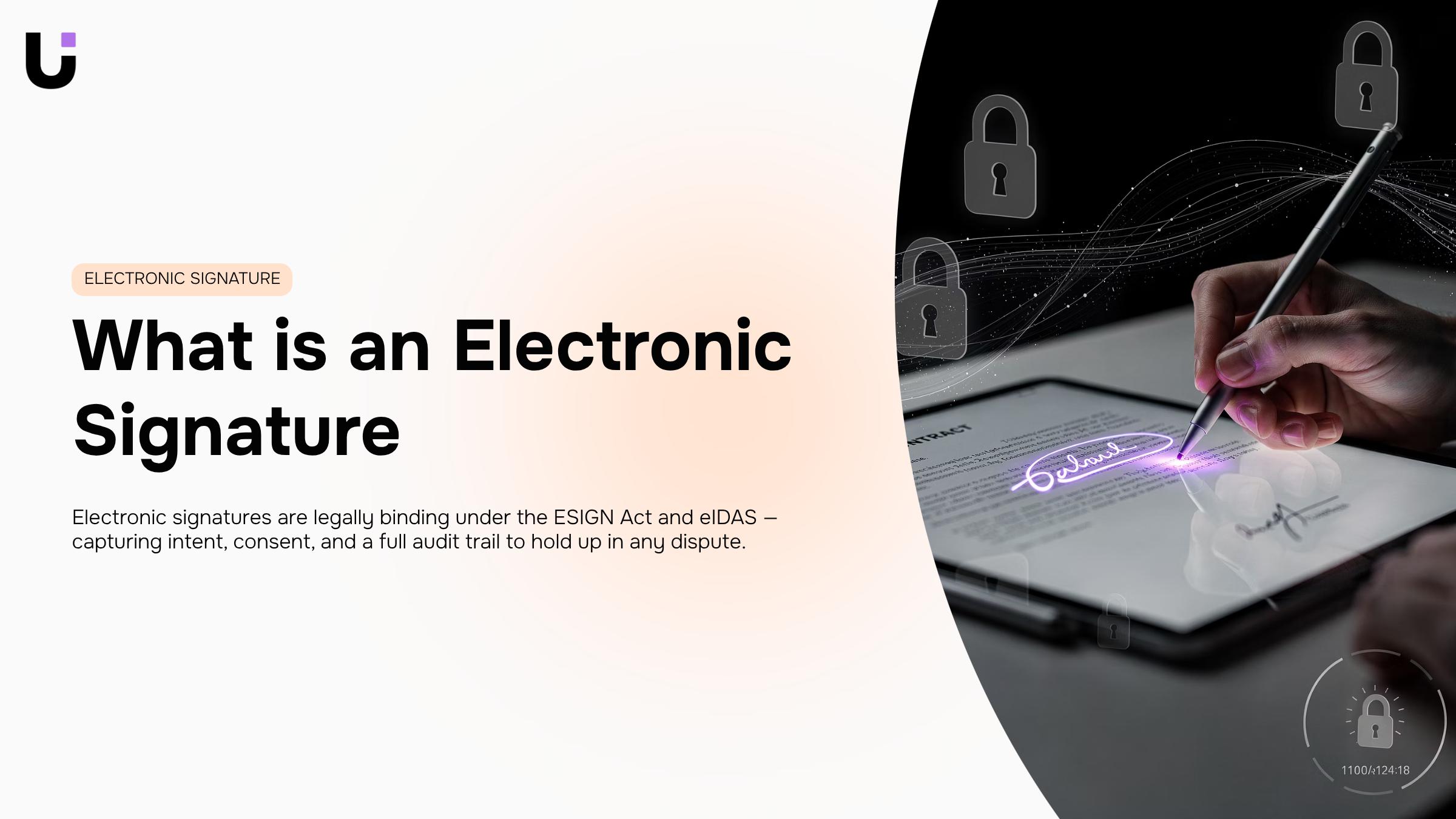
Digital signature interface with purple accent lighting on black background, modern 3D render
Most people picture a handwritten signature photographed and pasted into a PDF. That mental model creates real problems when a contract gets challenged.
An electronic signature is any data logically associated with a document that identifies the signer and indicates their intent to sign — a definition broad enough to include a typed name, a drawn mark, a clicked checkbox, or a voice confirmation. The image itself isn't the signature. The intent and the evidence behind it are.
That distinction matters when you're comparing three things that look similar but aren't:
- A scanned handwritten signature is a static image. It carries no metadata, no timestamp, no record of who attached it.
- A typed name or drawn e-signature captures intent at the moment of signing — IP address, device, timestamp — and ties that data to the document.
- A digital signature goes further: it uses cryptographic keys to verify both the signer's identity and that the document hasn't been altered since signing.
Most IT service agreements and MSP contracts sit in the middle category. They're valid under the US ESIGN Act and eIDAS in the EU, but only when the signing process captures enough evidence to reconstruct what happened.
Did You Know? A typed name in an email can qualify as an esig under UETA — but without an audit trail, proving intent in a dispute is nearly impossible.
For a practical comparison of e-signature tools ranked for contract management, the audit trail is the first thing worth evaluating.
How an electronic signature works under the hood
Most people assume the signature image is the thing that makes a document legally binding. It isn't. The legal weight comes from the data layer captured the moment someone clicks "sign."
At that instant, a properly built e-signature system records a bundle of metadata: the signer's IP address, device identifier, browser fingerprint, timestamp (usually to the millisecond), and in many implementations, geolocation. That bundle gets cryptographically hashed and locked to the document. Change a single character in the contract after signing, and the hash no longer matches — the tampering is immediately detectable. Think of it like a wax seal that shatters if you try to open the envelope and reseal it.
What the audit trail actually contains
The audit trail isn't a log file you generate afterward. It's built in real time, event by event: document opened, viewed for X seconds, signature applied, completion confirmed. Each event gets its own timestamp and ties back to the signer's verified session data. That chain of events is what a court or compliance auditor reviews — not the image of a drawn name.
Pro Tip: When evaluating any esig tool for IT service agreements, ask specifically whether the completion certificate is tamper-evident and whether it embeds the full event log. A PDF with a signature image and no audit metadata offers almost no legal protection.
For IT company owners signing service agreements or SLAs, this distinction matters more than most guides acknowledge. A typed name with no metadata behind it is a much weaker position than a cryptographically anchored esignature with a full event chain. How an AI signing agent handles the audit trail automatically covers what that looks like in practice — including how the completion certificate gets generated without manual steps.
Is an electronic signature legally binding
Yes — with conditions attached that most generic guides skip over.
Under the ESIGN Act (federal) and UETA (adopted in 47 states), an electronic signature carries the same legal weight as a handwritten one. The EU equivalent, eIDAS, does the same across member states. The law itself isn't the uncertainty. The conditions are.
Three things determine whether an esig actually holds up:
- Intent to sign — the signer must take a deliberate action (clicking "I agree," drawing a signature, typing a name) that signals agreement, not just open the document
- Consent to do business electronically — the signer must have agreed, explicitly or implicitly, to use electronic records for this transaction
- Record retention — the signed document and its audit trail must be stored in a way that can be reproduced accurately later
That third condition is where IT company owners face real exposure. A typed name in an email doesn't satisfy record retention the way a timestamped, IP-logged completion certificate does. The difference between a typed name, a drawn signature, and a cryptographically verified signature isn't cosmetic — it's what determines whether your service agreement survives a dispute.
Pro Tip: Before sending a contract, confirm your signing tool generates a tamper-evident completion certificate tied to the audit trail. If it doesn't, you have a signature image, not a legally defensible record. How an AI signing agent handles the audit trail automatically is worth understanding before your next client agreement goes out.
Not every document qualifies, though — that boundary matters just as much.
What you can and cannot sign electronically
Most business documents you deal with daily are fair game for electronic signatures. Service agreements, NDAs, project approvals, invoices, offer letters, and even a resignation letter template or letter of resignation sample sent to HR — all of these can be signed electronically and hold up legally.
The exclusions are narrower than most people expect. Under Section 103 of the ESIGN Act, documents that cannot be signed electronically include wills and testamentary trusts, certain family law court orders, and specific notices related to foreclosure or utility termination. Most real estate deeds fall under state-level UETA rules, which vary — so check your jurisdiction before assuming.
For IT company owners, the practical boundary is this: every standard commercial contract, service agreement, and internal HR document you generate is signable electronically. That covers the vast majority of your signing volume.
Did You Know?
A typed name, a drawn signature, and a cryptographically verified signature are all legally valid — but they carry different levels of evidentiary weight if a dispute reaches court. If your service agreements run into five figures, a verified signature matters.
Sigi handles the resignation letter format and sample, service contracts, and everything in between — with a tamper-proof completion certificate on every signed document.
The real benefits of using electronic signatures
The obvious win — no more printing — is real but small. The operational gains run deeper.
Turnaround time collapses: A contract that used to take three to five days to print, courier, and return can close in under an hour when signers get a link instead of an envelope. For IT service agreements that need sign-off before a project kicks off, that gap is often the difference between starting on time and losing a week.
The audit trail is where an esignature earns its keep against disputes. Every signed document carries a timestamped record of who opened it, when, and from which IP address. "I never signed that" becomes very hard to argue when the log shows otherwise.
Pro Tip: Before you send any multi-party contract, confirm your tool captures a completion certificate — not just a signed PDF. That certificate is what holds up if a client disputes the agreement six months later.
Manual chasing disappears too. Automated reminders handle the follow-up; you see real-time status on every document. If you're evaluating tools, this breakdown of e-signature tools ranked for contract management covers what to look for beyond basic signing.
Sigi generates tamper-proof completion certificates automatically, so the audit trail is captured without any extra steps on your end.
How to create and send an electronic signature
Getting a document signed shouldn't take three follow-up emails and a week of waiting. Here's how to move from draft to completed signature in a single workflow.
1. Pick a tool that fits the document type
Not all esignature platforms handle the same use cases. For standard service agreements and NDAs, a typed or drawn signature is fine. For high-value IT contracts where you need cryptographic proof of identity, look for tools that offer certificate-based signatures — a step up from a typed name that most basic tools skip entirely. Check e-signature tools ranked for contract management if you're still evaluating options.
2. Set up your fields before you send
Upload your document, then place signature fields, date fields, and any required initials exactly where they need to appear. If you're sending to multiple parties — say, a client and their legal contact — assign a signing order so each person receives the request only after the previous signer completes their step. This prevents the chaos of two people editing the same document simultaneously.
Pro Tip: If you're adapting a resignation letter template or any structured form into a signable document, map every blank field to a named recipient before sending. Missing a field assignment is the most common reason a signing flow stalls.
3. Confirm the audit trail before you close the deal
Once signed, verify that the platform has captured timestamps, IP addresses, and signer identity data. A completion certificate with a full audit trail is what turns "I never signed that" from a dispute into a non-starter. Sigi handles this automatically — see how the audit trail works in practice.
Most IT company owners pick an esignature tool based on brand recognition, then discover the gaps when a service agreement dispute lands in their lap.
Audit trail depth is the first filter: A tool that logs "document signed" is not the same as one that captures IP address, timestamp, device fingerprint, and every field interaction. The difference matters when a client claims they never saw clause 7. Check whether the completion certificate is tamper-evident and whether it's generated automatically — how an AI signing agent handles the audit trail automatically shows what that looks like in practice.
Beyond the audit trail, run through these requirements before committing to any tool:
- Field types: Does it support initials, date fields, checkboxes, and conditional fields — not just a signature box?
- Sequential signing: Can you enforce a specific signing order across multiple parties?
- Access controls: Can you restrict who views, edits, or voids a document?
- Workflow integration: Does it connect to your CRM, invoicing, or project tools — or does it sit in a silo?
Pro Tip: Before trialing any electronic signature platform, send yourself a test document and try to dispute it. If you can't immediately pull a timestamped audit log, the tool won't hold up when you actually need it to.
For a deeper comparison of how these features stack up across platforms, the e-signature tools ranked for contract management breakdown is worth the read.
Closing
An electronic signature isn't the image — it's the data layer captured the moment someone clicks sign. IP address, device fingerprint, timestamp, audit trail. That bundle of metadata is what makes a contract defensible in a dispute, not the drawn name on screen.
When you move beyond manual signature chasing, you move from legal exposure to legal protection. Every signed document gets a tamper-evident completion certificate. Every event — opened, viewed, signed, completed — gets timestamped and locked to the signer's session. That's the difference between a signature image and a signature that actually holds up.
Ready to capture that audit trail automatically on every contract? Explore Sigi for teams ready to move beyond manual signature chasing.
FAQ
Q. What is an electronic signature?
A. Any data logically associated with a document that identifies the signer and indicates intent to sign — typed name, drawn mark, checkbox, or voice confirmation. The legal weight comes from the metadata captured at signing, not the image itself.
Q. How does an electronic signature work?
A. When signed, the system records IP address, device identifier, browser fingerprint, and timestamp — then cryptographically hashes that bundle to the document. Change one character after signing, and the hash breaks, making tampering immediately detectable.
Q. Is an electronic signature legally binding?
A. Yes, under ESIGN Act (federal), UETA (47 states), and eIDAS (EU) — provided the signing process captures intent, consent to do business electronically, and a retained audit trail. A typed name with no metadata is weaker than a cryptographically anchored signature.
Q. What are the benefits of using electronic signatures?
A. Contracts close in hours instead of days. Every signed document carries a timestamped audit trail of who opened it, when, and from where — eliminating disputes over whether someone actually signed.
Q. How do I create an electronic signature?
A. Most e-signature tools let you type a name, draw a signature, or upload an image. For legal defensibility, use a platform that captures device fingerprint, IP, and timestamp — and generates a tamper-evident completion certificate automatically.
Q. What documents can be signed electronically?
A. All standard commercial contracts, service agreements, NDAs, and HR documents qualify. Exclusions are narrow: wills, testamentary trusts, certain family law orders, and specific foreclosure/utility notices. Most IT service agreements are fair game.
Q. What is the difference between an electronic signature and a digital signature?
A. Electronic signatures capture intent and metadata at signing. Digital signatures go further — they use cryptographic keys to verify the signer's identity and prove the document hasn't been altered since signing.


 Elena Petrova15 September 2026


