TL;DR: Most sales software guides compare feature lists. This one maps automation capabilities to the specific tasks that drain your team's time lead capture, follow-up, qualification, and handoff then gives you a decision framework for choosing the right tool. By the end, you'll know exactly which capabilities to prioritize and how AI-native platforms handle the bottlenecks that rule-based automation can't.
What sales software actually automates for your team
Most sales reps spend a significant chunk of their week on tasks unrelated to selling: updating contact records, chasing cold leads, routing inbound inquiries manually, and rebuilding pipeline reports every Monday. Sales process automation software removes that friction so your team spends more time in conversations and less time in spreadsheets.
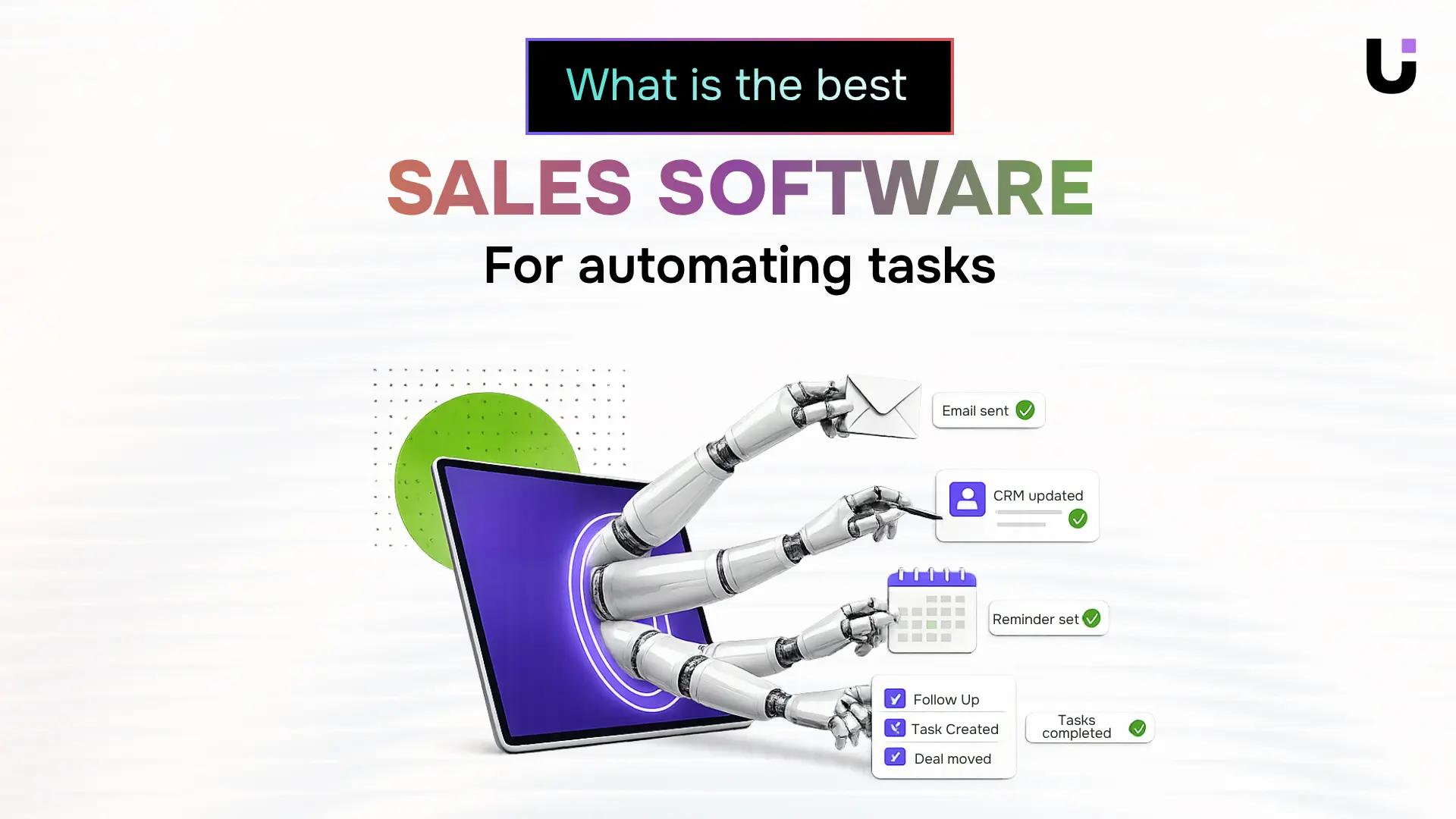
Here is what sales software replaces:
- Lead capture and routing: new inquiries get logged and assigned automatically
- Follow-up sequences: timed emails go out based on pipeline stage, not rep memory
- Lead scoring: AI ranks every inbound lead from 0 to 100 so reps call the hottest prospects first
- CRM data entry: call notes and stage changes sync without manual input
- Pipeline reporting: dashboards update in real time
For IT businesses specifically, lead response speed matters most. A lead that waits until after lunch closes at a materially lower rate than one answered by 9:05 a.m.
Most tools look good in a demo. These six criteria expose what breaks down after you sign the contract.
1. AI lead capture and qualification. The tool should capture leads from every channel you use and score them automatically. Manual logging before scoring starts means lost time.
2. Automatic lead assignment. Scoring without routing is half a solution. Leads should reach the right rep based on territory, deal size, or capacity, with no manager intervention required.
3. Pipeline visibility. Stage, last activity, and next action should be visible on one screen, updated in real time.
4. Integration depth. Native integrations sync in real time. Zapier-dependent ones introduce lag and failure points.
5. Reporting that answers sales questions. Which lead source closes fastest? Where do deals stall? If the tool can't answer those out of the box, budget for custom work.
6. Pricing model. Per-seat pricing compounds as you hire. Map each tool's model against your expected team size in 18 months, not today.
Four sales software options worth comparing in 2026
Picking the right sales software for automating tasks comes down to six criteria: automation depth, lead capture and routing, AI scoring, CRM integration, setup time, and price at your team size. The table below maps four tools against those criteria so you can compare them without reading four separate websites.
| Tool |
Automation depth |
Lead capture & routing |
AI scoring |
CRM integration |
Setup time |
Starting price |
| Lio |
High: captures, qualifies, and assigns leads automatically |
Instant multi-channel capture with same-minute routing |
0-100 AI score on every inbound lead |
Native; no middleware needed |
1-3 days |
Contact WorksBuddy |
| HubSpot Sales Hub |
Medium-high: sequences, tasks, and deal stage triggers |
Form and email capture; routing via workflows |
Predictive scoring on higher tiers |
Native HubSpot CRM |
1-2 weeks |
Free tier; Starter from $20/seat/mo |
| Pipedrive |
Medium: activity reminders and email automation |
Web forms and chatbot; manual assignment by default |
AI sales assistant on Professional+ |
Native; integrates via Zapier for others |
2-5 days |
Essential from $14/seat/mo |
| Salesforce Sales Cloud |
Very high: full process automation via Flow Builder |
Omnichannel; Web-to-Lead standard |
Einstein scoring on Enterprise tier |
Native and API-first |
4-12 weeks |
Starter Suite from $25/seat/mo |
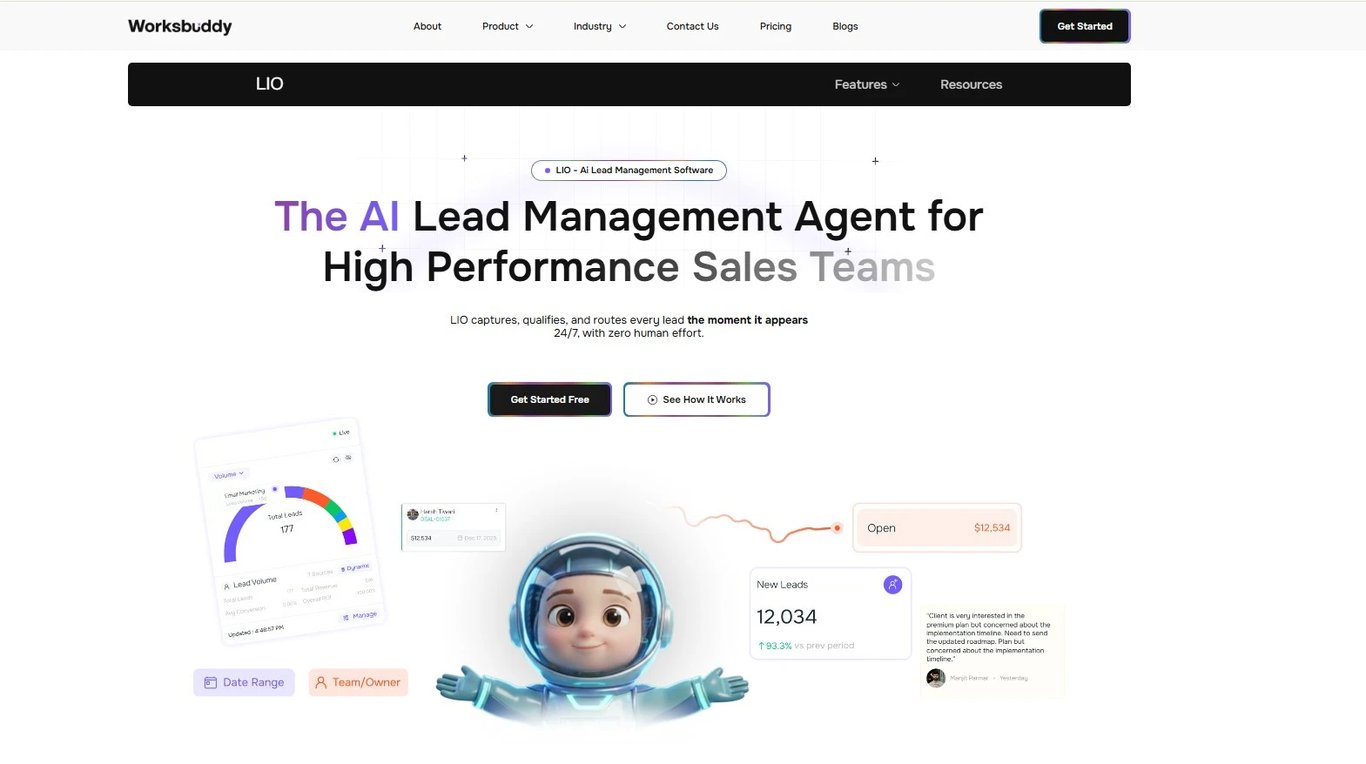
1. Lio (WorksBuddy)
Is built specifically around the bottleneck that costs IT sales teams the most: slow lead response. Every inbound lead that enters Lio receives an AI score from 0 to 100 the moment it hits the system. Routing happens in the same minute, across multiple channels, with no manual assignment step and no rep checking a shared inbox. That sequence, score, route, notify, runs automatically whether the lead comes in at 9 AM or 11 PM. InsideSales research (Oldroyd et al., 2011) found that contacting a lead within five minutes makes conversion nine times more likely than waiting 30 minutes. Lio is designed around that window.
The setup timeline reinforces the case for lean IT sales teams. Most owners don't have weeks to spend on configuration or a dedicated admin to manage a rollout. Lio's one-to-three day setup means automation is live before the end of the week you decide to move forward. There's no middleware to connect, no third-party routing tool to configure, and no CRM sync to troubleshoot because the integration is native. The AI scoring layer also gives sales managers a consistent, objective signal on every lead before a rep touches it. High-score leads get immediate attention. Lower-score leads move into a nurture sequence automatically. That distinction alone removes a category of daily admin that typically falls on a manager or a senior rep.
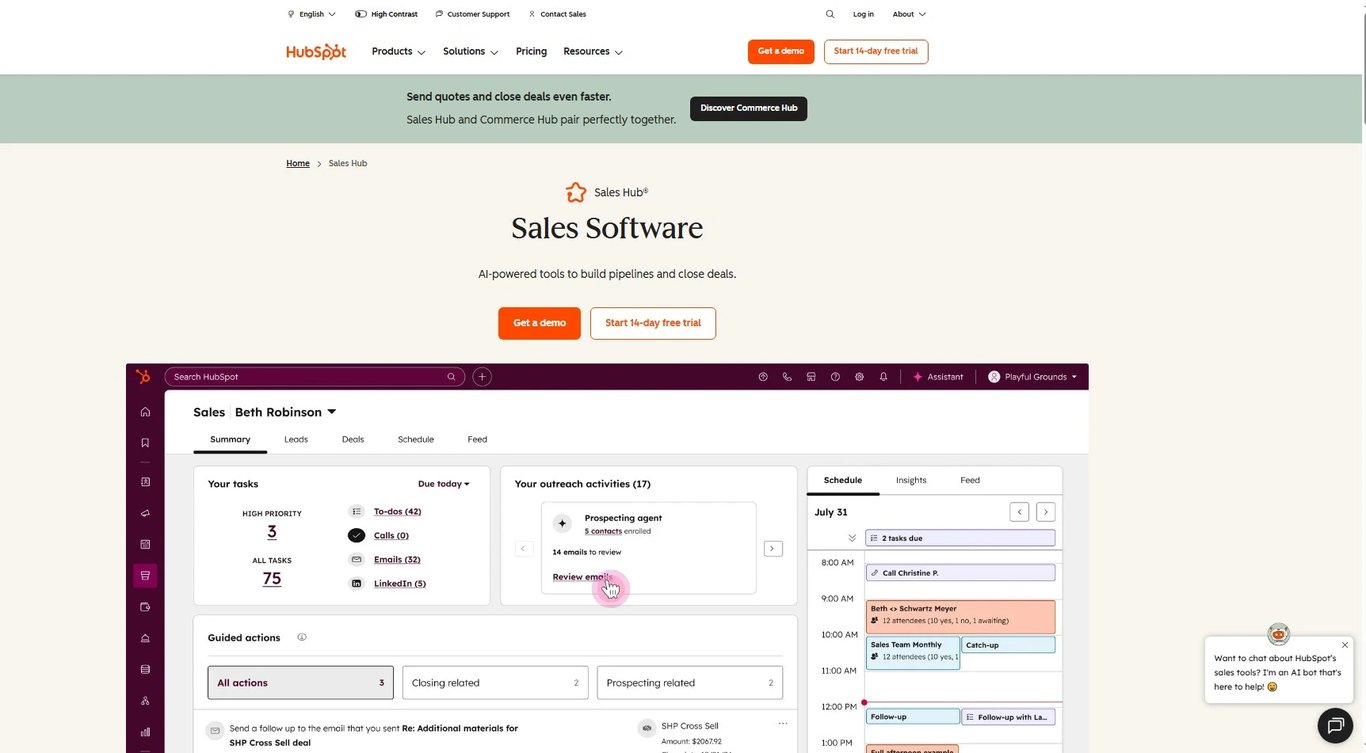
Is a strong fit if you're already inside the HubSpot ecosystem. The shared data layer across CRM, marketing, and service hubs gives your sales automation full contact context without extra syncing work. That said, the automation features that matter most, sequences, deal stage triggers, and workflow-based routing, sit behind paid tiers. Budget for at least the Starter plan if automation is your primary reason for evaluating it, and expect a one-to-two week setup if you're configuring workflows from scratch.
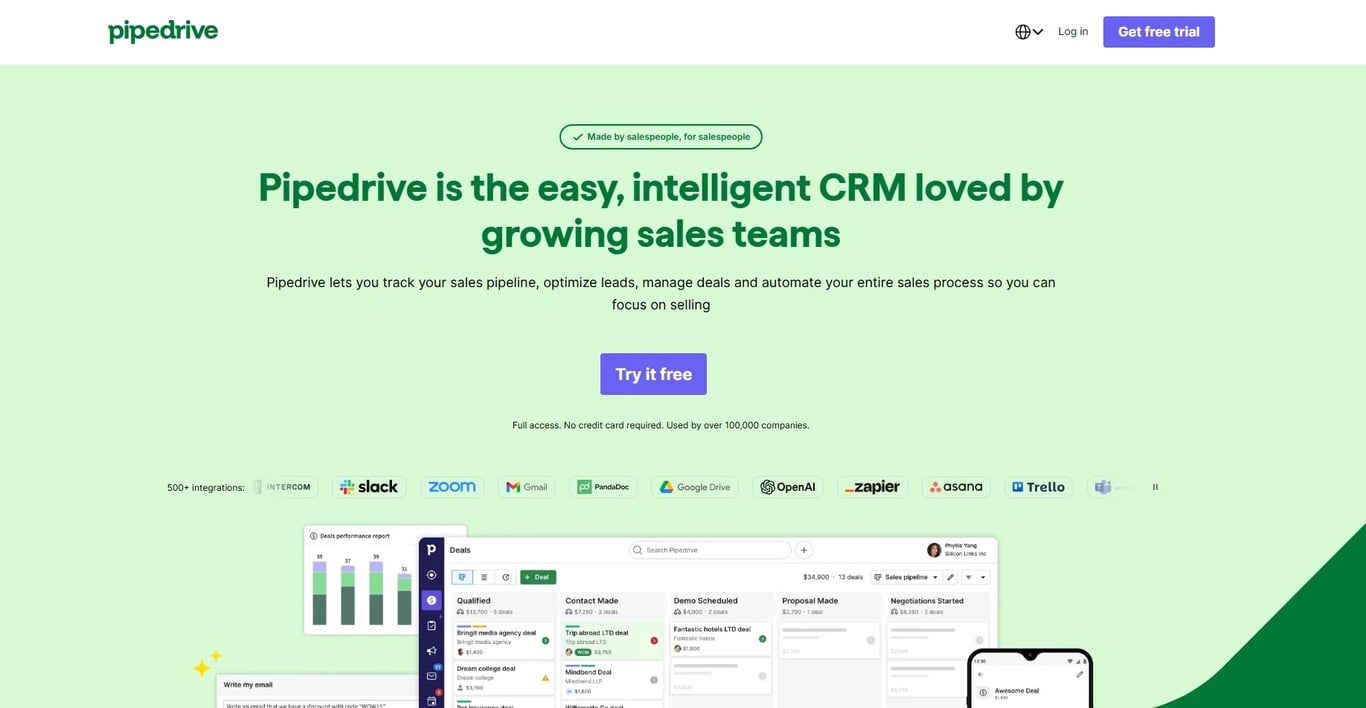
Suits rep-driven teams with predictable inbound volume and a structured sales process to enforce. The interface is clean, adoption tends to be fast, and the activity-based model works well when your reps already know what steps to follow. The limitation is that its AI sales assistant is an add-on to a fundamentally manual workflow rather than a core automation engine. If lead response speed or automatic routing is your main bottleneck, Pipedrive won't solve it without significant Zapier or integration work layered on top.
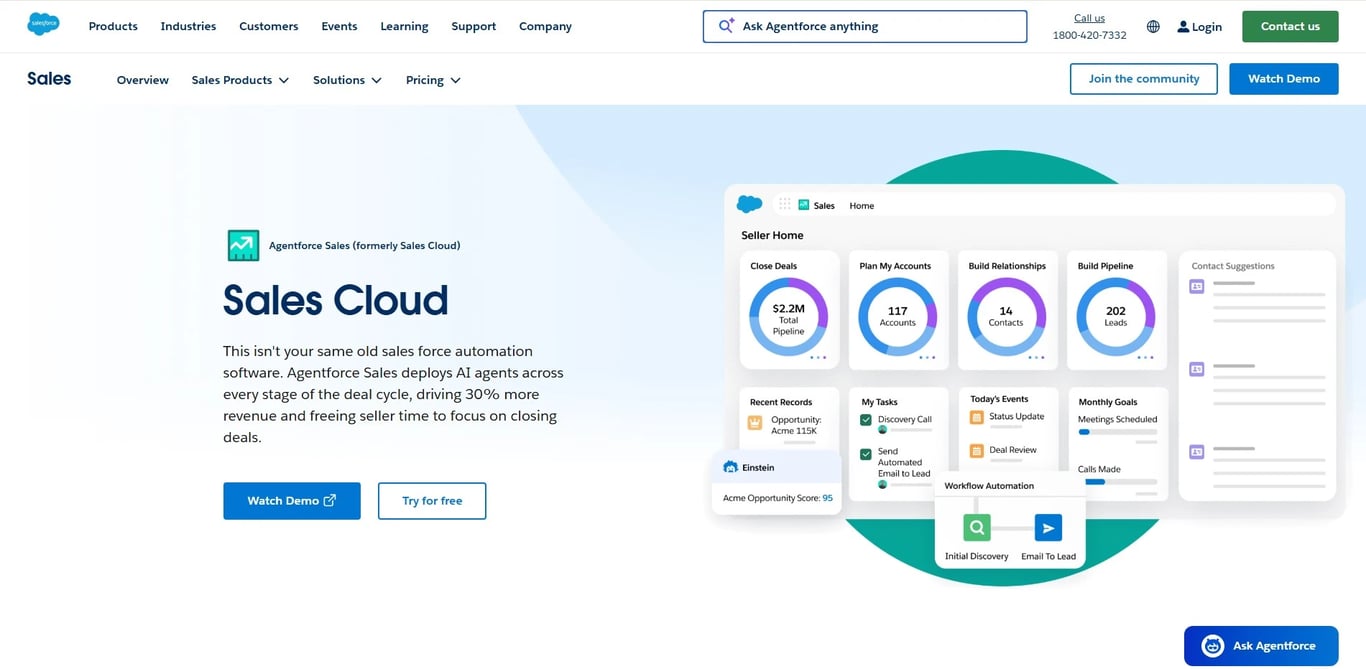
Offers the highest automation ceiling of any tool in this comparison. Flow Builder can handle multi-step approvals, territory-based routing, and nearly any process you can map. The tradeoff is implementation time and cost. The four-to-twelve week setup estimate is realistic for an IT services company without a dedicated Salesforce admin. Most teams under 20 people will spend more on configuration and consulting in year one than on the license itself. If you have the resources and a complex process that genuinely requires that level of customization, Salesforce earns its place. If you need automation running this quarter, it is the wrong starting point.
Common mistakes teams make when buying sales software
The most expensive mistake is buying a CRM when you actually need automation. A CRM stores records. It does not route leads, trigger follow-up sequences, or flag cold prospects. Those are automation jobs, and conflating the two categories leaves gaps at both ends.
The second mistake is treating lead response time as a vanity metric. Speed to first contact determines whether a prospect stays warm or moves on. If your tool cannot surface that data by rep and lead source, you cannot fix it.
The third mistake is underestimating setup cost. License fees are visible. Migration, training, and reconfiguration time are not. Before signing, map every manual task you need eliminated and confirm the vendor covers it out of the box.
Questions to ask before you sign a contract
Before you commit to any contract, run through these five questions with every vendor.
- What specific tasks does your automation handle without a Zap or workaround?
- How does your AI score leads, and what data trains the model?
- What does onboarding cost, and who owns configuration?
- What's your average support response time after go-live?
- Can we exit the contract if adoption targets aren't met?
If a vendor hesitates on questions three through five, that hesitation is your answer.
Closing
Start with the problem you can name today. Where is your team losing the most time: lead response, follow-up, or pipeline admin?
Pick a tool that solves that specific bottleneck without a six-week setup. Test it against real pipeline data. Measure response time before and after.
If closing the gap between a lead arriving and your team responding is the priority, see how Lio handles instant lead capture and automatic qualification, with no manual input required.
FAQ
Q. What is the best sales software for automating tasks?
A. The best fit depends on your sales motion, but IT companies with active pipelines benefit most from tools that combine lead scoring, auto-assignment, and follow-up triggers in one place rather than connecting three apps together.
Q. How do I choose the right sales software for my business?
A. Start with your biggest bottleneck: slow lead response, poor visibility, or missed follow-ups. Then pick software that solves that specifically. A tool that does everything poorly beats nothing, but a focused one beats both.
Q. What are the key differences between sales software and CRM?
A. A CRM stores contact records and deal history. Sales software acts on that data: scoring leads, triggering follow-ups, and routing deals. Your team spends time selling instead of updating fields.
Q. Can sales software help me generate more leads?
A. It won't replace lead generation, but it ensures no captured lead goes cold. Automated qualification and instant assignment mean your team reaches prospects while intent is still high, which directly improves conversion rates.
Q. Is there a free sales software available for startups?
A. Most platforms offer a free tier with capped contacts or limited automation. For startups expecting rapid lead volume, those caps become a ceiling fast. Factor in the upgrade cost before committing.
Q. How long does it take to set up sales automation software?
A. A basic setup (pipeline stages, lead routing rules, and email sequences) typically takes one to two weeks. Complex integrations with existing tools or custom scoring models can push that to four to six weeks.
Q. What should I look for in AI sales software specifically?
A. Prioritize lead scoring that explains its reasoning, not just a number, plus predictive follow-up timing based on actual engagement signals. AI that surfaces which deals are stalling is more useful than AI that just fills in contact fields.


 Elena Petrova15 September 2026


