TL;DR: Most content on sales lead tracking stops at tool recommendations or vague CRM advice. This piece walks through the exact operational steps, metrics, and AI-assisted behaviors that turn a scattered lead list into a repeatable pipeline — with specific mechanisms for real-time routing, lead source tracking, and qualification built in from the start.
What sales lead tracking actually means
Sales lead tracking is the process of identifying and evaluating potential customers at every stage of your sales funnel, from first contact through to closed deal. It tells you where each prospect stands, what happened last, and what needs to happen next.
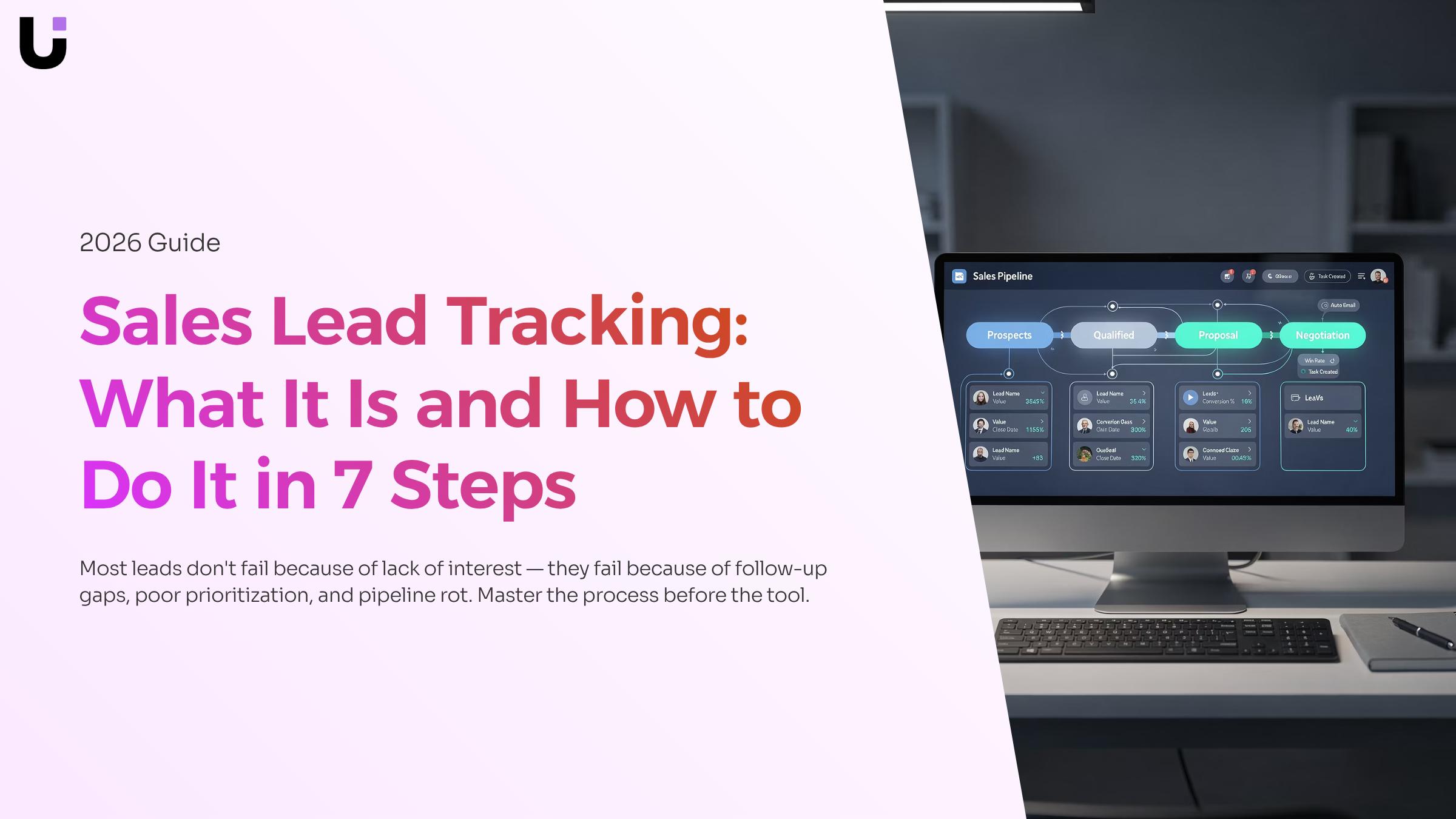
Most teams treat this as a tool problem. They buy a CRM, add a few custom fields, and call it done. But the real issue is process: without a defined set of lead statuses and clear rules for moving a lead between them, the tool just stores noise. Lead status management is what turns raw contact data into a pipeline your team can actually act on.
That distinction matters because most leads never convert due to gaps in follow-up, not gaps in interest. A consistent tracking process closes those gaps before they cost you revenue. The seven steps that follow show you exactly how to build that process.
Why your team loses deals without a tracking system
Without a structured approach to sales lead tracking, most IT sales teams lose deals the same few ways, and none of them are obvious until the quarter is already over.
The first is follow-up failure. Sales reps don't forget leads because they're careless. They forget because they're managing 30 other conversations with no system telling them what needs attention next. The most common cause of pipeline leakage is simply that reps forget to follow up — not from poor intent, but from absent process.
The second is duplicate outreach. When two reps contact the same lead without knowing it, the prospect notices. That kind of internal confusion signals disorganization to a buyer who is already evaluating whether your team can handle their IT environment.
The third is invisible pipeline rot. Without sales pipeline tracking, leads stall in ambiguous statuses. A lead marked "interested" from three weeks ago looks identical to one from yesterday. Your team can't prioritize, so they default to whoever emailed last.
The fourth is no feedback loop. If you're not tracking where leads drop out, you can't fix it. Most leads never convert for reasons that are entirely recoverable — slow response, wrong rep assignment, missed touchpoints — but only if you can see the pattern.
7 steps to build a sales lead tracking system
Building this system takes seven steps. Each one removes a specific failure point that costs IT companies pipeline revenue.
1. Define your lead sources before you capture anything
List every channel where a prospect can first find you: website forms, inbound calls, LinkedIn outreach, referrals, trade events. Assign each source a label you'll use consistently in your tracking system. Without this, you can't tell which marketing spend is producing pipeline and which is producing noise.
2. Set up a centralized capture point
Every lead, regardless of source, should land in one place automatically. A spreadsheet breaks here because it requires someone to manually paste data. Sales lead tracking software connects your web forms, email inbox, and ad platforms to a single record the moment a prospect responds. If you're evaluating free options, most sales lead tracking software free tiers cap you at a few hundred contacts or limit automation, which is fine for a team under five reps but creates gaps as you scale.
3. Build a defined pipeline with named stages
"New," "Contacted," "Qualified," "Proposal Sent," "Closed Won," and "Closed Lost" are the minimum. The exact labels matter less than the fact that every rep uses the same ones. A 10-person IT services team that uses inconsistent stage names will produce pipeline reports that no one trusts, because "in progress" means something different to every rep.
4. Score leads on entry, not after the fact
Assign a score when the lead arrives based on fit criteria: company size, industry, budget signal, and engagement depth. This is where AI lead tracking changes the workflow. Rather than a rep manually reviewing each new contact, an AI scoring layer reads the incoming data and ranks the lead automatically, so your best-fit prospects surface at the top of the queue instead of sitting in a list sorted by date. AI lead scoring that ranks every incoming lead is one specific mechanism worth understanding before you choose a platform.
5. Assign ownership and set a follow-up deadline immediately
Every lead needs one owner and one next action with a due date, set at the moment of capture. Most teams that struggle with why most leads never convert trace the problem here: the lead existed in the system but no one was accountable for the next step. A rule like "assigned rep contacts within two business hours" is simple and testable.
6. Log every touchpoint in the lead record
Calls, emails, demos, and proposal sends all go into the record as they happen. This is not busywork. When a rep leaves or a deal stalls, the next person picking it up needs to know what was said and when. Aim for a log that captures the date, the channel, and a one-line summary of the outcome. For context on implementing an effective lead management process, touchpoint logging is consistently the step teams skip and later regret.
7. Review conversion data by stage, source, and rep on a fixed cadence
Pick a weekly or bi-weekly review. Pull three numbers: leads created, leads advanced, and leads lost, broken down by source and rep. This tells you whether your pipeline problem is volume (not enough leads entering), velocity (leads stalling at a specific stage), or conversion (leads reaching proposal but not closing). For a broader view of how these metrics connect to tool selection, the best lead management tools for sales teams comparison covers what each platform makes easy to measure.
The seven steps above give you a process. The next section covers exactly which numbers to pull from that process and what each one tells you about where your pipeline is leaking.
Key metrics to track at every stage
Metrics only matter when they tell you what to do next. These six give you that.
Lead response time. How quickly your team contacts a new lead after it comes in. Slow response is one of the most common reasons qualified leads go cold. If your average is above five minutes for inbound requests, you have a routing problem, not a volume problem.
Lead-to-opportunity rate. The percentage of captured leads that move to an active deal. A drop here points to a qualification gap, either in your intake form or your lead status management criteria.
Stage conversion rate. How many leads advance from each pipeline stage to the next. Sales pipeline tracking at this level shows you exactly where deals stall, not just where they die.
Follow-up attempts per lead. If this number is consistently below three, why most leads never convert becomes obvious fast.
Average age of lead by stage. Leads sitting in the same stage for more than two weeks are usually stuck, not progressing. This is the metric that separates active pipeline from wishful thinking.
Qualified lead conversion rate. The share of scored, qualified leads that close. Tools like Lio surface this automatically, so managers spend time on coaching decisions rather than spreadsheet math.
How AI improves lead tracking and conversion rates
AI improves sales lead tracking through two specific mechanisms: automated scoring and real-time routing. Most teams treat these as nice-to-haves. They're actually the difference between a lead converting and going cold.
AI lead scoring works by analyzing behavioral signals — website visits, email opens, form submissions — and assigning a numeric score that reflects buying intent. Rather than a rep guessing which leads deserve attention, the model tells them. According to Demandbase, AI lead scoring uses machine learning algorithms to predict which leads are most likely to buy, which removes the subjectivity that causes high-value leads to sit untouched.
Real-time routing pairs with scoring to close the gap between interest and contact. When a lead hits a threshold score, AI lead tracking software assigns it to the right rep immediately — not at the next morning standup.
Together, these two mechanisms address the core problem why most leads never convert: slow response and poor prioritization. The best sales lead tracking software runs both automatically, so your team responds to the right leads first, every time.
Sales lead tracking vs. CRM: what is the difference
A CRM manages the full customer relationship: contacts, deals, renewals, support history, and post-sale communication. Sales lead tracking covers a narrower window — from first touch to closed-won or disqualified. That distinction matters when you're choosing tools.
For most IT companies with a dedicated sales team, a purpose-built lead tracking system is easier to configure and faster to show results than a full CRM. As lionobytes.com notes, a lead management system focuses on potential customers before a sale; a CRM extends beyond that into ongoing relationship management.
If you're early-stage or running a lean team, sales lead tracking software free tiers can cover the pre-sale workflow without paying for CRM features you won't use until year two.
Spreadsheets and disconnected tools force your team to manually update statuses, chase down sources, and guess who should own each lead. Purpose-built sales lead tracking software removes that guesswork.
Lio captures every lead the moment it arrives, scores it automatically, and routes it to the right rep based on rules you define — no manual triage. AI lead tracking means the system flags high-intent leads in real time, not after your team has already moved on.
If you want to understand why most leads never convert, slow routing and missed follow-ups are almost always the answer. One pipeline, one tool, no gaps.
Closing
Sales lead tracking isn't about having the fanciest tool—it's about having a process that moves leads from capture to close without gaps. The seven-step system above removes the four failure points that cost IT teams pipeline revenue: forgotten follow-ups, duplicate outreach, invisible stalls, and missing feedback loops. When you combine defined stages, immediate ownership assignment, AI-assisted scoring, and consistent metric review, you transform a scattered contact list into a repeatable pipeline.
The next move is obvious: implement this process in a platform built to handle it. Lio captures leads from every source, routes them in real time, scores them automatically, and tracks every touchpoint in one place—so your team can focus on selling instead of managing spreadsheets. Ready to see how it works?
FAQ
Q. What is the best way to track sales leads?
Define lead sources upfront, capture all leads centrally, assign ownership and a follow-up deadline immediately, log every touchpoint, and review conversion metrics weekly by source and rep. This process turns scattered contacts into a repeatable pipeline.
Q. How can I automate sales lead tracking?
A. Connect your web forms, email, and ad platforms to a centralized system so leads capture automatically. Use AI scoring to rank leads by fit on entry, and set rules for assignment and follow-up timing so reps don't have to manage the intake manually.
Q. What are the key metrics to track in sales lead management?
A. Track lead response time, lead-to-opportunity rate, stage conversion rate, and follow-up attempts per lead. These reveal whether your pipeline problem is volume, velocity, or conversion—and what to fix first.
Q. Can AI improve sales lead tracking and conversion rates?
A. Yes. AI lead scoring ranks incoming prospects by fit automatically, so your best matches surface first instead of sitting in a date-sorted list. This speeds response time and improves conversion by ensuring reps prioritize qualified leads.
Q. What tools are available for effective sales lead tracking and management?
A. Most CRMs offer basic tracking, but platforms built for sales lead tracking—like Lio—combine capture, routing, AI scoring, and source tracking in one place, eliminating the gaps that spreadsheets and generic CRMs create.
Q. Is there a free option for sales lead tracking software?
A. Free tiers exist but typically cap contacts or limit automation, which works for teams under five reps. As you scale, gaps appear because manual data entry breaks the real-time routing and scoring that prevent pipeline leakage.
Q. How is sales lead tracking different from a full CRM?
A. Lead tracking focuses on capturing, scoring, and routing prospects into your pipeline. A full CRM manages the entire customer lifecycle. You need lead tracking to prevent deals from stalling before they enter the CRM.


 Elena Petrova15 September 2026


