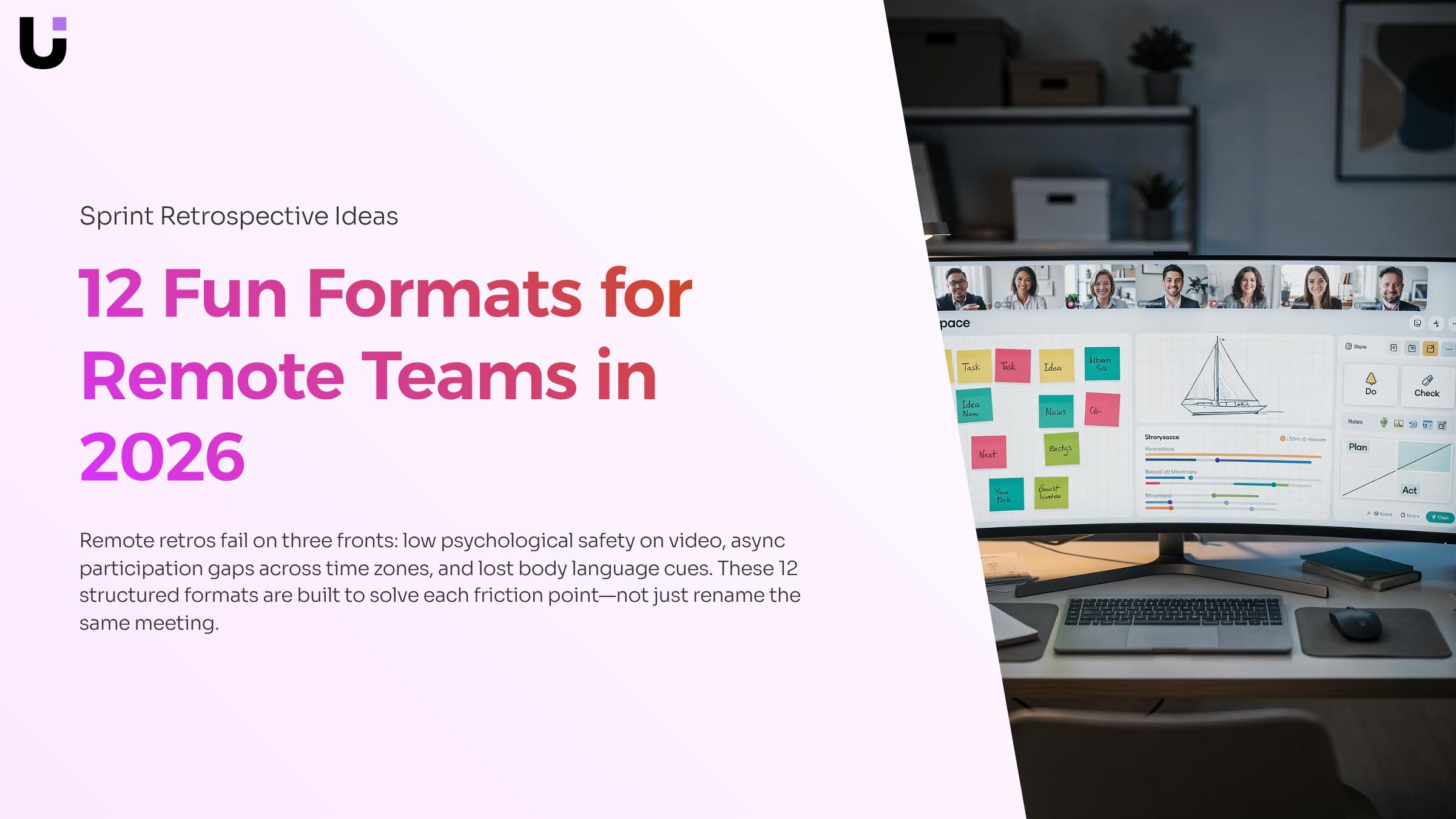
A sprint retrospective is a structured meeting held at the end of each sprint where the Scrum Team inspects how the last sprint went and plans ways to increase quality and effectiveness. For co-located teams, the format matters less — a whiteboard and sticky notes carry most of the weight. Remote teams don't have that fallback.
Three friction points make format choice genuinely consequential for distributed teams: low psychological safety on video calls (people stay quiet when they can't read the room), async participation gaps when time zones don't overlap, and the near-impossibility of reading body language through a grid of faces. The agile retrospective techniques that work in person often collapse in these conditions. The formats below were chosen with all three constraints in mind.
Why remote retros need a different approach
Remote retrospectives fail for three specific reasons, and they're different from what trips up co-located teams.
- Psychological safety drops on video: When everyone is a grid of faces, people default to silence rather than risk looking negative in front of management. The dominant voice fills the gap, and quieter team members never surface their real concerns.
- Async participation gaps skew the data: Across time zones, someone always joins late or catches a recording. Their input arrives after the group has already converged, so it rarely changes anything.
- Body language disappears: In a room, a facilitator can see who's uncomfortable with a decision. On a call, you're reading text in a chat box. Knowing how to facilitate a sprint retrospective remotely means compensating for that lost signal with deliberate format choices.
The 12 fun sprint retrospective ideas for remote teams below were each chosen to address at least one of these three friction points directly.
12 sprint retrospective ideas for remote teams
Each format below was chosen because it addresses at least one of the three friction points covered above: low psychological safety on video, async participation gaps, and the difficulty of reading the room remotely. Some formats are structural; others shift the energy enough to get quieter team members talking.
1. Start-Stop-Continue
The classic three-column format. Teams identify what to start doing, stop doing, and keep doing. It works remotely because the structure is familiar, which lowers the barrier to participation on video calls where silence feels awkward.
- What's one habit slowing us down that we haven't named yet?
- What's working well enough that we'd miss it if it disappeared?
- What's one thing we keep saying we'll start but haven't?
Set up three columns in a shared whiteboard tool (Miro, FigJam, or a simple Notion table). Give everyone five minutes of silent writing before discussion.
2. 4Ls (Liked, Learned, Lacked, Longed For)
Covers both process and emotion in one pass. "Longed For" is the column that tends to surface the most honest feedback from remote teams who feel something is missing but haven't had a structured place to say it.
- What did you learn this sprint that surprised you?
- What did you long for that we didn't have — tools, clarity, support?
- What did we lack that made your work harder?
Use a shared doc with four sections. Ask team members to add sticky notes async before the meeting so the live session focuses on discussion, not input.
3. Mad-Sad-Glad
An emotion-first format that builds psychological safety by normalizing frustration. Remote teams often suppress "mad" and "sad" signals because video calls feel too formal for emotional honesty.
- What made you frustrated this sprint, even if it felt small?
- What are you proud of that didn't get enough recognition?
- What drained your energy?
Open the board 24 hours before the retro so async contributors can add items without the pressure of being watched. Revisit the "mad" column first.
4. Sailboat
A visual metaphor: the wind represents what's helping the team move forward, the anchor represents what's slowing them down, rocks are upcoming risks, and the island is the goal. The metaphor lowers defensiveness because feedback targets the boat, not the people.
- What's creating drag right now?
- What risks are we sailing toward that we haven't discussed?
- Are we all pointed at the same island?
Draw the sailboat in a shared whiteboard. Assign one facilitator to label each sticky note by category as the team adds them.
5. DAKI (Drop-Add-Keep-Improve)
More action-oriented than Start-Stop-Continue. The "Improve" column forces specificity: teams don't just flag a problem, they propose a direction. This is useful for teams that consistently identify the same issues without moving forward.
- What are we keeping out of habit rather than because it works?
- What's one thing we'd improve if we had to commit to a change today?
- What should we add that we've been avoiding?
Run it in a 2×2 grid. Timebox each quadrant to five minutes to prevent the "Drop" column from consuming the whole session.
6. One Word
Each person describes the sprint in a single word, then explains why they chose it. The constraint forces precision and often surfaces emotions that longer formats bury under process talk.
- Why that word and not a more positive (or negative) one?
- What would need to change for your word to shift next sprint?
Use a round-robin structure on video. The facilitator calls on each person in order so no one defaults to silence.
7. Timeline Retro
The team reconstructs the sprint day by day, adding events, decisions, and mood shifts to a shared timeline. It's one of the most effective creative sprint retrospective formats for distributed teams because it creates a shared memory across time zones.
- Where did our energy drop and why?
- What decision, in hindsight, changed the trajectory of the sprint?
- Were there moments where we lost alignment?
Build the timeline in a shared doc or Miro before the call. Ask team members to add their own entries async, then walk through it together live.
8. Lean Coffee
The team generates topics, votes on them, and discusses in priority order with a timebox per topic. It works well for remote teams because it removes the facilitator bottleneck — the agenda is built by the group.
- What topic have we been avoiding in retros?
- What's the one thing worth spending 10 minutes on today?
Use a simple voting tool (Mentimeter or dot voting in Miro). Set a five-minute timer per topic and move on when it rings, even mid-sentence.
9. Hot Air Balloon
A variant of the Sailboat with a forward-looking twist: the balloon represents the team's momentum, sandbags are what's weighing them down, and the clouds ahead are near-term risks. It's slightly more optimistic in framing, which helps teams that have been in a difficult sprint.
- What's keeping us from rising?
- What risks are in the clouds ahead?
- What would help us fly higher next sprint?
Pair this format with a quick mood check-in at the start. If energy is low, the balloon metaphor tends to reframe the conversation without forcing positivity.
10. Starfish
Five categories: Stop, Less Of, Keep, More Of, Start. The granularity between "stop" and "less of" is what makes this format useful — teams can flag something as worth reducing without calling for it to be eliminated entirely.
- What are we doing too much of that's adding noise?
- What's worth doing more of but hasn't been prioritized?
- What should we keep exactly as it is?
Run this async-first. The five categories give remote contributors enough structure to add meaningful input without a live prompt.
11. Kudos Wall
A recognition-only
The format you pick matters less than the questions you ask inside it. Weak questions get surface answers. These sprint retrospective questions are organized by phase so you can drop them into any of the 12 formats above.
Open the conversation
- What's one word that describes this sprint for you?
- What went well that we should protect?
- What felt harder than it needed to be?
Dig deeper
- What's the root cause behind that friction?
- Where did we lose time we didn't expect to lose?
- What did we learn that surprised us?
- Who or what unblocked you most this sprint?
Close on action
- What's one thing we can change before the next sprint starts?
- Who owns that change, and by when?
- What would we tell our future selves right now?
That last question, borrowed from a scrum.org facilitation technique, shifts the team from complaint mode into forward thinking.
For a deeper look at how to facilitate a sprint retrospective from open to close, the sprint retrospective facilitation guide covers timing, participation, and turning answers into committed actions.
How to facilitate a remote retrospective that stays on track
Good facilitation is what separates a retro that produces real change from one that burns 45 minutes and generates a list nobody reads. Here is a short sequence that works for remote teams.
- Send a pre-meeting prompt 24 hours before: Share the retro format and one or two seed questions so quieter team members can think before the call, not during it.
- Set a visible timer for each phase: The Scrum Guide recommends 45 minutes per sprint week, so a two-week sprint gets roughly 90 minutes. Divide that into opening, discussion, and action-item phases and hold the boundaries.
- Use anonymous input first, then open discussion: Tools like Miro or a shared board let everyone submit thoughts before anyone speaks. This is the single most effective agile retrospective technique for drawing out people who go quiet on video calls.
- Close on a committed action list, not a wish list: Each item needs an owner and a due date before the call ends. If you want a fuller picture of how to facilitate a sprint retrospective from kickoff to close, this walkthrough covers the full structure.
Turn retro outputs into tracked action items
- The most common failure in sprint retrospectives isn't the format — it's what happens after the call ends. Action items get noted in a shared doc, the doc gets buried, and two weeks later the same problems resurface.
- The fix is straightforward: log every committed action directly onto your sprint board before the meeting closes. Assign an owner, set a due date, and treat it like any other sprint task. No separate tracking doc, no follow-up Slack message asking who owns what.
- If you want a deeper look at structuring the full meeting, this guide on running retrospectives that drive real improvement covers the facilitation side. For teams using agile scrum principles consistently, Taro handles the full sprint lifecycle — from planning through to shipped — so retro action items stay visible alongside active work.
Closing
The format you choose matters less than what happens after the retro ends. Teams that run great retrospectives but lose action items in Slack threads or email chains end up repeating the same problems sprint after sprint. The real win comes when retro insights become assigned tasks with owners and due dates — tracked in one place where the team actually works. Taro's sprint board turns those action items into visible commitments that don't disappear. Which format are you running next sprint, and where will you track the outcomes?
FAQ
Q. What are some fun sprint retrospective ideas for remote teams?
A. Start-Stop-Continue, 4Ls, Mad-Sad-Glad, Sailboat, DAKI, One Word, Timeline Retro, Lean Coffee, Hot Air Balloon, and Starfish are all designed to address remote-specific friction: low psychological safety on video, async participation gaps, and missing body language cues.
Q. How can I facilitate an effective sprint retrospective meeting?
A. Choose a format that addresses your team's specific dysfunction, use silent writing time before discussion to boost psychological safety, open async participation 24 hours early for distributed time zones, and always timebox each section to prevent one topic from consuming the session.
Q. What questions should I ask during a sprint retrospective?
A. Ask format-specific questions that surface emotion and process together — not just 'what went wrong.' Examples: 'What did you long for?' (4Ls), 'What made you frustrated?' (Mad-Sad-Glad), 'Why that word?' (One Word). Avoid generic questions that invite silence on video calls.
Q. What are some creative ways to conduct a sprint retrospective?
A. Use visual metaphors (Sailboat, Hot Air Balloon, Starfish), emotion-first formats (Mad-Sad-Glad), or constraint-based approaches (One Word). Pair any format with async pre-work to close time zone gaps and build psychological safety before the live discussion.
Q. How can I use sprint retrospective ideas to improve team productivity?
A. Run the format that matches your team's current friction point, then convert retro action items into assigned tasks with owners and due dates tracked in your sprint board — not lost in chat. The format surfaces insights; the system ensures they stick.
Q. How long should a remote sprint retrospective take?
A. 30–45 minutes is ideal for distributed teams. Timebox each section (5 minutes per quadrant for DAKI, 10 minutes per topic for Lean Coffee) to prevent sprawl and respect time zone constraints. Longer retros lose engagement on video.
Q. What is the difference between a retrospective and a sprint review?
A. A sprint review demonstrates what the team built to stakeholders and gathers feedback on the product. A retrospective inspects how the team worked and plans process improvements. Reviews are outward-facing; retros are inward-facing.


 Elena Petrova15 September 2026


