What are the benefits of using a CRM with invoicing capabilities
TL;DR: Most articles on CRM with invoicing list features and move on. This one maps the specific points where deals close but payments stall — and shows you which capabilities actually fix each failure. You'll finish with a concrete standard for evaluating tools, not just a feature checklist.
What a CRM with invoicing actually means
Most IT company owners use the phrase "CRM with invoicing" to describe two very different setups. The first is a CRM that lets you paste a payment link into a contact record. The second is a system where a closed deal automatically triggers an invoice, pre-populated with the right line items, sent to the right contact, and tracked until payment clears.
Those are not the same thing. The first is a workaround. The second is a crm invoicing integration that treats billing as a natural extension of your sales workflow.
A true CRM with invoicing connects deal data directly to billing data. When a project closes in your CRM, the invoice generates without anyone re-entering the scope, rate, or client details. Inzo does exactly this: it creates invoices from closed CRM deals automatically, pulling data from Lio so nothing gets transcribed by hand.
This article focuses on the second definition. If you want a broader look at invoice management best practices for IT companies or need help picking the right tool, the best invoicing software options for small businesses in 2026 are worth reading alongside this.
Three failure points show up repeatedly when IT companies run their CRM and invoicing in separate tools.
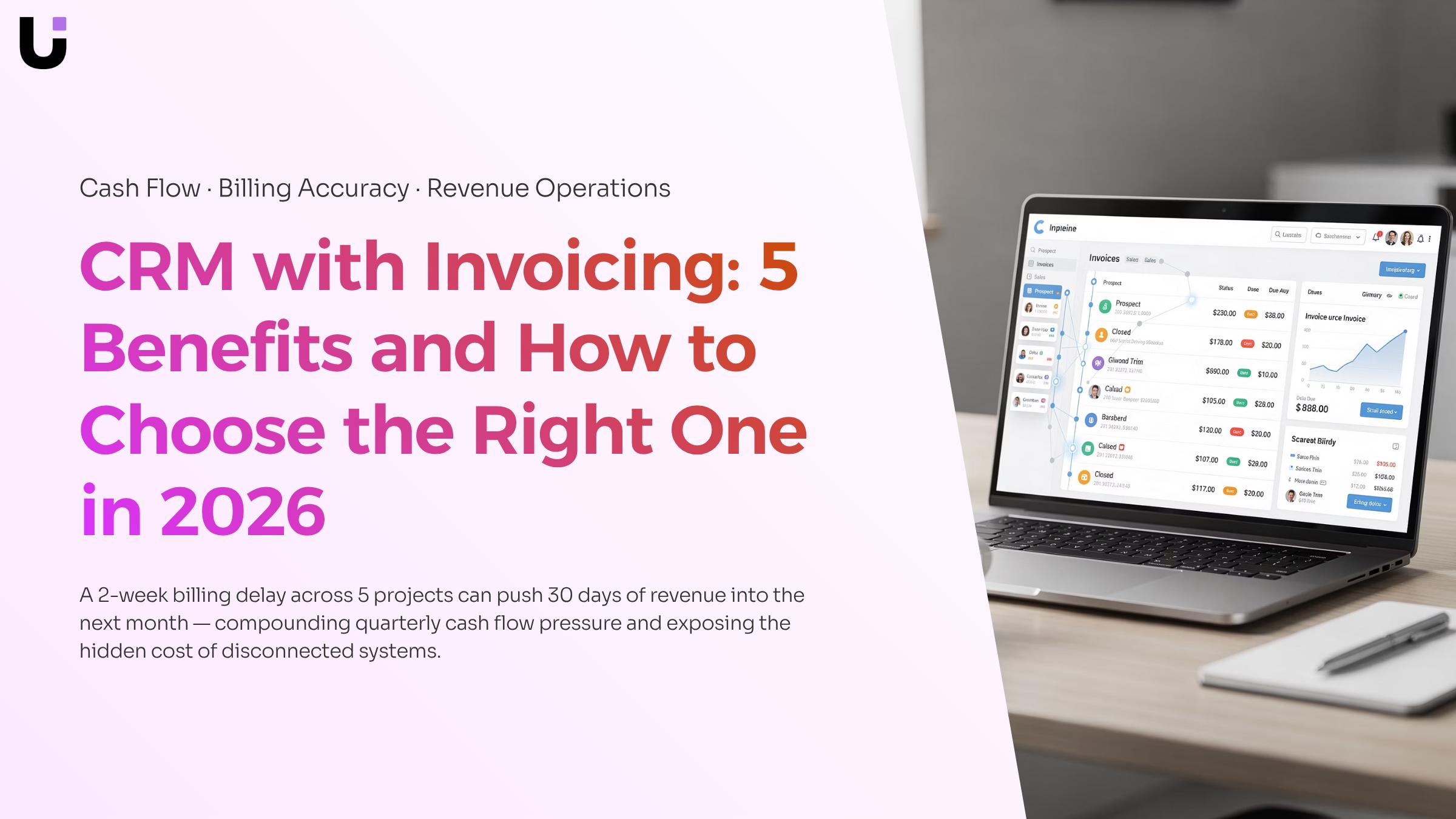
Project billing lag is the most expensive. When a project milestone closes in your CRM but your invoicing tool has no visibility into it, someone has to manually trigger the billing cycle. That handoff takes days, sometimes weeks. For a 10-person IT firm running five active projects, a consistent two-week billing delay can push 30 days of revenue into the next month — compounding cash flow pressure every quarter.
Retainer renewal gaps are quieter but just as damaging. Your CRM tracks contract end dates; your invoicing tool doesn't. When those two systems don't talk, renewals fall through the cracks. A client whose retainer expired three weeks ago is still receiving support while your team waits for someone to notice the gap. For crm with invoicing for small business buyers, this is often the breaking point that drives the switch.
Manual data re-entry errors compound both problems. Every time a deal closes and someone re-keys the client name, project scope, and rate into a separate invoicing system, there's a new opportunity for a mismatch. Wrong rates get sent to clients. Disputes slow payment. Your team spends time correcting records instead of closing the next deal.
These aren't edge cases — they're the default outcome when sales and billing live in disconnected tools. Good invoice management practices can reduce the damage, but they can't eliminate the structural gap that separate systems create.
Five benefits of combining CRM and invoicing
When CRM and invoicing run separately, you feel the cost in chasing payments, fixing data errors, and losing visibility the moment a deal closes. Combining them removes those friction points — and the gains show up in specific, measurable places.
Faster cash collection: When a deal closes in your CRM, an invoice goes out the same day instead of sitting in a queue. Most small B2B service businesses wait days between deal close and first invoice send. Cutting that gap directly shortens your payment cycle.
Fewer billing errors: Manual re-entry between a CRM and a separate invoicing tool is where wrong rates, missing line items, and duplicate charges appear. A connected system writes the invoice from the deal record, so the data only moves once.
Full deal-to-payment visibility: With disconnected tools, your sales pipeline and your accounts receivable live in different places. A best crm with invoicing setup puts both on one screen, so you can see which closed deals haven't been invoiced and which invoices are overdue — without switching tabs.
Shorter sales cycles: When contract terms, pricing, and client history are in the same place as your invoicing workflow, your team stops asking "what did we agree on?" before sending a bill. That clarity speeds up the final steps of every deal.
Reduced tool sprawl: Small IT service companies often run separate tools for sales tracking, project billing, and payment follow-up. Each handoff is a place where work stalls or data drifts. A crm with invoicing built into one platform cuts those handoffs entirely.
For IT companies billing on retainers or project milestones, the deal-triggered invoice creation in Inzo handles the last step automatically — the invoice generates when the CRM deal stage updates, with no manual step in between.
Key features to look for before you choose
Most evaluation checklists for a CRM with invoicing read like a feature dump. This one ties each capability to the specific workflow stage where it earns its place.
Deal-triggered invoice creation: When a deal closes, an invoice should generate automatically — pre-filled with the client name, line items, and agreed price. If you have to copy that data manually, you've already introduced a delay and a place for errors. Look for native deal-to-invoice triggers, not just a Zapier workaround.
Recurring invoice automation: For IT companies running retainers or managed service contracts, this is non-negotiable. The system should let you set a billing schedule once and run it without touching it again. Check whether scheduling handles variable billing cycles, not just monthly.
Estimate-to-invoice conversion: The best CRM with invoicing lets you convert an approved estimate into a live invoice in one click. This matters most when you're quoting project work and need a clean audit trail from proposal to payment.
Zero data duplication: Client information entered at the deal stage should populate invoices, contracts, and proposals automatically. If the CRM and invoicing module are separate products stitched together, test this path before you commit.
Payment status visibility inside the CRM: Sales and finance should see the same record. Outstanding invoices, partial payments, and overdue balances should appear on the contact or deal view, not only inside a separate billing dashboard.
Project-completion billing triggers: For IT service businesses specifically, look for integrations between your project tool and invoicing. Inzo handles this natively through its Taro integration, generating invoices automatically when a project milestone closes.
Free tier limits: A free CRM with invoicing is worth testing, but check whether recurring billing and automation are paywalled. Most free tiers cap invoice volume or lock deal-triggered creation behind a paid plan.
For a deeper comparison of what separates good invoicing software from great, the [best invoicing software for small business in 2026.
How the deal-to-invoice workflow runs in practice
Here is what the workflow actually looks like when a CRM and invoicing system share the same data layer.
A sales rep closes a deal in Lio, WorksBuddy's lead and deal management agent. That single status change is enough to trigger Inzo to generate a draft invoice, pre-populated with the client name, service line items, and the price agreed during the sales process. No copy-pasting from a proposal PDF. No re-entering contact details. The rep marks the deal closed; the invoice exists within seconds.
From there, the workflow follows a predictable sequence:
Inzo pulls the deal value and line items directly from the closed opportunity in Lio.
The invoice is linked to the client record, so payment status is visible inside the same system where the deal lives.
If the engagement involves a project, Inzo connects the invoice to the relevant Taro project, so billing and delivery stay in sync.
The invoice is sent to the client, and any follow-up reminders run automatically against the due date.
The practical result: the gap between "deal closed" and "invoice sent" shrinks from days to minutes. For IT service companies billing on project milestones or retainers, that compression matters. A delayed invoice is a delayed payment, and invoice management best practices for IT companies consistently point to send-time as the single biggest lever on collection speed.
If you are still evaluating which tools support this kind of crm invoicing integration natively versus through a third-party connector, the distinction matters more than most feature checklists suggest.
Is this the right setup for a small IT business or freelancer?
The short answer: yes, if you're billing more than a handful of clients per month and tracking any kind of sales pipeline.
A freelancer with two or three steady clients and flat-rate retainers can manage fine with a spreadsheet and a basic invoicing tool. But once you're juggling five or more active accounts, chasing project-based payments, and trying to remember which prospect is close to signing, a crm with invoicing for small business setup starts paying for itself quickly.
The real threshold is billing lag. If you regularly send invoices days after a deal closes because the information lives in two different places, a combined system removes that gap directly.
A free crm with invoicing option works for early-stage operations. For IT companies managing recurring contracts or project milestones, review invoice management best practices before choosing a tier.
How to choose the right CRM with invoicing for your team
Most teams skip this step and buy based on feature lists. That's how you end up with a system that looks complete but breaks down the moment a project closes and someone has to chase an invoice manually.
Work through four questions before you commit:
Map your pipeline complexity first. If you manage recurring retainers, project-based billing, and one-off engagements simultaneously, you need a CRM that handles each billing type without manual workarounds. A simple deal-to-invoice flow won't cover it.
Check invoice automation depth. Can the system generate an invoice automatically when a deal closes, or does someone still click "create invoice" manually? Tools like Inzo automate invoice creation directly from closed CRM deals, which removes that gap entirely.
Verify it connects to what you already use. Check your accounting software, project tracker, and payment processor before signing. A CRM with invoicing that sits in isolation creates more reconciliation work, not less. Review invoice management best practices for IT companies to see what a clean integration stack looks like.
Confirm reporting covers both sides. The best CRM with invoicing gives you one view: pipeline health and payment status together. If you need two dashboards to answer "are we getting paid on the deals we're closing," the system isn't working.
Closing
A CRM with invoicing isn't just a convenience — it's the difference between chasing payments weeks after a deal closes and having an invoice land in your client's inbox the same day. When your sales pipeline and billing workflow share the same data, you eliminate the manual handoffs that cost you cash flow, introduce errors, and keep your team stuck in spreadsheets instead of closing deals.
If you're running Lio as your CRM, Inzo connects directly to your closed deals and generates invoices automatically — no re-entry, no delays, no separate tool to manage. Ready to see how the deal-to-invoice workflow actually works? Schedule a 30-minute walkthrough to map your current billing friction and see how Inzo removes it.
FAQ
Q. What are the benefits of using a CRM with invoicing capabilities?
A. Faster cash collection, fewer billing errors from manual re-entry, full deal-to-payment visibility on one screen, shorter sales cycles, and reduced tool sprawl. Connected systems eliminate the structural gaps that cost IT companies weeks of billing delays and data mismatches.
Q. Can I use a CRM with invoicing to manage my sales pipeline?
A. Yes. A CRM with invoicing puts deal tracking and billing on the same platform, so you see which closed deals haven't been invoiced and which invoices are overdue without switching tabs — giving you complete deal-to-payment visibility.
Q. What are the key features to look for in a CRM with invoicing?
A. Deal-triggered invoice creation, recurring invoice automation for retainers, estimate-to-invoice conversion, zero data duplication between CRM and billing, payment status visibility inside the CRM, and project-completion billing triggers for service businesses.
Q. How do I choose a CRM that integrates with my invoicing system?
A. Test whether client data entered at deal stage auto-populates invoices without re-entry, whether deal closure triggers invoice generation automatically, and whether payment status appears on the contact record — not just in a separate billing dashboard.
Q. Is a CRM with invoicing suitable for small businesses or freelancers?
A. Yes, especially for IT service companies running retainers or project billing. The real value is eliminating manual handoffs and billing delays — problems that hit small teams hardest because every admin task pulls someone away from closing deals.
Q. Do I need a paid plan to get CRM and invoicing in one tool?
A. Most free tiers limit invoice volume or lock deal-triggered creation behind a paid plan. Check whether recurring billing and automation are included before committing — those are the features that actually save you time and cash flow.


 Elena Petrova15 September 2026


