TL;DR: Most PPM software roundups list features and stop there. This one gives IT company owners a decision framework tied to the three choices that matter every week: which projects get funded, how resources get allocated across them, and where team capacity is actually sitting. You'll leave knowing which tools handle those decisions well and which ones just track tasks.
What is PPM software?
Project portfolio management software (PPM software) is a category of tools that lets you manage multiple projects simultaneously, tracking budgets, resources, timelines, and priorities from a single view rather than stitching together spreadsheets, status emails, and separate task boards.
The practical difference is visible fast. A team running five concurrent client projects on spreadsheets typically loses visibility the moment a developer gets pulled onto an urgent fix. PPM software shows that capacity gap in real time, so you can reassign work before a deadline slips, not after.
For IT company owners specifically, the core value is prioritization under constraint. You rarely have unlimited developers or budget. What is PPM project management and how does it work covers the underlying methodology in depth, but the short version is this: PPM software forces every project to compete for resources on the same board, which makes trade-off decisions explicit instead of invisible.
The tools below were evaluated against that specific use case.
What to look for in PPM software
Six criteria separate genuinely useful ppm software from a feature-heavy list that looks good in a demo.
Real resource allocation visibility: Most tools show you who's assigned to what. Fewer show you whether that person has capacity left this sprint. Look for workload views that flag over-allocation before it becomes a missed deadline, not after. This is where most resource allocation software comparisons stop at a checkbox.
Portfolio-level prioritization: Individual project planning is table stakes. The harder problem is deciding which projects get resources when capacity is constrained. Good project planning software surfaces that tradeoff explicitly.
Cross-team dependency tracking: IT projects rarely fail in isolation. If a tool can't show you that Project B is blocked by a delay in Project A, you're managing blind.
Budget-to-actuals comparison in real time: Not at month-end. During the sprint.
Reporting that doesn't require a data export: Executives need portfolio health at a glance. If building that view takes 45 minutes every Friday, the tool is working against you.
Scalability without a pricing cliff: Check whether enterprise project management software tiers lock core features behind enterprise contracts. Some tools price resource management as an add-on, not a default.
Quick comparison: top 6 PPM software options
Tool | Best for | Resource allocation | Portfolio view | Starting price |
|---|
Taro | IT teams managing multiple client projects | Real-time capacity tracking across projects | Yes, cross-portfolio | Contact for pricing |
Monday.com | Visual workflow teams | Manual resource columns | Yes, with paid tiers | $9/seat/month |
Smartsheet | Spreadsheet-native teams | Grid-based allocation | Limited | $7/seat/month |
Asana | Task-heavy teams under 200 people | Workload view (Business plan only) | No native portfolio | $10.99/seat/month |
Wrike | Agencies and professional services | Resource bookings on Enterprise | Yes | $9.80/seat/month |
Zoho Projects | Budget-conscious SMBs | Basic utilization reports | No | $4/user/month |
Most ppm tools for project management list "resource management" as a checkbox feature without showing where it breaks down. The table above scores each tool on the two criteria that actually cause IT project overruns: capacity visibility and portfolio-level oversight. For a deeper look at how project portfolio management works before comparing tools, that primer covers the fundamentals. Teams evaluating enterprise project management software or looking for free IT project management software will find dedicated breakdowns in those guides.
Each tool below is evaluated on the same four dimensions: how it handles portfolio visibility, whether resource allocation is a real feature or just a checkbox, what the pricing actually looks like, and which team size it fits best.
Taro (WorksBuddy)
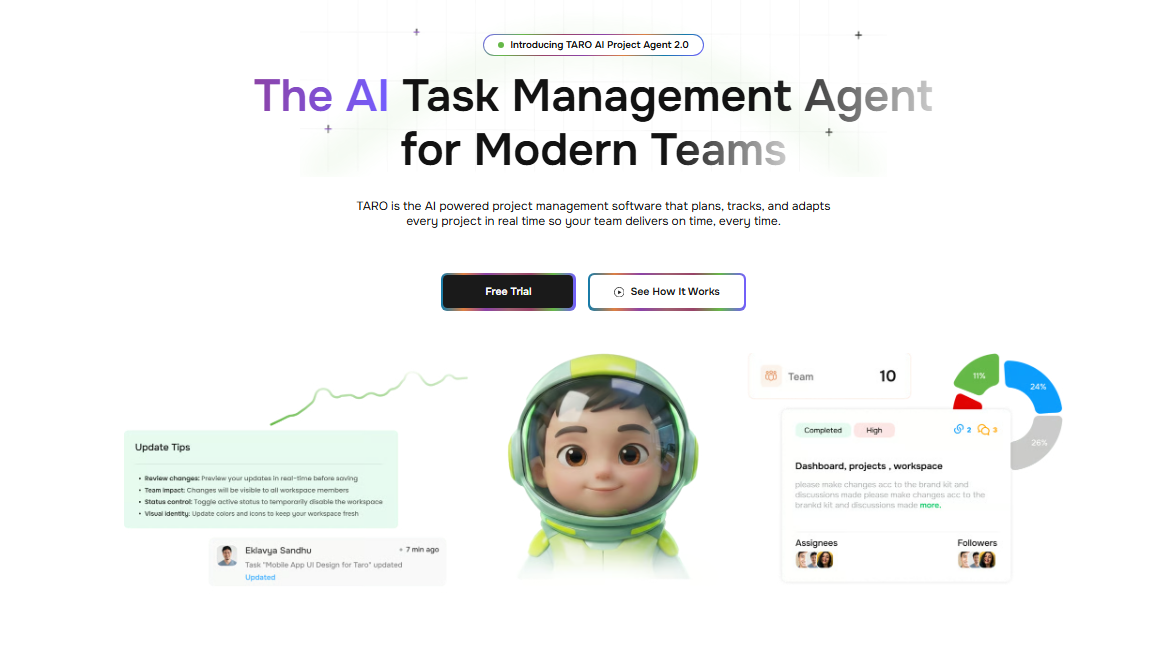
Taro is built for IT company owners who need to see across projects, not just inside them. Where most project portfolio management software shows you task completion rates, Taro surfaces ownership gaps and capacity conflicts before they become delays.
Key capabilities:
Cross-project resource view that flags overallocated team members in real time
Dependency mapping across active portfolios, not just within a single project
Automated ownership alerts when tasks sit unassigned past a set threshold
Native connection to other WorksBuddy agents (Lio for lead-to-project handoffs, Inzo for billing triggers on milestone completion)
The resource allocation layer is where Taro earns its place. Most ppm tools for project management list "resource management" as a feature and mean a color-coded calendar. Taro ties capacity data to actual task load, so when a senior engineer is at 110%, the system flags it rather than waiting for a missed deadline to surface it.
Pricing: Available on WorksBuddy's team and business tiers. Contact for current rates. Best for: IT companies running 5 or more concurrent projects who need portfolio-level visibility without a dedicated PMO.
Monday.com
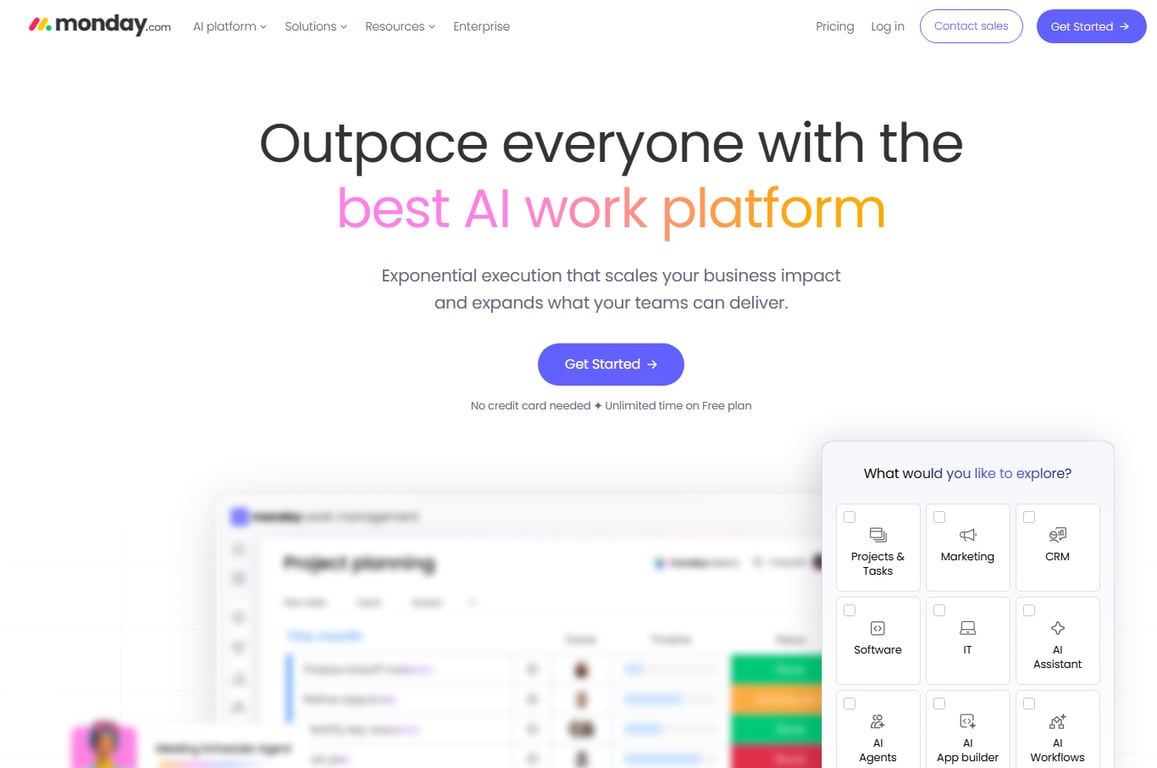
Monday.com is a strong general-purpose work management platform with a portfolio view available on higher tiers. The interface is fast to configure, and the template library covers most IT project types.
The gap: resource allocation requires the Pro plan or above, and even then it works at the workload level rather than flagging specific conflicts. For teams managing complex dependencies across clients, that distinction matters.
Pricing: Basic starts at $9/seat/month; Pro (required for portfolio features) runs $19/seat/month as of Q1 2026. Best for: Teams that want fast setup and don't need deep cross-project resource conflict detection.
Smartsheet
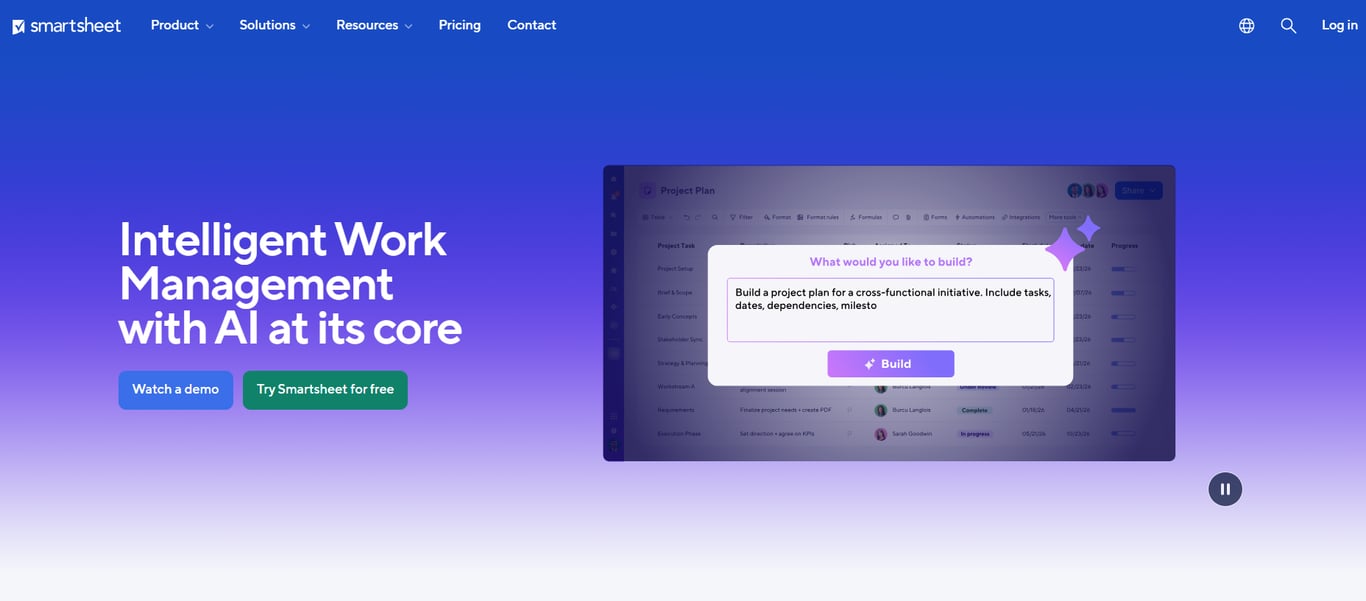
Smartsheet sits closer to a spreadsheet than a project management tool, which is either a strength or a limitation depending on your team. It handles large data sets well and integrates cleanly with Microsoft 365.
Portfolio dashboards require the Business plan, and resource management is an add-on module rather than a core feature. If your team already lives in Excel, the learning curve is low. If you need real-time capacity visibility, you'll hit the ceiling quickly.
Pricing: Pro at $9/seat/month; Business at $19/seat/month. Resource management add-on priced separately. Best for: IT teams with heavy reporting requirements and existing Microsoft tooling.
Asana
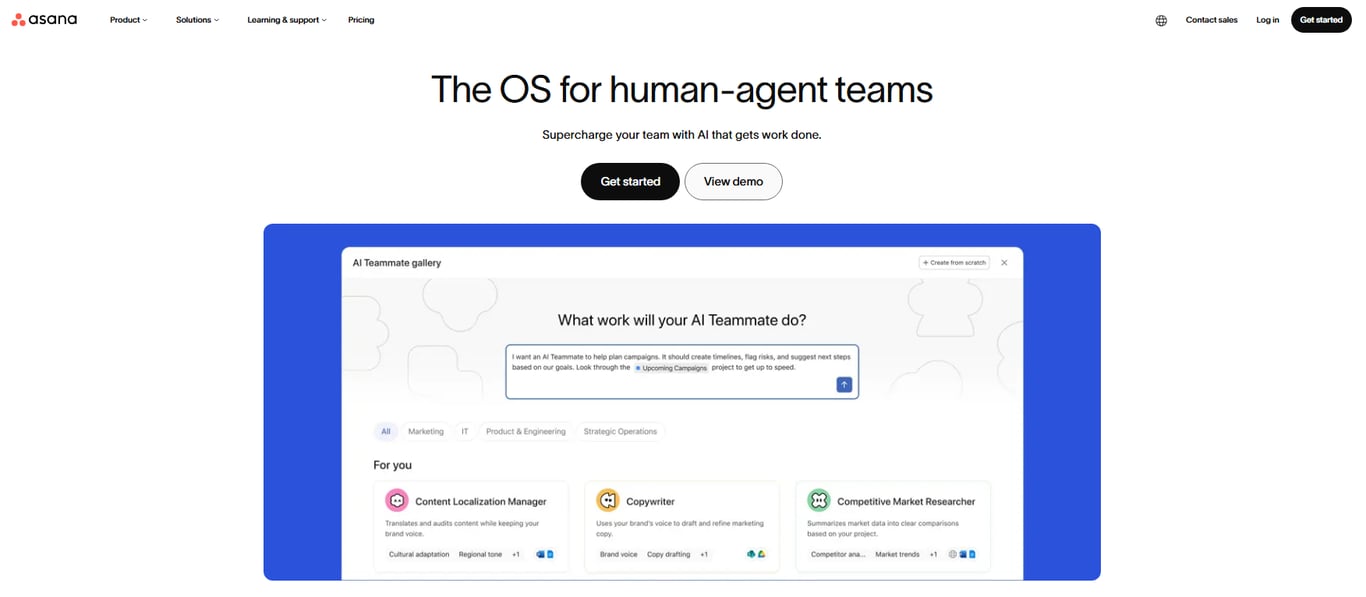
Asana's portfolio view (available on Business and above) gives a clean status overview across projects. Timeline dependencies are well-implemented, and the automation rules are among the most flexible in this category.
Resource workload is visible but passive. You can see who is overloaded; the tool doesn't act on it or alert you proactively. For a team running a handful of projects, that's fine. For a 20-person IT shop with six client engagements running simultaneously, it requires manual monitoring.
Pricing: Business plan at $24.99/seat/month as of Q1 2026. Best for: Teams prioritizing task automation and timeline clarity over resource conflict management.
Wrike
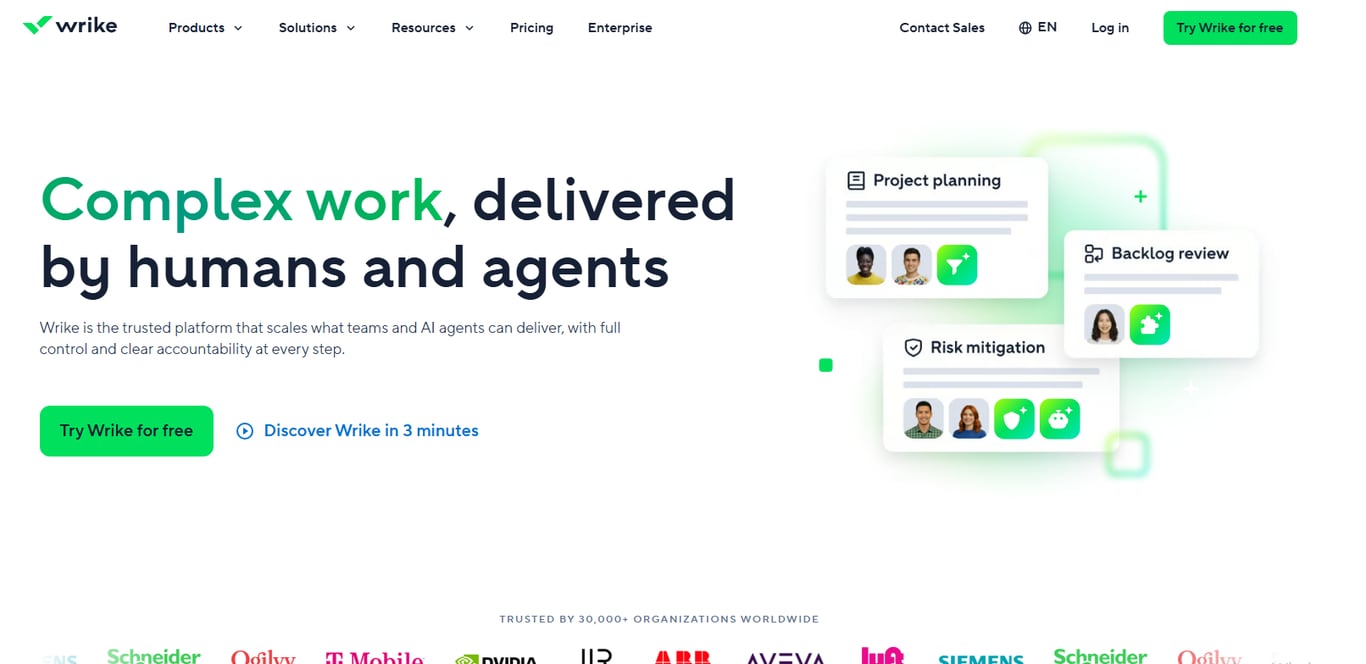
Wrike offers one of the more complete ppm software feature sets in this list, including Gantt charts, portfolio dashboards, and a dedicated resource management module. The interface has a steeper learning curve than Monday.com or Asana.
Pricing: Business plan at $24.80/seat/month. Resource management included at Business tier and above. Best for: Mid-size IT teams that need enterprise-grade features without an enterprise price tag.
Zoho Projects
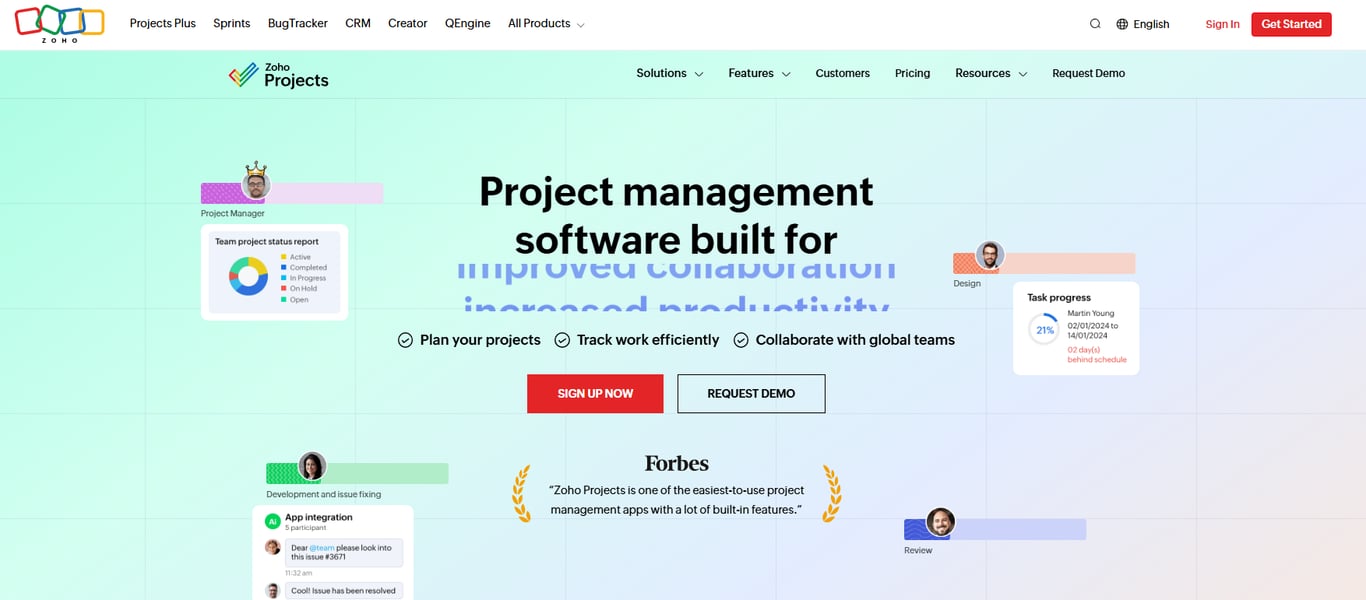
Zoho Projects is the value option here. Portfolio management is available, resource utilization reports are included, and the pricing is the lowest in this group.
The tradeoff is integration depth. If your stack is already Zoho (CRM, Desk, Books), it fits naturally. Outside that ecosystem, connecting it to other tools takes more configuration effort than the alternatives.
Pricing: Premium at $5/seat/month; Enterprise at $10/seat/month. Best for: Budget-conscious IT teams already using Zoho's broader suite.
For a deeper breakdown of how these tools handle portfolio prioritization, this comparison of top PPM tools for project portfolio management covers the evaluation criteria in more detail.
How PPM software improves team productivity and resource allocation
Most teams don't fail at execution — they fail at knowing who has capacity before a project starts. That's the gap good resource allocation software closes.
When teams move from spreadsheets to dedicated ppm software, the shift is concrete: project leads can see utilization rates by person, flag overallocation before it causes delays, and reallocate work without a chain of Slack messages. Research from PMI suggests that poor resource visibility is a leading driver of IT project overruns — not scope creep, not budget cuts.
The productivity gains from project planning software come from three specific changes:
Demand becomes visible before it becomes a bottleneck
Priorities across projects get compared in one view, not three spreadsheets
Managers spend less time in status meetings and more time removing blockers
For a deeper look at how these tools handle portfolio-level decisions, the breakdown of top PPM tools for project portfolio management covers the tradeoffs directly.
How to choose the right PPM software for your IT team
The right choice depends on two variables: team size and whether you need portfolio-level visibility or just task tracking.
Solo operators and teams under 10 rarely need full ppm software. Free IT project management software handles the load without the overhead.
Teams of 10 to 50 benefit most from best ppm software that surfaces capacity gaps before they become missed deadlines. Smartsheet or Asana's Business tier (around $24/user/month) covers resource views and cross-project dependencies without enterprise pricing.
Teams over 50, especially those running parallel client projects, need portfolio-level controls: budget rollups, utilization dashboards, and ownership clarity across workstreams. That's where ppm tools for project management at the enterprise tier earn their cost.
Ownership confusion is the failure mode most tools don't solve by default. Taro addresses that specifically, by assigning clear task ownership across projects so nothing sits in ambiguous territory.
Closing
The PPM software you choose depends on one question: can it show you capacity conflicts and portfolio trade-offs in real time, or does it just log tasks after they're assigned. Most tools fall into the second camp. Taro stands apart because it surfaces ownership gaps and overallocation before deadlines slip, and it connects to your billing and lead intake workflows so portfolio decisions feed into revenue visibility. IT owners who already know they need better cross-project visibility should try Taro's free plan against their current stack. The gap between what you can see today and what you need to see is the cost of waiting.
FAQ
What are the best PPM software tools for project management?
Taro (for IT teams needing real-time capacity and cross-project visibility), Monday.com (visual teams), Smartsheet (Excel-native teams), Asana (task-heavy under 200 people), Wrike (agencies), and Zoho Projects (budget-conscious SMBs). Choose based on whether the tool flags resource conflicts before deadlines slip.
How does PPM software improve team productivity?
It eliminates the capacity guessing game. When a developer gets pulled onto urgent work, PPM software shows the gap in real time, so you reassign before a deadline slips instead of after. Teams see 15-20% faster project delivery when they can see conflicts early.
What features should I look for in PPM software?
Real resource allocation visibility (not just task assignment), portfolio-level prioritization, cross-team dependency tracking, budget-to-actuals in real time, reporting without data exports, and scalability without pricing cliffs. Most tools check one or two boxes; strong PPM software handles all six.
How can PPM software help with resource allocation?
It shows you who has capacity left this sprint, flags over-allocation before it becomes a missed deadline, and surfaces trade-offs when multiple projects compete for the same developer. This forces allocation decisions to be explicit instead of invisible.
What are the benefits of using PPM software for project planning?
Clearer prioritization under constraint, fewer missed deadlines due to hidden over-allocation, explicit trade-off visibility for executives, and real-time budget tracking. The core benefit is moving from reactive firefighting to proactive resource planning.


 Elena Petrova15 September 2026


