What the PMBOK guide actually is
The PMBOK Guide (Project Management Body of Knowledge) is PMI's published standard for project management. It defines the practices, principles, and terminology that form the baseline for professional project management worldwide. If you hold a PMP certification or manage projects inside an IT company, this is the reference document your work is measured against.
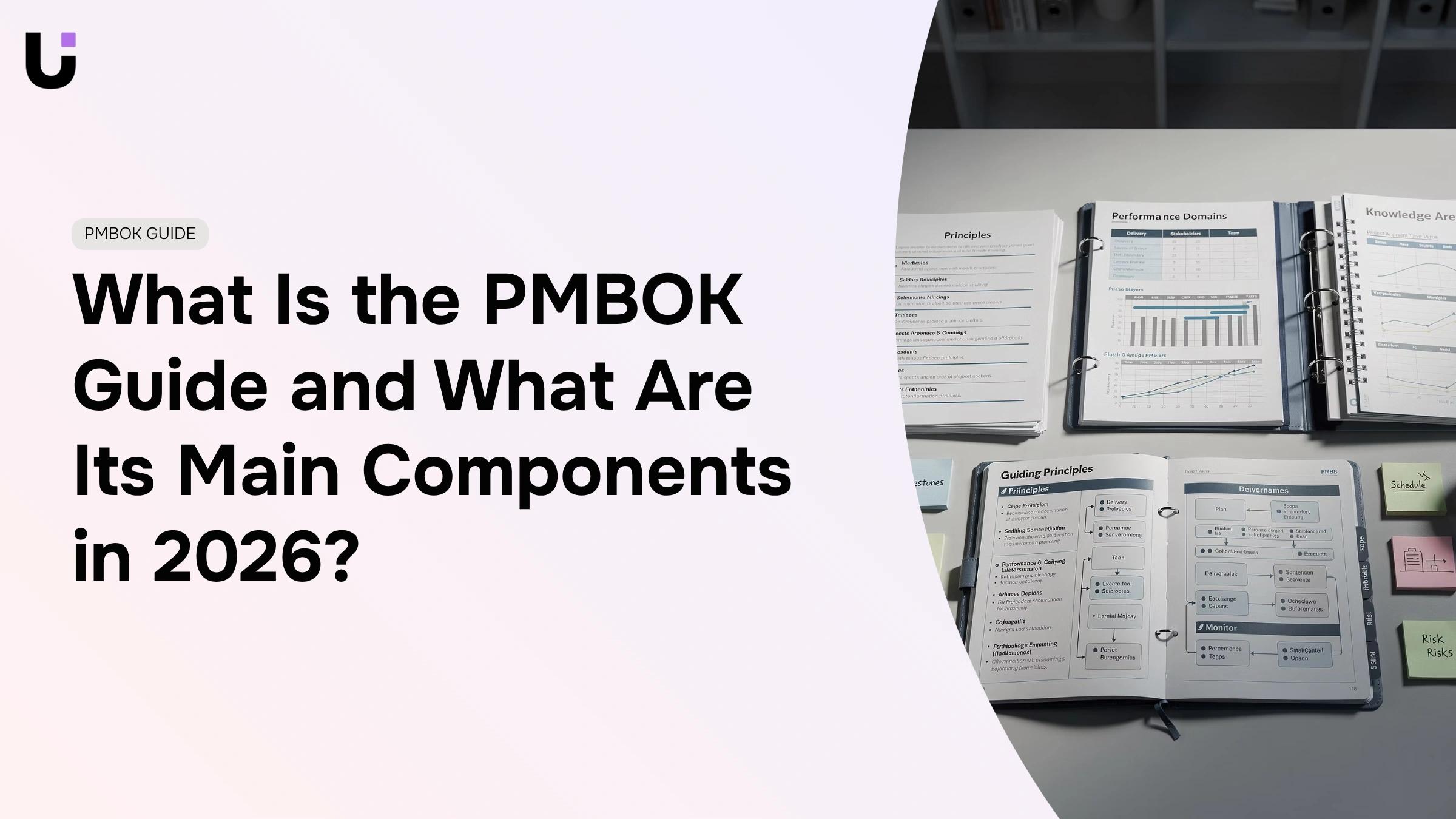
The 7th edition, published by PMI in 2021, broke from everything before it. PMBOK 6 organized guidance around 10 knowledge areas and 5 process groups — a prescriptive framework that told you which process to run and when. PMBOK 7 replaced that with 12 principles and 8 performance domains. PMI recognized that rigid process maps don't translate to agile, hybrid, or fast-moving delivery environments. Principles describe outcomes to aim for; performance domains describe areas of focus rather than sequences to follow.
A team running two-week sprints doesn't need a waterfall process map. They need guidance on stakeholder engagement, delivery, and uncertainty — which is what the performance domains provide.
For teams managing multiple projects under a single governance structure, PMBOK 7 fits better because principles scale across programs and portfolios in a way that process groups never did.
The main components of the PMBOK guide
PMBOK 7th edition has two distinct layers. Understanding which layer you're working with changes how you apply the guide.
The principle layer sits at the top. PMI defines 12 project management principles covering stewardship, stakeholder engagement, systems thinking, adaptability, and managing complexity. These aren't steps to follow in sequence. They're orientations that shape every decision a project manager makes, regardless of methodology. If your team runs Scrum, Kanban, or a hybrid, the principles still apply.
The performance domain layer sits below. Eight performance domains describe the areas where project work happens: stakeholders, team, development approach and lifecycle, planning, project work, delivery, measurement, and uncertainty. Each domain maps to outcomes, not tasks. The uncertainty domain isn't a risk register checklist. It's a prompt to ask whether your team identifies, assesses, and responds to threats and opportunities continuously. For a deeper look at how PMBOK and PRINCE2 handle risk management differently, that comparison is worth reading alongside this.
The legacy layer still matters. PMBOK 6th edition's 10 knowledge areas (integration, scope, schedule, cost, quality, resources, communications, risk, procurement, and stakeholder management) and 5 process groups (initiating, planning, executing, monitoring and controlling, closing) remain in wide use. Most PMP exam prep still references them. Many IT organizations built their delivery templates around these knowledge areas, and those templates didn't disappear when the 7th edition published.
The practical read: use the 12 principles to set team norms, use the 8 performance domains to run project reviews, and use the legacy knowledge areas and process groups when your organization's governance or contracts require that structure.
Why the PMBOK guide matters for your projects
The PMBOK guide is not a methodology you follow step by step. It is a reference standard that gives your project a shared vocabulary, documented practices, and a structure for making decisions under pressure. Teams that treat it as a checklist miss most of the value.
Each layer connects to a specific work problem. The 12 principles address how your team behaves: how it handles risk, communicates with stakeholders, responds when scope shifts. The 8 performance domains address what your team delivers: schedule control, stakeholder alignment, measurable outcomes. The legacy PMBOK knowledge areas give you the most granular layer, mapping specific processes to specific decisions.
For IT company owners:
- Clarity: A shared project management framework reduces back-and-forth over who owns what and when decisions get made
- Risk reduction: Dedicated risk and quality domains surface problems before they become schedule or budget events
- Stakeholder alignment: Communication planning means fewer surprises at review meetings
- Schedule control: Process-level guidance on sequencing and resource allocation keeps delivery dates grounded in real constraints
If you manage multiple projects under a single governance structure, PMBOK gives each project a consistent baseline so cross-project comparisons are meaningful.
How to apply the PMBOK guide in 5 steps
Move through PMBOK's five process groups in sequence, treating each as a decision gate rather than a paperwork exercise.
- Initiate with a defined scope and sponsor: Document who owns the project, what success looks like, and what's out of scope. Skipping this step is the single most common reason projects drift. A one-page project charter that names the sponsor, objective, and constraints is enough to move forward.
- Build a plan that covers relevant knowledge areas: For a typical IT project, focus on scope, schedule, cost, risk, and stakeholder engagement. Thin plans for low-complexity work; detailed plans for projects with regulatory exposure or multi-team dependencies. If you manage multiple projects, align each project plan to portfolio-level constraints before execution begins.
- Execute against the plan, not around it: Assign ownership to every deliverable. When scope changes arrive, run them through a formal change request before absorbing them into the schedule. A change log and a standing decision-maker prevent the informal "just add it" conversations that destroy timelines.
- Monitor and control continuously, not at milestones: Weekly checks on schedule variance and budget burn catch problems when they're still recoverable. The Monitoring and Controlling process group runs in parallel with execution, not after it.
- Close formally and capture lessons: Document what was delivered, get formal acceptance from the sponsor, and run a brief retrospective. Teams that skip this step repeat the same planning errors on the next project.
A work management tool helps most at steps 3 and 4, where visibility breaks down fastest. Keeping a single source of truth for your project plan, schedule, and scope means your team spends less time chasing status updates and more time delivering.
How to use PMBOK in an agile environment
PMBOK and agile aren't opposites. The 7th edition made this explicit by shifting to principles rather than rigid process groups. You can apply PMBOK thinking without forcing a waterfall structure onto a sprint-based team.
The tension usually comes down to documentation weight. Here's where to scale back and where to hold the line:
Scale back:
- Detailed scope documentation before discovery is complete. In sprints, scope evolves. A lightweight product backlog replaces a full scope statement until the work stabilizes
- Formal change control boards for every small adjustment. Agile teams handle scope changes through backlog refinement
- Sequential planning across all five phases before work starts
Keep in place:
- Stakeholder identification and communication planning. Agile teams skip this and pay for it in sprint reviews when the wrong people are surprised
- Risk registers, reviewed each sprint rather than monthly
- Schedule and budget baselines, even if delivery is iterative
The question isn't "PMBOK or agile." It's which PMBOK principles apply at the project level while agile handles execution at the team level. Keep governance at the top, sprints underneath.
PMBOK vs other project management frameworks
Choosing between PMBOK, PRINCE2, and Scrum comes down to four questions: how defined is your scope, how much flexibility does your team need, how much does certification weight matter to your clients, and how large is the team?
| Dimension |
PMBOK 7th edition |
PRINCE2 |
Scrum |
| Scope approach |
Principles-based, adaptable |
Prescriptive, stage-gated |
Iterative, sprint-defined |
| Flexibility |
High |
Low-to-moderate |
High |
| Certification weight |
PMP recognized globally |
Strong in UK and Europe |
Scrum Master, product-focused |
| Team size fit |
5 to 500+ |
Mid-to-large, governance-heavy |
Small to mid, co-located or remote |
| Best fit |
Mixed-methodology IT teams |
Government, regulated industries |
Product and software teams |
| Documentation load |
Scalable |
High |
Low |
| Risk handling |
Performance domain, continuous |
Stage-gate reviews |
Sprint retrospectives |
PMBOK gives you the most flexibility because it doesn't mandate a delivery method. PRINCE2 gives you the most governance structure, which matters in regulated or public-sector environments. Scrum gives you the fastest feedback loops but requires a mature product owner and backlog discipline to avoid drift.
Most IT companies don't choose one and discard the others. They use PMBOK principles at the program level, Scrum at the team level, and borrow PRINCE2 stage gates when a client contract demands formal sign-off at each phase.
Common mistakes teams make when applying PMBOK
Knowing the framework doesn't protect you from applying it badly. These are the patterns that show up most often in IT delivery teams.
- Treating the guide as a checklist: PMBOK describes what good project management looks like, not a sequence of forms to complete. Teams that generate documentation without using it for decisions waste time and create false confidence
- Applying all 10 knowledge areas to every project: A two-week internal tool build doesn't need a procurement management plan. Match the depth of planning to the complexity and risk profile of the work
- Running monitoring and controlling only at milestone reviews: By the time a milestone review surfaces a problem, the schedule has already slipped. Weekly variance checks are the minimum for any project with external dependencies
- Skipping the closing process group: Formal closure isn't administrative overhead. It's the mechanism that captures what worked, transfers knowledge, and releases resources cleanly. Teams that skip it start the next project with the same blind spots
- Confusing principles with rules: The 12 principles in PMBOK 7 are not compliance requirements. They're judgment prompts. A team that applies them rigidly misses the point as much as a team that ignores them
How Taro keeps PMBOK-aligned projects on track
Running a PMBOK-aligned project without clear task ownership is where most IT teams quietly fall apart. The framework tells you what to manage. It doesn't solve the daily problem of who owns what, who is blocked, and whether the right work is actually happening right now.
Taro is WorksBuddy's task alignment agent. It sits at the intersection of ownership confusion and delivery gaps, which is exactly where PMBOK execution breaks down in practice.
Here is what Taro removes from your day:
- Tasks assigned to a team rather than a person, so nothing moves until someone chases it
- Deliverables that exist in a plan but have no visible status between milestone reviews
- Scope creep absorbed informally because there was no structured place to flag and route a change request
- Retrospective blind spots caused by no record of what was blocked, delayed, or reassigned during execution
When Taro is running, every task in your project has a named owner, a due date, and a visible status. Blocked work surfaces automatically rather than sitting invisible until a standup. Change requests route to the right decision-maker instead of landing in a group chat and disappearing.
Taro also connects with other WorksBuddy agents. If a billing gap opens because a deliverable slipped, Inzo picks that up. If a contract milestone needs sign-off before the next phase starts, Sigi handles the e-signature flow without a manual handoff. The project doesn't stop at the edge of one tool.
Your day with Taro running looks different from the first sprint. You open the project view and see ownership, status, and blockers without asking anyone for a status update. You run your monitoring and controlling process against real data, not a spreadsheet someone updated last Thursday. Closing a project means the record is already there — lessons, delays, decisions, and all.
Tools like Asana and Monday.com offer task tracking, but they require your team to maintain the system manually. Taro actively surfaces misalignment rather than waiting for a manager to notice it. That difference matters most on projects where the cost of a missed signal is a blown deadline or an unhappy client.
Apply PMBOK where it earns its keep
PMBOK is not a framework you install once and run forever. It is a reference you draw from selectively, matching the depth of structure to the complexity and risk of the work in front of you.
- The 12 principles give your team a shared set of orientations. The 8 performance domains give you a review structure that works whether you run sprints or waterfall. The legacy knowledge areas give you granular process guidance when governance or contracts require it. Used together, they reduce the ambiguity that turns manageable projects into expensive ones.
- Start with the five steps in this article. Apply them to one active project this week. Identify which knowledge areas are actually relevant to that project and drop the ones that aren't. Run a weekly monitoring check instead of waiting for the next milestone. Close the project formally, even if it feels like overhead.
The teams that get the most from PMBOK are the ones that treat it as a thinking tool, not a compliance exercise. Pick up [Taro](https://worksbuddy.ai/


 Elena Petrova15 September 2026


