TL;DR: Most kanban board software comparisons hand you a feature grid and call it a decision. This one gives IT company owners a fit test for each tool: team size, workflow type, and the specific operational gaps each option actually closes. You'll finish with a clear shortlist, not a longer list of tabs to open.
What kanban board software actually does
Modern laptop displaying organized kanban board interface on clean professional desk workspace
Kanban board software turns a list of tasks into a visual workflow — columns represent stages (To Do, In Progress, Done), and cards move across them as work advances.
For small IT teams, that visibility matters because it surfaces bottlenecks before they become missed deadlines. When three cards pile up in "In Review," you know immediately, without a status meeting.
The best kanban task management tools go further: they enforce WIP (work-in-progress) limits, connect to sprint backlogs, and flag overdue work automatically. If you're deciding whether kanban or Gantt fits your IT workflow, the short answer is kanban wins for continuous delivery; Gantt wins for fixed-deadline projects.
The criteria below score six tools on exactly those dimensions.
Six criteria separate a tool your team will actually use from one that collects dust after onboarding.
WIP limits. Native enforcement (not just a visual reminder) keeps queues honest. If your kanban project management tool can't block a column from exceeding a set count, it's a suggestion board, not a workflow system.
Sprint support. Backlogs, velocity tracking, and named sprints matter for agile kanban software. A board without sprint structure forces you to manage cadence in a spreadsheet alongside it.
AI-assisted prioritization. Surfaces blocked tasks and reassigns work before a deadline slips — not after.
Integration depth. GitHub, Slack, and your ticketing system should connect without a Zapier workaround.
Permissions and visibility. Small IT teams share boards with clients. Guest access controls matter.
Mobile usability. On-call engineers don't update tasks from a desktop.
If you're still deciding between board styles, whether kanban or Gantt fits your IT workflow is worth a read before committing.
Tool | Best for | Starting price | Free plan | Standout feature |
|---|
Taro | IT small teams needing AI prioritization | Contact for pricing | Yes | AI-assisted task prioritization + native WIP limits |
Trello | Simple visual task tracking | $5/user/month | Yes | Power-Up integrations |
Jira | Agile teams with sprint workflows | $8.15/user/month | Yes (10 users) | Burndown charts + velocity tracking |
Asana | Cross-functional project visibility | $10.99/user/month | Yes | Timeline + board hybrid views |
Linear | Engineering-focused sprint kanban | $8/user/month | Yes | Cycle-based sprint automation |
Monday.com | Customizable visual workflows | $9/user/month | No | Flexible column types |
If you're deciding between kanban or Gantt for your IT workflow, this table gives you the starting point. Teams looking beyond Trello for sprint-ready kanban will find the most relevant options in rows three through five.
The 6 best kanban board software options in 2026
1. Taro
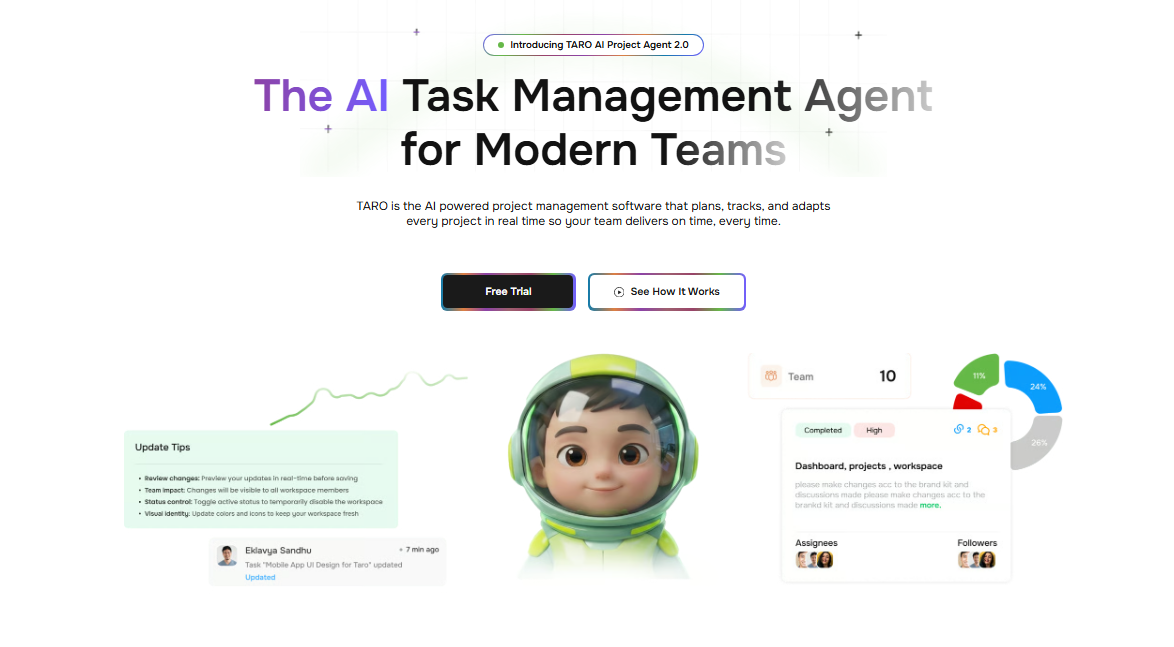
Taro is the kanban board software built specifically for IT company owners who need more than a visual card system. Where most tools show you what's happening, Taro tells you what to do next. Its AI-assisted prioritization surfaces blocked tasks and ownership gaps before they become missed deadlines, which is the core problem most kanban task management tools ignore entirely.
Key features:
Kanban board with native WIP limit enforcement per column
AI-assisted task prioritization and blocker detection
Sprint integration with backlog management and progress tracking
Automated ownership assignment when tasks go unassigned
Cross-project visibility for owners managing multiple workstreams
Pros:
WIP limits are enforced at the board level, not just displayed
AI flags stalled tasks without requiring manual status updates
Connects directly with other Taro agents for billing, contracts, and client workflows
Cons:
Deeper feature set means a longer initial configuration than simpler tools
Best value comes when used across the full Taro suite, not as a standalone board
Pricing: Available through Taro. Contact for current tier details.
Best for: IT company owners running 5 to 50-person teams who want kanban that actively manages work, not just displays it.
2. Trello
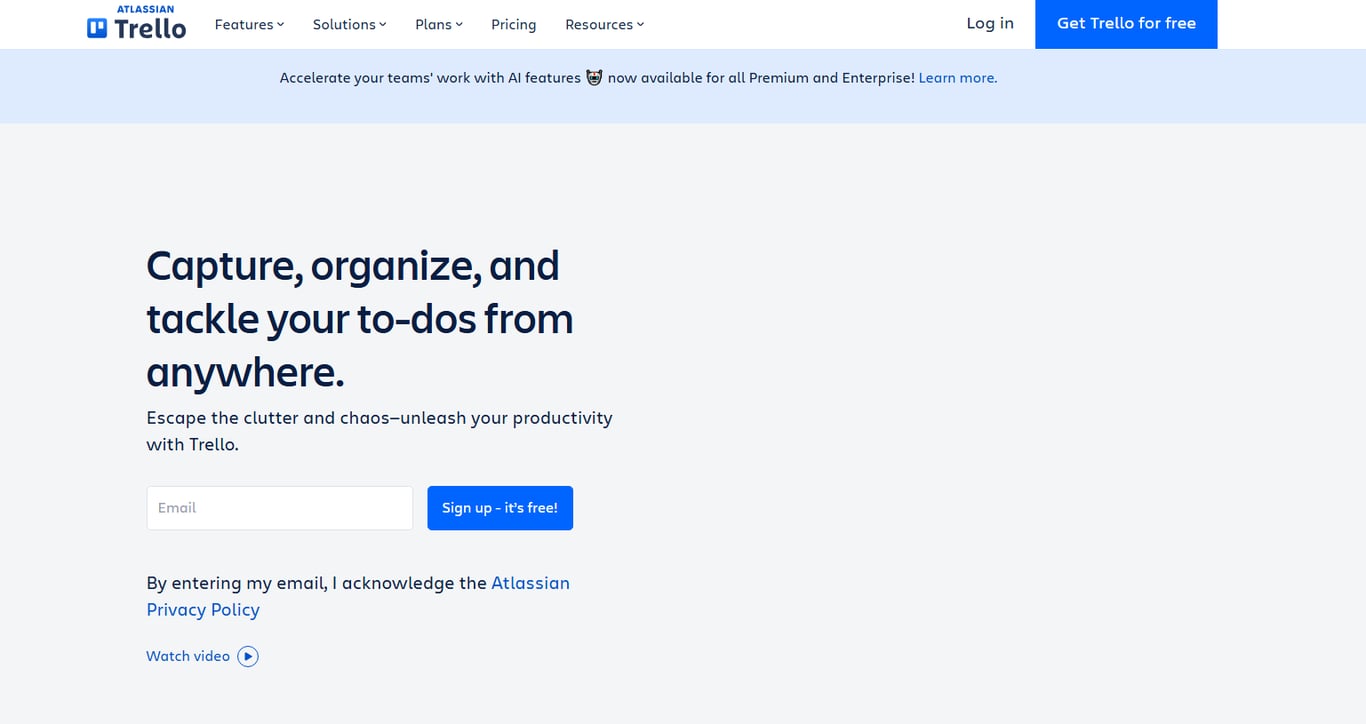
Trello is the entry point most small teams reach first. Its drag-and-drop interface is genuinely fast to set up, and the free plan covers unlimited cards across 10 boards. The problem is the ceiling: WIP limits require a Power-Up (a third-party add-on), sprint support is absent natively, and the board structure gets unwieldy past 3 to 4 active projects. For teams that need agile kanban software with real sprint mechanics, Trello forces workarounds.
Pros: Fast setup, generous free tier, familiar to most hires Cons: No native WIP limits, no sprint or backlog management without add-ons Pricing: Free for up to 10 boards; Standard plan starts at $5/user/month Best for: Teams under 10 managing simple, single-stream workflows
3. Jira
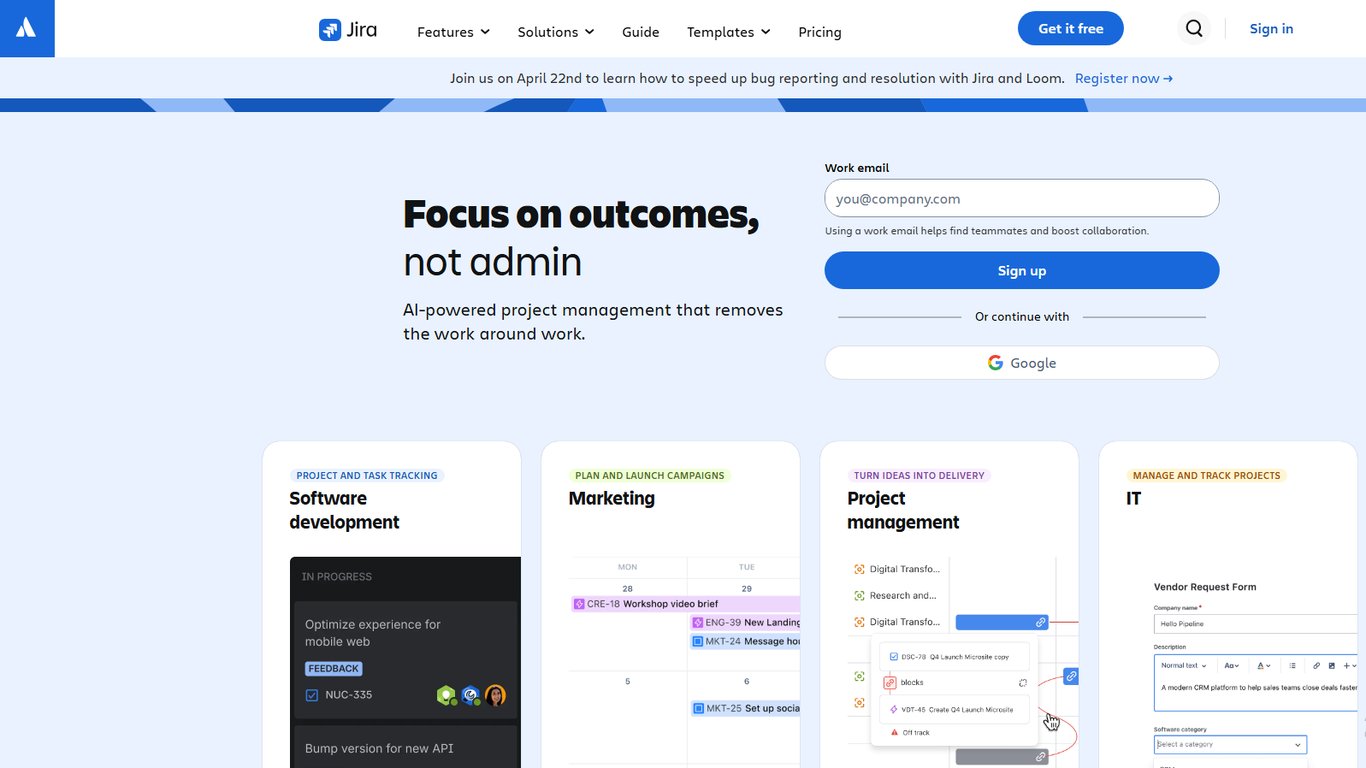
Jira is the default for software development teams running scrum or agile kanban software workflows. It supports named sprints, velocity tracking, and burndown charts natively, which no other tool on this list matches out of the box. The tradeoff is complexity: new users typically need 1 to 2 weeks to configure boards usefully, and the free plan caps at 10 users. For non-engineering teams, the overhead rarely pays off.
Pros: Best-in-class sprint and backlog tooling, strong reporting Cons: Steep learning curve, pricing scales quickly past the free tier Pricing: Free up to 10 users; Standard starts at $8.15/user/month Best for: Engineering teams already in an agile workflow
4. Asana
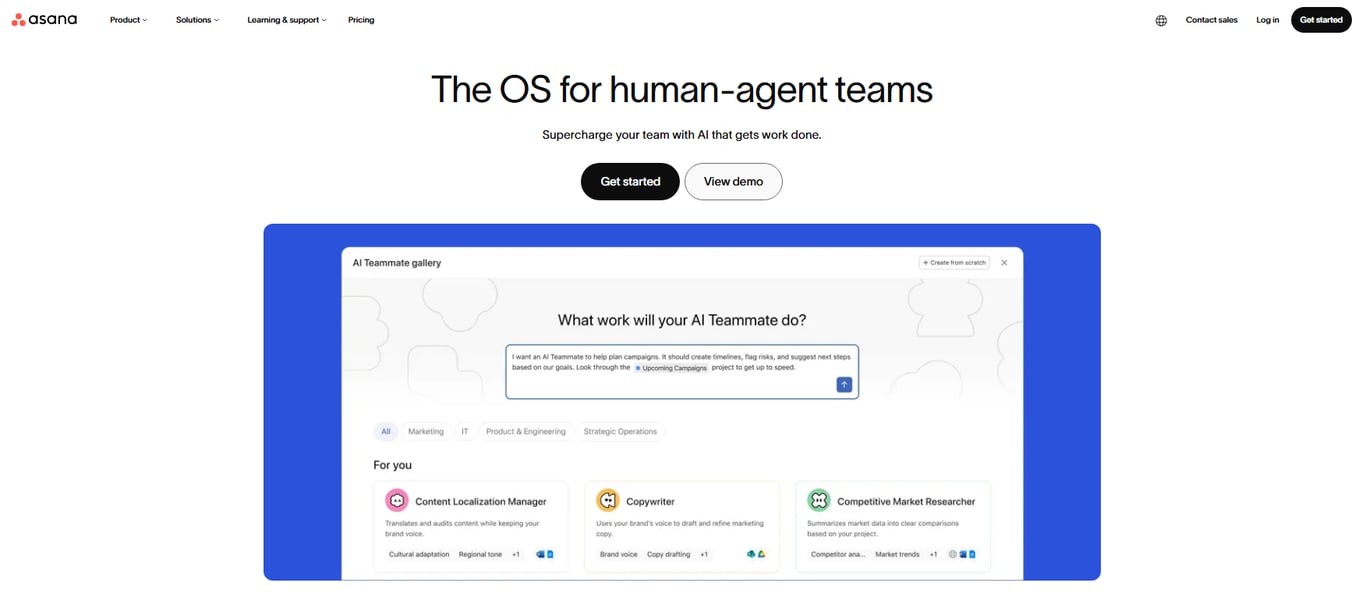
Asana gives teams a board view alongside list and timeline views, which helps managers who switch contexts often. Its rules engine automates task assignment and status changes without code. WIP limits are not natively enforced, and sprint support is limited to manual workarounds using sections. If your team needs a visual board plus project timelines in one tool, Asana covers that ground well.
Pros: Multi-view flexibility, strong automation rules, clean interface Cons: No native WIP limits, sprint tracking requires manual setup Pricing: Free for up to 10 users; Starter at $10.99/user/month Best for: Cross-functional teams that need boards and timelines together
5. Linear
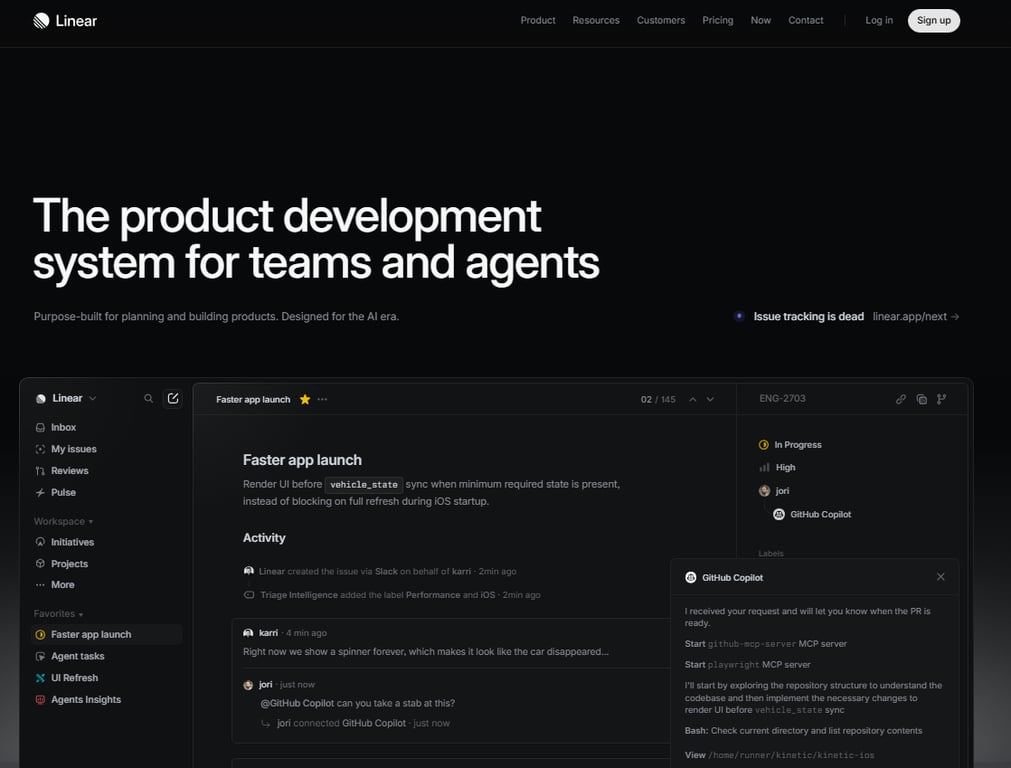
Linear is purpose-built for product and engineering teams. It handles sprint cycles, backlog prioritization, and cycle time tracking with a speed that heavier tools can't match. The interface is keyboard-first and opinionated, which experienced developers appreciate. Non-technical teams often find it too narrow. If you want to understand how kanban boards work before committing to a tool, Linear's model is worth studying.
Pros: Fast, opinionated workflow, strong cycle tracking Cons: Limited flexibility for non-engineering use cases, smaller integration library Pricing: Free for up to 250 issues; Basic at $8/user/month Best for: Small engineering teams that want speed over configurability
6. Monday.com
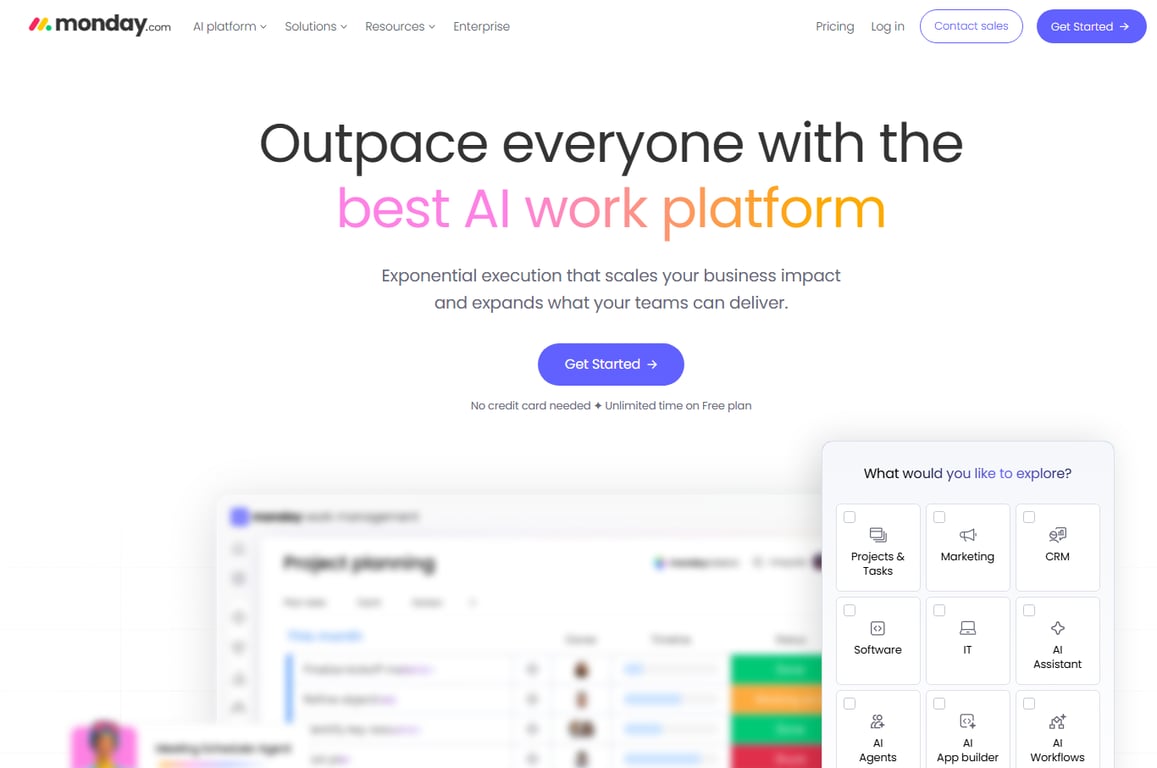
Monday.com positions itself as a work OS, and the board view reflects that breadth. It handles kanban task management alongside CRM, HR, and marketing workflows. That flexibility comes at a cost: the board experience feels generic compared to purpose-built tools, WIP limits are absent, and the entry price is higher than most alternatives on this list.
Pros: Wide use-case coverage, strong dashboard and reporting tools Cons: No WIP limit support, minimum 3-seat billing inflates cost for small teams Pricing: Basic starts at $9/user/month (3-seat minimum) Best for: Teams already using Monday.com for non-project workflows who want boards in the same system
Picking the right kanban project management tool comes down to three variables: team size, workflow complexity, and how much setup time you can actually afford.
Teams under 15 people
Small teams need a board that's ready in under an hour, not a platform that requires an admin. Prioritize free-tier limits, card-level assignments, and basic WIP limits. Trello's free plan covers up to 10 boards, which is enough for most teams this size. For teams that want AI-assisted prioritization built in from day one, Taro's kanban board handles that without configuration overhead.
Growing teams of 15 to 50
At this size, you need sprint support and cross-team visibility. Trello starts to show gaps here. If you're weighing options, looking beyond Trello for sprint-ready kanban is worth doing before you commit. Linear is the stronger pick for engineering-led teams that need velocity tracking natively.
Teams switching from spreadsheets
The biggest risk is replicating your spreadsheet inside a kanban tool instead of rethinking the workflow. Start with one board, one owner per column, and hard WIP limits. If you're also deciding whether kanban or Gantt fits your IT workflow, resolve that first. Taro is the best kanban board software for small teams making this switch, because it structures that transition without requiring process expertise upfront.
Closing
The right kanban board software depends on what your team actually does with it after day one. If you're running continuous delivery cycles and need AI to surface blockers before they become missed deadlines, Taro closes that gap. If you're managing fixed sprints with burndown charts, Jira is the safer bet. If you're a five-person team that just needs cards to move across columns without friction, Trello works.
Start with the six criteria above: WIP limits, sprint support, integration depth, and mobile usability are non-negotiable for IT teams. Then run a two-week trial on your actual backlog, not a demo project. The tool your team reaches for without prompting is the one that wins. Ready to test drive a kanban system that connects to the rest of your ops? Start with Taro's free plan.
FAQ
What is the best kanban board software for small teams?
Taro for IT teams needing AI-assisted prioritization and WIP enforcement; Trello for simple visual workflows under 10 people; Jira for agile sprint teams. Best choice depends on whether you need sprint mechanics, integration depth, and active blocker detection.
How do I choose the right kanban board software for my business?
Score tools against six criteria: WIP limit enforcement, sprint support, AI prioritization, integration depth, permissions, and mobile usability. Then run a two-week trial on your actual backlog. The tool your team reaches for without prompting is the winner.
What are the key features of a good kanban board software?
Native WIP limits, sprint and backlog support, integration with GitHub and Slack, guest access controls, mobile usability, and ideally AI-assisted prioritization to surface blocked tasks before deadlines slip.
Is there any free kanban board software available?
Yes. Trello offers unlimited free boards, Jira and Asana free up to 10 users, Linear and Taro both have free plans. Trello's free tier is most generous; Jira's is best for agile teams.
Can I use kanban board software for personal project management?
Yes, but it's overkill. Kanban shines when work flows across a team and bottlenecks need visibility. For solo projects, a simple to-do list or calendar is faster. Use kanban when you're managing handoffs or shared queues.


 Elena Petrova11 September 2026


