TL;DR: Most contingency planning guides hand you a risk matrix and call it done. This one gives IT company owners a six-step process that connects directly to how your team already works, covering what to monitor, who owns each response, and how to tell whether your plan will hold when something actually goes wrong.
What contingency planning actually means
Contingency planning is the process of deciding in advance what your team will do when a specific, named risk becomes a real problem. It's not the same as general risk management, which identifies and scores threats. The meaning of contingency planning is narrower: you've already accepted that certain risks will materialize, and you're documenting the response before the pressure hits.
The distinction matters in practice. A risk register tells you a vendor delay is possible and rates it "high." A contingency plan tells your project manager exactly which internal resource picks up that work, on which day, and who approves the switch. One is analysis; the other is a decision made in advance.
What is contingency planning without a trigger? Just a document. The part most teams skip is defining the condition that activates the plan, and assigning a single owner who monitors it. Before you can set those conditions, you need to identify which workflows are most likely to need a fallback and map task dependencies before you set trigger conditions.
That groundwork is what separates a plan that gets used from one that sits in a folder.
Why contingency planning matters for your projects
Contingency planning in project management isn't a nice-to-have. It's the difference between a delay you manage and one that manages you.
Scope creep has a compounding effect. One requirement added in week three can invalidate three downstream tasks by week six. Teams without a documented fallback spend days in reactive meetings instead of executing. A contingency plan cuts that recovery time because the decision logic is already written down.
Vendor delays are the most common single-point failure in IT delivery. When a third-party API misses its integration window, the question isn't whether your timeline shifts, it's by how much. Teams that identify which workflows are most likely to need a fallback before the project starts can swap in an alternative path without replanning from scratch.
Capacity gaps surface at the worst moments. A senior engineer goes out sick during UAT, or a contractor's contract ends before the handoff is complete. The benefits of contingency planning here are immediate: pre-assigned backup owners mean the work continues rather than stalls.
Trigger conditions are what most teams skip. A plan without a clear activation threshold is just a document. When you monitor the conditions that would activate your plan, the team knows exactly when to switch modes, not after the damage is done.
How to build a contingency plan in 6 steps
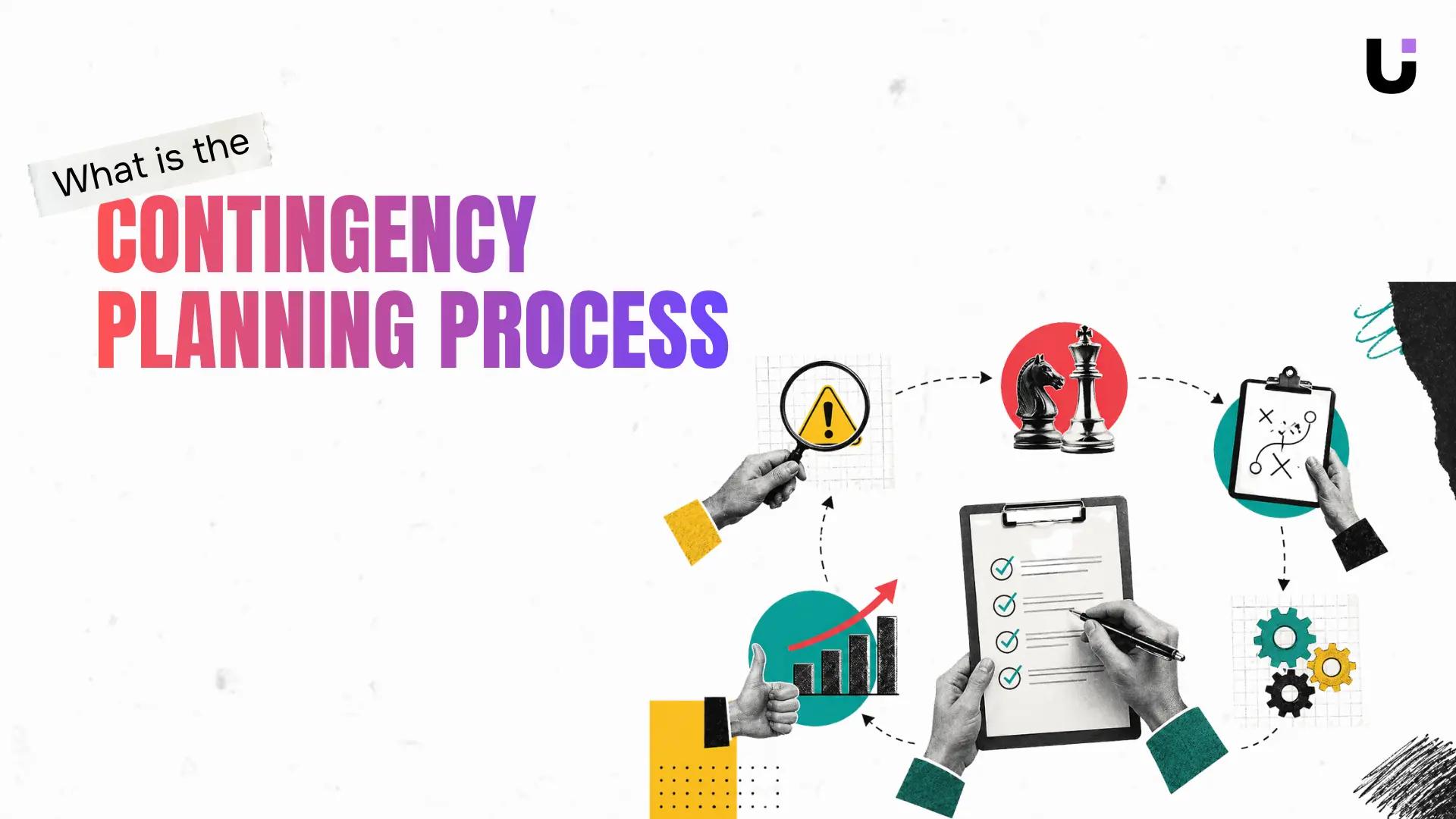
The contingency planning process works best when each step builds directly on the last. Skip step two and step four becomes guesswork. Here is the full sequence.
1. Identify your highest-risk scenarios
Start by listing every event that could derail the project - not every possible thing that could go wrong, but the ones with a realistic chance of happening and a meaningful impact if they do. For an IT delivery team, that usually means vendor delays, key-person dependencies, scope changes that land mid-sprint, and infrastructure failures.
A useful filter: if it happened on a past project, it belongs on this list. Use a bottleneck analysis to identify which workflows are most likely to need a fallback before you move forward.
2. Map dependencies before you assess impact
Risk does not travel in straight lines. A delayed API integration does not just push one task - it stalls every downstream task waiting on that output. Before you score any risk by severity, map task dependencies so you can trace the full blast radius of each scenario.
A team that skips this step routinely underestimates how far a single delay propagates. That is why impact scores built without a dependency map are almost always too low.
3. Prioritize by probability and impact
Once you have your risk list and your dependency map, score each risk on two axes: how likely is it, and how much damage does it do if it hits? A simple 3x3 grid works. High probability plus high impact goes to the top of your contingency plan for risk management. Low probability plus low impact goes to the bottom or gets dropped.
The goal is not to plan for everything. It is to plan for the scenarios where an unplanned response would cost you more time than a prepared one.
4. Write the response playbook for each priority risk
For each top-tier risk, document three things: what the team does immediately, who owns the response, and what resources are pre-approved for use. Keep each playbook to one page or less. A contingency plan that requires a meeting to interpret is not a contingency plan.
Example: if a key backend developer goes on unplanned leave during a release sprint, the playbook might read: freeze non-critical features, reassign two tasks to the senior engineer on standby, and notify the client within 24 hours. That is actionable on day one.
5. Define trigger conditions and assign ownership
This is the step most contingency planning guides skip, and it is the one that determines whether the plan ever gets used. A trigger condition is the specific, observable signal that tells the team to activate the response not "things look bad," but "the vendor has missed two consecutive weekly deliverables" or "test coverage drops below 70% with five days to release."
Assign one named owner per trigger, not a role, a person. That owner is responsible for monitoring the conditions that would activate the plan and for calling the activation when the threshold is crossed. Without a named owner, trigger conditions become everyone's responsibility, which means no one's.
6. Review the plan at each project milestone
A contingency plan written at kickoff and never touched again is a liability. Project scope shifts. Team composition changes. Vendors get replaced. The plan needs a scheduled review at each major milestone, typically sprint review, phase gate, or monthly for longer engagements.
During each review, ask two questions: have any new risks emerged that belong on the priority list, and have any trigger conditions already been crossed without activation? The second question matters more than most teams expect. You can also use early-warning signals to spot when a contingency plan needs to activate before a milestone review catches it.
One more thing on sequencing: the reason steps two and five are where they are is not arbitrary. Dependencies tell you what to protect; triggers tell you when to act. Getting those two pieces right is what separates a contingency planning strategy that works in practice from one that looks complete on paper but never gets opened when it counts.
Contingency plan vs. risk management plan: what is the difference
A risk management plan is the full picture: every identified risk, its likelihood, its potential impact, and the controls you put in place to reduce it. Contingency planning sits inside that picture. It answers one narrower question: if a specific risk actually happens, what do we do next?
Think of it this way. Risk management is the map. A contingency plan is the turn-by-turn route you follow when the main road closes.
The two documents serve different audiences at different moments. A risk management plan helps you decide where to invest prevention effort before anything goes wrong. A contingency plan tells your team exactly what to do at 2pm on a Tuesday when a key vendor goes dark.
Where teams lose time is treating them as the same document. They are not. Build your risk register first, then use it to identify which workflows are most likely to need a fallback. The contingency plan follows from that analysis, not the other way around.
Common mistakes that make contingency plans useless
Four failure modes kill otherwise solid contingency planning strategies before anyone ever needs them.
No trigger conditions. Most teams write a plan but never define what activates it. "If the deployment fails" is not a trigger. "If the deployment fails and the rollback takes more than 90 minutes" is. Without that specificity, spot the early signals that a contingency plan needs to activate becomes guesswork under pressure.
Single owner, no backup. If the person who built the plan is unavailable during the incident, the plan stalls. Assign a primary owner and a named alternate before you file the document.
Untested assumptions. An effective contingency plan accounts for what your team can actually do, not what looks reasonable on paper. If you haven't walked through the steps once, you don't know which ones break.
Set-and-forget. A plan written in January for a project that changed in March is worse than no plan. It creates false confidence. Identify which workflows are most likely to need a fallback as the project evolves, not just at kickoff.
Keep your contingency plan connected to live project data
A contingency plan that lives in a shared doc and never gets updated is just a risk register with better formatting. The contingency planning process breaks down not at the writing stage but at the maintenance stage, when the plan drifts out of sync with how the project actually runs.
The fix is connecting your plan to live project data. Identify which workflows are most likely to need a fallback before you finalize trigger conditions, then map task dependencies before you set trigger conditions so your fallback logic reflects real sequencing, not assumed sequencing. From there, monitor the conditions that would activate your plan inside the same system your team uses to track daily work.
This is where contingency planning in project management earns its value. When your plan references live task status and dependency chains, the team can spot the early signals that a contingency plan needs to activate without manually cross-referencing two separate tools. Taro keeps that connection intact so the plan stays current without a dedicated update cycle.
Final Thoughts
Contingency planning isn't a one-time document you file and forget. The real work is staying close enough to your project that you catch a risk signal before it becomes a crisis. That means your plan needs to live somewhere active, not in a shared drive folder nobody opens.
Once you've built your six-step plan, the next question is whether your team will actually know when to trigger it. That's the gap most plans fall into: the response is ready, but the signal gets missed. Lio's risk-alerts dashboard keeps your contingency logic connected to what's happening in real time, so your team knows when to act, not just what to do.
If you want my opinion, that's where the real value of contingency planning shows up: not in the plan itself, but in the moment someone sees a warning and knows exactly what to do next. Build the plan. Then make sure it's wired to reality.
FAQ
Q. What is the contingency planning process?
A. Identify your top risks, assess their impact, prioritize by severity, build response plans, assign owners, and test before you need them. The goal is to cut the time between "something broke" and "we know what to do next."
Q. How do I develop a contingency plan for risk management?
A. For each high-impact risk, define a clear trigger, a response owner, and the first three actions that person takes. Store it somewhere version-controlled so the plan stays current as your team and systems change.
Q. What are some common contingency planning strategies?
A. The most practical approaches are risk prioritization matrices, predefined response playbooks for your top scenarios, and cross-trained teams so one person's absence doesn't stall recovery.
Q. How can I ensure my contingency plan is effective?
A. Run a tabletop exercise where your team walks through a realistic scenario step by step, then update the plan based on what broke down. A plan that's never been tested is just a document.
Q. What are the benefits of contingency planning in project management?
A. Teams with a documented plan respond to blockers in hours instead of days, because the decision-making has already happened. For IT projects, that pre-work often determines whether you hit your deadline or miss it by weeks.
Q. What is the difference between a contingency plan and a risk management plan?
A. A risk management plan works to reduce the likelihood a threat occurs. A contingency plan is the response playbook for when prevention fails.
Q. Who should own the contingency plan on a project team?
A. The project manager holds accountability for keeping the plan current, but department leads for infrastructure, security, and vendor relationships must contribute. Everyone else is responsible for executing their piece when it triggers.


 Elena Petrova15 September 2026


