TL;DR: Most communication plan guides hand you a blank table and call it a template. This one breaks down what each field should actually contain, why it affects project outcomes, and where the structure needs to flex when stakeholders shift or cadence changes mid-project. You'll leave with a filled-in framework, not another empty doc.
What a communication plan template actually is
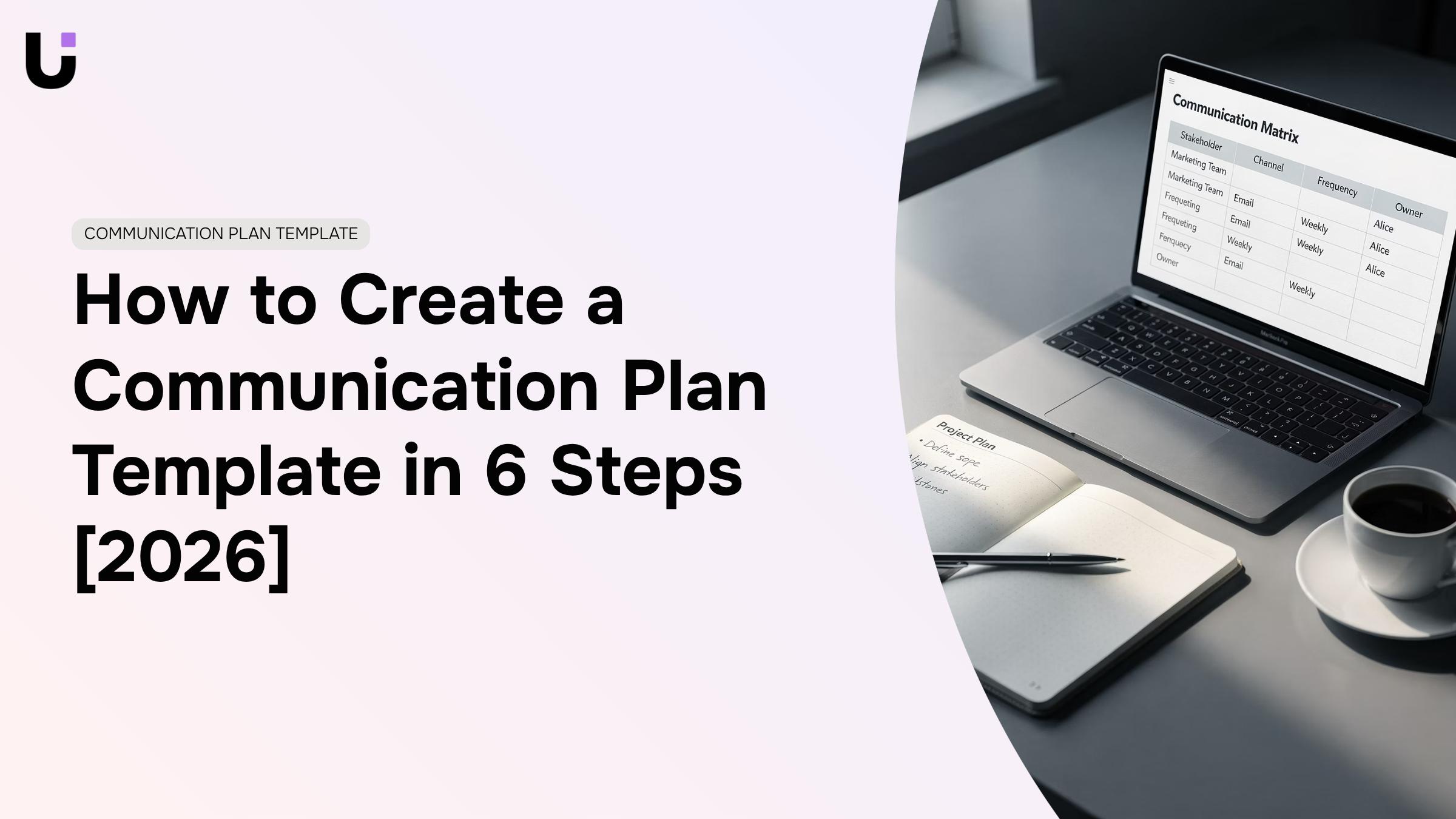
A communication plan template is a reusable document structure that defines who receives what information, through which channel, and on what schedule — for any project your team runs. You fill in the project-specific details; the structure stays the same.
The distinction matters. A one-off communication document gets built once, used once, and forgotten. A template becomes the standard your team reaches for every time a new project kicks off, so you're not rebuilding the same logic from scratch each quarter.
For IT teams specifically, this matters more than most. Async-heavy workflows, multiple tool stacks, and distributed stakeholders mean communication gaps compound fast. A project communication plan template gives everyone a shared map before the first standup happens.
As Asana describes it, the template gives your team a standard structure to use for every project, so everyone starts aligned rather than catching up.
Why your team needs one before the project starts
Most project communication failures aren't caused by bad work. They're caused by assumptions: who updates whom, how often, and through which channel. A project management communication plan template removes those assumptions before the first task is assigned.
Here's what that looks like in practice:
Fewer missed updates. When every stakeholder knows the cadence upfront, status gaps stop becoming escalations. You're not chasing people for updates because the schedule already exists.
Faster decisions. Unclear ownership of communication creates bottlenecks. A template names who owns each message type, so decisions don't stall waiting for the "right" person to speak up.
Clearer accountability. When a project slips, teams often discover the real problem was that no one confirmed receipt of a critical update. A template builds confirmation steps in from the start.
Reusable structure across projects. One well-built template saves your team from rebuilding the communication logic every quarter. For IT teams running multiple workstreams across Slack, email, and a project tracker, that consistency matters.
How you format and send those updates matters as much as the schedule itself. Pair your template with a project management checklist and you have the scaffolding most teams skip entirely.
Key elements every communication plan template must include
A communication plan template is only as useful as the fields inside it. A blank table with column headers labeled "audience" and "channel" doesn't tell anyone what to write, and a vague entry like "stakeholders — email — weekly" breaks down the moment a project gets complicated. Here's what each field actually needs to contain.
Objectives: Write one or two sentences that tie the communication goal to a project outcome. "Keep the client informed" is not an objective. "Ensure the client can approve or escalate within 24 hours of each sprint review" is. When this field is vague, teams send updates that don't prompt decisions — and decisions stall.
Audience: List each group separately, not as a single "stakeholders" catch-all. For a project communication plan template, that typically means: executive sponsor, project manager, delivery team, and external client contact. Each group has a different tolerance for detail and a different reason to care. Collapsing them into one row means your message is calibrated for nobody.
Key message: Per audience, per update type. The executive sponsor needs status against budget and timeline. The delivery team needs blockers and next actions. If you're building an integrated marketing communication plan template, this field also carries the brand voice and approval chain for external-facing content. One message field for the whole plan is where most templates fail.
Channel: Name the specific tool, not the category. "Async update in Basecamp Project X, thread titled Sprint 12 Status" is actionable. "Email or chat" is not. IT teams often run three or more communication tools simultaneously, which makes channel ambiguity a real source of missed updates. How you format and send those updates matters too — a well-chosen channel with poor formatting still loses the message.
Frequency and timing: Specify the day, not just the cadence. "Every other Friday by 4 PM" is a commitment. "Bi-weekly" is a guess. Pair this with the owner field so there's no ambiguity about who sends it.
Owner: One name, not a team. "Marketing team sends the client update" guarantees it falls through. Assign a person. For best practices on structuring ownership inside a formal plan, the PMP framework offers a useful starting point.
Every field above connects to a project management checklist that keeps execution on track — because a communication plan that isn't tied to delivery milestones
How to build your communication plan template in 6 steps
Building a working draft in one sitting is realistic if you follow the steps in order. Skipping ahead — writing your message cadence before you know your audience, for example produces a plan that looks complete but breaks the first time a stakeholder asks a question it can't answer.
Map your stakeholders: List every person or group with a stake in the project: sponsors, end users, external vendors, your own team. For each one, note their role, their decision-making authority, and what they need to know to do their job. An IT infrastructure rollout typically surfaces four to six distinct stakeholder groups, each with different information needs.
Define what each group actually needs to know: Not everyone needs the same update. Executives want status against budget and timeline. Engineers want task-level blockers. Clients want delivery milestones. Write one to two sentences per group that describe their core information need. This becomes the filter you apply every time you draft an update.
Choose the right channel for each message type: IT teams commonly run across email, Slack, a project tracker, and a video tool simultaneously. The channel choice should match the message's urgency and complexity: a blocker gets a Slack ping, a weekly status goes in the project tracker, and a scope change discussion happens in a scheduled call. How you format and send those updates matters too — the same information lands differently depending on structure.
Set the cadence: Assign a frequency to each message type: daily standups, weekly status emails, monthly steering committee reviews. Write the cadence next to the channel so anyone picking up the plan mid-project can see both at a glance. Vague entries like "as needed" create gaps; replace them with a specific trigger or interval.
Assign ownership: Every communication needs one named owner, not a team. If the weekly status report belongs to "the PM team," it will be late or inconsistent. Name the person, not the role title, wherever possible. Pair this with a project management checklist that keeps execution on track so ownership gaps surface before the project starts.
Set your review cycle: A project communication plan template that never gets updated is a liability. Schedule a short review at each major milestone — typically every two to four weeks on a 90-day project — to check whether audiences, channels, or cadence need adjusting. For deeper structure on this, the best practices for structuring a PMP communication plan are worth a read before you finalize your draft.
Sample communication plan template for a team project
Here is a filled-in example row from a project management communication plan template applied to a real IT scenario: a cloud infrastructure migration with a 90-day timeline.
Field | Example |
|---|
Stakeholder | VP of Engineering, IT Director |
Message type | Weekly status update |
Content | Milestone progress, blockers, next 7-day priorities |
Channel | Slack #migration-updates + email summary |
Owner | Project lead |
Frequency | Every Friday, 3 PM |
Format | 5-bullet async summary, escalation flag if blocked |
A few things to notice. The channel is dual-layer: Slack for the team, email for the IT Director who checks Slack infrequently. The format is fixed at five bullets so the owner never has to decide how long to write. And how you format and send those updates matters too, especially when the audience includes executives who skim.
The frequency column does the most work here. "Weekly" is vague. "Every Friday, 3 PM" is a commitment the team can hold each other to.
For a project management checklist that keeps execution on track alongside this template, that pairing covers both what to communicate and whether the underlying work is on schedule.
How to tailor the template to your organization
A single template rarely fits two teams the same way. Here are four adjustment levers that make the difference:
Team size. Small teams (under 10) can collapse "owner" and "approver" into one field. Teams above 50 need a separate escalation path column so messages don't stall.
Tool stack. Map each stakeholder row to the channel they actually use. An async-heavy IT team routing everything through Slack needs different cadence defaults than one running on email threads. How you format and send those updates matters too.
Stakeholder type. Executives want status in two lines. Engineers want detail. Build separate message-format notes into the template rather than sending everyone the same update.
Project cadence. A two-week sprint cycle calls for weekly check-ins; a six-month infrastructure rollout needs monthly executive summaries plus a project management checklist that keeps execution on track. For integrated marketing communication plan template use cases, add a campaign-phase column to track which audiences receive which message at each stage.
Move your plan from a document into a live workflow
A filled-in project communication plan template is only useful if someone actually sends the updates on schedule. Most plans go stale because the follow-up layer is entirely manual.
Evox handles the scheduled-update layer: trigger a status digest every Friday at 4pm, route it to the right stakeholders, and log delivery without anyone touching it. Taro keeps ownership visible so when a task slips, the right person gets flagged, not the whole team.
Pair that with a project management checklist that keeps execution on track, and the plan runs itself.
Closing
A communication plan template isn't just a document — it's the difference between stakeholders staying aligned and projects stalling on missed updates. By mapping your audience, defining what each group actually needs, choosing the right channels, and assigning clear ownership, you've built a reusable framework that your team will reach for every time a new project kicks off.
But here's the real bottleneck: once your template is built, keeping every stakeholder on schedule without manual effort becomes the next challenge. That's where automation enters the picture. Start by building your template in a shared project hub where the plan lives and gets tracked — then layer in automated email delivery so updates go out on schedule without someone manually sending each one. What's the first project you'll apply this template to?
FAQ
Q.What should be included in a communication plan template?
A. Objectives, audience, key message per audience, specific channel (not category), frequency and exact timing, and one assigned owner. Each field connects directly to project outcomes — vague entries like "stakeholders" or "as needed" create gaps that break mid-project.
Q.How do I create a communication plan template for my project?
A. Map stakeholders and their information needs, define what each group actually needs to know, choose channels by message urgency, set specific cadences with timing, and assign one owner per communication type. Build it before the project starts so assumptions don't derail alignment.
Q.What are the key elements of an effective communication plan template?
A. Specific audience groups (not catch-alls), tailored key messages per group, named channels with exact tools, exact timing ("Friday by 4 PM" not "weekly"), and single-person ownership. Collapsing these into generic rows guarantees the plan breaks when complexity hits.
Q.How do I tailor a communication plan template to my organization's needs?
A. Start with the core structure, then adjust audience groups, channels, and cadences to match your tool stack and stakeholder structure. For IT teams running email, Slack, and project trackers, channel choice becomes critical — pair each message type to the right tool based on urgency and complexity.
Q.Can you provide a sample communication plan template for team collaboration?
A. A working template includes rows for executive sponsor, delivery team, and client contact — each with their own objectives, key messages, channels, timing, and owner. Executives get monthly budget/timeline status via email; teams get daily blockers in Slack; clients get milestone updates in your project tracker.
Q.How often should a communication plan be updated during a project?
A. Review cadence and audience needs at each major milestone or scope change. If stakeholders shift or delivery timelines slip, update the plan immediately — don't let outdated communication schedules compound confusion. A template that flexes with project reality stays useful; one locked in place becomes noise.


 Elena Petrova15 September 2026


