TL;DR: Most top-10 project management software lists rank by popularity and stop at feature checklists. This one filters specifically for large enterprise IT teams, using criteria that actually matter at scale: cross-team visibility, AI-driven automation, and the ability to handle hundreds of concurrent projects without breaking. You'll get a ranked comparison plus a decision framework you can use to shortlist tools this week.
What makes project management software enterprise-grade
The difference between SMB and enterprise project management software isn't feature count. It's whether the tool holds up when 500 people across 12 departments are running concurrent projects with overlapping dependencies.
Four criteria separate genuinely enterprise-grade tools from ones that just look the part:
Cross-team visibility: You need portfolio-level dashboards that show status across every active project, not just the ones your team owns. Without this, executives are making decisions from stale status reports.
Granular permissions and audit trails: Regulated industries and large IT orgs need role-based access controls and a full change log. If a tool can't tell you who changed a deadline and when, it fails compliance requirements.
Scalable integrations: Enterprise environments run on Salesforce, ServiceNow, Jira, and custom internal systems. A tool that integrates with only standard SaaS apps creates data silos at scale.
AI-native automation: This is where most lists fall short. Project management software for large enterprises now needs predictive task assignment and automated progress tracking, not just rule-based triggers. Tools built before AI was a design priority bolt these features on; they rarely work as well.
Size also changes the cost equation. Enterprise plans across the top 10 project management software options typically run $20 to $35 per user per month, which means a 200-person org is spending $48,000 to $84,000 annually before add-ons. Knowing your non-negotiable criteria before evaluating options prevents expensive mistakes.
When evaluating the top 10 project management software options for large enterprises, most buyers get distracted by feature volume. The better filter is whether a feature solves a specific enterprise failure mode.
These are the capabilities that separate enterprise-grade tools from scaled-up SMB software:
Cross-team visibility: Real-time dashboards that show portfolio status across departments, not just individual project boards. Without this, executives are flying blind.
Role-based permissions: Granular access controls so contractors see what they need, and nothing else. Critical for compliance-heavy industries.
Audit trails and reporting: Timestamped activity logs that satisfy SOC 2 or ISO 27001 requirements. If a tool can't produce this on demand, it's a liability.
AI-native automation: Automated task assignment, deadline prediction, and workload balancing, not just rule-based triggers. This is where enterprise project management software compared in depth separates the current generation of tools from the previous one.
Integration depth: Native connectors to your ERP, HRIS, and CRM, not just Zapier workarounds.
Scalability: Performance at 500+ users without degraded load times or broken automations.
Knowing how to choose project management software at enterprise scale means weighting these criteria against your team's actual failure points, not a vendor's feature checklist. Tools built around unified task and project management, like Taro, address several of these gaps in a single system rather than requiring bolt-on integrations.
When you're evaluating the top 10 project management software tools for large enterprises, the list needs to be filtered before it reaches you — not after. Here are ten tools worth serious consideration, each assessed for enterprise fit, not just feature count.
1. Taro
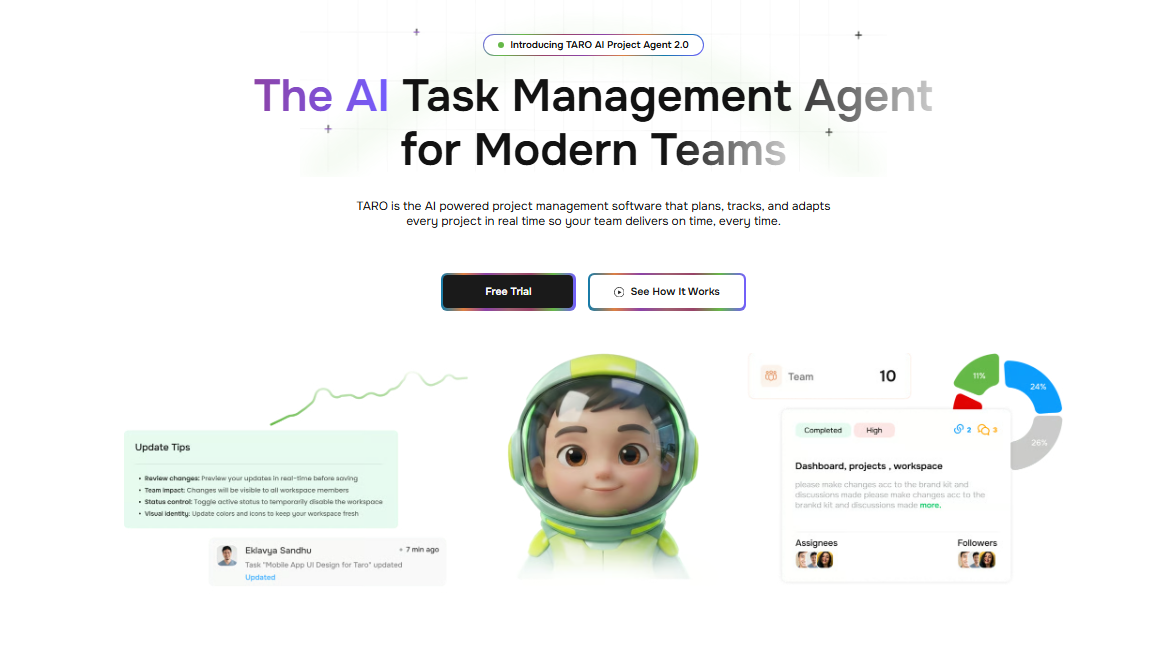
Taro is built for IT company owners who need AI to do more than surface dashboards. It automates task assignment, tracks project progress without manual updates, and flags blockers before they delay delivery. The limitation: it's best suited for teams already comfortable with AI-driven workflows rather than those still transitioning from spreadsheets.
2. Asana
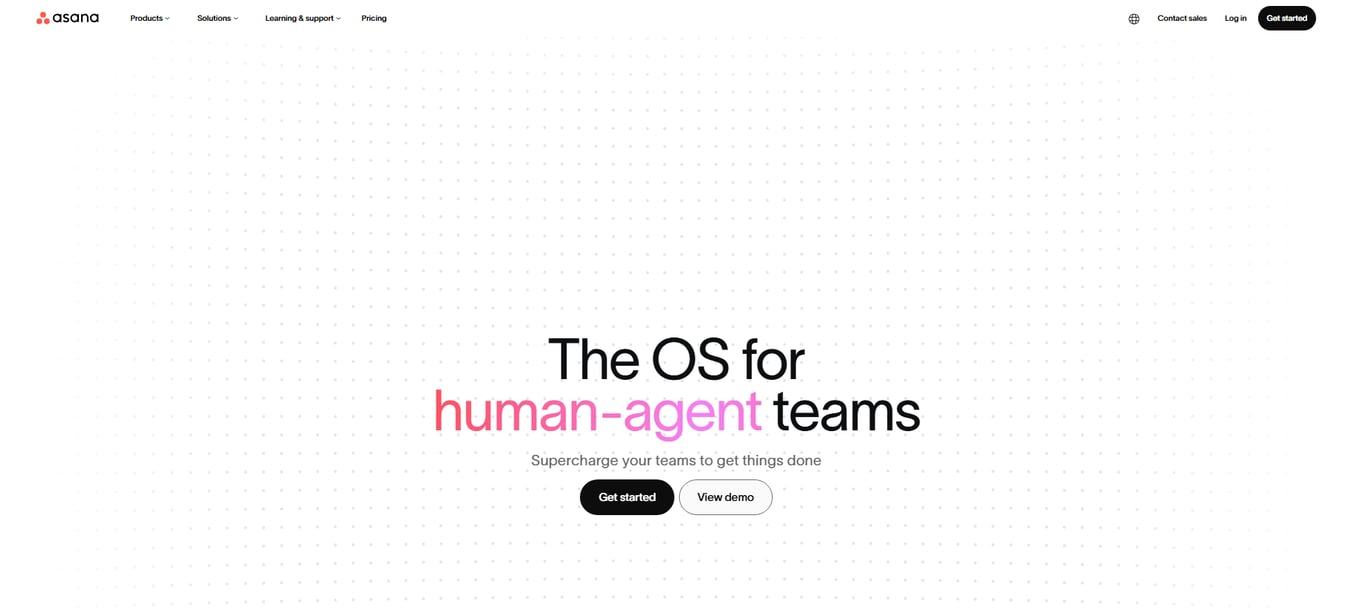
Asana handles cross-functional work well, particularly for teams running parallel workstreams across departments. Its timeline view and goal-tracking features give executives visibility without requiring them to dig into task-level detail. The limitation: at enterprise scale, the per-user pricing adds up quickly, and advanced reporting sits behind the Business and Enterprise tiers.
3. Monday.com
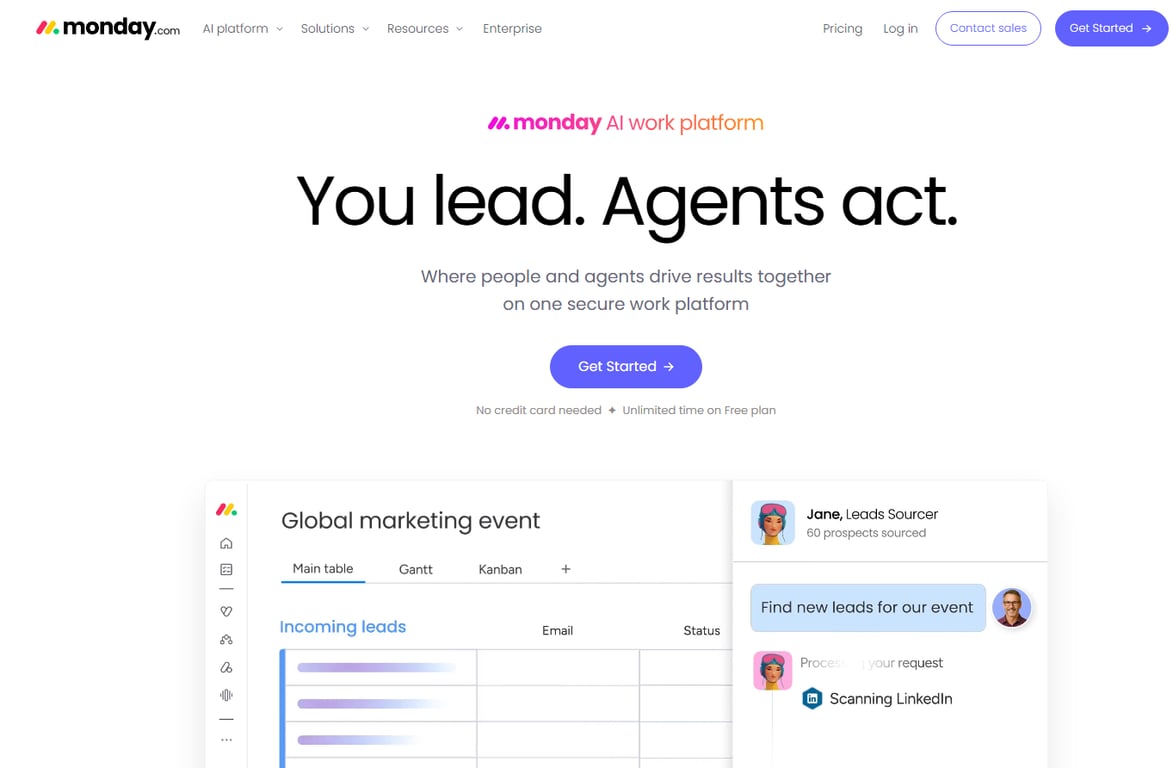
Monday.com is strong for project management software for large enterprises that want visual workflow customization without heavy IT involvement. Its no-code automations and dashboard builder work well for ops and delivery teams. The limitation: complex dependencies and portfolio-level reporting require the Enterprise plan, which isn't publicly priced.
4. Jira
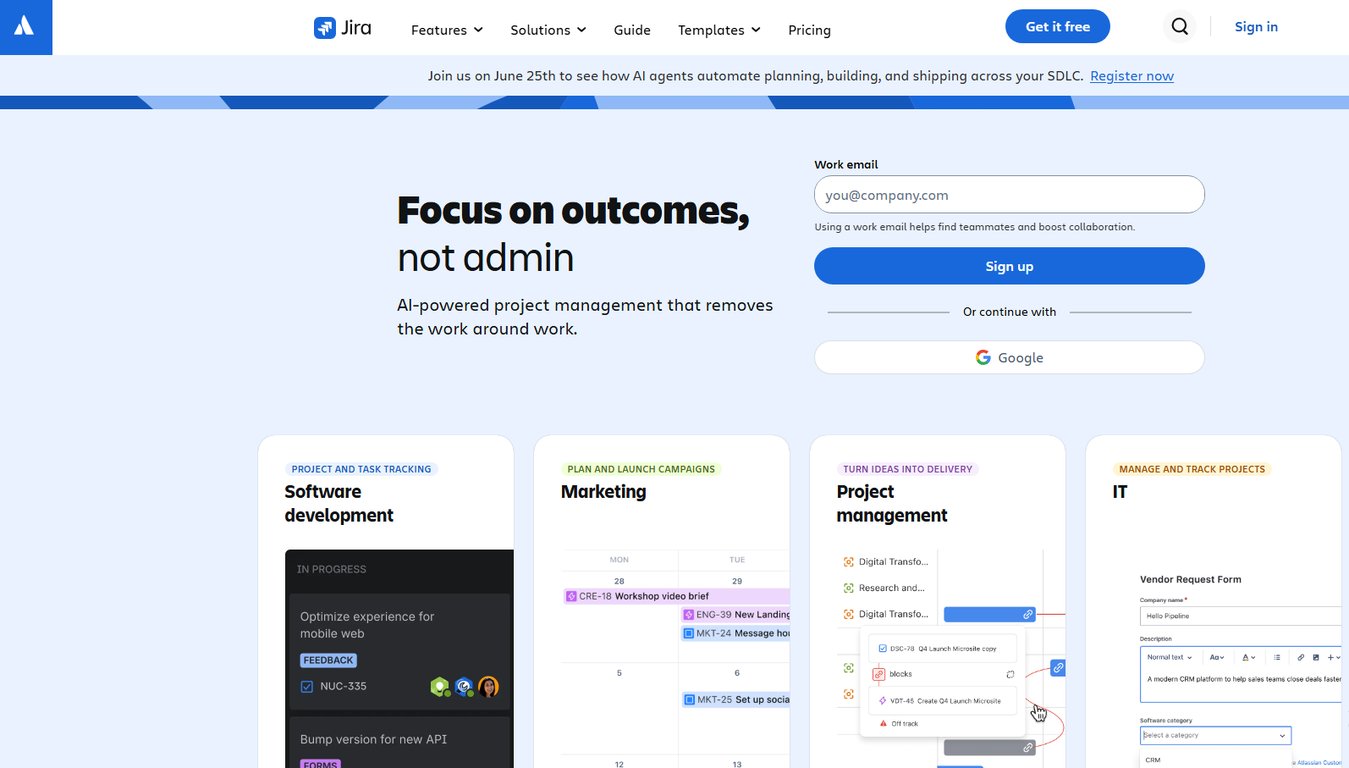
Jira remains the default for software development teams managing sprints, backlogs, and release cycles. Its integration depth with Confluence, Bitbucket, and CI/CD pipelines is hard to match. The limitation: non-technical stakeholders find the interface steep, and cross-team visibility outside engineering requires additional configuration or third-party plugins.
5. Smartsheet
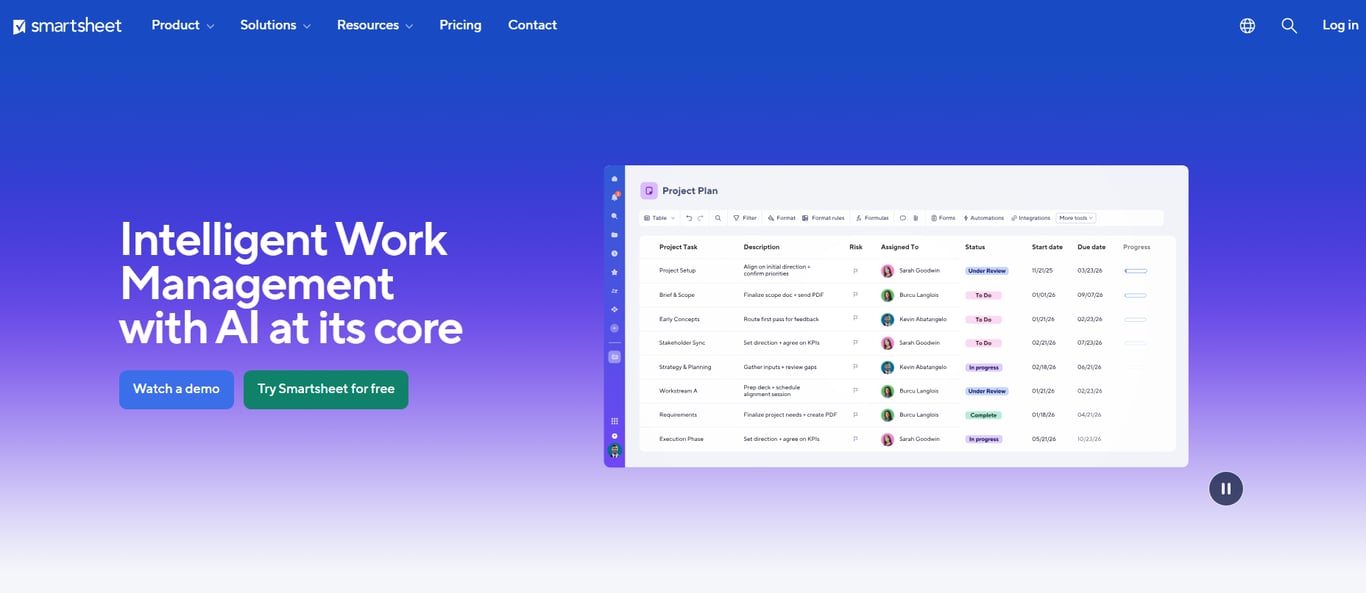
Smartsheet fits enterprises that live in spreadsheet logic but need workflow automation layered on top. It handles resource management, intake forms, and approval workflows in a familiar grid format. The limitation: it's not built for agile delivery, and teams running sprints will find it awkward compared to purpose-built tools.
6. Wrike
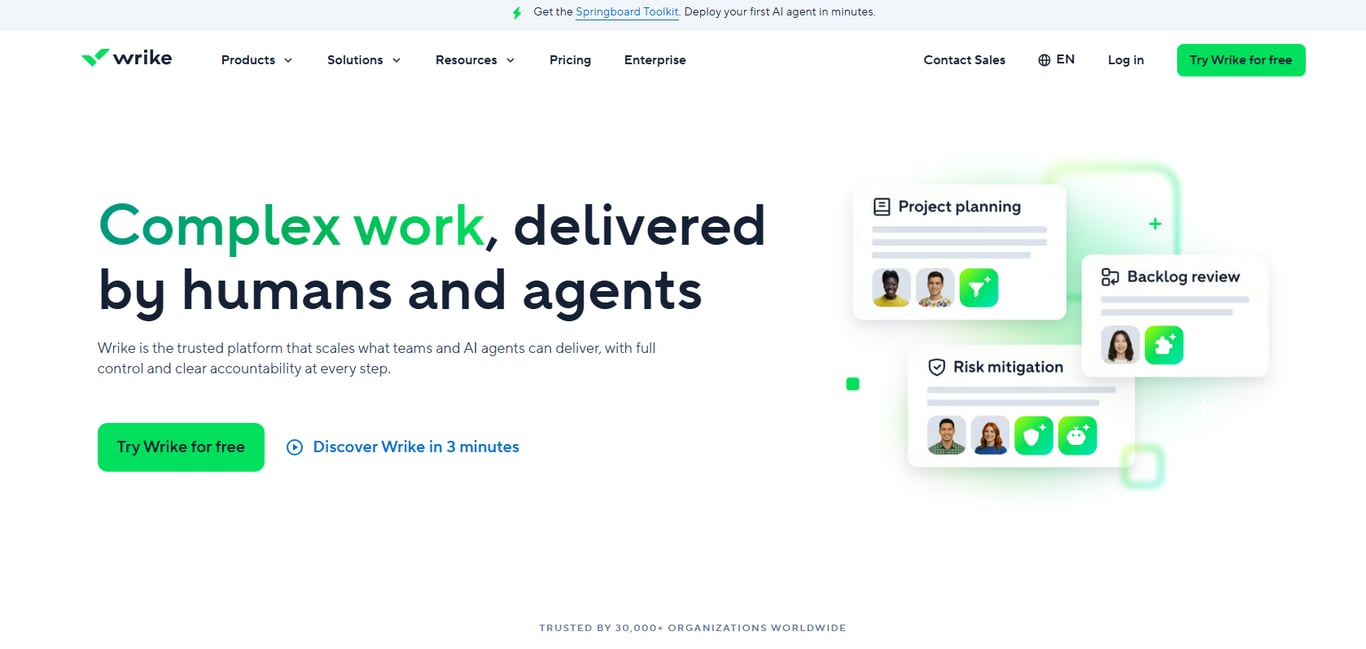
Wrike is a solid choice for best project management tools for remote teams that need structured request intake, proofing, and approval cycles. Its request forms and workload view reduce the coordination overhead that kills distributed teams. The limitation: the interface has a learning curve, and some teams report that the notification system becomes noisy at scale.
7. ClickUp
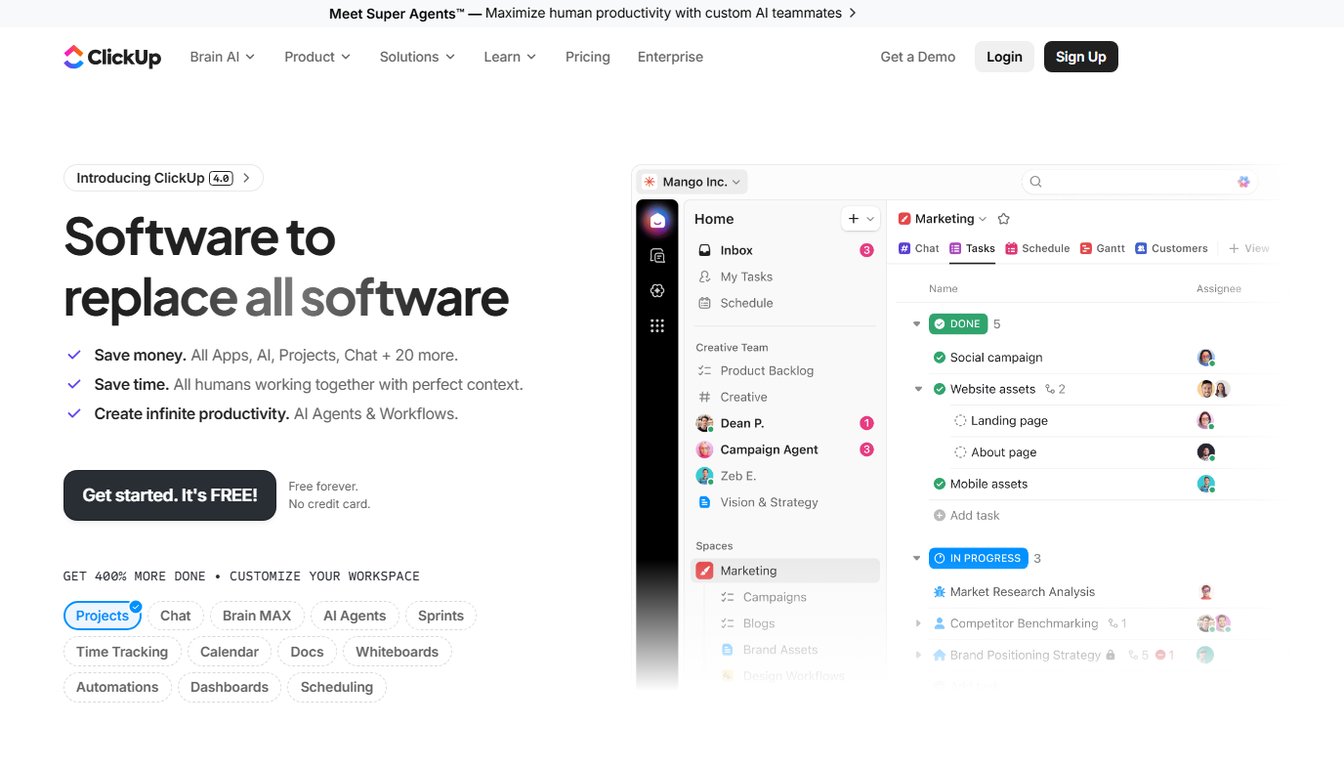
ClickUp offers the widest feature surface of any tool on this list, covering docs, goals, time tracking, and whiteboards in one workspace. For enterprises willing to invest in setup, it can replace several point solutions. The limitation: that breadth is also the risk — without deliberate configuration, ClickUp becomes a cluttered environment that slows teams down rather than speeding them up.
8. Microsoft Project
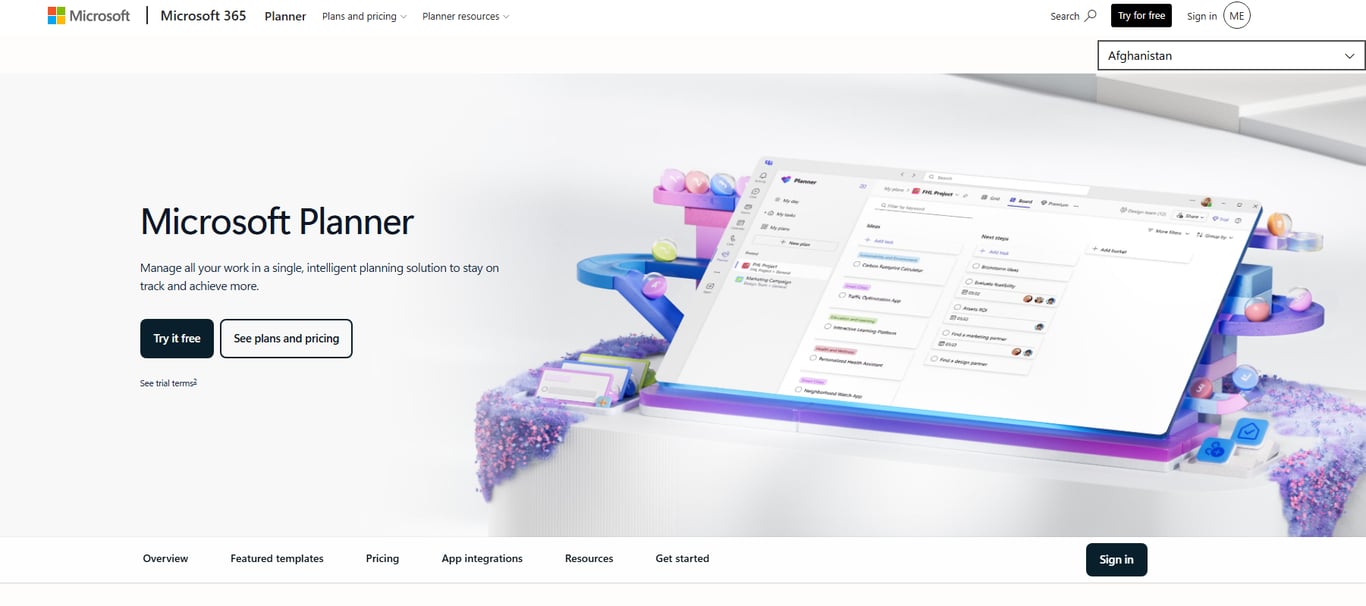
Microsoft Project is the choice for enterprises already deep in the Microsoft 365 ecosystem and managing complex, dependency-heavy programs. Its critical path analysis and baseline tracking are mature. The limitation: it's expensive, requires training, and feels dated compared to modern tools — it works best when a dedicated project management office (PMO) governs its use.
9. Notion
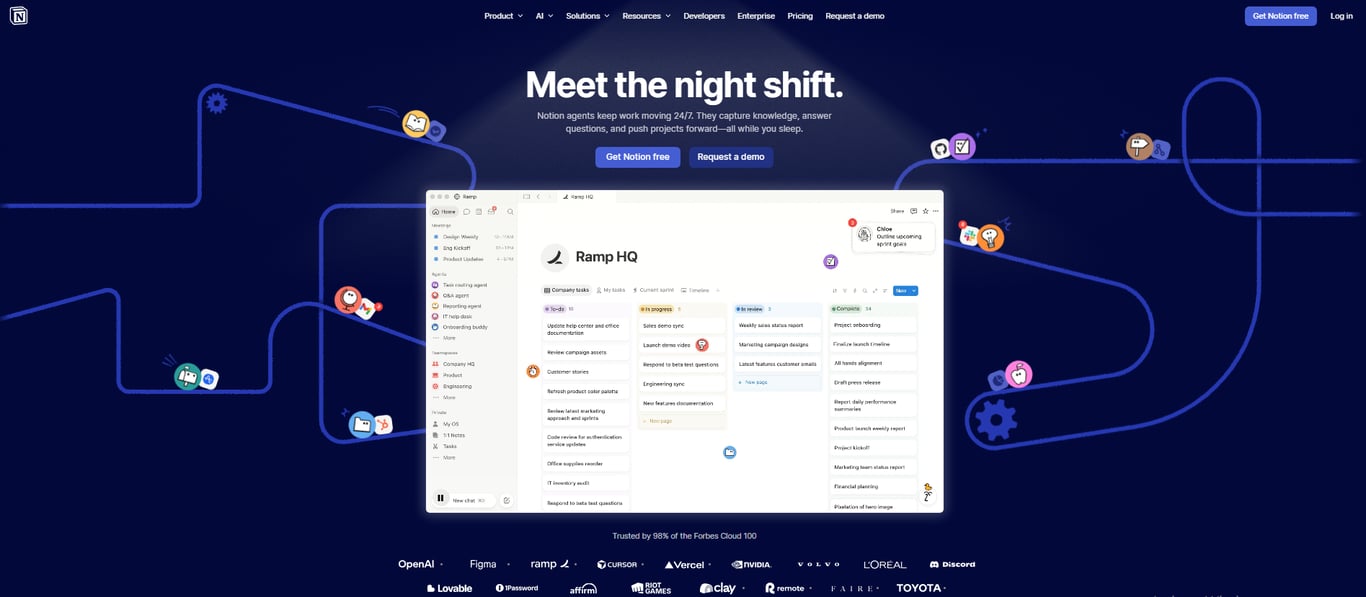
Notion works well as a lightweight project hub for knowledge-intensive teams — product, design, and content. Its flexibility lets teams build custom workflows without engineering support. The limitation: it lacks native Gantt views, time tracking, and workload management, which means it often needs to be paired with another tool for delivery-focused teams. For teams evaluating free IT project management software options, Notion's free tier is one of the more generous ones available.
10.
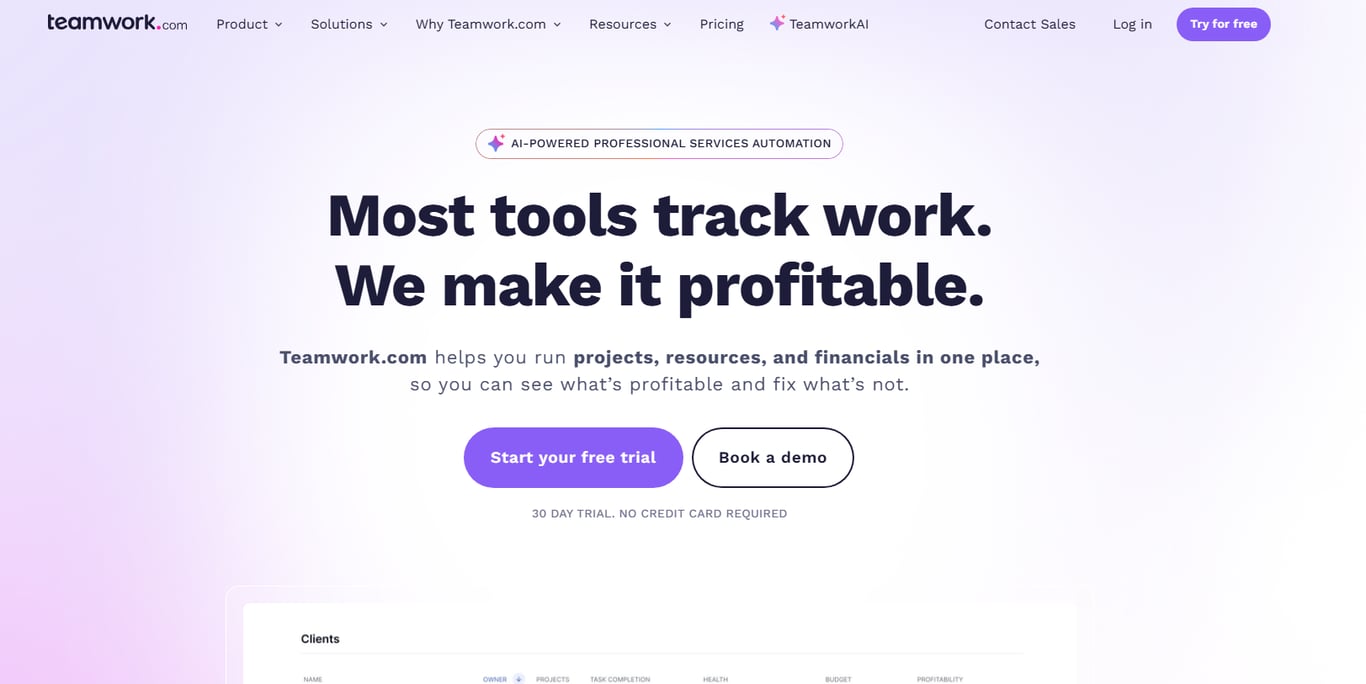
Teamwork is purpose-built for client-facing project delivery — agencies, IT services firms, and consultancies. It handles retainers, billable time, and client portals in a way that general-purpose tools don't. The limitation: internal-only teams get less value from its client-facing features, and the reporting depth doesn't match Smartsheet or Wrike at the portfolio level.
For a deeper comparison of how these tools handle portfolio visibility and cross-team dependencies, the enterprise project management software compared in depth breakdown covers the criteria that matter most at scale. If your teams are distributed, the project tracker software built for remote teams guide narrows the field further.
Project management software pricing comparison
Pricing varies more than most buyers expect, especially once you move past the base tiers into enterprise contracts. Here is a snapshot of where the top 10 project management software tools land on cost, so you can filter by budget before committing to a demo cycle.
Tool | Starting price (per user/month) | Free tier | Enterprise plan notes |
|---|
Asana | $10.99 | Yes (up to 10 users) | Custom pricing; SSO, audit logs included |
Monday.com | $9 | Yes (up to 2 users) | Enterprise tier adds advanced security, SLA |
Jira | $7.75 | Yes (up to 10 users) | Premium at $15.25; Data Residency on Enterprise |
Smartsheet | $9 | No (30-day trial) | Enterprise adds Gov Cloud, DLP controls |
Wrike | $9.80 | Yes (limited) | Pinnacle tier targets 20+ user teams |
ClickUp | $7 | Yes (unlimited members) | Enterprise unlocks custom roles, white labeling |
Notion | $10 | Yes | Enterprise adds SCIM provisioning, audit log |
Teamwork | $10.99 | Yes (up to 5 users) | Scale tier targets client-facing teams |
Basecamp | $15 flat/user | No ($299/month flat option) | No tiered enterprise; flat pricing scales poorly past 50 users |
Taro | Contact sales | Free trial | AI-native tracking and predictive task assignment built in at every tier |
The sharpest cost cliff appears between mid-tier and enterprise on tools like Smartsheet and Wrike, where security and compliance controls are gated. If those controls are non-negotiable for your IT environment, factor that into your total cost estimate early. For construction-specific needs, the criteria shift further — see how to choose the best construction project management software for a parallel breakdown.
Best project management software for remote enterprise teams
For distributed enterprise teams, three tools consistently handle the core challenges of async collaboration, time zone visibility, and real-time status tracking better than the rest of the best project management tools for remote teams field.
Asana (Business plan, $24.99/user/month) gives remote teams timeline views, workload balancing across time zones, and automated status updates that reduce the "what's the status?" Slack message by routing updates to stakeholders automatically.
Monday.com (Enterprise tier) pairs its dashboard with a global time zone display and dependency tracking that flags blockers before they stall a sprint, useful when your engineering team is in Warsaw and your PM is in Austin.
Wrike (Business, $24.80/user/month) stands out for its live activity stream and custom request forms, which replace the async email chain most remote teams rely on.
All three offer enterprise SSO and audit logs, which IT company owners running project management software for large enterprises typically require before procurement sign-off. To narrow the choice further, match each tool to your team's specific workflow type before committing.
How to choose the right project management software for your business
Choosing from the top 10 project management software options gets easier when you filter by four criteria before you open a single demo.
Team size and structure: Tools like Jira scale cleanly to hundreds of engineers but add overhead for non-technical teams. If your org mixes IT, ops, and finance, you need role-based views, not just ticket queues.
Workflow type: Waterfall-heavy programs need Gantt and dependency tracking. Cross-functional agile teams need sprint boards and backlog management. Most enterprise project management features cover both, but check which is the default.
Integration requirements: Map your existing stack first. A tool that connects natively to your ERP and Slack saves weeks of custom API work.
AI needs: Automated task assignment and predictive timeline tracking are now table-stakes for large enterprises. If a platform treats AI as an add-on, budget for the gap.
For teams managing distributed work, project tracker software built for remote teams covers the async-specific criteria worth adding to this checklist.
Closing
Enterprise project management software isn't about having the most features—it's about having the right ones for your scale. The ten tools above span different strengths: AI-native automation (Taro), cross-functional visibility (Asana), workflow customization (Monday.com), and development-focused delivery (Jira). Your choice depends on whether your bottleneck is task assignment, stakeholder alignment, compliance reporting, or sprint execution. Start by mapping your three biggest failure points—delayed handoffs, unclear ownership, or manual status updates—then filter the list to tools that solve those specific problems. If your IT team needs AI-driven tracking and cross-project visibility without configuring a dozen integrations, see how Taro manages projects end to end.
FAQ
Which project management software is best for large enterprises?
No single tool fits all enterprises. Taro leads for AI-native automation, Asana for cross-functional visibility, and Jira for software delivery. Choose based on your biggest failure point: task assignment, stakeholder alignment, or compliance.
What are the top project management software tools for remote teams?
Wrike, Asana, and ClickUp excel for distributed teams because they reduce coordination overhead through structured intake, workload visibility, and asynchronous updates. Notion works for knowledge-intensive teams but needs pairing with a delivery tool.
How do I choose the best project management software for my business needs?
Map your three biggest failure points—delayed handoffs, unclear ownership, manual updates—then filter tools against those criteria, not feature checklists. Enterprise fit depends on cross-team visibility, permissions, audit trails, and AI automation, not popularity.
What are the key features to consider when selecting project management software?
Prioritize cross-team visibility, role-based permissions, audit trails, AI-native automation, integration depth, and scalability at 500+ users. These separate enterprise-grade tools from scaled-up SMB software.
Can you compare the pricing plans of the top 10 project management software tools?
Enterprise plans typically run $20 to $35 per user per month across the top ten tools, totaling $48,000 to $84,000 annually for a 200-person org before add-ons. Exact pricing varies; most vendors don't publish enterprise rates publicly.


 Elena Petrova15 September 2026


