TL;DR: Most guides define a project timeline and stop there. This one covers the mechanics that actually matter for IT teams: dependency mapping, realistic buffer logic, and how to recover when a milestone slips. You'll leave with a six-step process you can apply to your next project this week.
What a project timeline actually is
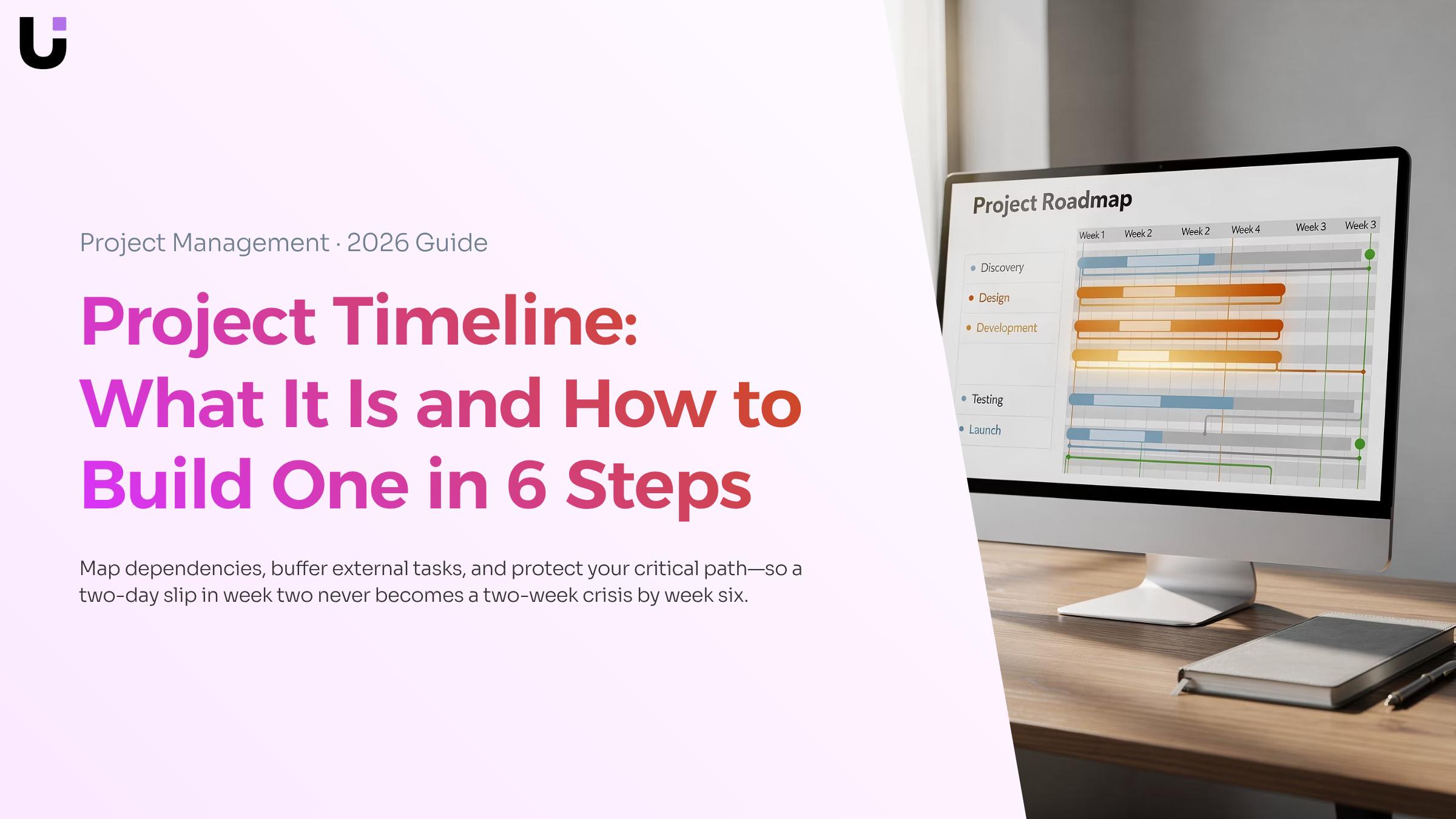
A project timeline is a visual schedule that maps every task, milestone, and deadline in chronological order from project start to finish (Atlassian). Think of it as the single source of truth for when work happens and in what order.
That's different from a task list, which only tells you what needs doing. And it's different from a project plan, which covers scope, budget, and stakeholder alignment. A project timeline answers one specific question: what runs when, and what depends on what?
That last part matters more than most teams realize. A timeline without dependency logic is just a calendar. If Task B can't start until Task A ships, and Task A slips by three days, your timeline needs to reflect that automatically, not after someone manually updates a spreadsheet. That's where most project timelines fail in practice.
A well-built timeline lets you identify where tasks are stalling before they push your deadline, rather than discovering the problem at a status meeting.
The next section breaks down the six components every project timeline needs, and what breaks when one is missing.
Key components every project timeline needs
A project timeline is only as reliable as the elements inside it. Leave one out and you don't just have an incomplete document — you have a specific failure mode waiting to surface.
The six components that matter:
- Tasks — the discrete units of work. Without them, the timeline is just a list of dates with nothing attached.
- Milestones — fixed checkpoints that mark meaningful progress, like a design sign-off or a staging deployment. A timeline without milestones gives stakeholders no early signal that delivery is at risk.
- Dependencies — the logic that connects tasks. If task B can't start until task A finishes, that relationship needs to be explicit. Untracked dependencies are the most common reason a single delay cascades into a missed deadline.
- Owners — one named person per task. Shared ownership is no ownership. When a task slips, you need to know who to call.
- Durations — start and end dates for every task, not just the project overall. Vague timelines can't help you identify where tasks are stalling before they push your deadline.
- Buffers — scheduled slack time around high-risk tasks or external handoffs. Most sample project timelines skip this. Most projects then run late.
A practical project timeline example: a software launch timeline that lists tasks and dates but omits dependencies will look fine on day one. By week three, when the QA environment isn't ready because infrastructure work wasn't sequenced correctly, the gap becomes obvious.
You can set up your project with milestones, dates, and priorities in one place so these components stay connected rather than scattered across spreadsheets.
How to create a project timeline in 6 steps
Building a project timeline from scratch is straightforward when you follow the same sequence every time. Here are six steps that take you from a blank page to a published schedule your team can actually work from.
1. Define the project scope
Write down what's in and what's out before you touch any tool. A construction project timeline that starts without a clear scope almost always expands mid-build as stakeholders add requirements. One sentence per deliverable is enough at this stage. If you can't describe a deliverable in one sentence, it isn't scoped yet.
2. List every task and group them into phases
Break the work into individual tasks, then cluster related tasks into phases. A software deployment might have three phases: environment setup, data migration, and user acceptance testing. This structure matters because it's how you'll set up your project with milestones, dates, and priorities in one place later. Phases also give stakeholders a readable summary without drowning them in task-level detail.
3. Estimate durations honestly
Assign a time estimate to each task. Use historical data if you have it. If you don't, ask the person doing the work, not the person approving it. Add a buffer of 10 to 20 percent to any task with an external dependency, such as a vendor delivery or a client approval. Most timelines slip not because individual tasks run long, but because no one accounted for wait time between them.
4. Map dependencies
A dependency is any task that can't start until another finishes. Mark these explicitly. "Design complete before development starts" sounds obvious until a designer goes on leave and no one flags that development is now blocked. Dependency logic is what separates a real project timeline from a simple to-do list with dates. Once dependencies are mapped, you can identify where tasks are stalling before they push your deadline and act before the slip becomes a delay.
5. Assign owners and set milestones
Every task needs one owner, not a team. "Marketing team" owns nothing; "Priya, content lead" owns something. Set milestones at the end of each phase to mark progress checkpoints. A milestone has no duration; it's a binary signal: done or not done. For a typical 12-week product launch, you might set four milestones: brief approved, assets complete, QA signed off, launch live.
6. Publish and share
Export or share the timeline in a format your stakeholders will actually open. A project timeline template in Excel works for smaller projects or teams without dedicated software. For anything with more than 20 tasks or multiple owners, a Gantt chart view in a purpose-built tool is easier to read and update. Prax generates Gantt charts directly from your task and phase data, so the visual updates as the work moves rather than requiring a manual rebuild.
Once the timeline is live, the real job begins. A published schedule that no one checks is just documentation. The next section covers the three habits that keep a timeline accurate week over week, including how to use completion forecasting to catch drift early before a single missed task turns into a blown deadline.
How to manage your timeline once the project starts
Building the timeline is the easier half. Keeping it accurate once work is underway is where most project timelines fall apart.
Three habits make the difference.
Weekly status checks: Set a fixed 30-minute slot each week to compare actual progress against planned dates. Don't wait for a milestone to slip before you look. A task that's two days behind in week two becomes a two-week delay by week six if nothing changes.
Dependency monitoring: Dependencies are where drift hides. If Task B can't start until Task A finishes, a small slip in A creates a cascade. Review your dependency chain every week, not just the tasks that are actively in progress. A good project timeline example makes these chains visible at a glance so nothing gets missed.
Completion forecasting: Status updates tell you where you are. Forecasting tells you where you're going. Use your current velocity to predict your project's actual completion date rather than assuming the original estimate still holds. If the forecast diverges from the plan by more than a few days, that's your signal to act now, not at the next milestone review.
If you want to identify where tasks are stalling before they push your deadline, Taro surfaces bottlenecks automatically across your project timelines, so you're responding to data rather than gut feel.
How to adjust your timeline when delays hit
When a task slips, your first move is to check the critical path, not the calendar. Not every delay pushes your end date. A task that sits outside the critical path can run two days late without touching your deadline. A task on it cannot.
Work through this in order:
- Identify the delayed task's position: Is it on the critical path? If yes, your end date moves unless you act. If no, document it and monitor.
- Assess compression options: Look at the tasks immediately downstream. Can any run in parallel instead of in sequence? Can scope be cut without breaking the deliverable? Fast-tracking (overlapping sequential tasks) and descoping are your two real levers here.
- Reallocate before you reschedule: Shift available capacity to the bottleneck first. A revised end date should be a last resort, not a first response.
- Communicate the revised timeline once, clearly: Stakeholders handle bad news better than they handle surprises. Share what slipped, why, and the new date in one message. Use your sample project timeline to show the before-and-after visually.
To catch these situations before they compound, identify where tasks are stalling before they push your deadline rather than discovering the problem in a status meeting. PMI notes that turning to an agile approach, specifically re-sequencing work, is one of the most effective ways to predict your project's actual completion date after a disruption.
Two tools dominate this decision: spreadsheets and dedicated project management software.
An excel project timeline template works well for solo projects or small teams tracking five to ten tasks. You get full control, no learning curve, and it costs nothing. The problem surfaces fast once your team grows. A project timeline Excel template can't flag when a predecessor task slips and pushes everything downstream. You update one cell; the rest of the chart stays wrong until someone notices.
Dedicated tools handle that automatically. Gantt chart views recalculate dependencies in real time, so when a milestone moves, every linked task moves with it. You can also identify where tasks are stalling before they push your deadline rather than discovering the problem in a status meeting.
The comparison breaks down like this:
| Criteria |
Excel template |
Dedicated tool |
| Dependency tracking |
Manual |
Automatic |
| Real-time updates |
No |
Yes |
| Team visibility |
One file, one owner |
Shared, role-based |
| Completion forecasting |
None |
Built-in |
For a project timeline template excel setup to stay accurate, someone has to own it daily. Most teams don't have that person. A dedicated tool removes that single point of failure and lets you set up milestones, dates, and priorities in one place from the start.
Closing
A project timeline only works when dependencies are mapped, buffers are built in, and someone actually checks it weekly against reality. The six-step process in this article gives you the structure; what separates teams that hit deadlines from those that don't is the habit of comparing actual progress to planned dates every week, catching drift before it becomes a crisis.
The difference between a timeline that gathers dust and one that drives execution is visibility. You need your tasks, milestones, and dependencies in one place where the team can see them live—not rebuilt manually every time something shifts. Start with the free project timeline template to map your next project, then move it into a tool where completion forecasting and dependency chains stay current as work moves.
FAQ
Q. How do I create a project timeline?
A. Follow six steps: define scope, list tasks and group into phases, estimate durations honestly (add 10–20% buffer for external dependencies), map dependencies explicitly, assign one owner per task and set milestones, then publish in a format your team will actually use.
Q. What are the key components of a project timeline?
**A.**Tasks (discrete units of work), milestones (fixed checkpoints), dependencies (task relationships), owners (one person per task), durations (start and end dates), and buffers (slack time around high-risk work). Missing any one creates a specific failure mode.
How can I effectively manage my project timeline?
**A.**Run weekly 30-minute status checks against planned dates, monitor dependencies every week (not just active tasks), and use completion forecasting to predict actual finish dates rather than assuming the original estimate holds.
Q. What tools can I use to track my project timeline?
**A.**Excel works for projects under 20 tasks with one owner. For larger or multi-owner projects, use a Gantt chart tool that auto-updates visuals from task data and surfaces dependencies at a glance so nothing gets missed.
Q. How do I adjust my project timeline when faced with delays?
**A.**Catch delays early via weekly status checks, then review your dependency chain to see what cascades. Adjust downstream task dates and milestones explicitly, add buffer time if the delay stems from external factors, and Q. communicate the new forecast to stakeholders immediately.
Q. What is the difference between a project timeline and a project plan?
**A.**A project timeline answers when work happens and what depends on what. A project plan covers scope, budget, and stakeholder alignment. A timeline is one component of a larger plan.
Q. How do I build a project timeline in Excel?
**A.**Create columns for task name, phase, owner, start date, end date, duration, and dependencies. List tasks in chronological order, group by phase, and use conditional formatting to highlight milestones or at-risk tasks. For projects over 20 tasks, move to a Gantt tool to avoid manual updates.


 Elena Petrova15 September 2026


