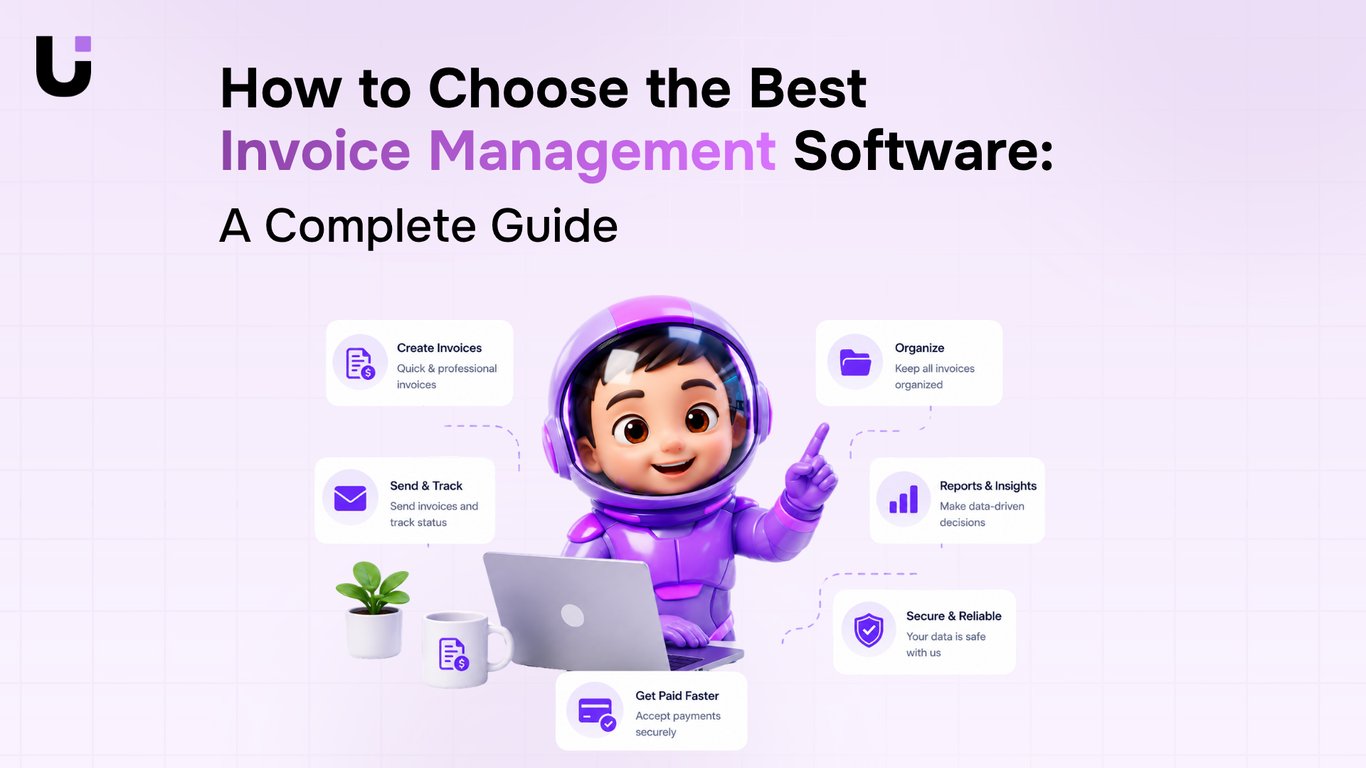
TL;DR: Most invoice management software roundups list features and stop there. This guide gives IT company owners a decision framework built around how invoices get created, how they connect to the rest of your business, and what happens when a payment is late or disputed. You'll leave with specific criteria, a comparison table, and a clear sense of which tool fits your billing model.
What Invoice Management Software Actually Does
Invoice management software handles two distinct jobs, and most buyers don't separate them clearly enough before they start comparing tools.
The first job is accounts receivable: creating invoices, sending them to clients, tracking whether they've been paid, and following up when they haven't. For IT companies billing across retainers, project milestones, and hourly work, this is where revenue leaks if the process breaks down. Good invoice tracking software tells you, at any moment, which invoices are outstanding, which are overdue, and which clients have a pattern of paying late.
The second job is accounts payable: processing bills from your own vendors, managing credits, and making sure you're not double-paying or missing due dates. These two workflows share a name but require different capabilities. A tool optimized for sending client invoices may handle vendor bills poorly, and vice versa.
Most ranking articles on the best invoice management software treat these as one function. They aren't. Conflating them is why teams end up using separate tools for each, or picking software that handles one job well and the other badly.
Before you evaluate any platform, decide which job is your primary problem. If it's both, look for automated invoice management solutions that explicitly cover the full cycle, from client billing to vendor invoice management, rather than tools that bolt on the second job as an afterthought.
Not every feature gap is obvious until a client requests a partial payment or a vendor sends a credit note you can't log anywhere.
For IT businesses specifically, the features that matter most fall into four categories:
Invoice creation and customization: A basic tool lets you fill in fields and hit send. A good one lets you build templates with your service line items pre-loaded, apply tax rules by client region, and attach supporting documents like SOWs or timesheets. If you're billing 20+ clients monthly, that template layer alone cuts invoice prep time significantly. Look for best invoicing software for small businesses in 2026 that supports multi-currency if you work with international clients.
Recurring invoice automation: Retainer clients and managed service contracts should never require manual invoice creation. The tool should let you set a billing schedule, lock in the line items, and send automatically. This is what separates invoice management software for small businesses from a glorified PDF generator. If you're still creating the same invoice every month by hand, the automation isn't working for you.
Partial payment handling: This is where most basic tools break. A client pays 60% of a project invoice upfront. Can the software log that payment, update the outstanding balance, and send a follow-up for the remainder without you rebuilding the invoice? If not, you're tracking the difference in a spreadsheet, which defeats the purpose.
Vendor credit and bill tracking: The other side of the ledger matters just as much. Good vendor invoice management means you can log a vendor credit, apply it against an open bill, and see your net payables without switching tools. Most invoice tracking software skips this entirely.
A full breakdown of automated invoice management solutions and invoice management best practices for IT companies can help you map these features to your current workflow before you commit to a platform.
How Invoice Automation Actually Works
Most descriptions of "invoice automation" stop at scheduled sending. That's recurring invoice automation — useful, but it's only one piece of the mechanism.
The fuller picture works like this: an event in your business triggers invoice creation automatically, without anyone opening an invoicing tool. Three triggers matter most for IT companies.
Project completion: When a project closes in your project management system, the invoice generates immediately — pulling the client name, line items, and agreed rate directly from the project record. No copy-paste, no delay while someone remembers to bill.
CRM deal close: When a deal moves to "won" in your CRM, the invoice fires. This matters for IT businesses that close retainer agreements or onboarding packages — the billing gap between signature and first invoice shrinks to zero.
Document signing: When a contract or statement of work gets signed, the invoice creates automatically. This is particularly useful for fixed-scope projects where the signed document is the green light to bill.
Each trigger passes structured data into the invoicing layer — client details, amounts, payment terms — so the invoice arrives complete, not as a draft waiting for manual entry. That's what separates genuine automation from a reminder system.
Automated invoice management solutions built on this trigger model also handle recurring invoice automation differently than basic schedulers. Instead of firing on a calendar date regardless of project status, they can tie recurrence to delivery milestones — so monthly retainer invoices only send when the prior period's work is marked complete.
Inzo connects to Taro (project completion), Lio (CRM deal close), and Revo (document signing) to run all three trigger types inside one system. For invoice management best practices for IT companies, that connected architecture matters more than any single feature — because the failure point is usually the handoff between tools, not the invoicing tool itself.
Integrations That Determine Whether Software Fits Your Stack
The question IT company owners ask most often is: "Will this work with what I already have?" It's the right question. Invoice software that can't talk to your accounting system, project tools, or CRM doesn't save time — it creates a second system to maintain.
Three integration categories determine whether a tool actually fits your stack.
Accounting systems (QuickBooks, Xero, Sage) are the non-negotiable layer. Without a live sync, you're manually reconciling invoices against your books, which is exactly the kind of work invoice software with accounting integration is supposed to eliminate. Look for bidirectional sync, not just export. One-way exports break the moment you need to update a payment status.
Project management tools (Jira, Asana, ClickUp) matter most for IT companies billing by milestone or sprint. When your invoicing tool can read project completion signals, you can automate invoice processing from delivery events rather than calendar reminders. That's the difference between billing on time and billing two weeks late because someone forgot.
CRM connections (HubSpot, Salesforce) close the loop between deal close and first invoice. When those systems don't talk, revenue recognition lags and clients sometimes receive invoices with wrong contract terms pulled from memory rather than the signed deal.
Inzo handles invoice creation and management inside WorksBuddy, where project, client, and billing data already live together — so the integration problem is smaller by default. For teams evaluating standalone tools, check the best invoicing software for small businesses in 2026 to see how integration depth varies across options.
How Invoice Software Improves Cash Flow and Cuts Errors
Poor cash flow is rarely a revenue problem. It's a visibility problem. You don't know which invoices are overdue, which clients have paid partially, and which reminders were never sent.
Good invoice tracking software closes that gap through three specific mechanisms.
Automated payment reminders remove the manual follow-up cycle. Instead of checking a spreadsheet and drafting emails, the software sends reminders at configurable intervals — three days before due, on the due date, seven days after. Clients pay faster when the nudge is consistent, not whenever someone remembers to send it.
Partial payment tracking matters more for IT companies than most billing guides acknowledge. Retainer clients, milestone-based projects, and phased deployments all generate partial payments. Without line-item tracking, your receivables report shows an invoice as unpaid when it's actually 60% collected. That distorts your cash position and your follow-up priority.
Real-time status visibility means your team sees at a glance what's outstanding, what's disputed, and what cleared this week. That's the difference between reactive cash management and a predictable collections process.
Manual invoice creation also introduces errors that compound these problems. Transposed amounts, missing PO numbers, wrong tax rates — each one delays payment by days or weeks. Automated invoice management solutions eliminate most of those at the source.
For a broader look at reducing billing friction, the invoice management best practices for IT companies guide covers the full workflow.
Top Invoice Management Software Options Worth Evaluating
Not every tool on this list is the right fit for every IT business. The better question is which one matches how your business actually bills.
Tool | Best for | Key trade-off |
|---|
Inzo | IT companies managing invoices, vendor bills, and expenses in one place | Requires WorksBuddy; not a standalone app |
QuickBooks | Small IT firms that need accounting + invoicing together | Heavier than needed if you only want invoicing |
FreshBooks | Freelancers and small agencies billing by the hour | Limited vendor and expense management |
Xero | Growing IT businesses with multi-currency or international clients | Steeper learning curve; costs more at scale |
Zoho Invoice | Budget-conscious teams wanting automation without high monthly fees | Weaker reporting depth than accounting-first tools |
If your billing is mostly project-based, with milestones and partial payments, you need a tool that tracks payment status at the line-item level, not just the invoice level. Most automated invoice management solutions handle the former but skip the latter.
If you're managing vendor bills alongside client invoices, a tool that separates those two workflows will create reconciliation headaches fast. Inzo handles both inside the same agent, so your payables and receivables stay in the same view.
For IT companies under 20 people, invoice management software for small businesses often means choosing between accounting depth and invoicing simplicity. FreshBooks and Zoho Invoice lean toward simplicity. QuickBooks and Xero lean toward depth. Inzo sits in a different category: it's built for the full financial workflow, not just the invoice itself.
The best invoice management software for your IT business is the one that matches your billing model, not the one with the longest feature list.
Closing
The best invoice management software for your IT business isn't the one with the longest feature list — it's the one that connects to how you actually work. That means automatic invoice creation when projects close or deals get signed, not manual entry every billing cycle. It means your accounting system stays in sync without reconciliation work, and partial payments don't require spreadsheet gymnastics. Start by mapping your current billing workflow: where do invoices get created today, what happens when a payment is late, and which tool owns each step. Then evaluate candidates against those real friction points, not against generic feature checklists. Once you've narrowed your list, ask each vendor for a trial focused on one complete billing cycle — from invoice creation through payment receipt — rather than a feature demo.
FAQ
What are the top invoice management software solutions for small businesses?
The best fit depends on your billing model. Look for tools that handle recurring invoice automation, partial payments, and integrate with your accounting system. Inzo, for example, connects to your project tools and CRM to generate invoices automatically rather than requiring manual creation.
How can I automate invoice processing with invoice management software?
True automation triggers on business events: project completion, CRM deal close, or document signing. The invoice generates automatically with client details and line items pre-filled, then syncs to your accounting system — eliminating manual entry and billing delays.
What features should I look for in the best invoice management software?
Prioritize recurring invoice automation, partial payment handling, vendor credit tracking, and bidirectional accounting sync. For IT companies, integration with project management tools and CRM systems matters more than isolated features.
Can invoice management software integrate with my existing accounting system?
Yes, but verify bidirectional sync with your specific platform (QuickBooks, Xero, Sage). One-way exports create reconciliation work; live two-way sync is what actually eliminates manual bookkeeping.
How does invoice management software improve cash flow and reduce errors?
Automatic invoice creation eliminates billing delays and manual entry mistakes. Real-time payment tracking shows outstanding and overdue invoices at a glance, so you can follow up faster and reduce days sales outstanding.
What is the difference between invoicing software and invoice management software?
Invoicing software creates and sends invoices. Invoice management software handles the full cycle: creation, sending, payment tracking, follow-ups, and vendor bill management — plus integration with your broader business systems.


 Siddharth Rao11 September 2026


