TL;DR: Most task management software listicles rank 20 tools and leave you to figure out which one fits a 5-person IT team running sprints. This one covers six picks, matched to specific team sizes and workflow types, with a decision framework that tells you which to choose and why. No feature dumps, no filler.
What is task management software?
Task management software is a shared workspace where teams create, assign, prioritize, and track work items from start to finish — replacing scattered threads, spreadsheets, and sticky notes with a single source of truth.
If your team is still routing work through chat messages or a shared spreadsheet, you're not alone. Most small teams outgrow those tools quietly, usually right before a deadline slips. Good task tracking software gives every task an owner, a due date, and a visible status — so nothing falls through without someone noticing.
The best tools go further, connecting tasks to projects, time logs, and team capacity. That's the difference between tracking work and actually managing it.
What to look for in task management software
Picking a project and task management tool without a clear checklist leads to buyer's remorse inside 90 days. Here's what actually separates a good fit from a frustrating one for small teams.
Ease of onboarding: If your team needs a two-day training session, adoption will stall. Look for tools where a new user can create and assign a task in under five minutes.
Task ownership and visibility: Every task needs one owner and a due date. Tools that allow vague assignments ("team" owns it) produce missed deadlines.
AI that's built in, not bolted on: Native AI that flags overdue tasks or predicts blockers is meaningfully different from a chatbot added to a sidebar.
Integrations with tools you already use: A task management software for small teams that doesn't connect to your email or CRM creates a second inbox problem.
Honest pricing at small-team scale: Free plans often cap users at five or fewer seats.
Reporting without a data analyst: Progress should be visible in one click, not three exports.
For a deeper breakdown of what each criterion looks like in practice, how to choose the right task tracker for your IT team walks through each one.
Quick comparison: 6 task management softwares for small teams
Tool | Best for | Free plan | Paid from | AI built-in |
|---|
Taro | IT teams needing AI-native task management | Yes | Contact for pricing | Yes, predictive |
Asana | Cross-functional teams | Yes (up to 10 users) | ~$10.99/user/mo | Bolted-on |
Trello | Visual Kanban workflows | Yes | ~$5/user/mo | Bolted-on |
ClickUp | Feature-heavy power users | Yes | ~$7/user/mo | Bolted-on |
Monday.com | Client-facing project tracking | No | ~$9/user/mo | Bolted-on |
Notion | Docs-first teams | Yes | ~$10/user/mo | Bolted-on |
If you're evaluating task management softwares for IT teams, the AI column matters most. Predictive AI flags problems before deadlines; bolted-on AI mostly summarizes text.
The 6 best task management softwares for small teams in 2026
Each tool below follows the same structure so you can scan or read deep depending on how much time you have.
1. Taro
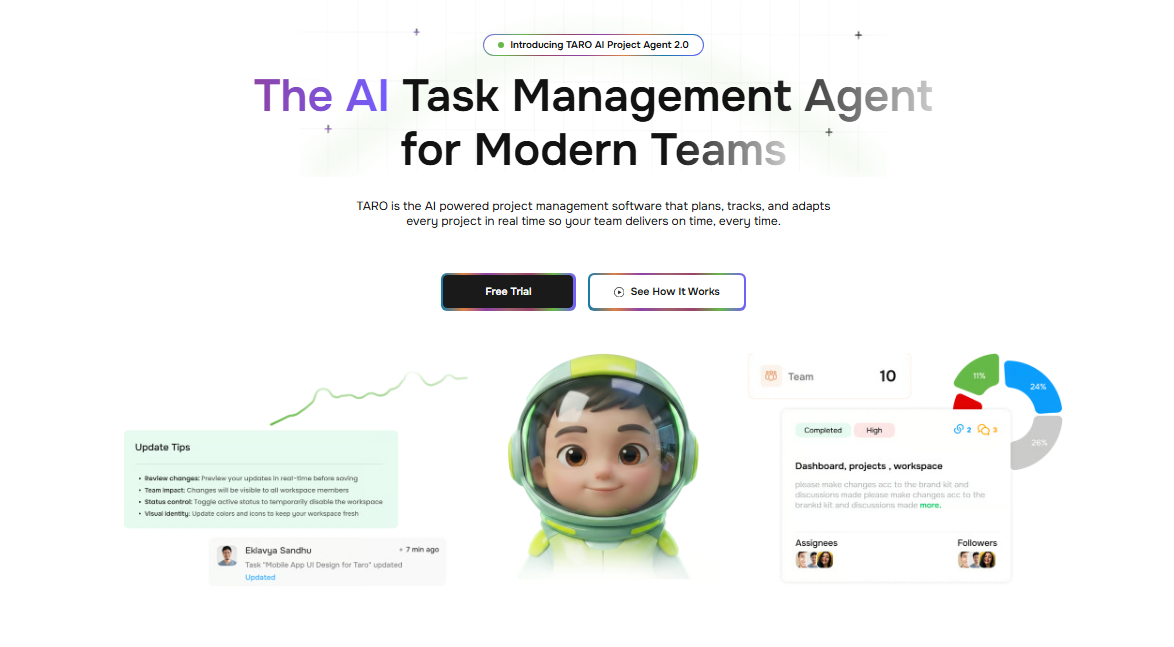
Taro is built for IT teams that need more than a to-do list. It combines task management, sprint planning, time logging, and real-time collaboration in one workspace, and connects directly to your CRM (Revo), billing (Inzo), and email (Evox). The AI layer doesn't just surface overdue tasks — it flags work that's trending toward a missed deadline before it gets there.
Key features:
AI-native task prediction and risk flagging (not a bolt-on)
Sprint planning with backlog management
Time tracking tied directly to tasks and projects
Native integrations with Revo, Inzo, Lio, and Evox
Real-time collaboration without switching to a separate chat tool
Pros: Single workspace replaces four to five separate tools. AI works on your actual project data, not generic prompts.
Cons: Deepest value comes when you're also using other WorksBuddy products. Teams outside IT may find some sprint-focused features more than they need.
Pricing: Available on WorksBuddy's tiered plans. Free trial available.
Best for: IT company owners running 5 to 50-person teams who want an AI task manager that connects to the rest of their business operations.
2. Asana
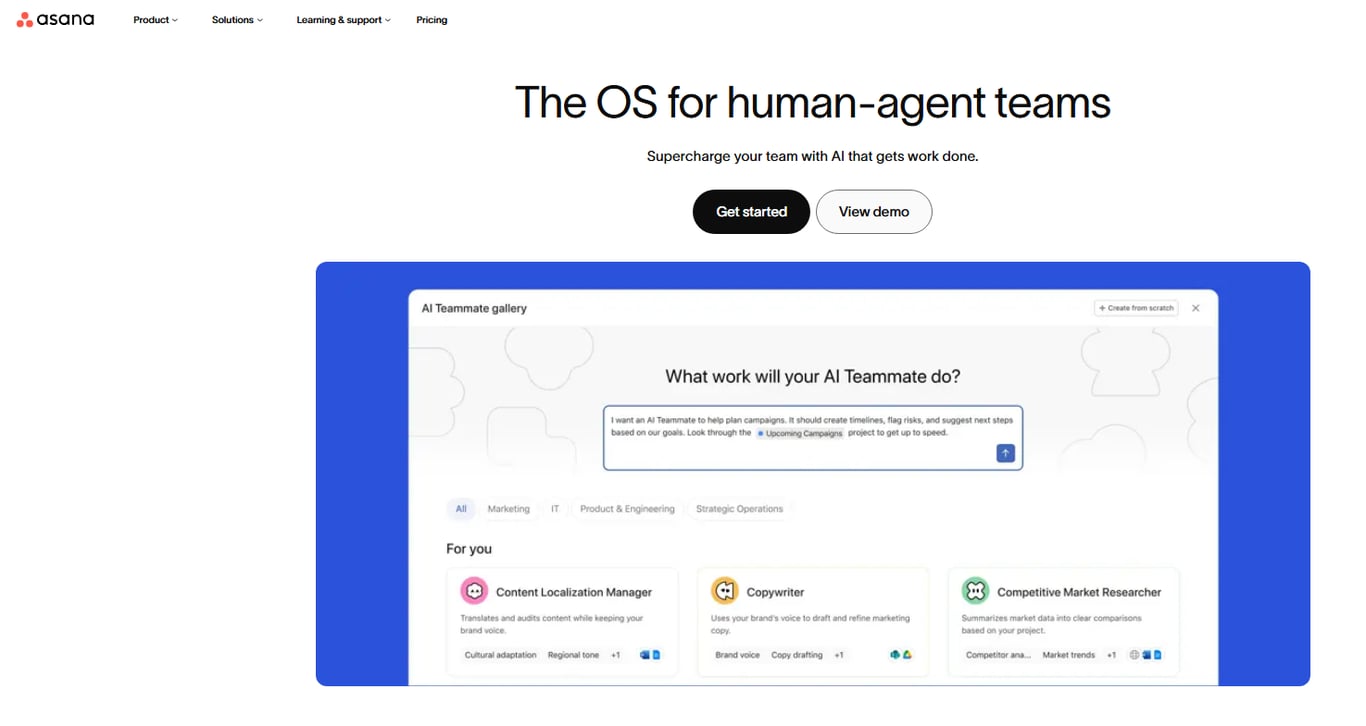
Asana handles task tracking software needs well for teams that work across multiple projects simultaneously. Its timeline view and rule-based automation are genuinely useful. The AI features, added in 2024, assist with task drafting and status summaries but don't predict project risk.
Pros: Polished UI. Strong cross-project reporting.
Cons: Automation rules require the Business plan (starts at $24.99/user/month). Free plan caps at 15 users with no timeline view.
Pricing: Free (up to 15 users), Starter at $13.49/user/month, Business at $24.99/user/month.
Best for: Teams that need cross-departmental project visibility and can afford the Business tier.
3. Trello
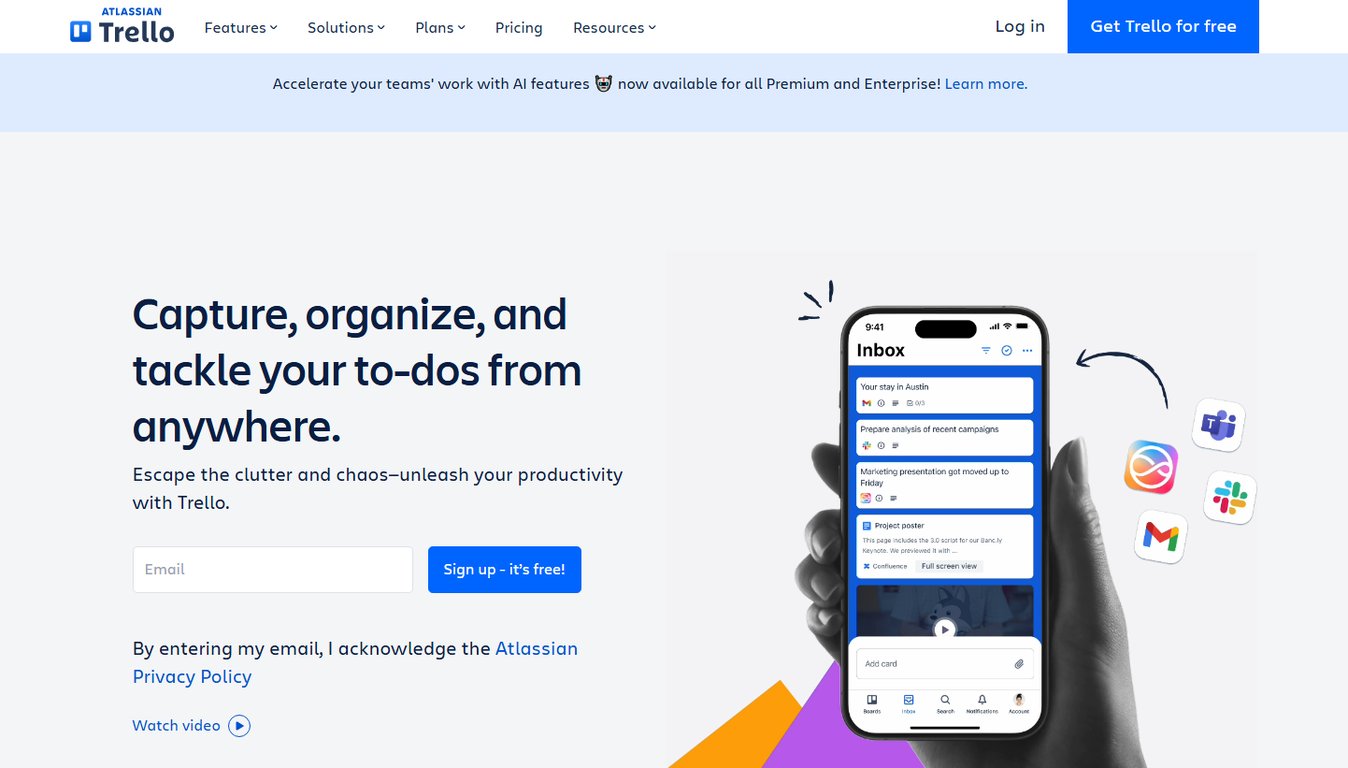
Trello's Kanban-first design makes it the fastest tool to set up for small teams tracking task management software for small teams use cases like content calendars or support queues. Power-Ups (integrations) expand functionality, but you're assembling a system rather than getting one out of the box.
Pros: Near-zero learning curve. Free plan is genuinely usable.
Cons: No native time tracking. Reporting is shallow without third-party Power-Ups.
Pricing: Free, Standard at $6/user/month, Premium at $12.50/user/month.
Best for: Teams of 2 to 10 that need simple visual task tracking and aren't ready for structured sprints.
4. ClickUp
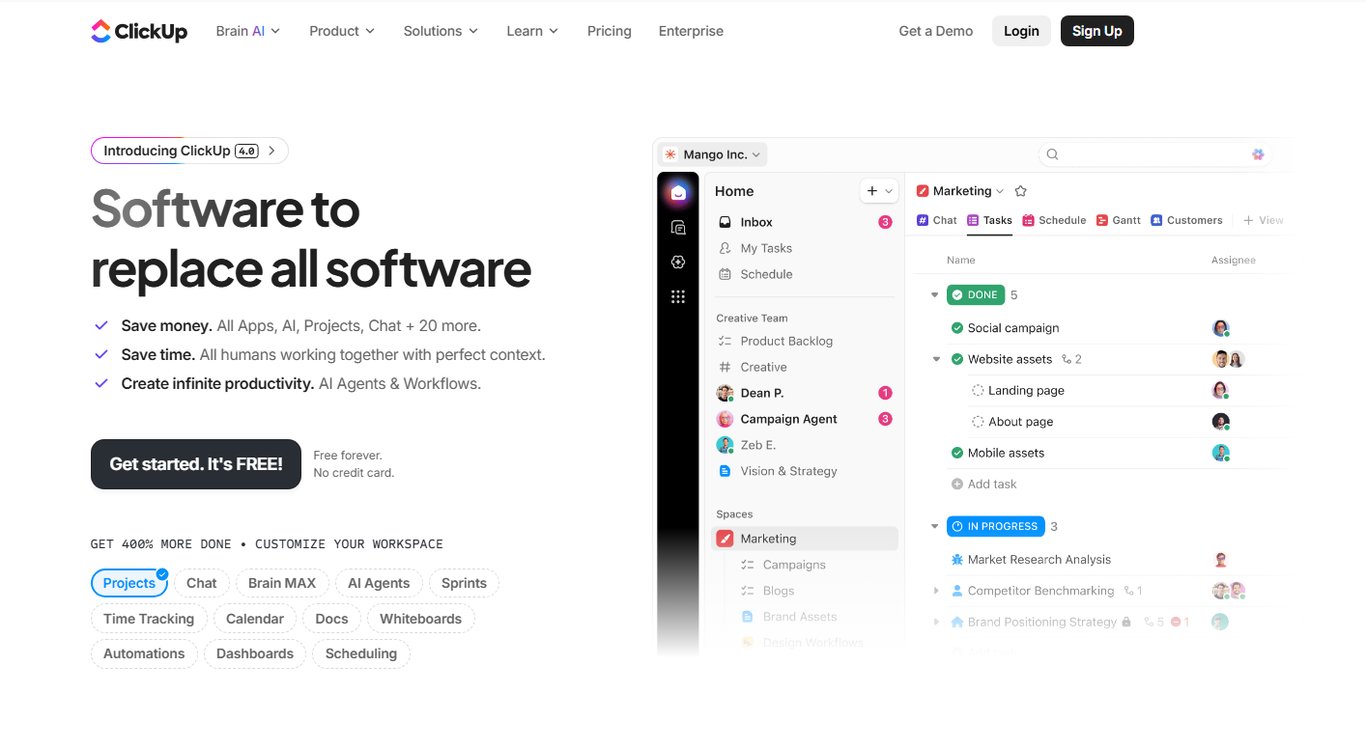
ClickUp covers more surface area than most teams need — docs, whiteboards, goals, and multiple task views are all included. That breadth is useful if you're consolidating tools; it's noise if you're not.
Pros: Generous free plan. Highly configurable.
Cons: Configuration takes real time. New users consistently report a steep onboarding curve before the system feels natural.
Pricing: Free, Unlimited at $10/user/month, Business at $19/user/month.
Best for: Teams willing to invest setup time in exchange for maximum flexibility.
5. Monday.com
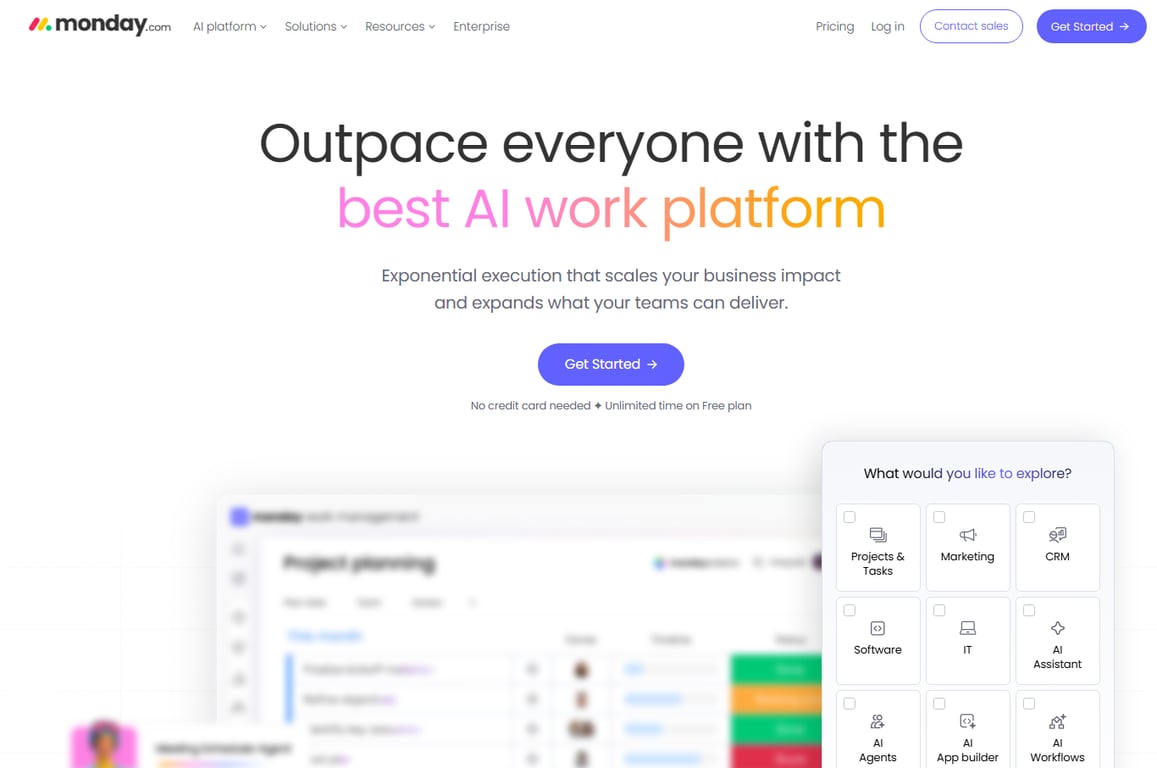
Monday.com positions itself as a work OS, and its automation builder is one of the better no-code options available. For task tracking, it works well once configured, but the pricing jumps quickly as your team grows.
Pros: Strong automation. Clean dashboards for stakeholder reporting.
Cons: Minimum 3 seats on paid plans. Pricing becomes expensive for teams under 10.
Pricing: Free (up to 2 seats), Basic at $12/seat/month, Standard at $14/seat/month.
Best for: Teams that need automation-heavy workflows and have a dedicated person to manage the setup.
6. Notion
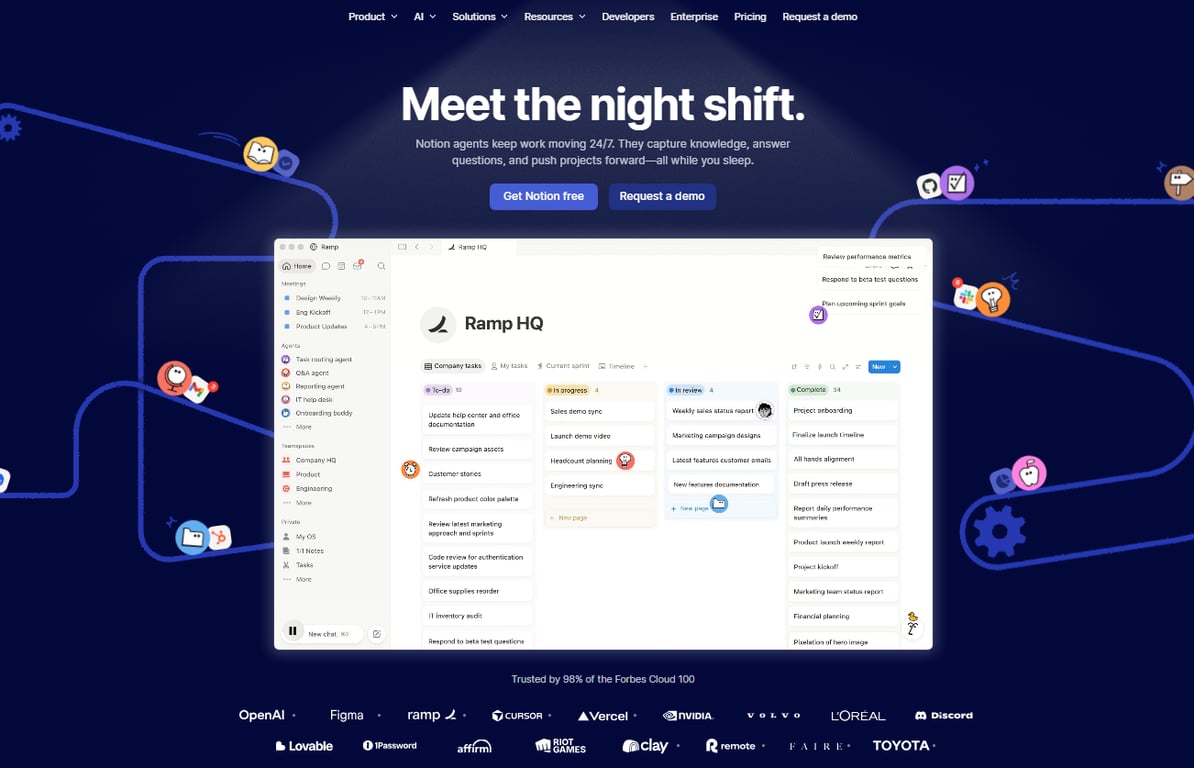
Notion blends docs and tasks in a way that suits teams where writing and project work overlap — agencies, consultancies, and product teams. Task management is possible but requires building your own system from templates.
Pros: Excellent for documentation alongside tasks. Flexible database structure.
Cons: Not purpose-built for task management. No native time tracking or sprint tools.
Pricing: Free, Plus at $12/user/month, Business at $18/user/month.
Best for: Small teams where knowledge management matters as much as task tracking.
For a side-by-side view of how these tools compare on pricing, AI capability, and team fit, see which task management app is best for small businesses.
How to choose the right task management software for your team
Most buying decisions stall because the comparison is tool-versus-tool instead of team-versus-need. These three questions cut through that.
How many people will actually use it daily?
For teams under 10, a lightweight project and task management tool with a free tier (Trello, Taro's starter plan) is usually enough. Once you cross 15 to 20 people, you need role-based permissions, workload views, and reporting — features that live behind paid tiers on most platforms.
What does your workflow actually look like?
Sprint-based teams need backlog management and velocity tracking. Client-delivery teams need time logging and milestone visibility. If your team runs both, a single task management software for small teams that handles sprints and client projects without a separate tool saves real coordination overhead. Check what other teams use for task tracking before committing to a workflow type.
Do you need AI that predicts problems or AI that autocompletes text?
Most tools bolt AI onto existing features as a text assistant. Taro's AI is built into the task layer itself — it flags at-risk work before a deadline slips, not after. If your team regularly misses deadlines by a day or two, that distinction matters more than any feature checklist.
How AI is changing task management software in 2026
Most task management softwares added AI as an afterthought: a summary button here, an auto-label there. That's bolted-on AI. It helps at the margins but doesn't change how work actually flows.
AI-native tools are built differently. The AI sits inside the data model, not on top of it. That means your task tracking software can flag a sprint at risk before anyone misses a deadline, not after.
The practical difference: bolted-on AI answers questions. Native AI surfaces problems you didn't know to ask about.
Taro's built-in AI works this way. Because it connects tasks, time logs, and project timelines in one place, it can predict bottlenecks rather than just report them. That's a structural advantage, not a feature checkbox.
If you're evaluating an AI task manager, ask one question: does the AI read your workflow data, or just your text? The answer tells you everything. For a deeper breakdown, how team management software improves productivity is worth a read.
Closing
The right task management software doesn't just organize work — it removes the friction that slows small teams down. Spreadsheets and chat threads create blind spots; a real tool gives you one place where every task has an owner, a deadline, and a visible status. Start by matching your team size and workflow type to the six options above, then run the free trial. For IT teams that have outgrown spreadsheets and need tasks, sprints, and workload visibility in one place, Taro is worth a direct look — the free plan covers the core features most small teams need to get started without a procurement process. Which of these workflows matches your team most closely right now?
FAQ
What are the best task management softwares for small teams?
Taro for IT teams needing AI-native task prediction and sprint planning; Asana for cross-functional projects; Trello for simple Kanban workflows; ClickUp for teams wanting maximum flexibility; Monday.com for automation-heavy work; Notion for docs-first teams.
How do I choose the right task management software for my business?
Match your team size, workflow type, and integration needs to the six options above. Prioritize ease of onboarding, task ownership clarity, and whether AI is built-in or bolted-on. Run the free trial before committing.
What features should I look for in a task management software?
Look for clear task ownership and due dates, native AI that flags risks before deadlines slip, integrations with tools you already use, honest free-plan pricing at small-team scale, and one-click reporting without exports.
Can task management softwares improve productivity in the workplace?
Yes. A shared workspace with clear ownership and visible status eliminates blind spots, reduces context-switching through chat, and flags problems before they miss deadlines — directly improving team velocity and reducing burnout.


 Megan Foster15 September 2026


