


Task Management with Subtasks,
Views, and Bulk Operations
Full task CRUD with rich text, 7 statuses, 4 priorities, dependencies, time tracking, and attachments across 6 view modes.
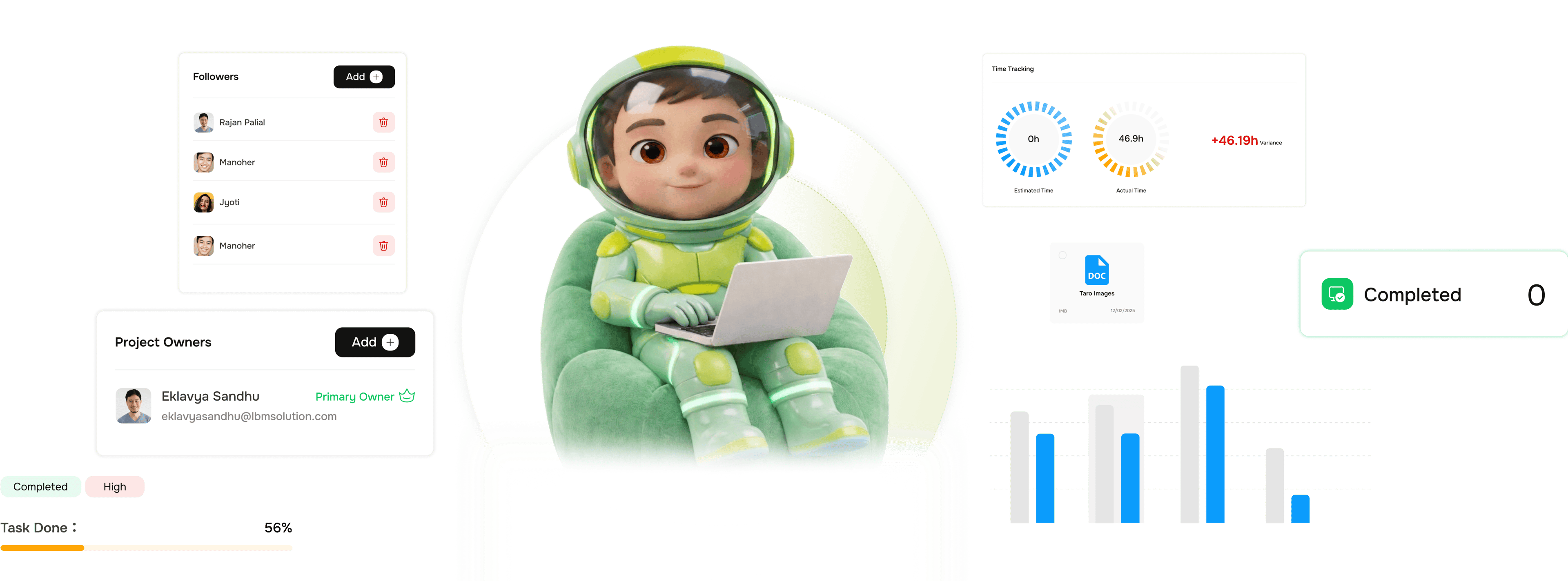
From a task idea to full delivery context in four steps
Every task in TARO carries the full context needed to complete it, and the right view to see it in.
Create
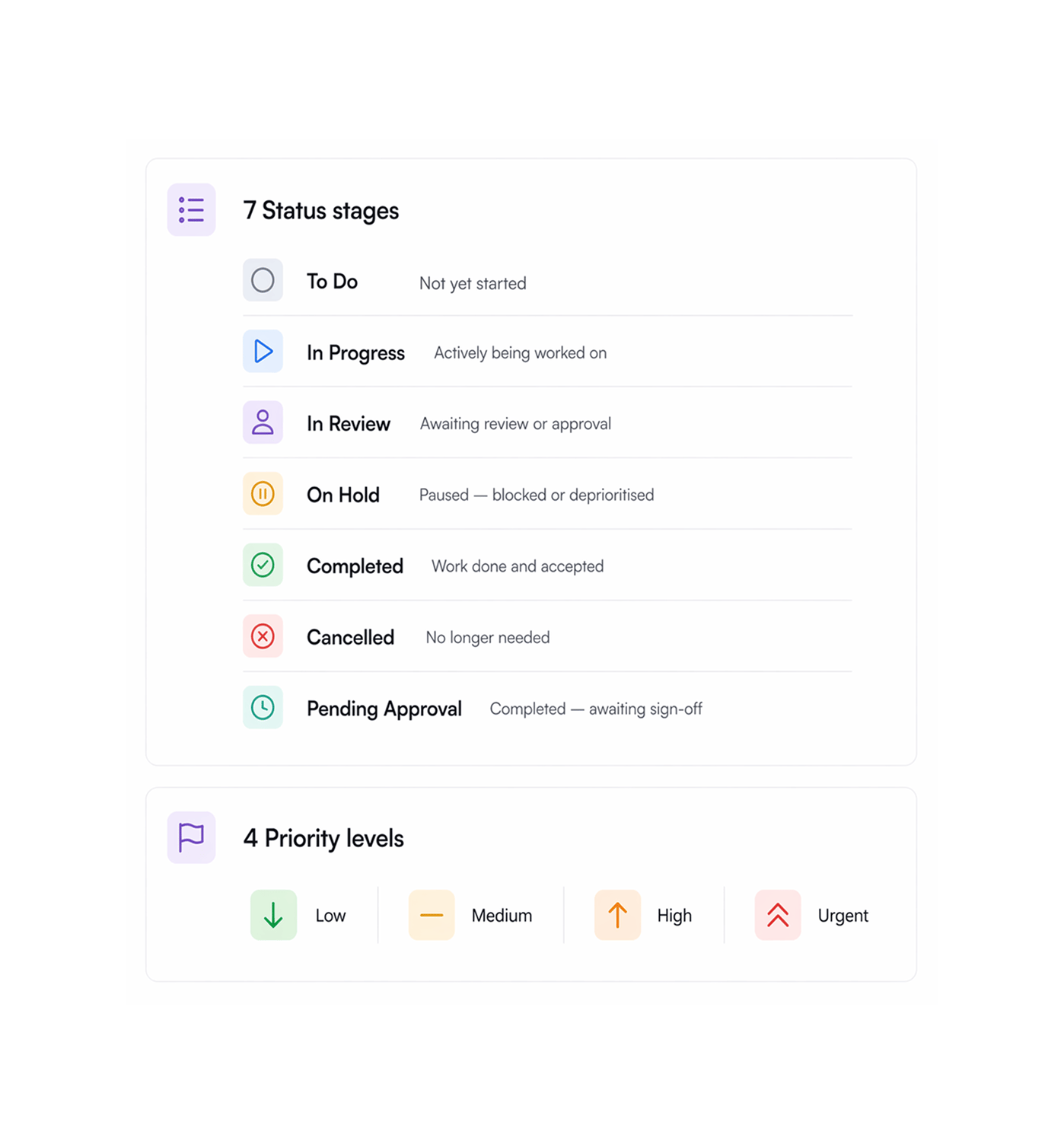
Seven statuses. Four priorities. Set both at creation.
Every task starts with a status and priority, both set at creation and visible everywhere. Seven statuses cover the full delivery lifecycle. Four priority levels separate a chore from an urgent production issue.
Build
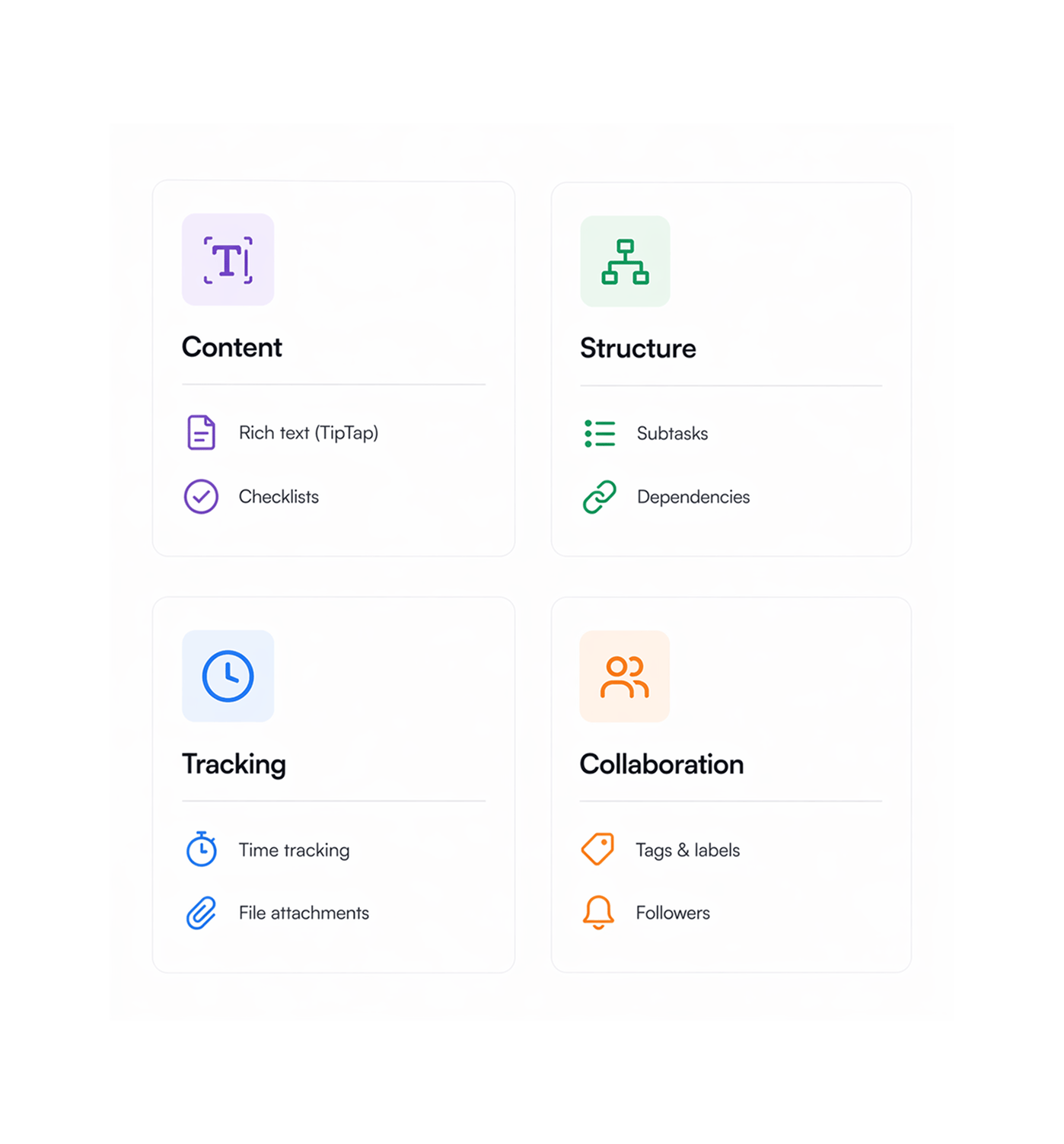
Twelve fields. One task. All the context your team needs.
A task in TARO is more than a title and due date. Every field your team needs to execute and close work is there, from a TipTap editor for descriptions to dependency mapping that blocks out-of-order work.
View
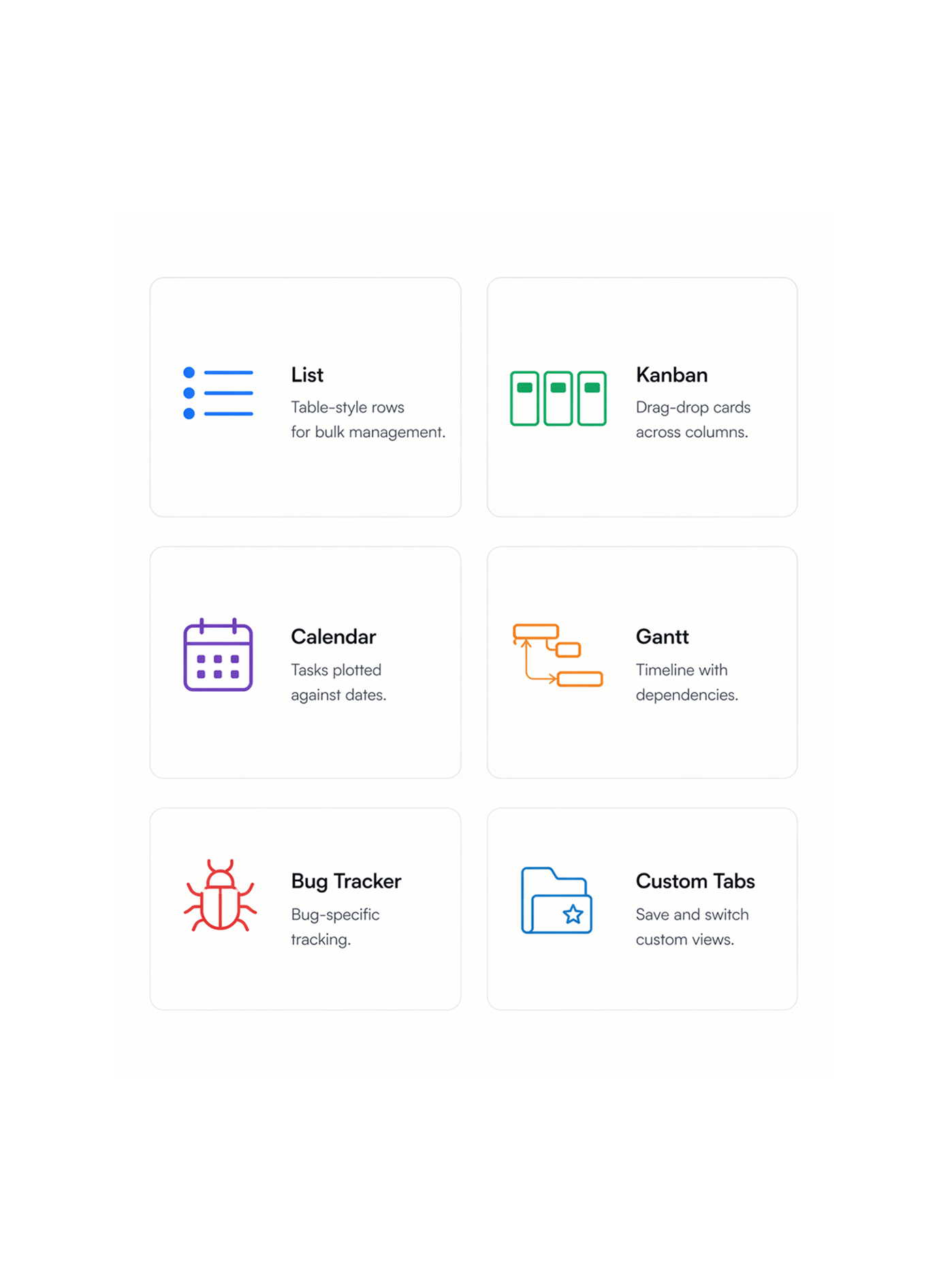
Six ways to see the same work. Switch any time.
The same task data renders in six views each optimized for a different question your team is asking. No data is duplicated; switching is instant. The work stays the same; the perspective changes to match what you need to know.
- List
- Kanban
- Calendar
- Gantt
- Bug Tracker
- Custom tabs
Track
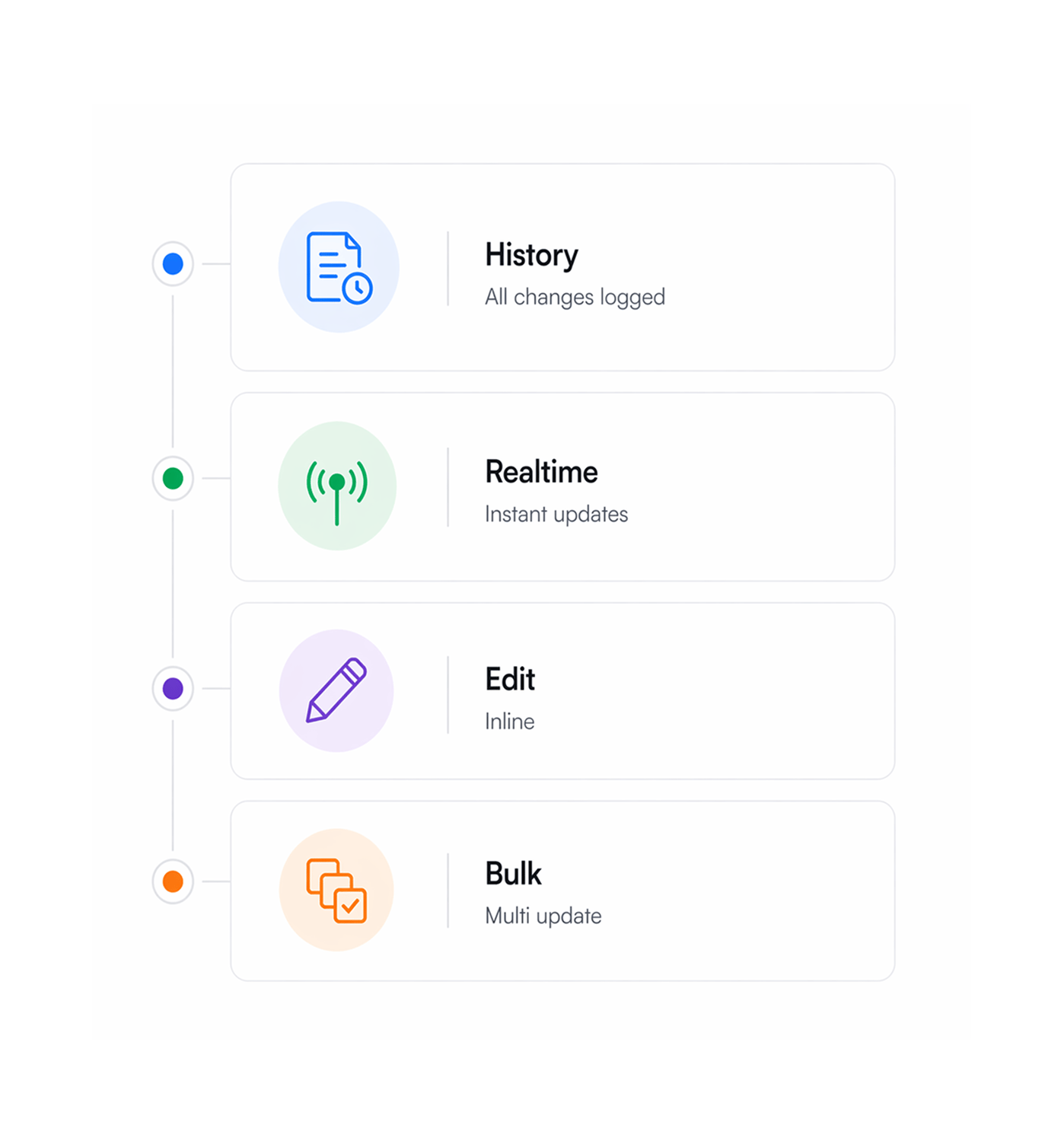
Every change logged. Every handoff recorded.
Every action on a task status change, field edit, comment, time entry, file upload, assignment is logged to a unified history with user, timestamp, and changed fields. The audit trail lives in the History tab.
- Full activity history
- Real time via Pusher
- Inline editing anywhere
- Bulk edit tasks: update status, priority, assignee, due dates
Six reasons teams never go back
Most task managers give you a title field and a checkbox. TARO gives you the full context layer every task needs and six ways to look at it.

Rich text that actually works like a doc
TipTap-powered descriptions support bold, italic, code blocks, lists, mentions, and image embeds. The full spec lives in the task, not comments.

Dependencies prevent out of order work
Mark tasks as blocks or depends-on and TARO maps the dependency graph. Engineers stop work that can't finish, and leads see the critical path.

Time tracking built in not bolted on
Start/stop a timer from any task, or log time manually. Estimated vs actual hours show on every task, and time rolls up to project reports. No separate tool.

Six views same data, right perspective
Switching from List to Kanban to Gantt takes one click. The same data renders in the view you need: in review, due this week, or delayed.

Bug Tracker view built for engineering cycles
A Bug Tracker view with severity, environment, reporter, and reproducibility fields, not a renamed Kanban. Teams run QA in a view built for it.

Custom tabs save the views your team reuses
Save any filter, sort, and grouping as a named tab. My open bugs, sprint blockers, unassigned high priority any view you hit twice should be a tab.


800+
trusted teams
Built for every team that
touches pipeline
Engineering, product, and ops teams rely on TARO Task Management as their system of record. The full field set keeps everything in the task, and six views let each role see it in its best format.
Fields per task
View modes
Status stages
Activity logged
One system for features, bugs, tech debt, and the sprint not four separate tools.
Engineering teams use TARO's List view for planning, Kanban for standup, Bug Tracker for QA, and Gantt for releases, all on the same task data. No syncing between tools.
Task management is just the foundation
TARO's AI layer runs on your task data predicting, prioritizing, distributing, and flagging work.

Smart Task Creation
Type one sentence. TARO generates a fully structured task title, description, priority, due date, and assignee in under 3 seconds. No forms, no clicks.

Auto Prioritization
Drop your entire backlog. TARO re orders every task with AI reasoning based on due dates, dependencies, and strategic impact no grooming meetings needed.

Risk Prediction
Scans for overdue tasks, stalled workflows, and blocked dependencies surfaces exact action recommendations before risks become incidents.

Workload Distribution
Analyzes sprint capacity and suggests exact reassignments to balance overloaded members before a deadline slips one click to apply.
Everything you need to know about TARO Task Management
Common questions from engineering leads, PMs, and team leads evaluating TARO as their task system.
The 7 default statuses cover the full delivery lifecycle: To Do, In Progress, In Review, On Hold, Completed, Cancelled, and Pending Approval. Workspace admins can rename any status to match their terminology. You can also configure which statuses map to active vs closed for reporting. The status logic is configurable per workspace, so TARO's analytics and AI reflect your team's actual workflow, not a generic model.