


AI Risk Prediction That Spots Project
Risks Before They Hit
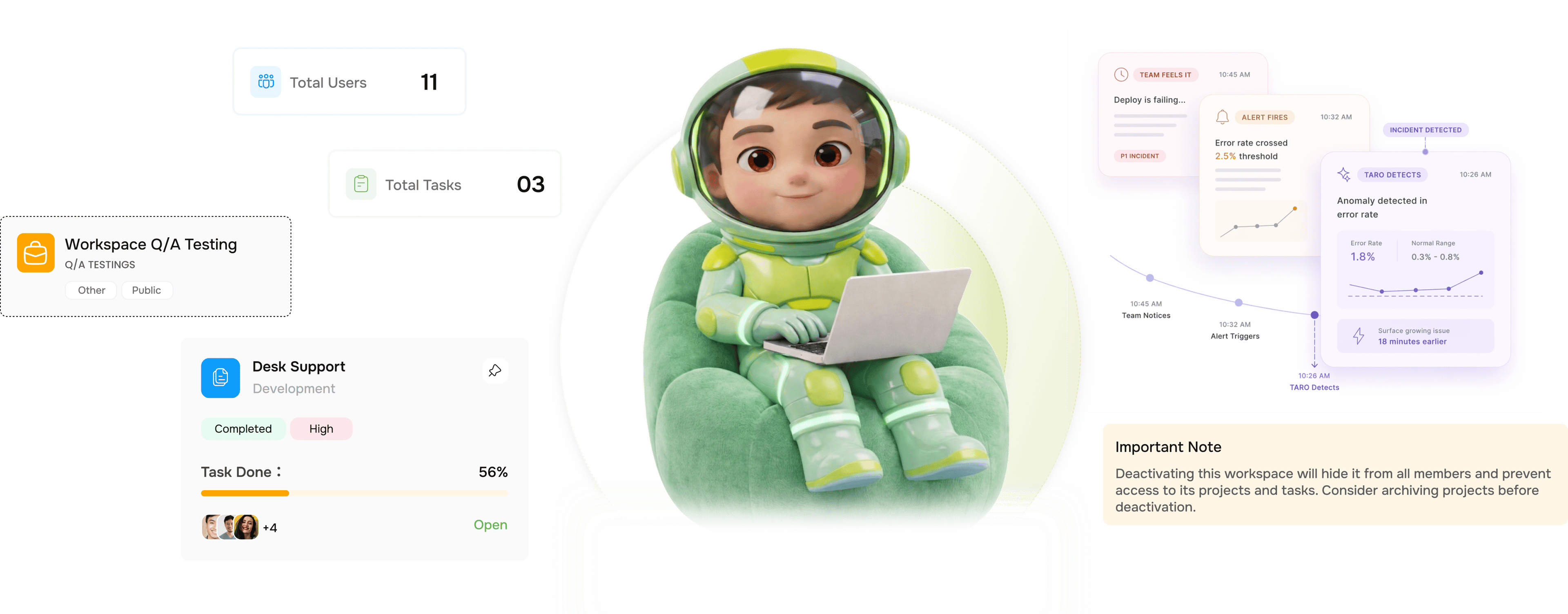
TARO scans for overdue tasks, stalled workflows, velocity drops, and blocked dependencies, then surfaces risk drivers and fixes.
From a URL to a full prospect dossier in four steps
No forms. No manual research. No copy-paste into spreadsheets. Lio runs the entire discovery workflow for you.
Scan
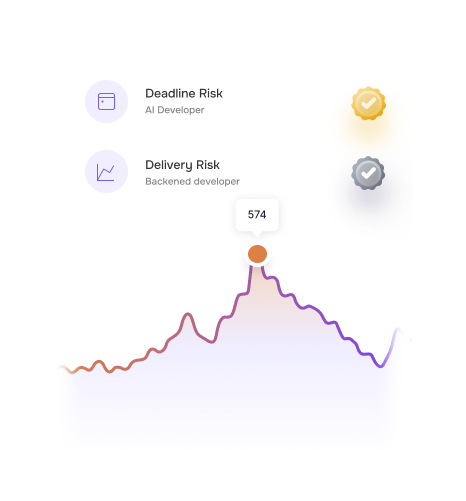
Four risk signals scanned across every sprint, every day
TARO monitors four categories of project risk continuously, not at sprint end or when someone files a report. Every task state change, velocity shift, and new dependency updates the risk picture in real time.
Classify
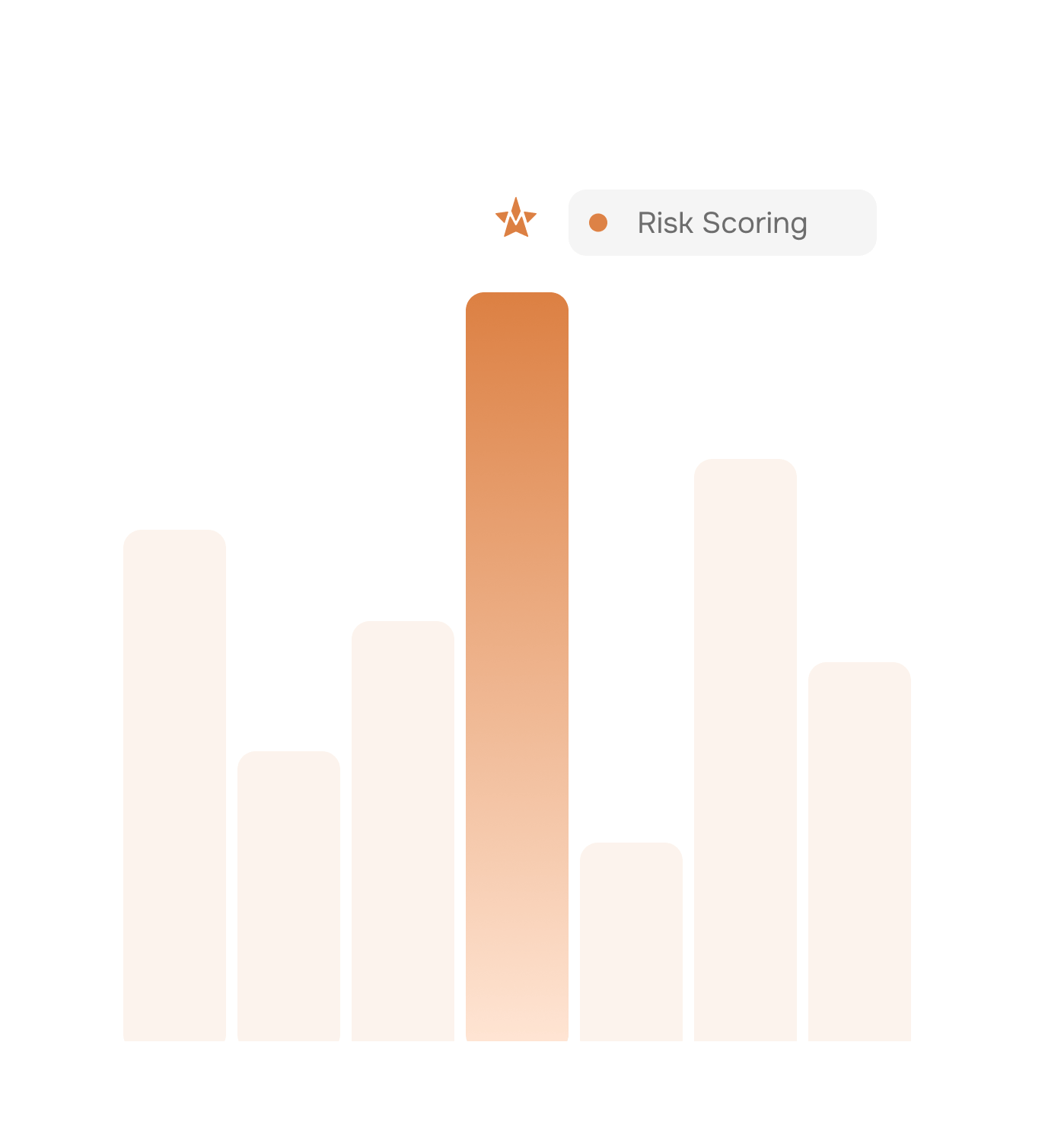
Every risk scored by severity and deadline proximity
Not every overdue task is a crisis. TARO scores each risk on two axes how serious it is and how close to the deadline then sorts it into one of three tiers, so teams know which risks need attention now and which just need monitoring.
Recommend
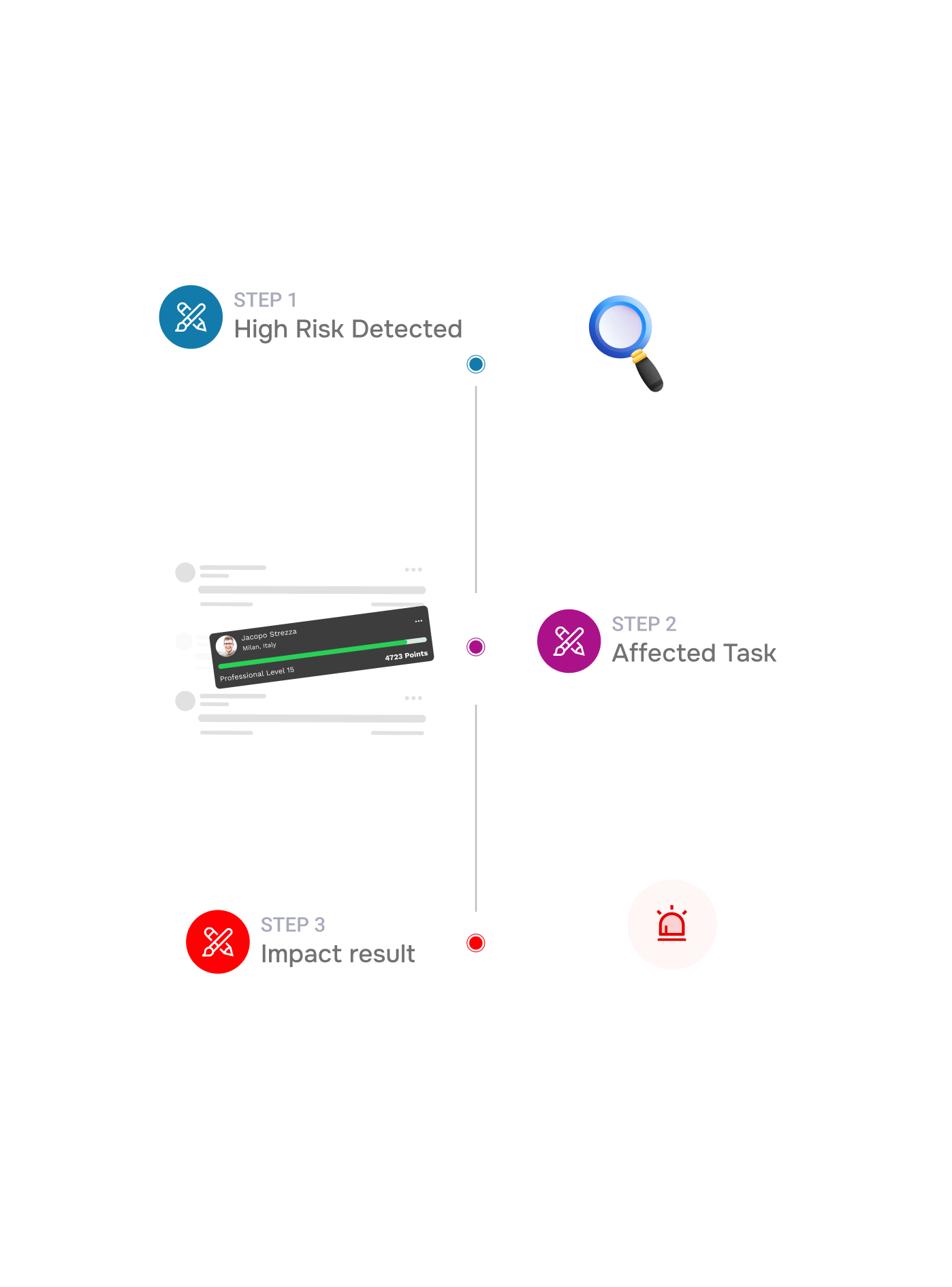
Not just a warning. An exact action to take.
TARO doesn't stop at flagging a risk. It tells you the specific fix which task to unblock, who to reassign to, which scope item to defer with the reasoning shown. That's the difference between an alert and an action.
Track
Risks stay on the radar until they are actually resolved
Accepting a recommendation marks it in progress, but TARO keeps monitoring. If the blocker isn't resolved, severity escalates. If a stalled task sees no movement after reassignment, a follow-up alert fires.
- Tracked until resolved
- Auto escalates on inaction
- Clears on resolution
Six reasons teams never go back
The difference between a risk that becomes an incident and one resolved cleanly is almost always timing. TARO buys your team the time to act.

Risks surface before they become incidents
A blocker flagged on day 2 gets fixed on day 3. One found the day before the deadline triggers an emergency. TARO eliminates the second scenario entirely.

Action recommendations, not just alerts
Every risk comes with a specific recommended action not "there's a velocity problem" but exactly which tasks to defer, which blocker to escalate, and who to reassign to.

Four signals, one unified risk view
Overdue tasks, stalled workflows, velocity drops, and blocked dependencies are scanned together, not four separate reports to cross-reference.

Severity tiering means the right urgency every time
Not every risk is a fire. TARO's severity scoring shows which need immediate attention, which need monitoring, and which to just log and move on.

Risks escalate automatically if ignored
An unresolved high-severity risk doesn't stay at high. TARO escalates it with rising urgency as the deadline nears, so nothing is acknowledged and forgotten.

Stalled workflows caught before anyone notices
Tasks can sit in In Progress untouched 48 hours. TARO flags every stall when it exceeds your threshold, before the standup nobody can explain it.


800+
product teams
Built for every team where slipped sprints have consequences
Engineering leads, PMs, and scrum masters all use Risk Prediction for the same outcome: knowing about a problem while there's still time to act. The retrospective documents what happened; this prevents it.
Earlier risk detection
Fewer unplanned incidents
Action recommendations acted on
Silent incidents
Why didn't anyone flag this? stops being asked in the retro.
Engineering leads open TARO's risk dashboard each morning to see what's moved since yesterday: new blockers, stalled tasks, velocity shifts. Standup confirms what TARO already flagged.
Risk prediction is just the start
TARO's intelligence covers the full delivery lifecycle from the moment a task is created to the day the sprint closes.

Completion Analysis
Predicts your project's actual completion date from velocity, blockers, and sprint history. Get predicted date, variance, and confidence before you commit.

Workload Distribution
Analyzes team capacity and suggests exact reassignments to balance overloaded members surfacing who's at risk of becoming the bottleneck before they do.

Smart Task Creation
Type one sentence. TARO builds a fully structured task title, description, priority, due date, assignee in under 3 seconds. No forms, no context switching.

Sprint Planning
Create sprints, assign tasks, and manage backlog in one view with TARO's risk context baked in from day one so planning reflects reality, not optimism.
Everything you need to know about Risk Prediction
Common questions from engineering leads, PMs, and scrum masters evaluating TARO's risk engine.
A task is stalled when no meaningful activity occurs within a configurable window the default is 48 hours for tasks In Progress, and 24 hours for tasks assigned and past due. Activity includes status changes, comments, file attachments, or checklist progress; viewing doesn't count TARO measures work, not presence. The threshold is set per workspace: fast sprints may use 12 hours, longer projects 72. Once passed, the task appears in the dashboard.