


Epic Management with Progress
Tracking and Roadmap View
Group related tasks across sprints into Epics. Track progress from completion ratios, manage status, and visualize roadmaps.
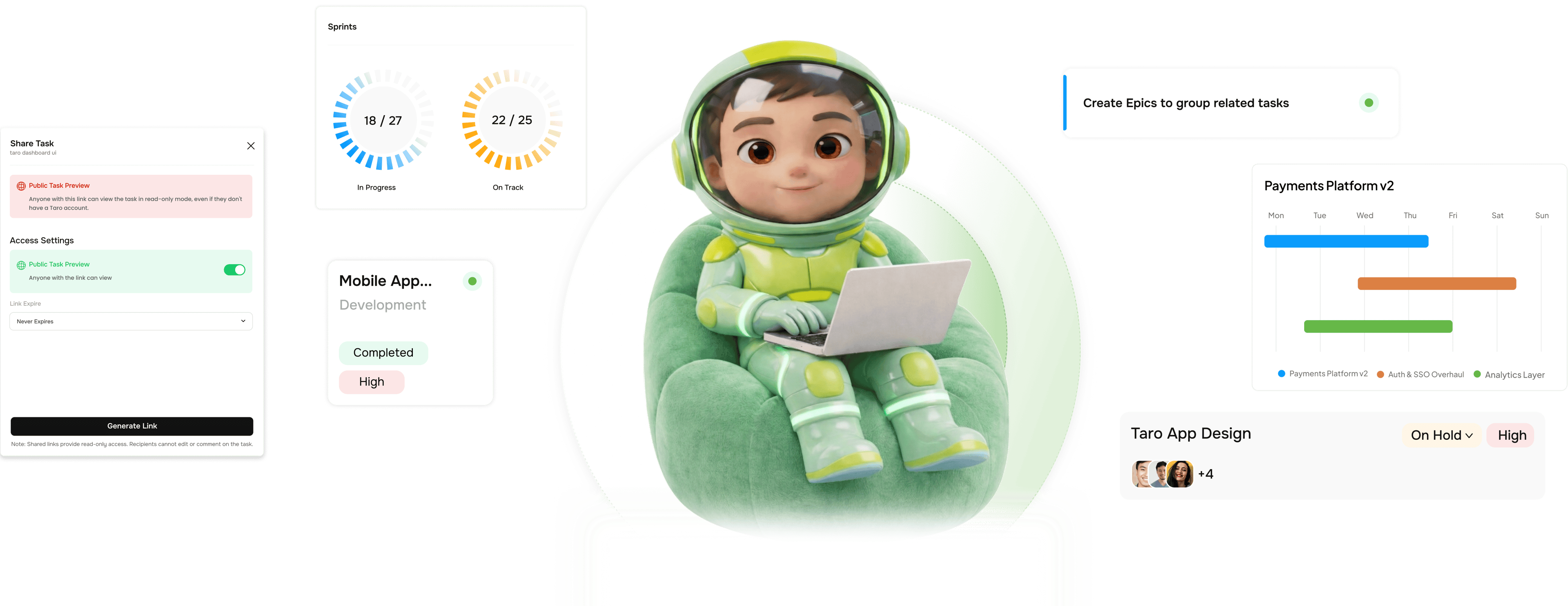
From scattered tasks to a tracked epic with a roadmap in four steps
TARO's Epic layer sits between projects and tasks, giving multi-sprint work structure without the overhead.

Create
Group any tasks into an epic regardless of which sprint they're in
An Epic is a named, color-coded grouping of related tasks spanning multiple sprints, or none. Create it with a name, color, and target dates, then link tasks from any sprint or member. Related work becomes one visible unit.

Track
Epic progress calculates itself from every linked task.
TARO derives each epic's progress automatically: linked tasks Completed divided by total linked tasks. No manual sliders, no estimates. Every status change updates the bar instantly, rolling each sprint's completions in.

Roadmap
Every epic on one timeline. The full roadmap at a glance.
The Roadmap view renders every epic as a color-coded bar spanning its start-to-end dates on a monthly timeline. Parallel rows show overlapping delivery, sequenced work, and gaps at once. A date line flags ahead and behind.

Status
Six status stages cover every epic from idea to shipped.
Epic status is set by the team, not derived from task progress. A lead can keep a 90%-done epic In Progress because the final 10% is a release gate. Status reflects intent; progress reflects completion.
- Not Started
- In Progress
- Under Review
- At Risk
- On Hold
- Completed
Six reasons teams never go back
Tasks tell you what's being done. Sprints tell you when. Epics tell you what it all adds up to and whether you're on track to deliver.

Group work across sprints into one coherent outcome
A feature that takes four sprints shouldn't be four unrelated commitments. An epic makes it one named, tracked delivery, without changing daily task work.

Progress auto calculated never estimated
Epic progress is the ratio of completed tasks to linked tasks, recalculated on every status change. The number is always honest, never padded.

Roadmap view shows the whole quarter on one screen
Every epic is a color-coded bar across a shared timeline, so overlapping delivery, sequential work, and planning gaps are all visible at once.

Tasks from any sprint link to the same epic
Epics don't enforce sprint boundaries. A task from Sprint 12, one from Sprint 14, and one in the backlog can all share an epic. Sprints are just containers.

At Risk status makes slow epics impossible to miss
Mark an epic At Risk and it surfaces immediately on the roadmap and epic list, in amber. Leads and stakeholders see it at once. The flag escalates.

Color coding makes large roadmaps readable
Each epic gets a distinct color, shown on the card, roadmap bar, and filter pill. On a roadmap of eight epics, color keeps each stream distinct.


800+ product teams
already using TARO
Built for every team shipping features that outlast a single sprint
Product managers running quarterly roadmaps and engineering leads tracking multi sprint features need the same view: what are we building, how far through it are we, and when does it ship?
Sprints per epic
Progress auto calculated
Epic status stages
Roadmap view for all epics
Stakeholder roadmap reviews start from the roadmap view not a slide rebuilt every week.
PMs open the roadmap view for reviews. Every epic sits on one timeline with dates and status. "Where are we on Payments v2?" answers itself: 67% done, 9 tasks left, closing Jun 20.
Epics are the view. TARO runs what's beneath them.
The tasks inside your epics are tracked, predicted, balanced, and prioritized by TARO's intelligence layer.

Sprint & Agile
Run full sprint lifecycles: planning, burndown, velocity, and AI completion prediction, with epics providing cross-sprint context.

Auto Prioritization
Filter and rank the backlog by epic. TARO surfaces the tasks that most advance your target epics, so planning starts from progress gaps.

Completion Analysis
Predicts when each epic will actually close from current velocity and remaining tasks, giving you the real ship date before you commit to the roadmap date.

Task Dependencies
Link tasks across epics with 4 dependency types. When a task in Epic A blocks one in Epic B, the graph surfaces the cross-epic risk.
Everything you need to know about Epic Management
Common questions from product managers, engineering leads, and founders evaluating TARO's epic layer.
TARO calculates epic progress as linked tasks Completed divided by total linked tasks, as a percentage. Tasks in any other status (To Do, In Progress, In Review, On Hold, Pending Approval) count toward the denominator but not the numerator. Cancelled tasks are excluded from both by default, though this is configurable. The percentage recalculates on every status change, with no manual override. What the tasks say is what the progress shows.