TL;DR: Most guides hand you a generic status list and call it done. This one shows how the statuses you choose shape reporting accuracy, team accountability, and real-time visibility, then gives you a customization framework you can apply to your own projects today. You'll finish knowing exactly which statuses to keep, cut, and add.
What a project status actually tells your team
A project status is a single data point that answers one question for everyone on your team: where does this work stand right now?
That sounds simple. In practice, most teams treat project status labels as a formality, updating them late or skipping them entirely. According to PMI's Pulse of the Profession 2024, status reporting ranks among the top time drains for project managers, which means a poorly chosen status set creates work instead of reducing it.
A well-designed status communicates three things at once: progress, momentum, and whether action is needed. "In Progress" tells a stakeholder the work is moving. "Blocked" tells them it is not, and someone needs to act. The difference between those two labels can determine whether a deadline slips unnoticed.
This is why project status types are a communication tool first and a tracking label second. The right set reduces the daily responsibilities that eat a project manager's week by making project health visible without a meeting. The wrong set produces stale data, ambiguous labels, and reporting you cannot trust.
The most common project statuses project managers use
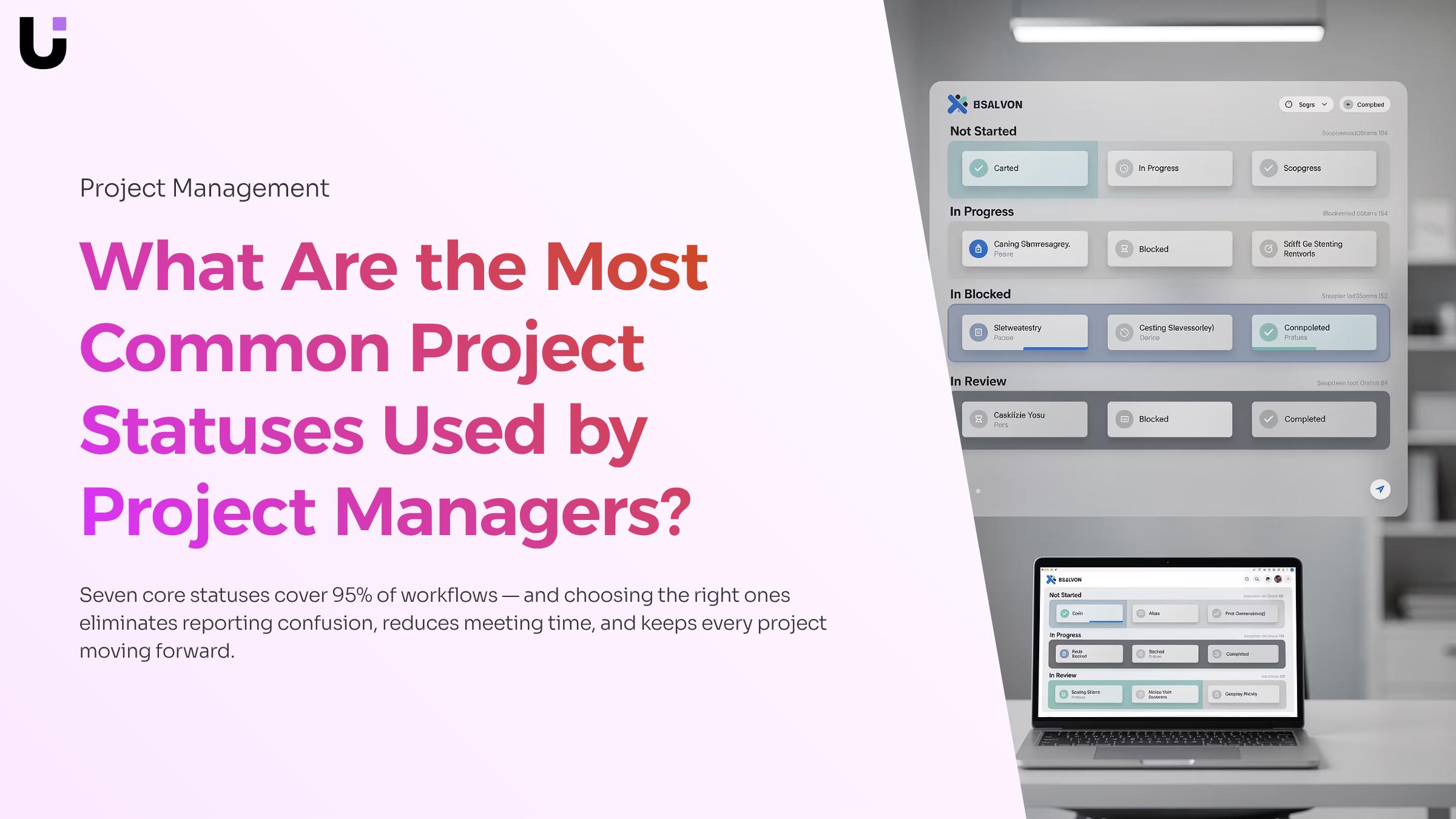
Most teams land on a working status set through trial and error. The list below skips that process and gives you the core project status types that cover the full lifecycle of almost any project.
- Not Started. The project is scoped and assigned but work has not begun. Use this when a project is queued and you need it visible in reporting before kick-off.
- In Progress. Active work is underway and no blockers are present. This is the default state for the bulk of your project status tracking and the one stakeholders check most often.
- On Hold. Work has paused intentionally, usually due to a resourcing decision, a dependency, or a strategic shift. On Hold is different from Blocked because the pause is planned, not forced.
- Blocked. Progress has stopped because of an unresolved external dependency, a missing decision, or a resource gap. A blocked status should trigger an escalation path, not just sit in a dashboard.
- In Review. Deliverables are complete and waiting on approval or sign-off. Teams that skip this status tend to collapse review cycles into "In Progress," which hides accountability gaps.
- Completed. All deliverables are accepted and the project is closed. This status feeds retrospectives and capacity planning, so marking it accurately matters more than it looks.
- Cancelled. The project will not be finished. Cancelled is not the same as Completed, and conflating the two corrupts your delivery metrics over time.
Seven statuses cover most workflows. If you find yourself adding more, check whether the new label describes a state or a reason. Reasons belong in a notes field, not a status column. That distinction is one of the things the stages of project management framework makes easier to see, because each stage maps cleanly to one or two statuses rather than a sprawling list.
For teams managing tasks inside the same system, the 7 statuses built into task management follow the same logic and keep project-level and task-level reporting consistent.
Why clear, consistent statuses matter for your projects
Poorly designed project status labels cost more than most managers realize. According to PMI's Pulse of the Profession 2024, status reporting ranks among the top time drains for project managers, pulling attention away from actual delivery work. A well-built status system removes that drag in four concrete ways.
- Blockers surface faster. When every team member uses the same definition for "Blocked," a stalled task becomes visible the moment it stalls, not three days later in a standup.
- Reporting gets cleaner. Consistent project status tracking means your portfolio view reflects reality. Stakeholders stop asking for manual updates because the data is already accurate.
- Status meetings shrink. A shared label set answers the questions that fill those meetings: what is moving, what is waiting, and what needs a decision. Teams that standardize status definitions report spending measurably less time in recurring check-ins.
- Stakeholder trust grows. When a sponsor sees the same status language across every project, they build confidence in the system. Inconsistent labels, by contrast, signal that the daily responsibilities eating a project manager's week include firefighting confusion that a better setup would prevent.
The risk on the other side is status sprawl: too many overlapping labels that mean different things to different people. That problem, and how to avoid it, is exactly what the next section addresses.
How to customize project statuses for your team
Start with an audit. Before you add or rename anything, pull a list of every status your team currently uses across active projects. You are looking for three things: duplicates with different names ("In Review" and "Under Review"), statuses nobody updates, and labels so vague they could mean anything ("In Progress" covers a task that started yesterday and one that has been stuck for three weeks).
Once you have that list, map each status to a real work state. A work state is a moment in your workflow where something meaningfully changes: work starts, work pauses, a decision is needed, work is done. If a status does not correspond to a real transition, cut it. This is where most teams discover they have seven statuses doing the job of four. For reference, 7 statuses built into task management shows a clean baseline if you need a starting point.
The third step is writing a one-sentence definition for each status you keep. "Blocked" means external dependency is preventing progress and the owner has notified the project manager. "In Review" means work is complete and waiting on a named approver. Definitions matter because custom project statuses only reduce ambiguity if everyone reads them the same way. Vague labels are one of the most common failure modes in deciding what statuses a project manager wants to choose from, and a written definition costs nothing to fix.
The fourth step is assigning ownership for each transition. Who moves a task from "In Review" to "Approved"? The approver, not the task owner. Defining this prevents the stale-status problem, where a project manager spends time in daily responsibilities that eat a project manager's week chasing updates that should have moved automatically.
Run this four-step audit once per quarter. Workflows change, and your status set should change with them.
How project statuses affect reporting and analytics
Status labels are not just organizational tidiness. They are the raw data your reports run on, and if that data is inconsistent, every chart downstream is unreliable.
When teams use vague or overlapping statuses, project reporting and analytics break down fast. A status like "In Progress" that covers both day-one kickoffs and near-complete work tells a portfolio dashboard nothing useful. You cannot calculate sprint velocity, flag bottlenecks, or forecast delivery dates from a field that means five different things to five different people. According to PMI's Pulse of the Profession, status reporting already ranks among the top time drains for project managers. Vague labels make that problem worse, not better.
Granularity is what separates a decorative status field from a real data source. When each status maps to a distinct work state, your reports can show where work actually stalls. A team that distinguishes "In Review" from "Awaiting Approval" can see exactly how long sign-off cycles take, which is the kind of signal that changes how a manager plans the next sprint.
Consistency matters just as much as granularity. If one team member marks a task "Done" when it ships internally and another waits for client sign-off, your project-level visibility and status tracking collapses into noise. Pair that inconsistency across a portfolio and the daily responsibilities that eat a project manager's week grow longer, not shorter.
Standardized, well-defined statuses are the foundation. Automation, covered next, is what keeps them accurate.
How to automate project status updates in real time
Manual status updates are one of the daily responsibilities that eat a project manager's week. Automation removes that burden by triggering status transitions based on real events, not memory.
The mechanism is straightforward. You define a rule: when a task moves to "Done," the parent project shifts to "In Review." When all milestones clear, the project moves to "Complete." No one has to touch it. Tools that support trigger-based automation connect task-level activity directly to project-level visibility and status tracking, so your custom project statuses reflect reality at all times.
When evaluating a tool for real-time project status tracking, look for:
- Condition-based triggers (task completion, date passed, dependency resolved)
- Bidirectional sync between task and project status layers
- Audit logs showing who or what changed a status and when
- Support for custom project statuses inside the same rule set
WorksBuddy's Prax connects with Revo to run trigger-based automation across project workflows. A milestone closes, Revo fires the rule, and the project status updates without a prompt. Your reports stay current between check-ins.
Common mistakes that make status systems fail
Four failure modes show up repeatedly when teams audit their project status labels.
- Too many statuses. More than seven options creates decision fatigue. Teams stop updating because choosing feels harder than skipping.
- Vague definitions. "In progress" and "active" mean the same thing to no one and different things to everyone. Each label needs a one-line definition.
- No ownership of transitions. If nobody is named responsible for moving a project from "review" to "approved," it sits in review indefinitely.
- Statuses that never change. Stale project status types are worse than no status at all. They signal false confidence to stakeholders while the real situation drifts.
Run your current setup against this list before adding any new labels.
Closing
Stop Updating Statuses. Start Finishing Projects.
A well-designed status system isn't admin overhead — it's the difference between a team that reacts to surprises and one that sees them coming. By now you know how to map statuses to real project phases, trim the list to only the labels that drive decisions, and build in automation so the board reflects reality without anyone manually pushing updates.
The teams that act on this stop fielding "where does this stand?" messages and start spending that time on actual work. The teams that don't keep running projects on guesswork dressed up as process.
If you'd rather skip the setup from scratch, Lio ships with a ready-made status set, supports custom statuses for any workflow, and updates them automatically as work moves forward. Book a 30-minute walkthrough to see exactly how it fits your projects.
FAQ
Q. What are the most common project statuses used by project managers?
A. The most common project statuses are Not Started, In Progress, On Hold, At Risk, and Complete — these five cover the full lifecycle of most projects. Some teams also add Cancelled and Awaiting Approval to handle edge cases that "In Progress" doesn't accurately describe. The exact set depends on your workflow, but the goal is always the same: every status should tell a stakeholder something actionable at a glance.
Q. How can I customize project statuses to fit my team's specific needs?
A. Start by mapping your team's actual workflow stages before touching any tool — list every handoff point, approval gate, and waiting state your projects move through. Then build your status set around those real steps, not a generic template. If you're using a platform like Lio, custom dashboards let you surface the statuses that matter most to your team and filter out the noise, so everyone sees project health in terms they actually recognize.
Q. What are the benefits of using clear and consistent project statuses?
A. Clear, consistent project statuses eliminate the guesswork that slows teams down — when everyone reads "Blocked" or "In Review" the same way, you spend less time in status meetings and more time actually moving work forward. They also make it easier to spot bottlenecks early, before a delayed task becomes a delayed delivery. For IT teams managing multiple projects at once, that shared language is what keeps stakeholders informed without requiring a manual update every time someone asks.
Q. Can project statuses be automated or updated in real time?
A. Yes — modern project management tools can trigger status changes automatically based on task completions, due dates, or milestone hits, so your board reflects reality without someone manually updating it. Lio's Prax does this through its REVO automation engine, which moves projects through status stages as conditions are met. That means a project sitting at "In Progress" can flip to "At Risk" the moment a deadline is missed — no manual nudge needed.
Q. How do project statuses impact project reporting and analytics?
A. Clean, consistent statuses are the foundation of accurate project reporting — if half your team marks work "In Progress" while the other half uses "Active," your analytics will show noise instead of signal. Status data feeds directly into completion forecasting and time reporting, so the more precisely your statuses reflect real workflow stages, the more reliable your burndown charts and delivery estimates become. Lio's Prax tracks progress and forecasts completion based on status movement, which only works well when your status taxonomy is airtight.
Q. How many project statuses should a team use?
A. Most teams work well with 5–7 statuses — enough to reflect how work actually moves without creating decision fatigue every time someone updates a task. A common setup might be: Not Started, In Progress, Blocked, In Review, and Done. Going beyond 8 statuses usually signals a process problem, not a tracking problem.


 Elena Petrova15 September 2026


