What RAG status means in project management
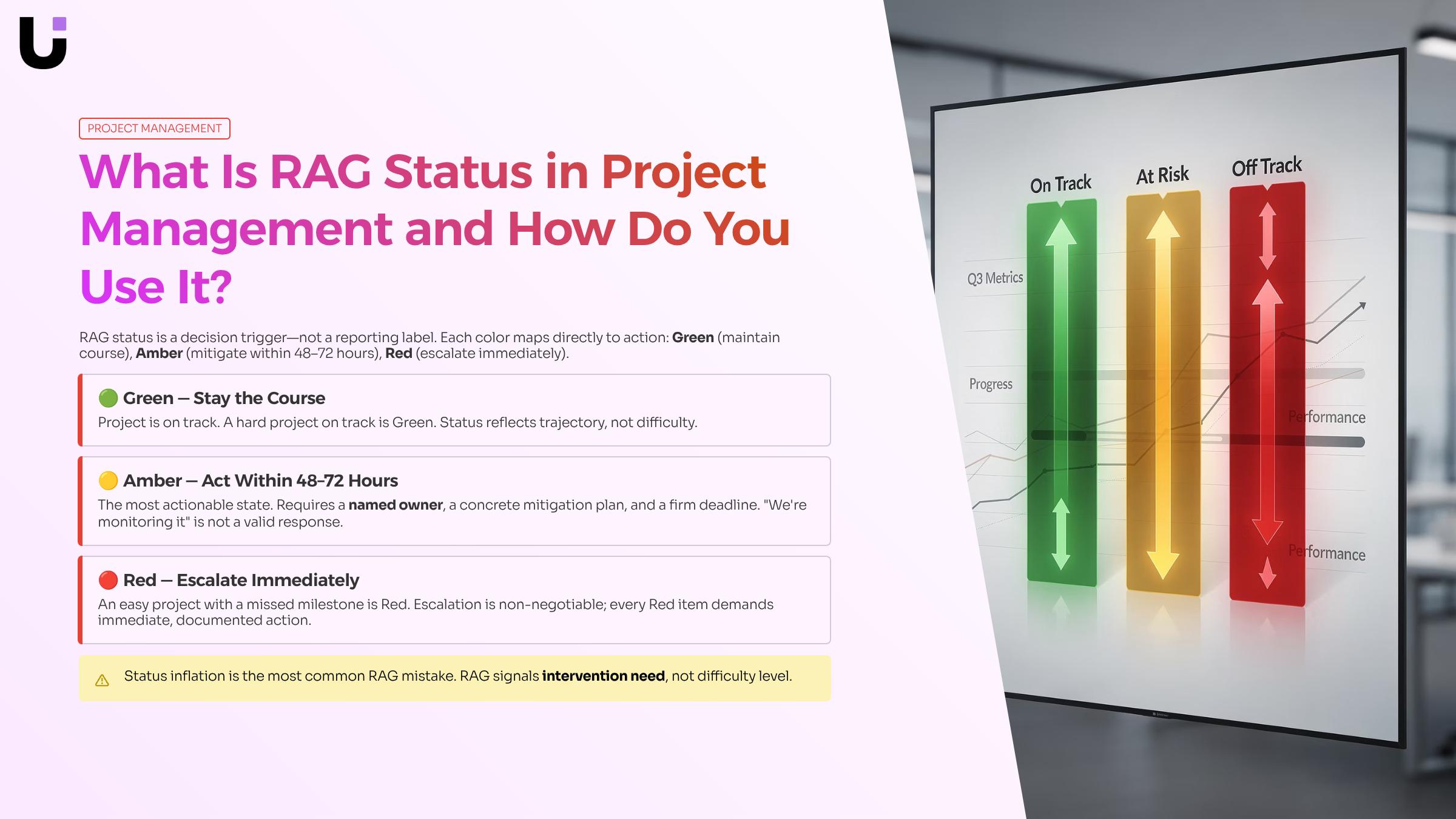
RAG status is a traffic-light system used in project health reporting to communicate where a project stands at a glance. The three colors — Red, Amber, Green — each carry a specific meaning that any stakeholder can read in seconds, without needing to dig through a status report.
- Green means the project is on track. Timelines, budget, and scope are all within acceptable tolerances. No action is required beyond maintaining the current pace.
- Amber signals a developing issue. Something is at risk — a slipping milestone, a resource constraint, a dependency that hasn't resolved — but the project isn't yet off the rails. Amber is the early-warning state, and it's the most actionable of the three.
- Red means the project has a problem that the team cannot resolve without outside help. Escalation is required. Left unaddressed, a Red status typically leads to missed deadlines, budget overruns, or scope failure.
Most teams apply this red amber green status system at the project level, but it works equally well for individual workstreams, milestones, or risks. A single project can carry a Green overall status while one workstream sits at Amber.
The real value of RAG isn't the label itself. It's that a well-maintained RAG system lets you view RAG health signals across every active project in one place and spot patterns before they compound.
What each RAG color tells your team to do
Green means stay the course. Amber means act before it turns Red. Red means stop everything else and fix this.
Most teams treat RAG as a reporting label. The more useful framing is that each color carries a default action, and whoever owns the status owns the action.
- Green tells your team nothing needs to change. The project is on track against scope, schedule, and budget. Your job is to keep the cadence: update the status on schedule, confirm assumptions still hold, and document any early signals before they shift color.
- Amber is where most project status update discipline breaks down. Amber means a risk has materialized enough to affect delivery if it goes unaddressed, but there is still time to correct it. The required action is a named owner, a specific fix, and a deadline. "We're monitoring it" is not an Amber response. A concrete mitigation plan is.
- Red requires escalation, not just documentation. The project cannot self-correct without a decision from someone with authority over resources, scope, or timeline. The action is to escalate to the right person within 24 hours, not the next weekly status meeting.
A practical rule: every Amber and Red status in your live dashboard that flags overdue tasks and deadline risk should have a named owner attached. If it doesn't, the status is incomplete.
Teams that view RAG health signals across every active project in one place catch Amber-to-Red drift early enough to intervene. The color only creates value when it triggers a decision, not when it fills a column in a status report.
How RAG status supports risk management
RAG status isn't just a reporting format. In project risk management, it functions as a continuous early-warning system that surfaces problems before they become crises.
The logic is straightforward. Every project carries risks: scope drift, resource gaps, dependency delays. Most of those risks don't announce themselves. They accumulate quietly until a deadline is missed or a budget is blown. RAG status forces a regular, structured check on whether those risks are materializing. An Amber rating on a milestone isn't just a color — it's a signal that a risk has moved from hypothetical to active.
This is where most teams underuse the framework. They treat a Red or Amber status as a description of the present rather than a trigger for a response. In rag status project management done well, each color maps to a risk response tier:
- Green confirms the risk is contained. No action required beyond maintaining current controls.
- Amber means a risk is developing. The project manager owns a mitigation plan within a defined window, typically 48 to 72 hours.
- Red means a risk has escalated beyond the team's control. It requires sponsor or stakeholder involvement, not just an updated slide.
That tiered response is what connects RAG to a genuine risk management workflow rather than a status theater exercise.
The practical challenge is visibility. A single project's RAG status is manageable; a portfolio of 10 or 15 IT projects is not. Tools that automatically detect when a project is trending Amber or Red close the gap between weekly check-ins, and a live dashboard that flags overdue tasks and deadline risk across all projects means risk signals reach the right person before the window for action closes.
How to apply RAG status on your project: 5 steps
Setting up RAG status takes about 30 minutes the first time. Maintaining it takes almost none, provided you build the right habits from the start.
- Define your thresholds before the project kicks off: Vague color assignments create arguments later. Before work starts, agree on exactly what triggers each status. Green means the project is on schedule and within budget with no unresolved blockers. Amber means a risk has materialized that could affect delivery if not addressed within one to two weeks. Red means the project will miss a deadline or budget target without an immediate decision from a stakeholder. Write these down and share them with the full team. Everyone assigning or reading a rag status project management update should be working from the same definitions.
- Assign a single owner per workstream: RAG status breaks down when ownership is shared. Each workstream or deliverable needs one person responsible for setting and updating the color. That person does not need to be the most senior, but they do need direct visibility into progress, blockers, and dependencies.
- Set a fixed update cadence: The next section covers frequency in detail, but the short version is this: pick a day and stick to it. Ad-hoc updates get skipped. A standing update on Monday morning, before the weekly project status update meeting, gives stakeholders accurate data when they need it most.
- Escalate Amber before it turns Red: This is where most teams fail. An Amber flag is a warning, not a problem to quietly manage. When a workstream moves to Amber, the owner should immediately document the specific risk, the action being taken, and the date by which the risk will be resolved or escalated. If resolution does not happen by that date, the status moves to Red. Teams that treat Amber as a soft warning rather than an active signal consistently miss the window to course-correct. A live dashboard that flags overdue tasks and deadline risk across all projects removes the dependency on someone remembering to check.
- Review Red items in every steering meeting: Red status items should not sit in a spreadsheet. They belong on the agenda of the next stakeholder meeting with a named decision-maker, a clear ask, and a deadline for the decision. If your project health reporting process does not route Red flags to someone with authority to act, the color system is decorative.
Once these five steps are running, you can view RAG health signals across every active project in one place rather than chasing updates across email threads and status calls.
How often to update RAG status
Update frequency should match how fast the project can drift off track, not a fixed calendar slot.
For most IT projects, a weekly project status update works well. Sprint-based teams naturally tie RAG status to the end of each sprint. Waterfall or milestone-driven projects can update at each phase gate, but no less than every two weeks. If your project is in active red territory, update daily until the risk is resolved.
Team size matters too. Smaller teams (under 10 people) can update informally in a standup. Larger programs need a structured cadence with a named owner per workstream.
Require monthly RAG status updates for every goal as a floor, not a ceiling. High-velocity projects need more.
The easiest way to stay consistent is to view RAG health signals across every active project in one place, so nothing slips between review cycles.
Common RAG status mistakes to avoid
Three mistakes account for most of the damage teams do with red amber green status reporting.
- Status inflation is the most common: Amber gets used to describe a project that's genuinely difficult, not one that's at risk. As Projecteed notes, RAG is not a difficulty scale — it signals whether the project needs intervention. A hard project on track is Green. An easy project with a missed milestone is Red.
- No named owner per color: A Red status without a person responsible for resolving it changes nothing. Assign a named owner the moment a status drops below Green.
- Color with no action: Every Amber and Red entry in your rag status project management report needs one line: what happens next, by whom, by when. Without that, the report is a record of problems, not a tool for fixing them.
Audit your last status report against all three. If any row fails, fix the process before the next update cycle.
Spreadsheets and weekly status emails are where RAG accuracy goes to die. By the time someone updates a cell, the project has already moved. A dedicated tool solves this by tying RAG status directly to live task data, so a live dashboard that flags overdue tasks and deadline risk across all projects rather than waiting for a manager to notice. For project health reporting across multiple engagements, you can view RAG health signals across every active project in one place instead of chasing status in five different threads. Better still, tools with built-in project risk management logic can automatically detect when a project is trending Amber or Red before a deadline slips.
Closing
RAG status only works when each color triggers a specific action—Green means maintain pace, Amber means mitigate within 48-72 hours, Red means escalate immediately. The framework takes 30 minutes to set up, but manual updates collapse once you're running more than three or four projects simultaneously. Teams tracking RAG across a portfolio need continuous visibility into which workstreams are drifting toward risk, not just weekly snapshots. Taro's risk alerts dashboard surfaces those Amber-to-Red signals in real time, so you catch problems before they require escalation. Ready to stop treating RAG as a reporting ritual and start using it as a decision tool?
FAQ
Q. How is RAG status used in project management?
A. RAG status is a traffic-light system that communicates project health at a glance—Green (on track), Amber (at risk), Red (requires escalation). Its real value is spotting patterns across multiple projects and triggering specific actions tied to each color, not just filling a status report column.
Q. What do the different RAG status colors indicate?
A. Green means the project is on track with no action required. Amber signals a developing risk that could affect delivery if unaddressed within one to two weeks. Red means the project will miss a deadline or budget without immediate stakeholder intervention.
Q. How often should RAG status be updated in a project?
A. Set a fixed update cadence—typically weekly on a standing day before your status meeting—and stick to it. Ad-hoc updates get skipped; consistency is what makes RAG actionable.
Q. Can RAG status be used for risk management in projects?
A. Yes. RAG functions as an early-warning system for materializing risks. Each color maps to a risk response tier: Green confirms containment, Amber triggers mitigation within 48-72 hours, Red requires sponsor involvement.
Q. Who is responsible for updating RAG status on a project?
A. Assign a single owner per workstream with direct visibility into progress and blockers. They don't need to be the most senior, but shared ownership breaks down accountability and delays escalation.
Q. What is the difference between Amber and Red status?
A. Amber means a risk has materialized but the team can still resolve it with a mitigation plan within one to two weeks. Red means the project cannot self-correct without a decision from someone with authority over resources, scope, or timeline.


 Elena Petrova15 September 2026


