TL;DR: Most pipeline software comparisons rank tools by feature count and stop there. This one walks IT company owners through a 7-step decision framework built around the failure points that actually kill IT deals: slow lead response, deal status that disappears after the first call, and pipeline stages designed for retail, not technical sales cycles.
What sales pipeline management software actually does
Sales pipeline management software is a purpose-built tool that tracks every deal from first contact to signed contract, showing you exactly where each opportunity sits and what needs to happen next. That's a narrower job than a general CRM handles.
A CRM stores customer records, manages support tickets, and logs account history. How pipeline software compares to a full sales CRM makes the distinction clearer, but the short version is this: a CRM is a database with sales features bolted on. Pipeline software is built around the deal progression itself.
Concretely, that means:
- Stage tracking that maps to how your deals actually move, not a generic template
- Automated alerts when a deal goes quiet or a follow-up is overdue
- Forecasting based on deal value, stage probability, and close date
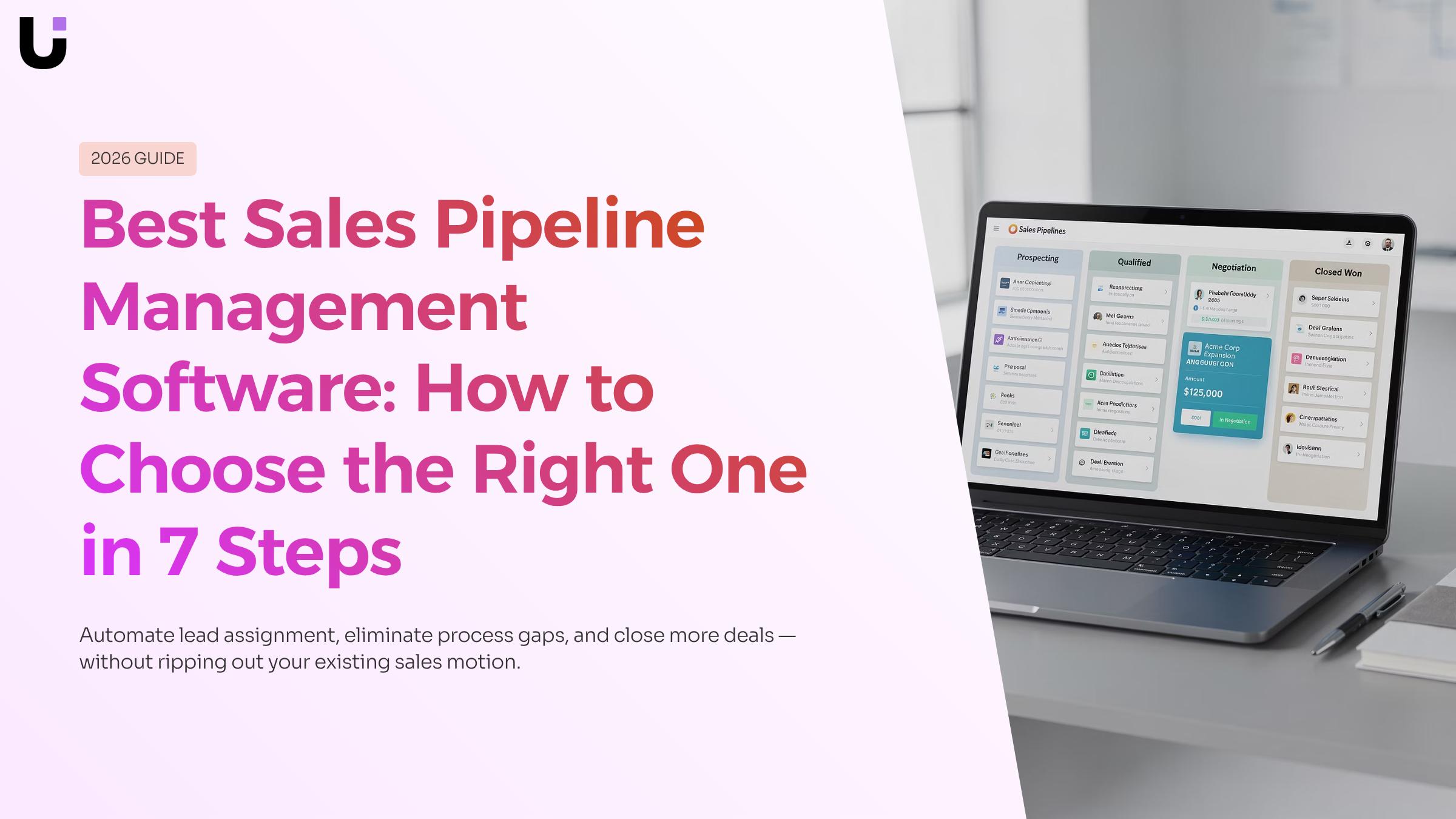
- A visual pipeline board that shows deal status at a glance so managers don't need to run a report to know where revenue stands
The sales pipeline management software market is growing precisely because spreadsheets and generic CRMs leave these gaps unfilled. For IT company owners running active sales cycles, those gaps translate directly into missed deals and slow response times.
Good pipeline software doesn't just store deal data — it changes how fast and how accurately your team acts on it.
- The most direct impact is on response time. When a new lead enters your pipeline, the software can assign it, notify the right rep, and log the activity automatically. Without that automation, leads sit in inboxes or spreadsheets until someone notices. By the time your rep follows up, the prospect has already talked to someone else.
- The second impact is visibility. A visual pipeline board that shows deal status at a glance tells a sales manager in 30 seconds which deals are stalled, which are moving, and where the bottleneck is. That's a conversation that used to require a weekly meeting and a manually updated spreadsheet.
- The third is conversion rate. When reps work custom pipeline stages that match how IT deals progress — discovery, technical review, procurement, sign-off — they stop dropping deals between stages because the process fits how IT buyers actually buy. Generic stages create gaps; specific ones close them.
- These three outcomes compound. Faster response feeds more qualified opportunities into the top of the funnel. Better visibility means managers coach on real data, not gut feel. Tighter stage definitions reduce deals lost to process confusion rather than genuine disqualification.
If you're still figuring out how the pipeline itself should be structured, how to build a sales pipeline from scratch covers the foundation before you pick any software.
What features to look for in pipeline management software
Not every feature list translates to IT sales. IT deals involve long evaluation cycles, multiple stakeholders, and procurement gates that a generic pipeline tool wasn't designed for. The features below are the ones that actually move the needle for IT company owners.
- Custom pipeline stages are non-negotiable. Your deal flow doesn't look like a SaaS e-commerce funnel. You need custom pipeline stages that match how IT deals progress — discovery, technical evaluation, security review, procurement — not a five-step default someone else designed.
- Visual deal tracking matters more than most teams expect. A visual pipeline board that shows deal status at a glance lets your team spot stalled deals before they go cold, without digging through a CRM contact list.
- Lead capture and routing should be automatic. If a tool requires manual data entry every time a lead comes in, your team will fall behind fast. Look for lead management tools that feed your pipeline automatically from web forms, email, and inbound channels.
Beyond those three, evaluate any tool against this criteria:
- Activity tracking: Can you log calls, emails, and meetings against a specific deal without switching apps?
- Deal scoring or prioritization: Does the tool surface which opportunities need attention, or do you have to figure that out manually?
- Reporting on conversion by stage: Can you see where deals drop off, not just how many are open?
- Free tier viability: The best free sales pipeline management software options still need to support stage customization and basic reporting, not just contact storage.
If you're still figuring out what your pipeline should look like before evaluating tools, start with how to build a sales pipeline from scratch before comparing platforms.
Most evaluation processes fail before they start because the buyer compares tools against each other instead of against their own pipeline problems. These seven steps fix that.
- Write down your three biggest pipeline failures: Not features you want — failures you have. Deals going cold because nobody followed up. Leads sitting unassigned for two days. No visibility into which stage is leaking. Every tool you evaluate should be measured against these specific problems first.
- Map your actual deal stages; IT sales cycles don't follow a generic five-stage template. A typical managed services deal moves through discovery, technical scoping, security review, procurement, and legal before it closes. Before you open a single demo, document your real stages. Then check whether a tool supports custom pipeline stages that match how IT deals progress or forces you into a preset structure.
- Score visibility before features: A visual pipeline board that shows deal status at a glance is worth more to a five-person IT sales team than an advanced reporting suite nobody has time to configure. Ask vendors to show you the default view on day one, not the polished demo environment.
- Test the free tier honestly: Most free sales pipeline management software caps users, automations, or integrations at the point where the tool actually becomes useful. Run a real deal through the free plan before committing. If you hit a wall at step three, the paid tier is the real product.
- Check integration depth, not just the logo grid: A two-way sync with your ticketing system matters. A one-way export to CSV does not. Ask specifically how data flows between the tool and the systems your engineers already use.
- Evaluate lead intake separately: Pipeline software and lead management tools that feed your pipeline automatically are different problems. Confirm the tool handles both, or plan for the gap.
- Run a two-week pilot on live deals: No sandbox. Real opportunities, real team members. If adoption is low after two weeks, the interface is the problem, not the team.
Lio is built around steps two through six: custom stages, automatic lead capture, and a visual board your team will actually open every morning.
How to implement pipeline software in your business
Most teams buy pipeline software, import their contacts, and then wonder why nothing changed. The gap is almost always setup, not the tool.
Here is what a clean two-week rollout looks like.
Week one: configure before you migrate
- Map your actual deal stages first. Before touching any import, write out the steps your IT deals follow from first call to signed contract. If the tool supports custom pipeline stages that match how IT deals progress, build those stages before you add a single contact.
- Import a small batch. Bring in 20 to 30 active deals, not your full database. This surfaces field-mapping problems early without creating a cleanup project.
- Assign ownership. Every deal needs one named owner on day one. Shared ownership means no ownership.
Week two: connect inputs and test visibility
- Wire up your lead sources. Connect your website forms, inbound email, and any lead management tools that feed your pipeline automatically so new deals appear without manual entry.
- Check your visual pipeline board that shows deal status at a glance. If a rep cannot read the board in under 30 seconds, the stage names or layout need adjusting.
- Run one full-team walkthrough. Not a training session — a live deal review using only the new tool.
If you are starting from scratch rather than migrating, building your pipeline from the ground up
Common mistakes that make pipeline software fail
Three setup errors account for most pipeline tool abandonments within the first 90 days.
- Importing your spreadsheet structure directly: Most IT teams map their existing columns into the new tool without questioning whether those stages reflect how deals actually move. The result is a pipeline that looks organized but predicts nothing. Before you migrate, define custom pipeline stages that match how IT deals progress — not how your spreadsheet was organized.
- Skipping the data hygiene step: Dirty contact records, duplicate leads, and missing deal values corrupt your pipeline view from day one. A visual pipeline board that shows deal status at a glance only works when the underlying data is clean.
- Treating setup as a one-person job: When only the admin configures the tool, the sales team inherits a workflow they didn't shape and won't follow. Involve at least two reps in the first week. Their input on stage names and required fields determines whether the team actually logs activity or works around the system entirely.
Not every tool fits every team. Here's a practical map:
- Free tools (spreadsheets, HubSpot free tier) work if you're tracking fewer than 20 active deals and your sales cycle is straightforward. Once deal complexity grows, manual updates become the bottleneck.
- Mid-market CRMs add structure but often require weeks of configuration before your team sees value. If you're still deciding what you need, how to build a sales pipeline from scratch is a useful starting point.
- AI-native tools like Lio suit IT owners running 5–50 person teams where speed matters. Lio captures and scores leads automatically, supports custom pipeline stages that match how IT deals progress, and gives your team a visual pipeline board that shows deal status at a glance without manual updates.
Closing
The right pipeline software doesn't just organize your deals—it forces your team to act on them faster. When you can capture a lead, qualify it, and assign it in minutes instead of days, and when your manager can spot a stalled deal before it goes cold, your conversion rate doesn't just improve incrementally; it compounds. The tools that work best for IT sales teams are the ones built around how IT deals actually move: discovery, technical review, procurement, sign-off—not generic retail funnels.
Lio's custom pipeline builder was designed specifically for this. It captures deals the moment they come in, routes them automatically, and gives you a visual board that shows exactly where revenue stands without running a report. Start your free trial and build your first custom pipeline in under 10 minutes—then run a real deal through it and see the difference.
FAQ
Q. What is the best sales pipeline management software for small businesses?
A. The best tool depends on your specific pipeline failures, not feature count. Prioritize custom stage support, visual deal tracking, and automatic lead routing over complexity. For IT teams, look for software built around technical sales cycles—discovery, technical review, procurement—not generic templates.
Q. How does sales pipeline management software improve sales performance?
A. It cuts response time by auto-assigning leads, increases visibility so managers spot stalled deals instantly, and reduces lost deals by matching stages to how IT buyers actually buy. These three outcomes compound: faster response feeds more qualified opportunities, better visibility enables real-time coaching, and tighter stages close process gaps.
Q. What features should I look for in sales pipeline management software?
A. Prioritize custom pipeline stages, visual deal tracking, and automatic lead capture and routing. Then evaluate activity logging, deal scoring, stage-level conversion reporting, and integration depth. Generic features matter less than solving your specific pipeline failures.
Q. How do I implement sales pipeline management software in my business?
A. Start by documenting your three biggest pipeline failures and your actual deal stages. Map those to the tool's capabilities before going live. Run a two-week pilot on real deals to confirm it solves your problems, then train your team on the visual board and automated workflows.
Q. What are the benefits of using sales pipeline management software?
A. Faster lead response, real-time visibility into deal status, higher conversion rates from stage clarity, and reduced deals lost to process confusion. Managers also spend less time in spreadsheets and more time coaching on actual data.
Q. Is free sales pipeline management software good enough for a growing IT team?
A. Only if it supports custom stages, visual tracking, and basic reporting without artificial caps. Most free tiers hit a wall where automations, users, or integrations get limited. Test a real deal through the free plan before committing—if you hit a wall at stage three, the paid tier is the actual product.
Q. How is pipeline management software different from a CRM?
A. A CRM stores customer records and manages support tickets; pipeline software is built around deal progression itself. Pipeline software tracks stages, automates alerts, forecasts based on deal probability, and shows deal status visually—gaps that a general CRM leaves unfilled for active sales cycles.


 Elena Petrova15 September 2026


