What a workflow builder actually is
A workflow builder is a software platform that lets you design, automate, and connect multi-step processes across different applications without writing code. That last part matters: it's not a checklist, a Kanban board, or a shared spreadsheet. Those tools track work. A workflow builder runs it.
The distinction is mechanical. A task list tells someone what to do. A workflow builder defines what happens automatically when a condition is met: a form is submitted, a status changes, a deadline passes. The process moves on its own.
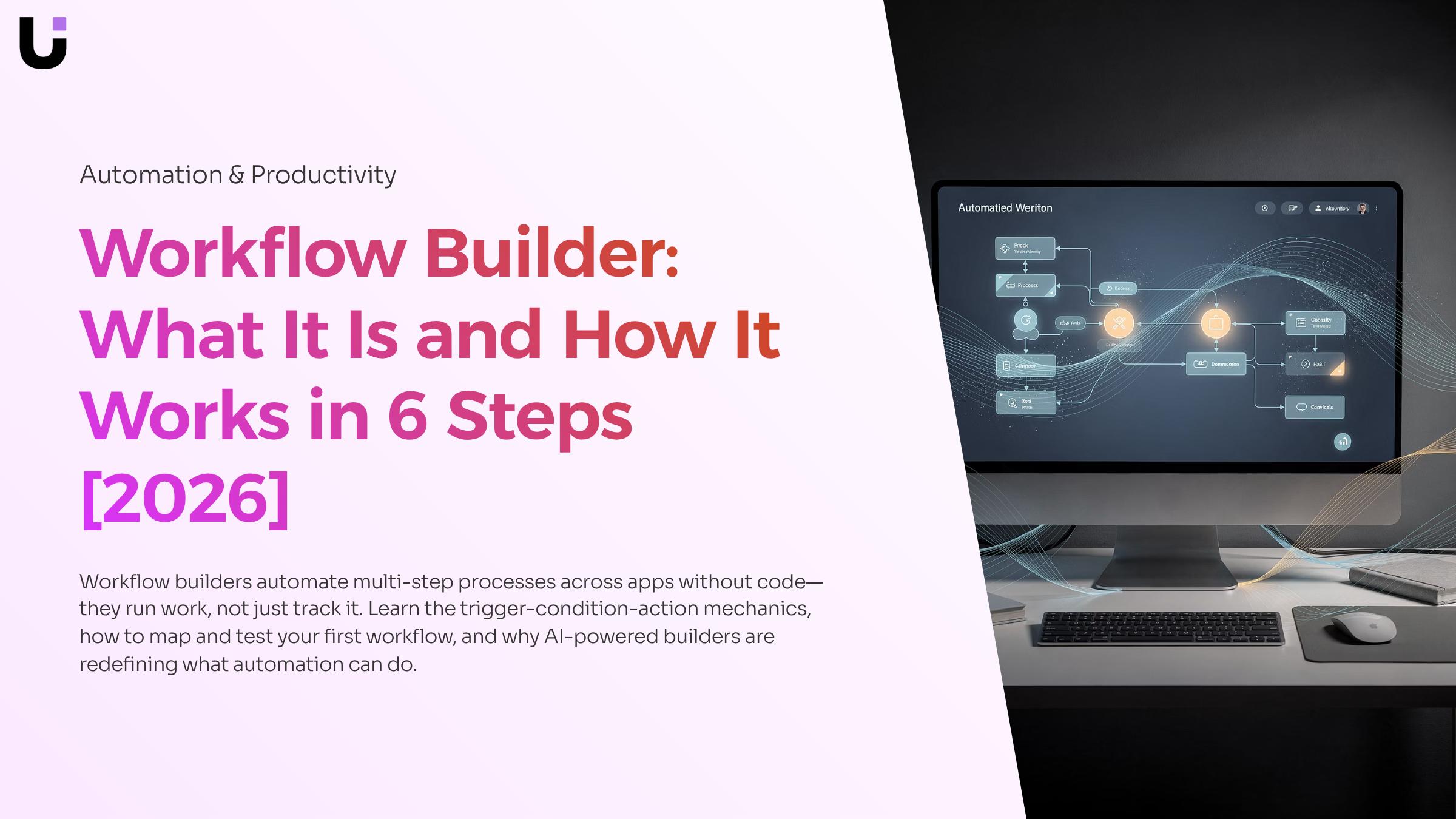
Most visual workflow builder tools give you a canvas where you connect triggers, conditions, and actions in a logical sequence. You can see the entire process in one view, which makes it easier to spot gaps before they become support tickets.
For IT company owners specifically, this matters beyond internal operations. You can build and deploy custom workflows for clients, which is something most generic automation content ignores entirely.
The next section covers the trigger-condition-action chain that makes this work at a mechanical level, because understanding that structure is what separates workflows that run reliably from ones that break quietly.
How a workflow builder works under the hood
Every workflow runs on the same three-part chain: a trigger, a condition, and an action. Understanding that chain is what separates someone who builds reliable automations from someone who keeps patching broken ones.
The trigger is the starting event. A new support ticket arrives. A form gets submitted. A project status changes to "complete." The workflow builder watches for that event and fires when it detects it.
Conditions sit in the middle. They answer "should this workflow actually run right now?" If the ticket is tagged "urgent" and assigned to no one, proceed. If it's already assigned, stop. Conditions let one trigger branch into multiple outcomes without you writing separate workflows for each scenario.
Actions are what execute: send a Slack message, create a task, update a database record, fire an API call to an external tool. Most workflows chain several actions in sequence, with each step depending on the one before it.
A standard rule-based builder hard-codes these relationships. An ai workflow builder adds a layer on top: the AI agent evaluates context at runtime, not just fixed conditions. Instead of "if tag equals urgent," it can assess sentiment, priority signals, or historical patterns and route accordingly. That distinction matters when you're building workflows for clients with messy, inconsistent data.
Workflow builders combine triggers, actions, and conditions into repeatable process logic. Once you see that structure clearly, the build steps that follow become much more predictable.
Build your first workflow in 6 steps
Start with the process you already run manually. Before you open any workflow builder, write out every step on paper or a whiteboard. Mapping the process before you build forces you to see gaps, redundant handoffs, and steps that only exist because "that's how we've always done it." A five-minute process map saves hours of rework later.
1. Identify your trigger
Every workflow starts with one event. A new support ticket arrives. A client fills out a form. An invoice hits a certain status. Pick one trigger and be specific: "new ticket created in project X" beats "something happens in the helpdesk." If you're unclear on how triggers chain into the rest of the logic, how triggers and actions chain together covers the mechanics in detail.
2. Define your conditions
Not every trigger should fire the same action. Add conditions to filter: only route tickets tagged "urgent," only notify the senior engineer when the client tier is enterprise. Conditions are where most first-time builders skip too fast, then wonder why their workflow fires on everything.
3. Map your actions in order
List what happens after the condition passes: assign the task, send the notification, update the record, log the entry. Sequence matters. An action that runs before a required field is populated will fail silently and waste your time diagnosing it.
4. Build it visually
Open your visual workflow builder and recreate the map you drew in step one. Drag-and-drop interfaces like Revo's make this fast: each node is a trigger, condition, or action you can reorder without touching code. See how a visual workflow builder handles this in practice if you want a concrete walkthrough before you start.
5. Connect your tools
Wire up the apps involved: your helpdesk, your project tracker, your messaging tool. Most workflow builders handle this through pre-built connectors. Confirm that each integration has the right permissions before you test, not after.
6. Test on a single real case
Run one actual event through the workflow before you go live. Check that every action fired, every notification reached the right person, and every field updated correctly. Fix what broke, then run it again. Only after two clean passes should you turn it on for the full volume.
For teams choosing between platforms at this stage, a deeper breakdown of how to evaluate automation software is worth reading before you commit.
Use a workflow builder for client work
Client work is where a workflow builder earns its keep or exposes its limits.
Most managed service providers run dozens of clients simultaneously, each with different tools, approval chains, and escalation rules. A single shared workflow breaks down fast. The configuration pattern that works here is multi-tenant isolation: one workflow template per service tier, cloned and customized per client, with role-based triggers that fire based on who initiates the request, not just what the request is.
In practice, that looks like this:
- Build a master template for each service type (onboarding, incident response, monthly reporting).
- Clone it per client and swap in their specific apps, contacts, and SLA thresholds.
- Set role-based triggers so a client's IT admin kicks off a different branch than their end user does.
- Use an iPaaS workflow builder layer when clients run tools your stack doesn't natively connect to.
An AI agent workflow builder adds a fifth layer: conditional logic that adapts mid-run when a ticket doesn't match a known pattern, rather than failing silently or routing to a human by default.
For teams managing workflow and document handoffs across client accounts, keeping templates versioned and auditable matters as much as the automation itself.
How to choose the right workflow builder for your business
Picking the wrong tool usually means rebuilding your workflows six months later. The four dimensions below cut through feature lists and tell you what actually matters for your situation.
| Dimension |
Rule-based builder |
Best AI workflow builder |
iPaaS workflow builder |
| Complexity |
Linear, single-condition logic |
Branching logic with dynamic decision-making |
Cross-system orchestration across dozens of APIs |
| Integrations |
10–50 native connectors |
Varies; often agent-native |
500+ connectors, including legacy systems |
| AI capability |
None or basic templating |
Classifies inputs, routes conditionally, learns from outcomes |
Typically rule-based with AI add-ons |
| Pricing model |
Flat monthly or per-user |
Usage-based or per-run |
Task-volume or connector tiers |
Use this as a decision filter, not a ranking:
- Under 10 apps to connect, predictable logic : A free workflow builder (most have a usable free tier) handles this without overbuilding.
- Client-facing managed services with variable conditions : An AI-capable builder that supports role-based triggers and multi-tenant configs is the right fit. This is where tools like Revo's drag-and-drop workflow builder earn their place, because the logic needs to adapt per client without rebuilding from scratch.
- Enterprise-grade data movement between legacy systems : An iPaaS workflow builder is the correct layer. Expect higher cost and longer setup.
The most common mistake is buying for the most complex scenario you can imagine rather than the one you're actually running today. Choosing the right workflow automation software starts with mapping your current process gaps, not comparing feature counts.
Three mistakes that break workflows before they run
Most workflow failures aren't logic problems. They're configuration problems that compound quietly until something breaks in production.
The three most common ones:
- No assigned owner : A workflow without a named owner has no one accountable when it misfires. Approvals stall, errors go unnoticed, and the process degrades until someone rebuilds it from scratch. Before you publish any workflow, assign one person responsible for monitoring and maintaining it.
- Untested edge conditions : Most builders only test the happy path: the clean input, the cooperative API, the user who fills every field. Unclear roles and task ownership compound this problem when exceptions surface and no one knows who handles them. Test what happens when a field is blank, a trigger fires twice, or a connected app times out.
- Missing error handling : A workflow that silently fails is worse than one that never ran. Wire up failure branches in your ai workflow builder configuration so every error state routes somewhere: a notification, a fallback step, or a manual queue.
Fix these three before you go live and you won't be rebuilding the same process six months from now.
Can a workflow builder optimize and analyze your processes?
Basic workflow builders follow rules you write. If trigger A fires, run action B. That logic works until you need to know why a process keeps stalling at step three.
An AI-powered workflow builder goes further. Instead of just executing the sequence, it reads run history, flags steps with high failure rates, and surfaces patterns you wouldn't catch by reviewing logs manually. The best ai workflow builder options do this continuously, not just on demand.
That distinction matters if you're managing client workflows as a service. When a process breaks, you need to diagnose it fast, not rebuild it from scratch. An ai agent workflow builder can show you which branch conditions fire least often, which handoffs time out, and where ownership gaps cause delays.
Before optimization is possible, though, the underlying logic has to be sound. Mapping the process before you build is what makes run data meaningful.
Closing
A workflow builder isn't just a tool for tracking work—it's the engine that runs it. The difference between a workflow that holds up under daily load and one that breaks quietly comes down to three things: mapping your process before you build, wiring triggers and conditions with enough specificity to handle real-world edge cases, and testing on actual data before going live. For IT owners running workflows across multiple clients, that discipline multiplies: one poorly designed template cloned across ten accounts becomes ten broken deployments. Revo's visual workflow builder is built for exactly this scenario—drag-and-drop logic that doesn't sacrifice the precision you need, plus AI agents that adapt when your data gets messy. Before you commit to a trial, read how Revo's builder handles the trigger-condition-action chain in practice: it'll show you whether the interface matches how you actually think about process logic.
FAQ
Q. What is a workflow builder and how does it work?
A. A workflow builder is software that designs and automates multi-step processes across applications without code. It runs on a trigger-condition-action chain: an event fires (trigger), a filter decides whether to proceed (condition), then automated steps execute (actions).
Q. Can a workflow builder be used to create custom workflows for clients?
A. Yes. Build a master template per service type, clone it per client, and customize with their tools, contacts, and SLA thresholds. Role-based triggers ensure different user types activate different workflow branches.
Q. How do I choose the right workflow builder for my business needs?
A. Evaluate on four dimensions: whether you need rule-based logic or AI-driven adaptation, connector breadth for your tool stack, multi-tenant isolation for client work, and whether the interface matches how you think about process logic.
Q. Are there workflow builders that offer drag-and-drop functionality?
A. Yes. Visual workflow builders like Revo use drag-and-drop interfaces where each node represents a trigger, condition, or action you can reorder without writing code.
Q. Can a workflow builder help with workflow optimization and analysis?
A. A visual workflow builder helps you spot gaps and redundant handoffs before deployment. Mapping your process on paper first forces you to see what's actually necessary versus what exists by habit.
Q. What is the difference between a workflow builder and a workflow automation platform?
A. A workflow builder is the design interface where you construct logic; a workflow automation platform is the broader system that runs, monitors, and scales those workflows across your organization or clients.
Q. Do I need coding skills to use a workflow builder?
A. No. Visual workflow builders are designed for non-technical users. You map triggers, conditions, and actions visually; the platform handles the underlying logic without requiring code.


 Elena Petrova15 September 2026


