What is business process modeling and how does it work
What is business process modeling?
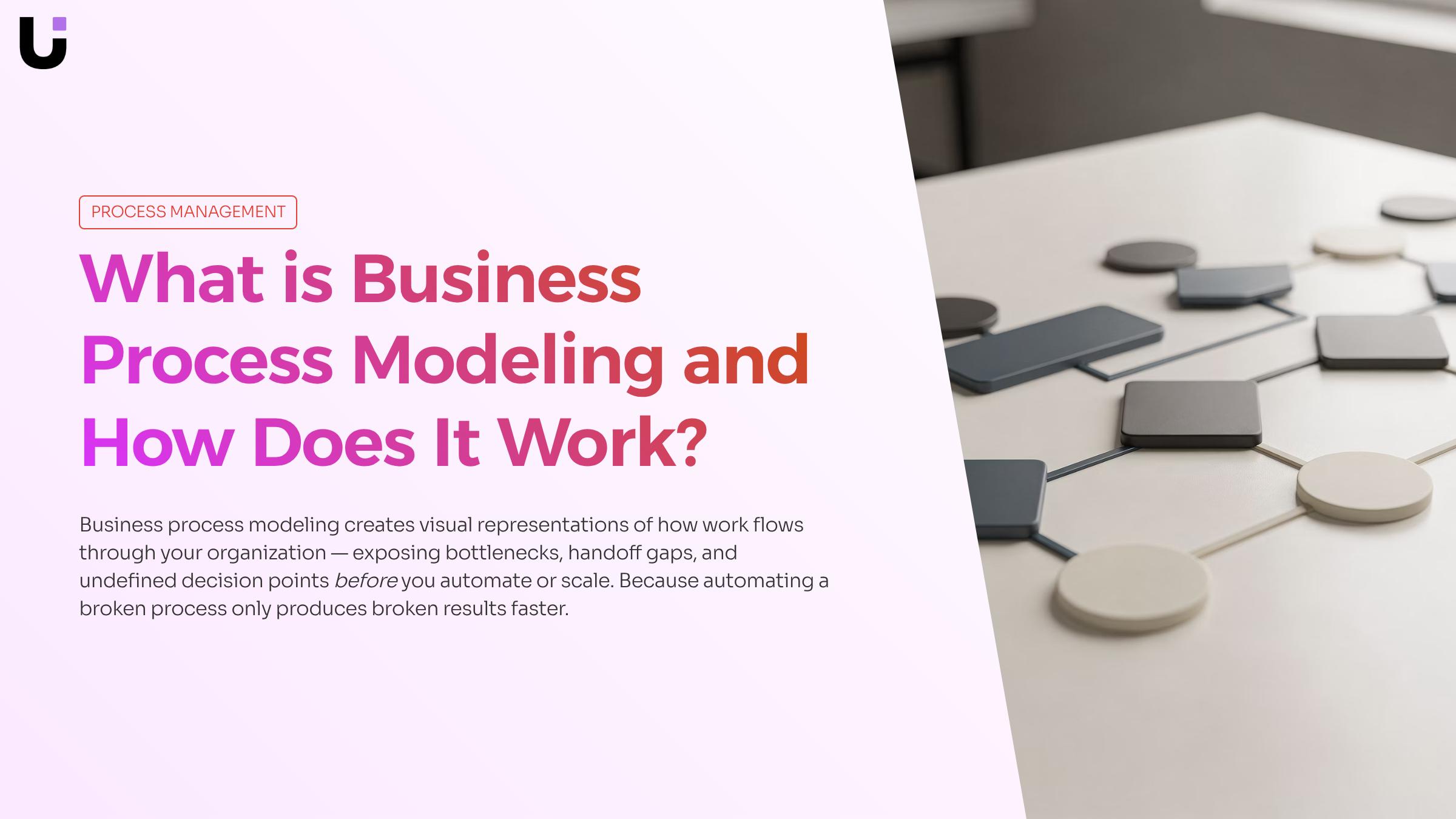
Business process modeling is the practice of creating visual representations of how work moves through an organization, from the first trigger to the final output.
It sits at the intersection of business process management and operational design. Modeling is the specific act of making processes visible and structured enough to analyze, question, and eventually automate. According to IBM, process modeling creates data-driven visual representations of key business processes. That means it captures how work actually flows, who owns each step, what decisions get made, and where handoffs occur.
For IT company owners, this is where modeling earns its place. Before you build and automate a business process workflow, you need a clear picture of what you're automating. Automating a broken process produces broken results faster.
A process model captures six core elements:
Inputs : What triggers the process
Tasks : Discrete units of work at each step
Decision points : Where the process branches based on conditions
Roles : Who owns each task (person, team, or system)
Outputs : What the process produces on completion
Handoffs : Where ownership transfers between roles or systems
How does business process modeling work?
Business process modeling follows a repeatable sequence. Each step builds on the last, which is why skipping ahead to diagramming before you've scoped the process is one of the most common reasons models end up unused.
1. Identify the process
Pick one process with a clear start and end point. "How we onboard a new client" is a workable scope. "How we run the business" is not. At this stage, you're naming the process owner, the trigger that starts it, and the outcome that ends it.
2. Document current state
Interview the people who actually do the work, not just the managers who designed it. Shadow a workflow for a day if you can. The gap between the documented procedure and what people actually do is where most process improvement opportunities live.
3. Map the process visually
Translate your notes into a structured diagram. Most teams use BPMN 2.0 notation here because it's readable by both technical and non-technical stakeholders. IBM describes process modeling as creating data-driven visual representations of key business processes that give organizations a common language. A visual workflow builder speeds this up considerably once you understand the building blocks.
4. Validate with stakeholders
Walk the diagram with the people who run the process. You're looking for steps that are missing, sequences that are wrong, and decision points that don't reflect reality. Expect at least two revision cycles before the model is accurate.
5. Iterate toward a future state
Once the current-state model is validated, you can redesign it. This is where modeling connects directly to automation: you identify which steps follow predictable rules, then wire up triggers and actions to handle them without manual intervention. The validated model becomes the blueprint you use to build and automate a business process workflow.
The whole cycle typically takes two to four weeks for a single process, depending on complexity and how accessible the subject-matter experts are.
Key components of a business process model
Every business process model is built from the same set of building blocks. Understanding what each one does lets you read any model accurately and build one that others can follow without a walkthrough.
Activities : Are the individual units of work: a task a person performs, a service call, or an automated step. In BPMN 2.0, activities appear as rounded rectangles. A single model might contain dozens of them, each representing one discrete action in the sequence.
Events : Mark where a process starts, pauses, or ends. A start event (a plain circle) triggers the flow. Intermediate events represent things that happen mid-process, like a timer firing or a message arriving. End events close the flow. Getting these right matters because they define the boundaries of what you're actually modeling.
Gateways : Control routing. An exclusive gateway (diamond with an X) sends the flow down one path based on a condition. A parallel gateway (diamond with a plus) splits the flow so multiple paths run simultaneously. Gateways are where most modeling errors hide, because real-world decisions are messier than a clean diagram suggests.
Sequence flows : Connect everything. They show the order in which activities and events occur.
Message flows : Show communication between separate participants, like a customer portal sending data to an internal system.
Roles and participants : Assign ownership. A swimlane groups all activities belonging to one person, team, or system. This is what makes a model operationally useful rather than just descriptive: you can see exactly who is responsible for each step. The people, process, and technology framework covers how these roles interact at a system level.
Data objects : Represent the information flowing through the process: a form, a record, a file. They clarify what each activity consumes or produces.
When these components are mapped together, the model becomes a foundation you can act on. That's the point where business process modeling connects directly to workflow automation: once roles, flows, and decision points are explicit, automating them becomes a configuration problem rather than a guesswork exercise.
Benefits of business process modeling for process improvement
Business process modeling produces measurable gains across five operational dimensions that matter directly to process improvement and ongoing business process management.
1. Visibility into what's actually happening
Most teams discover their documented process and their real process diverge significantly once they map it visually. A model forces that gap into the open before it becomes a compliance or cost problem. One IT company that modeled its lead-intake workflow found two bottlenecks it had attributed to headcount, not process structure.
2. Faster bottleneck diagnosis
When activities, roles, and decision points are mapped explicitly, the places where work stalls become visible at a glance rather than through weeks of incident review. IBM notes that process modeling arms organizations with objective business intelligence that supports more informed decisions for resource allocation and process improvement.
3. Lower rework costs
Redesigning a process on a diagram costs nothing. Redesigning it after it has been built into software or handed to a 20-person team costs significantly more. Modeling shifts that correction earlier in the cycle, before any development hours are spent.
4. Compliance traceability
Regulated IT environments need audit trails showing who approved what and when. A model with explicit roles, data objects, and decision gateways gives compliance teams a reference point that prose documentation rarely provides.
5. Automation-readiness
A well-structured model maps almost directly onto a workflow automation build. Activities become steps, gateways become conditional logic, and roles become assignees. Teams that skip modeling before automation typically rebuild their workflows within 12 months when edge cases surface.
These benefits compound over time. Each modeled process becomes a reusable reference when adjacent processes need redesign, reducing the discovery work required for future improvement cycles.
How business process modeling identifies inefficiencies
Most process problems aren't obvious until you draw them out. Business process modeling forces every assumption about "how things work" into a visible sequence that a team can actually examine, compare, and challenge.
Take a common IT company scenario: a lead-intake process where sales reps manually copy contact data from email into a CRM, then wait for a manager to assign the lead before any follow-up begins. On paper, the process sounds manageable. Mapped in BPMN 2.0 notation, two bottlenecks surface immediately.
Business process modeling typically exposes inefficiencies in four distinct ways:
Handoff gaps : The model shows that lead assignment depends entirely on manager availability, with no defined response window. Leads sit in a queue for hours, sometimes days, with no trigger to escalate. That gap is invisible in a status meeting. It's unmistakable in a process diagram.
Redundant data entry : The model reveals that reps re-enter the same contact fields across three separate systems. Business process modeling practitioners consistently identify duplicate data entry as one of the clearest and most measurable forms of process waste.
Undefined decision points : Wherever a process relies on informal judgment rather than a documented rule, the model flags it as an uncontrolled branch. These are the steps most likely to produce inconsistent outcomes across team members.
Missing ownership : Every task in a BPMN diagram must be assigned to a role or system. When a step has no clear owner, the model makes that visible before it becomes a dropped ball in production.
Neither the handoff gap nor the data-entry loop would have surfaced from a spreadsheet audit or a team retrospective. The visual model made both problems undeniable, and attributable to specific points in the sequence rather than vague "communication issues."
This is how modeling connects to the people, process, and technology framework: it separates what a process should do from what it actually does, then makes the gap visible to everyone involved. Once both bottlenecks were documented, the team had a clear brief to replace the manual handoff with a rule-based trigger and eliminate duplicate entry entirely, feeding directly into workflow automation tools.
From process model to automated workflow: a real example
A completed process model doesn't have value sitting in a diagram file. Its value shows up when it drives actual workflow automation.
Here's how that transition works in practice. Take the lead-intake model from the previous section: a BPMN diagram with two identified bottlenecks, a manual assignment step and an untracked follow-up loop. That diagram contains everything a workflow automation tool needs to act on: defined triggers, named roles, decision points, and expected outcomes.
In Revo's visual workflow builder, you map each modeled step directly onto a canvas. A new lead form submission becomes the trigger. Revo's triggers and actions engine then handles the logic: route to the right sales rep based on territory rules, set a follow-up timer, and flag the ticket if no action occurs within 24 hours. The manual assignment step that took an average of 3 hours in the original process gets replaced by a conditional routing rule that fires in seconds.
The critical point: the model does the analytical work upfront, so the automation build is fast and accurate. Teams that skip modeling and jump straight to building automations typically wire up the wrong process, then wonder why the tool isn't helping.
If you want a structured approach to this, the build and automate a business process workflow guide walks through the full sequence. For the organizational layer behind it, the people, process, and technology framework explains why automation without process clarity rarely holds.
Can business process modeling create a digital twin of a business?
Business process modeling gets close to a digital twin of a business, but it's not quite the same thing. A standard process model is a static snapshot: it captures how work should flow, not how it's flowing right now.
A process digital twin goes further. As described in research on combining process models with real-time data, pairing a business process model with live operational data and simulation capabilities creates a dynamic representation that can guide day-to-day decisions, not just document them. You can run "what if" scenarios, spot bottlenecks as they form, and test process changes before deploying them.
The current limitation is data connectivity. Most organizations have process models sitting in one tool and operational data in another, with no live bridge between them. That gap is closing in 2026 as AI-assisted process mining tools increasingly read event logs from production systems and map them back to the underlying model automatically.
For teams working through the people, process, and technology framework, the digital twin concept is the natural endpoint: modeling the process, automating it, then feeding real execution data back into the model to keep it accurate.
Closing
Business process modeling isn't a documentation exercise—it's diagnostic work that exposes where your actual workflow diverges from theory, where decisions stall, and which steps can be automated without breaking the chain. Once you've mapped your process accurately, validated it with the people who run it, and identified which activities follow predictable rules, you're ready to move from diagram to live automation.
The real value emerges when your process model becomes the blueprint for a running workflow. That's where a visual workflow builder translates your BPMN diagram into executable automation, wiring up triggers and actions without requiring code. Ready to see how your process map becomes a live, optimized workflow? Schedule a brief walkthrough with our team to explore how Revo turns your validated models into production automation.
FAQ
Q. What is business process modeling and how does it work?
A. Business process modeling creates visual representations of how work actually moves through your organization, mapping inputs, tasks, decision points, roles, and outputs using standardized notation like BPMN 2.0. It works through five repeatable steps: identify the process, document current state by shadowing real work, map visually, validate with stakeholders, then iterate toward a future state ready for automation.
Q. What are the benefits of using business process modeling for process improvement?
A. Modeling exposes gaps between documented and actual processes, enables faster bottleneck diagnosis, creates shared language across teams, and provides the validated blueprint needed before automating. It forces diagnostic work first, preventing the costly mistake of automating broken processes.
Q. How can business process modeling be used to identify inefficiencies?
A. Interview the people who actually do the work and shadow workflows in real time—the gap between procedure and practice is where inefficiencies hide. A visual map then reveals redundant steps, stalled handoffs, and decision points that don't reflect reality when validated with stakeholders.
Q. What tools are available for business process modeling and simulation?
A. BPMN 2.0 is the industry standard notation maintained by the Object Management Group. Visual workflow builders like Revo speed up diagram creation and connect directly to automation, translating process maps into executable workflows without requiring code.
Q. Can business process modeling be used to create a digital twin of a business?
A. Yes. A validated process model that captures current-state workflows, roles, decision points, and data flows serves as the foundation for a digital twin. When connected to a workflow automation platform, it becomes a live, executable representation of your business operations.
Q. What is the difference between business process modeling and business process management?
A. Business process management is the broader discipline of governing and improving processes over time. Modeling is the specific act of making those processes visible and structured enough to analyze—it's the diagnostic tool that business process management relies on.


 Elena Petrova15 September 2026


