


Comprehensive expense
control system
Expense CRUD with predefined categories and approval workflow: submit, approve, reject, pay. Full history and automatic P&L.
From submission to reporting in 4 steps
Log expenses with categories and attachments, submit for approval, approve or reject, then track with automatic P&L.
Expense Logging
Log business expenses
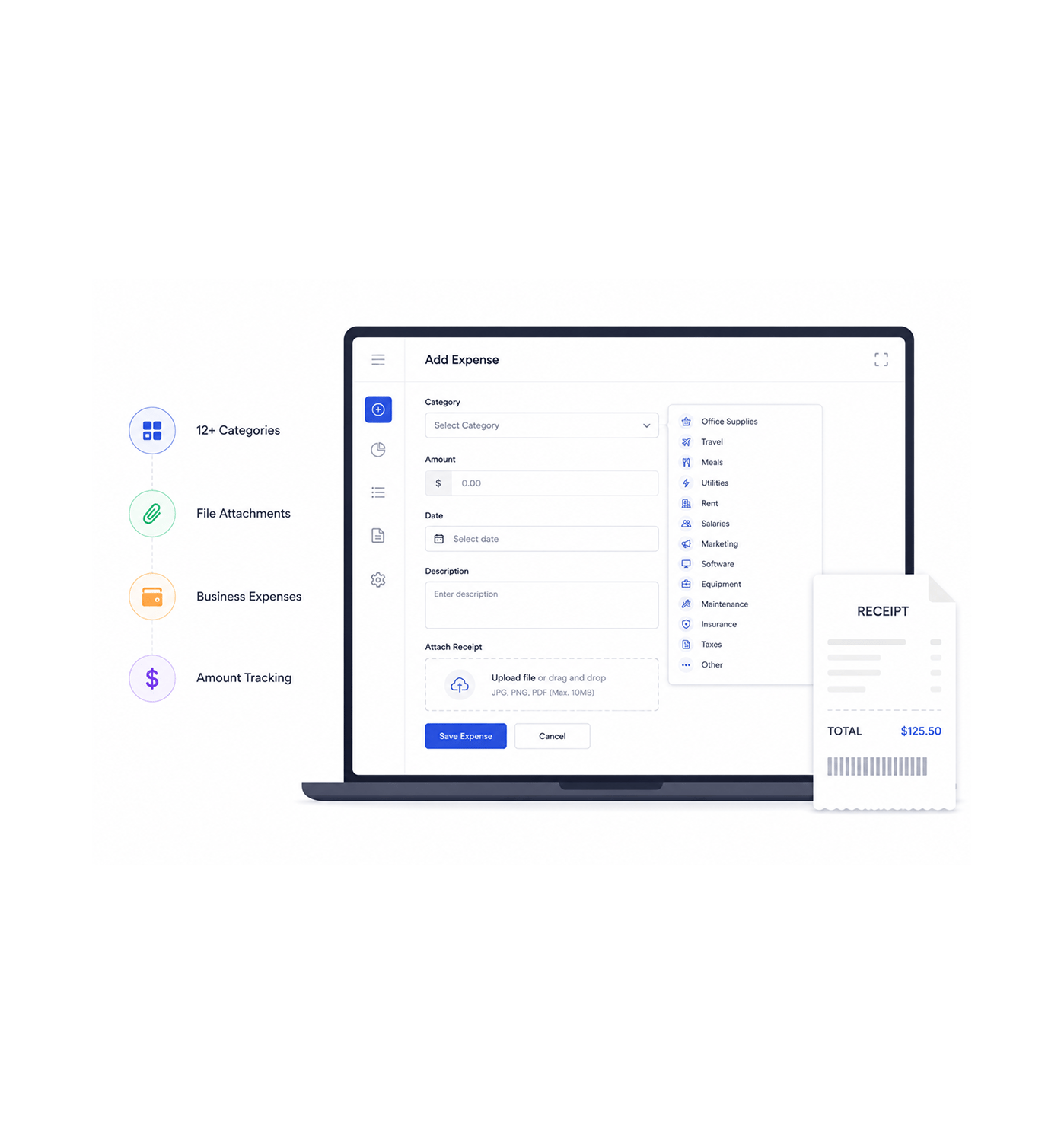
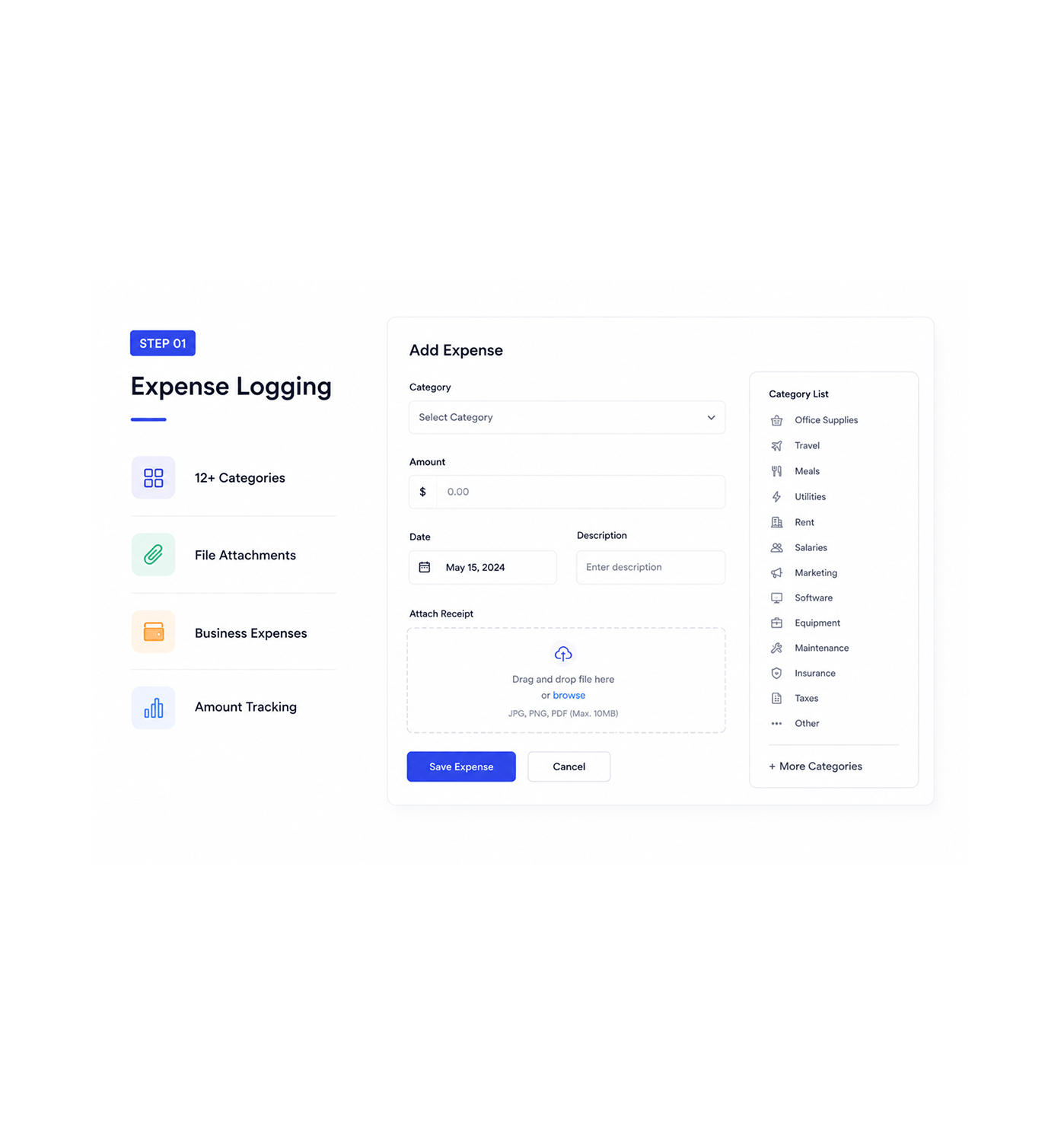
Log business expenses with full category selection: office supplies, travel, meals, utilities, rent, salaries, marketing, software, equipment, maintenance, insurance, taxes, and more. Systematic logging supports coordinated cost management.
- 12+ Categories
- File Attachments
- Business Expenses
- Amount Tracking
Approval Submission
Submit for approval
Submit expenses through a systematic approval workflow with full documentation and file attachment support for strategic coordination and professional management. This enables coordinated processing for stronger expense approval and oversight.
- Workflow Management
- Pending Approval
- Documentation Support
- Professional Process
Decision Processing
Process approval decisions
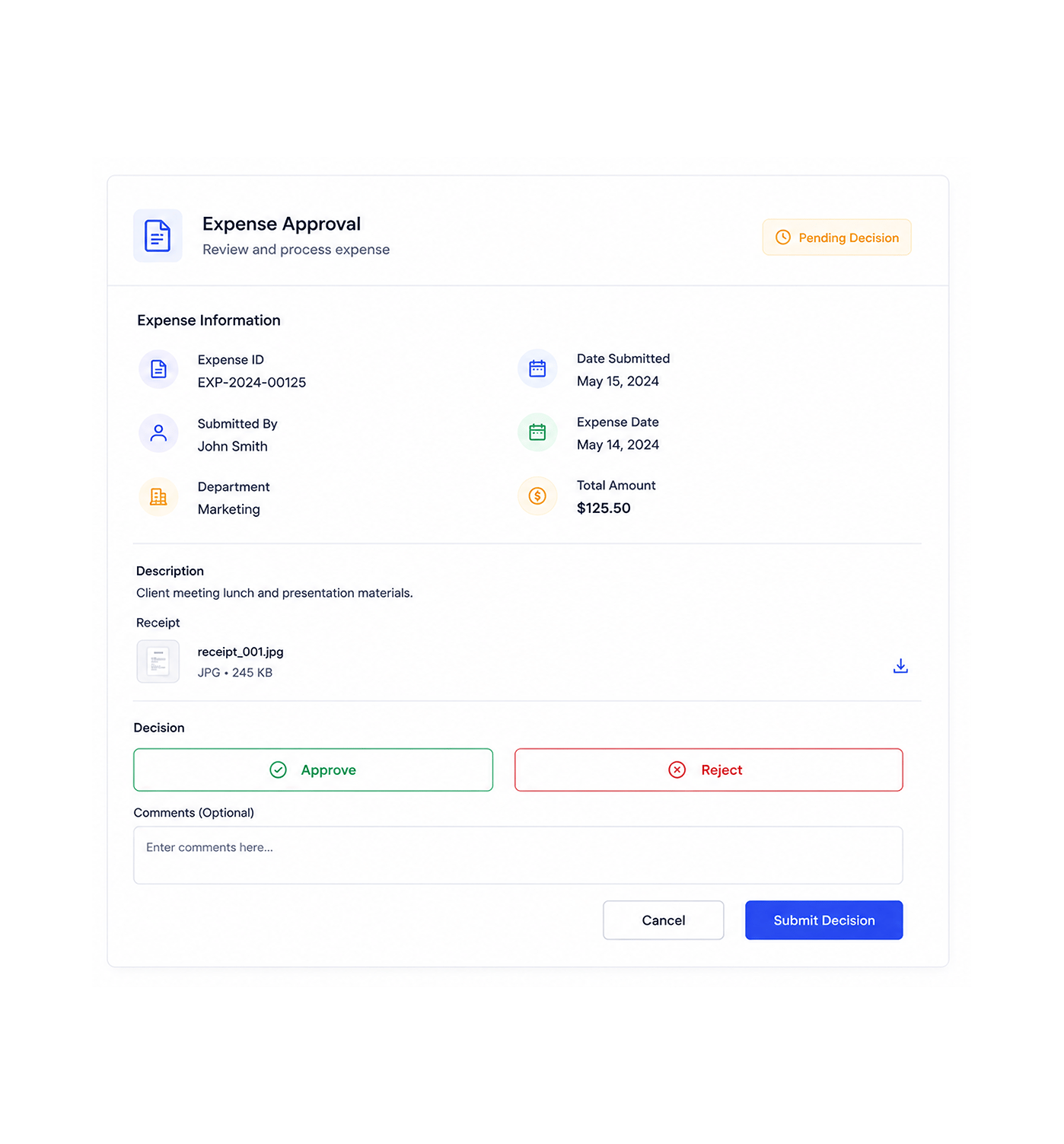
Process approval decisions with full approve or reject capabilities and systematic status management for strategic expense coordination and efficient workflows. This enables approval management while supporting coordinated decision workflows.
- Approve & Reject
- Status Management
- Decision Workflow
- Efficient Processing
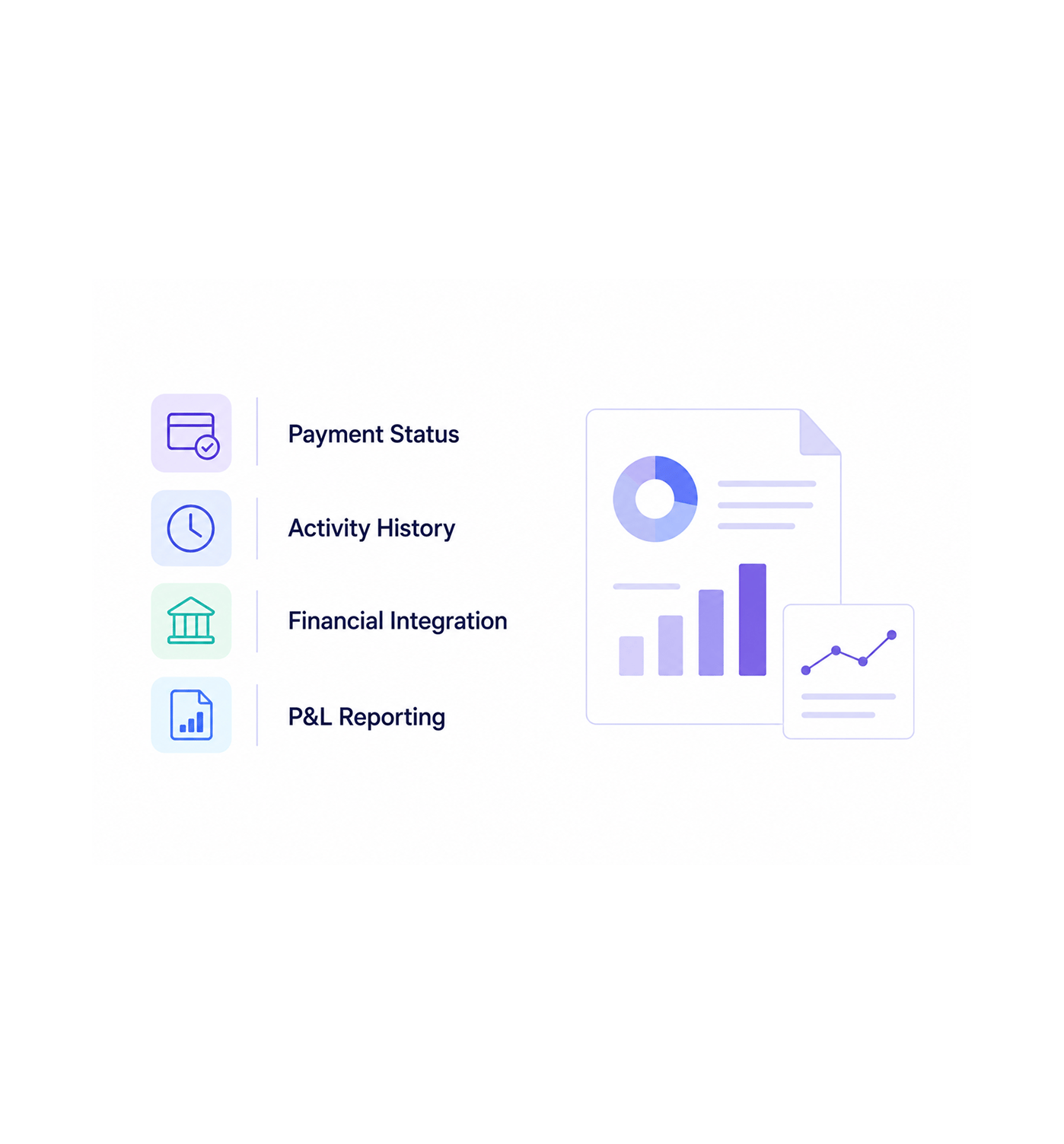
Tracking & Reporting
Track payment and reporting
Track payment status with systematic monitoring and full Profit & Loss report integration for complete financial coordination and automated reporting. This enables strategic management while supporting coordinated tracking and P&L integration.
- Payment Status
- Activity History
- Financial Integration
- P&L Reporting
Six reasons teams never go back
Once teams experience expense management with automatic approval workflows and integrated P&L reporting, manual tracking feels hopeless.

Categories Organize Everything Automatically
Finance teams appreciate predefined categories like travel, meals, office supplies, and utilities, ending classification work and clarifying spending.

Approval Workflows Prevent Overspending
Management controls spending through approval workflows. The path from Draft to Pending Approval to Approved or Rejected ensures proper oversight.

File Attachments Keep Receipts Connected
Accounting teams keep complete documentation with file attachments linking receipts and invoices to records, organized and ready for audit trails.

Status Tracking Shows Real Time Progress
Operations teams monitor expenses from submission to payment. Clear status from Draft through Approved, Rejected, to Paid gives full transparency.

P&L Integration Happens Automatically
Reporting teams see approved expenses appear in Profit & Loss automatically, with no manual journal entries, integrating with financial reporting.

Activity History Tracks Every Change
Audit teams reference complete expense history, including status changes, approvals, and payments, with full logging that supports compliance.


1850+
Expense professionals
Built for teams that master expense operations
Expense specialists, financial operations coordinators, and expense controllers use INZO's expense system as the foundation for cost management and financial coordination. The expense is the record; the approval is the control.
Approval workflow
Business categories
File attachments
P&L integration
Management drives expense mastery
Expense professionals use business expense management with systematic approval workflows and automatic P&L integration for strategic cost coordination, with no manual overhead and scalable financial operations.
Built for enterprise expense operations
Advanced expense management with full CRUD, approval workflows, automated reporting, and category management.

Comprehensive Expense CRUD Engine
Full create, read, update, and delete for expenses with category management and validation, handling complex scenarios for cost management.

Intelligent Approval Workflow System
Approval workflow with Draft, Pending Approval, Approved, Rejected, and Paid stages, handling complex scenarios with role-based permissions.

Advanced Category Management Framework
Predefined categories: office supplies, travel, meals, utilities, rent, salaries, marketing, software, equipment, maintenance, taxes, and more.

Integrated File Attachment System
File attachment with document management and receipt organization for complete documentation, handling multiple types for audit trails.

Automatic P&L Integration Pipeline
Seamless Profit & Loss integration with automatic expense posting, handling approved expenses with journal entry creation for reporting.

Complete Activity Tracking Architecture
Full expense history with status changes, approval decisions, and payment coordination, keeping detailed records with activity logging.
Everything you need to know
Get answers to common questions about INZO's Expense Management system.
What expense categories are available?
Comprehensive business expense categories include office supplies, travel, meals, utilities, rent, salaries, marketing, software, equipment, maintenance, insurance, taxes, and other business categories for systematic expense organization and professional cost management. Category management enables strategic expense coordination while supporting coordinated business workflows and systematic expense categorization for enhanced financial operations and comprehensive expense management excellence.
How does the approval workflow function?
What file attachment capabilities are supported?
How does P&L integration work automatically?
What activity history is maintained?
How are expenses tracked through payment?