


Image to text
extraction
Upload any invoice, bill, or receipt and Inzo's AI extracts every field and populates your books in seconds.
From upload to populated books in 4 steps
Upload or scan any document, AI extracts all fields, verify the data, then populate your books.
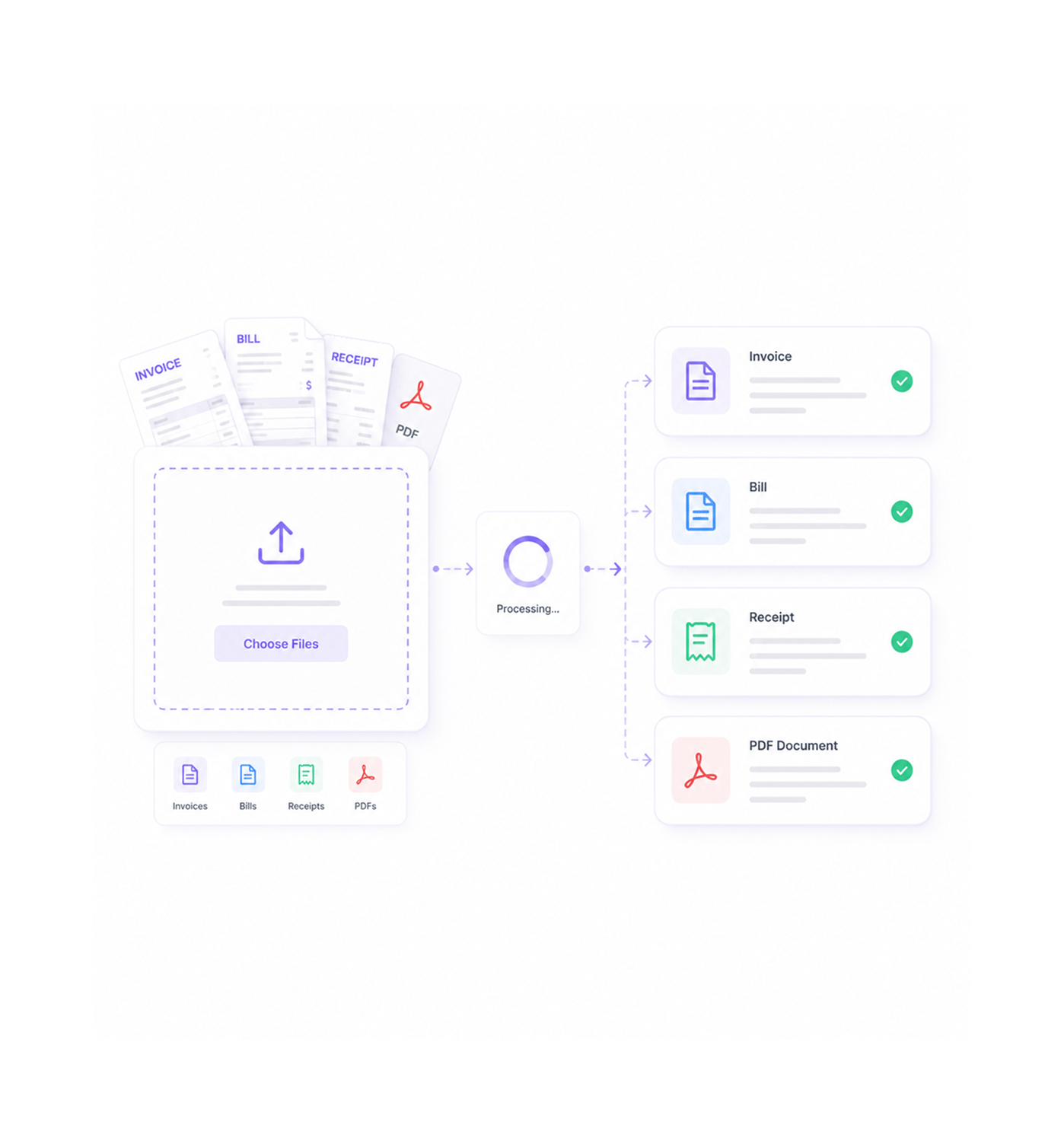
Document Upload
Upload any document
Upload invoices, bills, and receipts or scan documents through bill and invoice creation modals with instant capture and high quality image processing. Multiple file formats support fast, accurate record creation.
- Document Upload
- Invoices
- Bills
- Receipts & PDFs
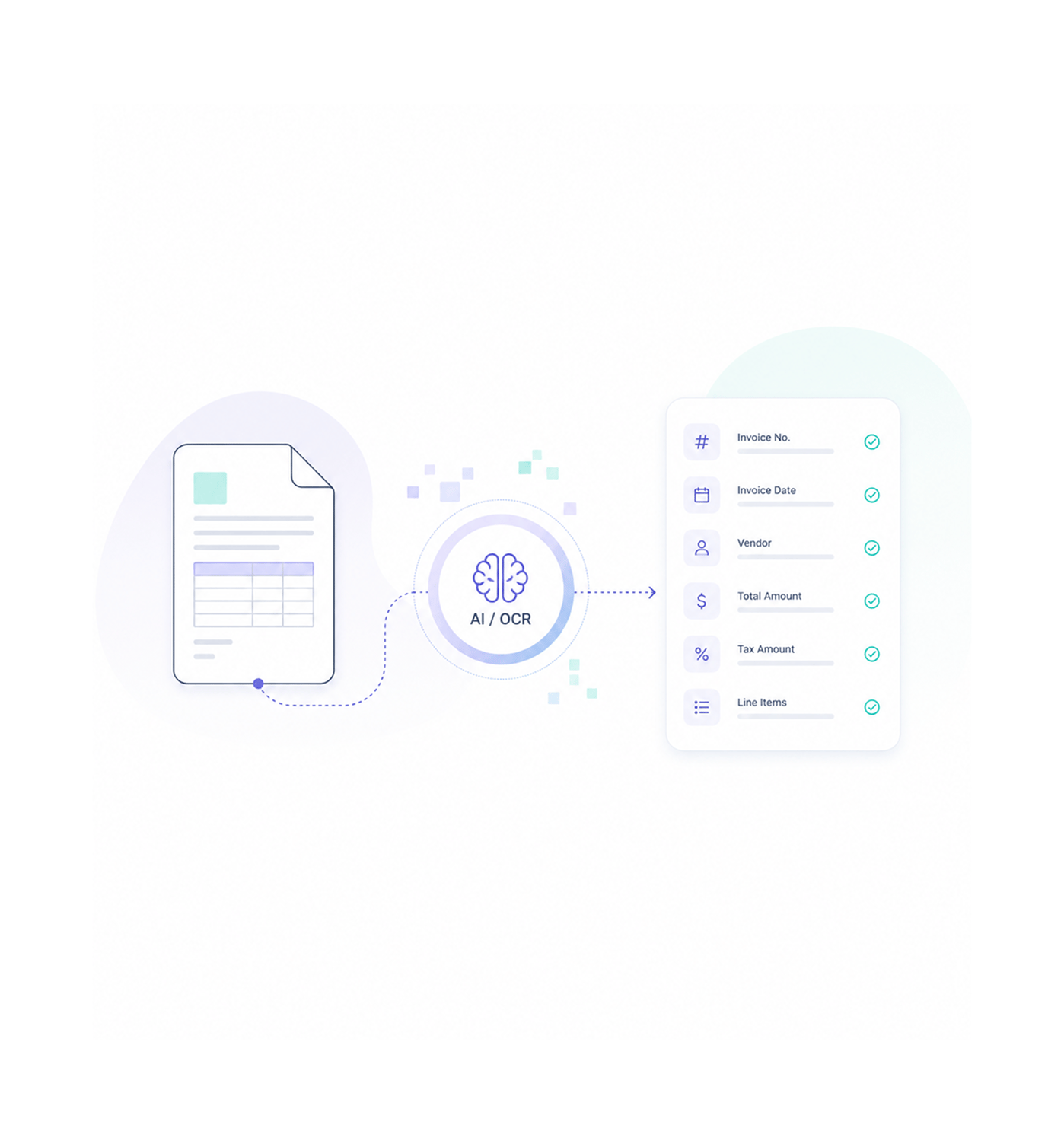
AI Extraction
AI extracts all fields
Advanced AI via the WorksBuddy service processes uploaded file bytes through an external OCR API, converting documents to structured line items automatically with comprehensive field recognition for automated accounting.
- Advanced AI
- AI Extraction
- OCR Processing
- Structured Data
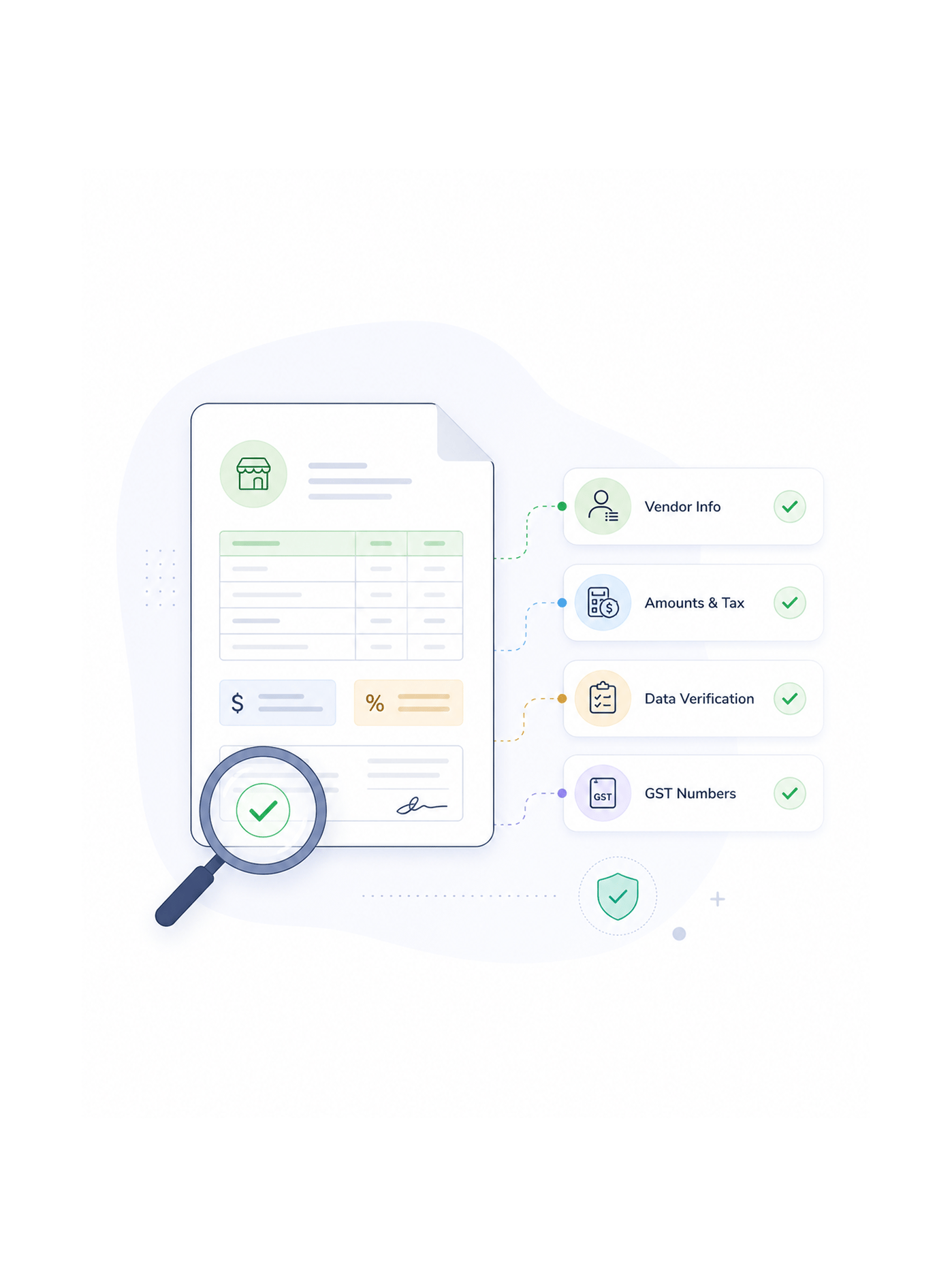
Data Verification
Review extracted data
Review and verify extracted vendor information, amounts, line items, tax details, due dates, and GST numbers with systematic accuracy validation and review workflows that ensure reliable transaction data.
- Vendor Info
- Amounts & Tax
- Data Verification
- GST Numbers
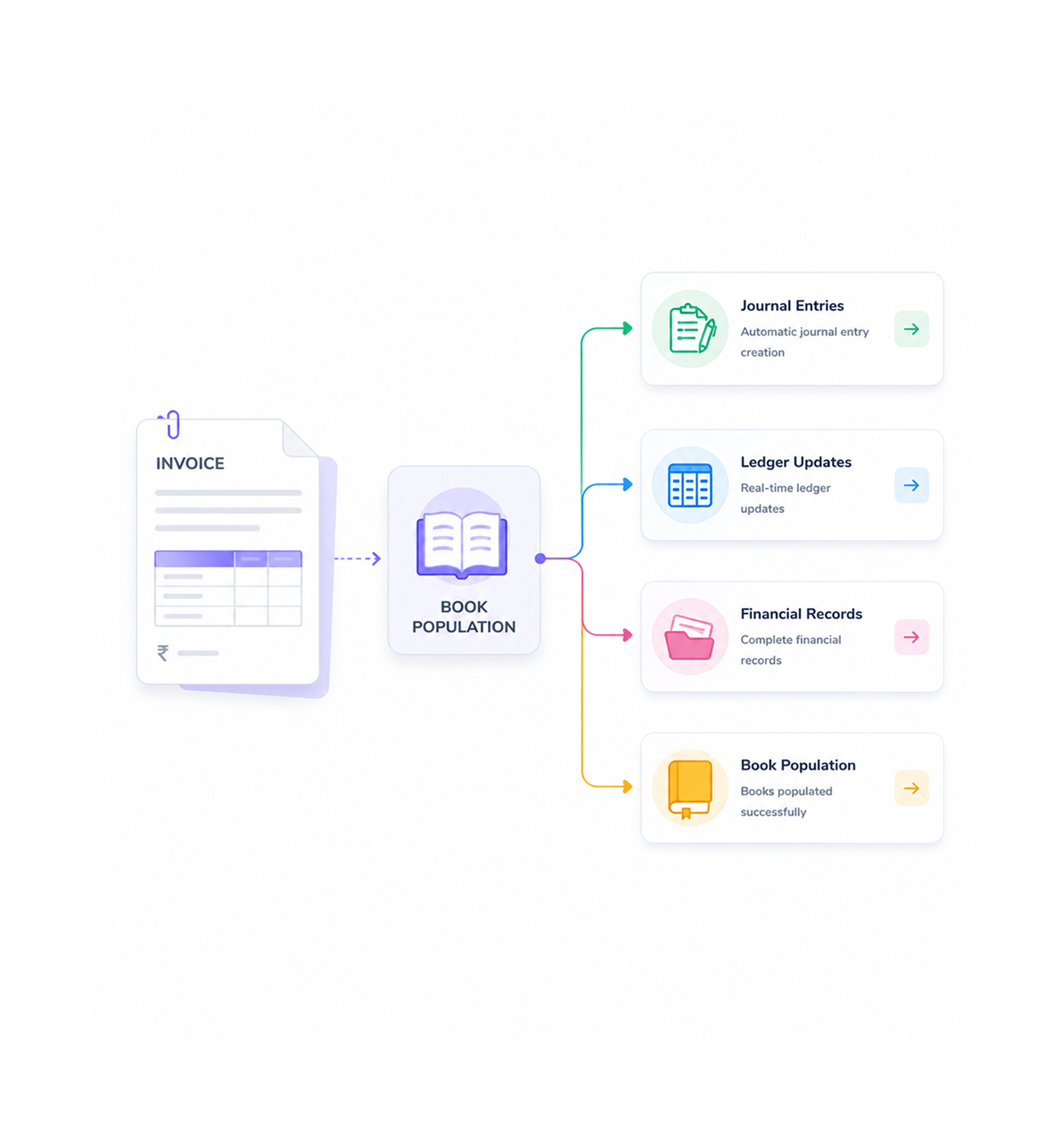
Book Population
Populate accounting books
Automatically populate accounting books with complete structured data through journal entry creation and ledger updates. Automated posting enables comprehensive record keeping and efficient financial management.
- Journal Entries
- Ledger Updates
- Financial Records
- Book Population
Six reasons teams never go back
Once teams experience AI powered OCR with zero transcription errors and instant book population, manual data entry feels impossibly slow.

Complete Field Extraction Coverage
AI powered OCR extracts every field including vendor, amounts, line items, tax, due dates, and GST numbers, eliminating manual entry errors.

Zero Transcription Error Guarantee
Advanced OCR processing powered by enterprise AI ensures accurate extraction without transcription errors or missed fields.

Instant Book Population Speed
Extracted data populates accounting books within seconds through automated journal entry creation and ledger integration.

Multi Format Document Support
OCR processing handles document images, scanned files, and PDF uploads with consistent extraction quality across all formats.

Credit Based AI System Integration
Intelligent credit management via external product API gives transparent usage tracking with real time balance and cost per use.

Structured Data Conversion Excellence
The external OCR API converts unstructured document images into structured line items with complete field mapping.


3800+
accounting professionals
Built for teams that eliminate manual entry
Accountants, bookkeepers, and financial operations teams use INZO's OCR scanning to automate document processing. The upload is the input, the extraction is the intelligence, the population is the efficiency.
Manual entry required
Transcription errors
Document formats
Field extraction accuracy
OCR drives accounting velocity
Accounting professionals use complete field extraction, zero transcription errors, and instant book population for fast record processing without manual entry, ensuring accuracy at scale.
Built for enterprise document processing infrastructure
Advanced OCR with AI powered extraction, multi format processing, credit based usage tracking, and enterprise accuracy.

Advanced Document Capture System
High quality image processing with multi format support for images, scanned files, and PDF uploads via bill and invoice modals.

AI Powered OCR Engine
Advanced AI via the WorksBuddy service with external OCR API integration for accurate field extraction and structured data conversion.

Complete Field Recognition System
Comprehensive extraction of vendor information, amounts, line items, tax details, due dates, GST numbers, and all document fields.

Credit Based Usage Management
Intelligent credit system with real time balance tracking, cost per use visibility, and external product API integration.

Structured Data Conversion
The external OCR API processes uploaded file bytes, converting unstructured documents into organized line items with field mapping.

Automated Book Population
Instant accounting book updates with automated journal entry creation and ledger integration for efficient record management.
Everything you need to know
Get answers to common questions about INZO's OCR Document Scanning system.
OCR processing handles document images, scanned files, and PDF uploads with consistent extraction quality across all document formats including invoices, bills, and receipts. Multi format support provides flexible document handling while enabling systematic processing workflows and comprehensive format compatibility for enhanced user convenience.