


Complete financial
intelligence
A financial dashboard with KPI cards for AR, AP, revenue, expenses, and inventory, plus built in reports with one click CSV export.
From dashboard to insights in 4 steps
Open the dashboard's KPI cards, view built in reports like P&L and AR Aging, set filters, export to CSV.
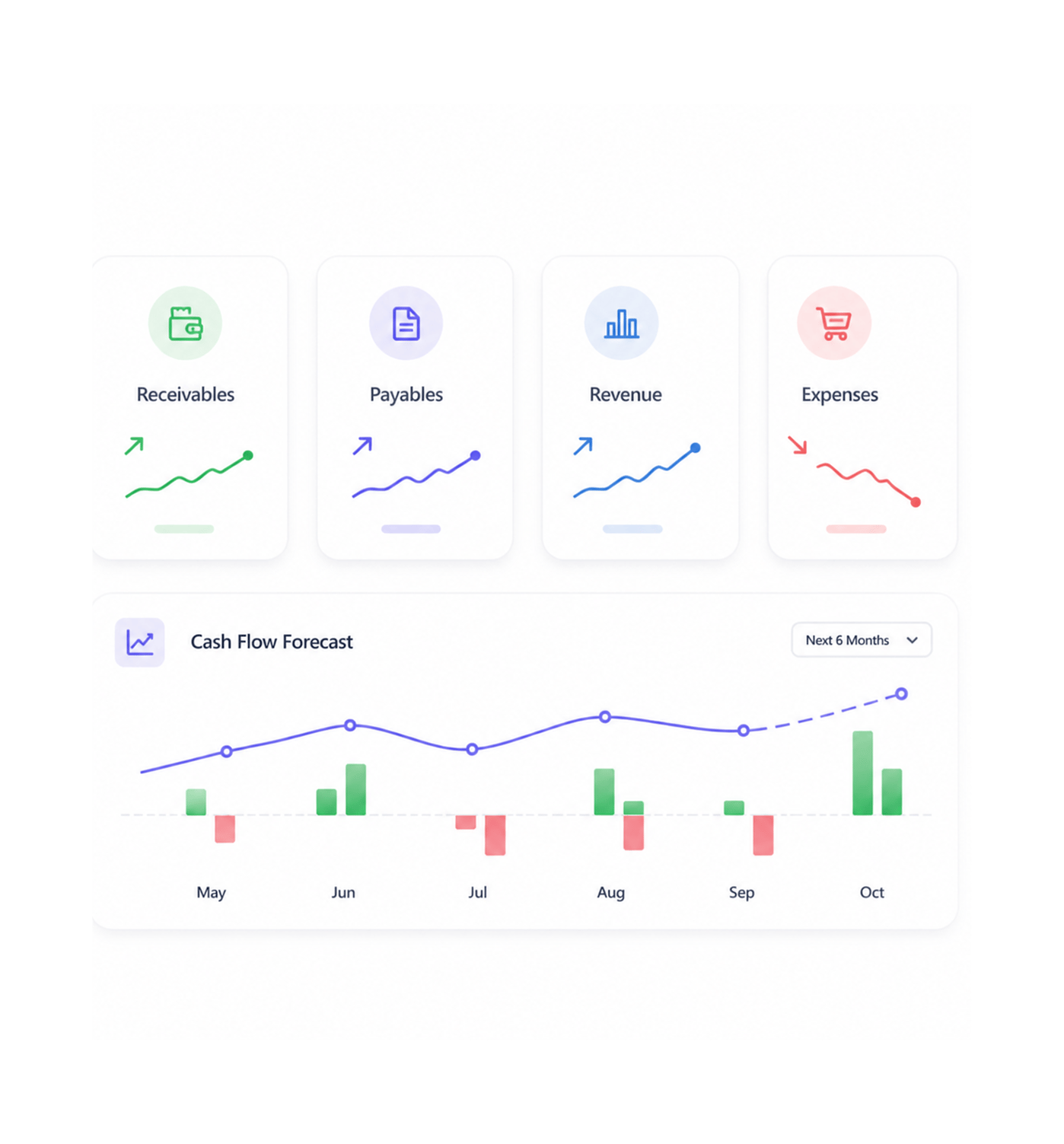
Financial Dashboard
Access comprehensive dashboard
Open a comprehensive financial dashboard with KPI cards for AR, AP, revenue, expenses, and inventory, plus integrated cash flow forecasting. This gives strategic financial visibility and supports systematic performance tracking.
- Financial Dashboard
- KPI Cards
- Cash Flow Forecast
- Business Intelligence
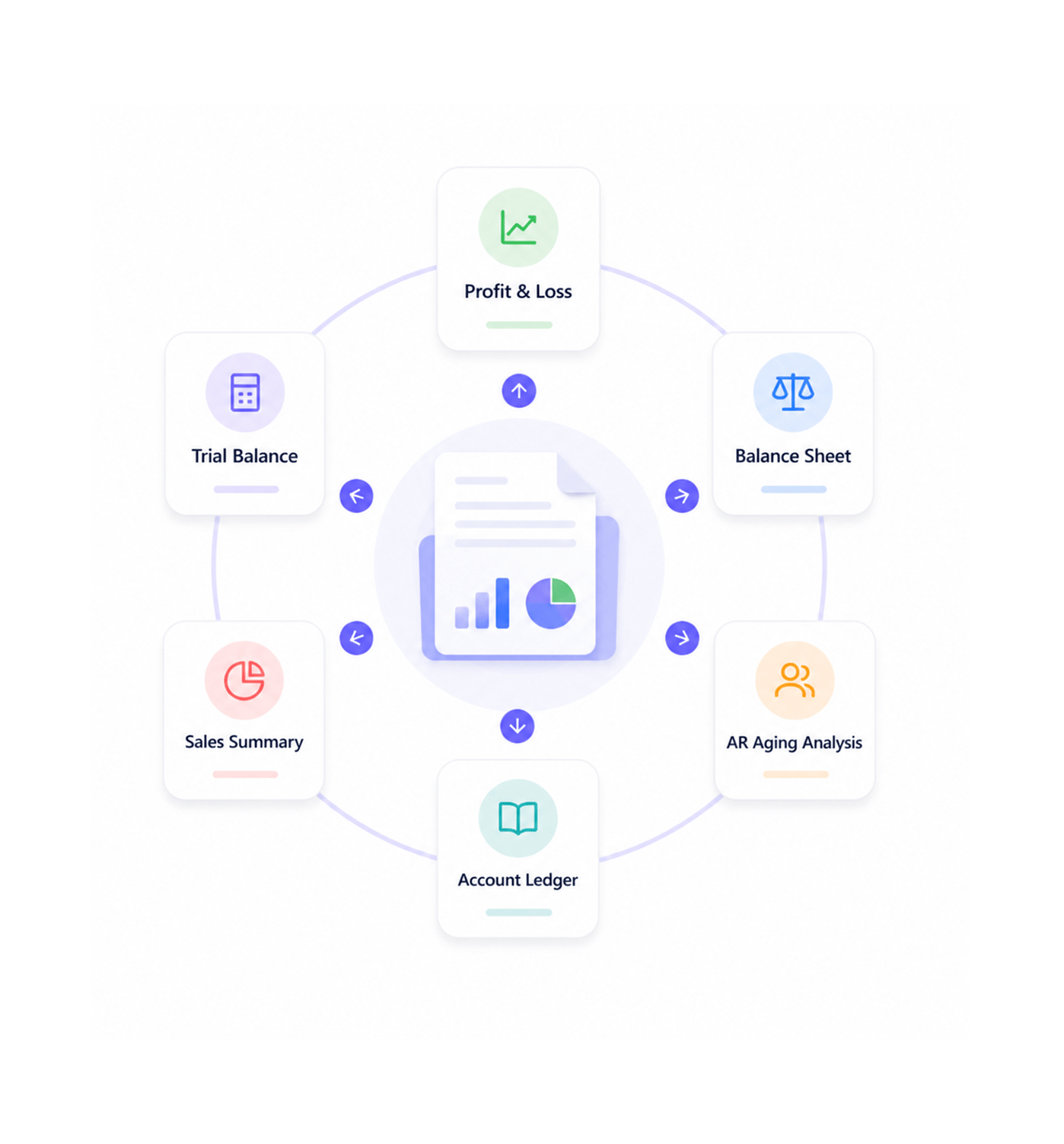
Built in Reports
Navigate comprehensive reports
Navigate built in reports including Profit & Loss, Balance Sheet, Trial Balance, AR Aging, Sales Summary, and Account Ledger. This provides strategic financial analysis and supports coordinated reporting workflows.
- Profit & Loss
- Built in Reports
- Balance Sheet
- AR Aging Analysis
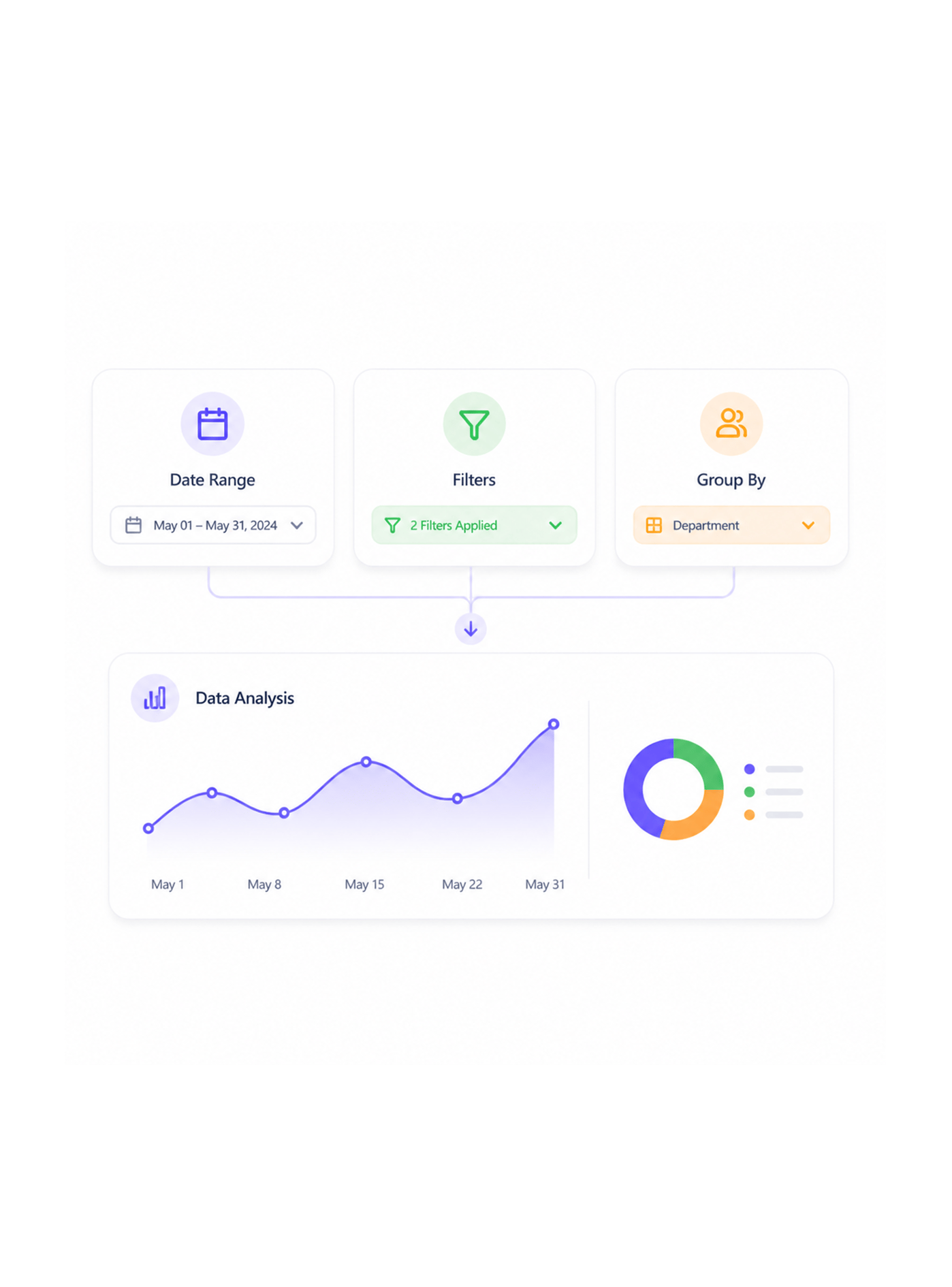
Data Analysis
Analyze with filters and charts
Analyze financial data with date range selection, filtering, and grouping, plus integrated charts for clear data visualization. This delivers strategic insights and supports coordinated reporting and analysis workflows.
- Date Range Selection
- Filtering Options
- Charts & Visualization
- Data Analysis
Export Functionality
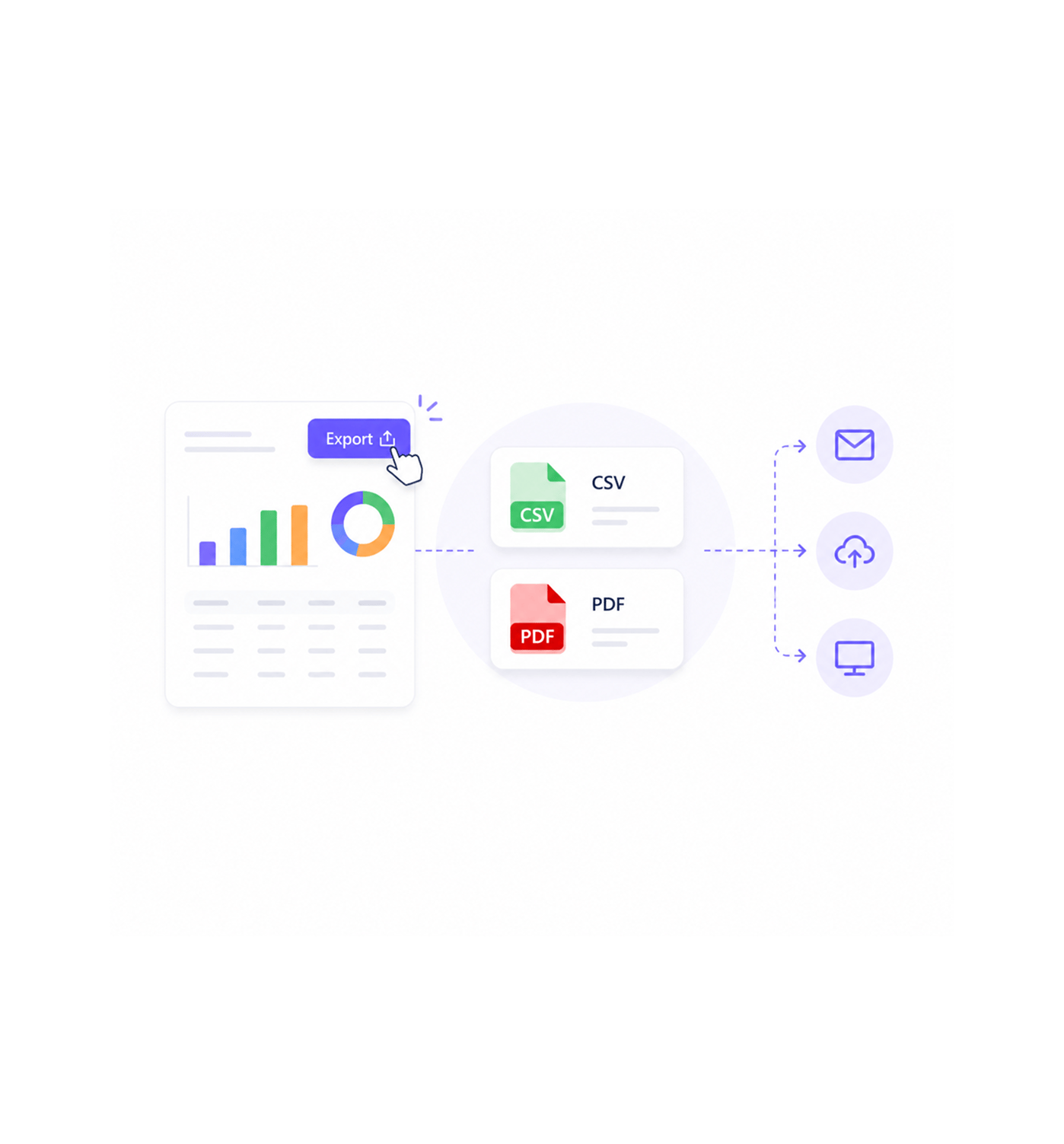
Export reports to CSV
Export any report to CSV with one click for easy data sharing and external analysis, with PDF export for professional distribution. This supports coordinated analysis workflows and reporting across the business.
- One Click Export
- CSV Format
- PDF Export
- Data Sharing
Six reasons teams never go back
Once teams have automatic reporting with one click CSV exports and dashboard analytics, manual report creation feels like using an abacus.

KPI Cards Show Everything at a Glance
Executive teams see critical metrics across AR, AP, revenue, expenses, and inventory without digging through reports. All key indicators sit on one screen, every morning.

Reports Update Automatically
Profit & Loss, Balance Sheet, and Trial Balance reports refresh automatically after every transaction. No more month end panic, just current, accurate financial statements.

AR Aging Analysis Prevents Bad Debt
Collections teams spot overdue patterns across 0-30, 31-60, 61-90, and 90+ day buckets, with trend analysis that flags problem accounts before they become write offs.

One Click CSV Export Saves Hours
Accounting teams export any report to CSV instantly for analysis, board decks, or software integration. Hours of copy paste work now happens with one click, accurately.

Cash Flow Forecasting Predicts Problems
Operations teams anticipate cash flow challenges weeks ahead through AI forecasting based on outstanding invoices and expenses. Strategic planning replaces crisis management.

Charts Make Data Immediately Actionable
Management teams grasp financial trends instantly through visual charts that highlight patterns and outliers. Complex data becomes clear stories that drive better decisions.


3900+
Financial professionals
Built for teams that master financial intelligence
Financial analysts, reporting specialists, and BI teams use INZO's dashboard and reporting system as the foundation for financial analysis. The data is the truth; the reports are the insight.
Time updates
Report generation
KPI tracking
Click CSV export
Intelligence drives financial mastery
Financial professionals use dashboard analytics, automatic report generation, and KPI tracking for financial intelligence and coordinated reporting, without manual overhead or stale numbers.
Built for enterprise financial intelligence operations
Advanced dashboards with KPI monitoring, reporting workflows, automated financial analysis, and enterprise export tools.

Advanced Financial Dashboard Engine
A KPI card system covers AR, AP, revenue, expenses, and inventory with real time data and optimized aggregation.

Intelligent Cash Flow Forecasting System
AI powered cash flow prediction uses outstanding invoices and scheduled expenses with trend analysis and predictive modeling.

Comprehensive Reporting Infrastructure
Built in reports including Profit & Loss, Balance Sheet, Trial Balance, AR Aging, and Sales Summary update automatically, with data validation built in.

Advanced AR Aging Analytics Framework
AR aging analysis spans 0-30, 31-60, 61-90, and 90+ day buckets with trend identification and pattern recognition for systematic collections management.

Enterprise Export Management System
One click CSV and PDF export covers all reports with clean formatting for external analysis and data sharing, handling large datasets with optimization.

Interactive Data Analysis Architecture
Filtering, grouping, and chart visualization with date range selection enable strategic analysis, staying interactive and fast even with complex datasets.
Everything you need to know
Get answers to common questions about INZO's Financial Dashboard & Reports system.
What reports are included in INZO?
Built in reports include Profit & Loss, Balance Sheet, Trial Balance, AR Aging, Sales Summary, and Account Ledger with automatic updates for comprehensive financial reporting coordination. Built in reports enable strategic financial analysis while supporting coordinated reporting workflows and systematic financial coordination for enhanced business intelligence and comprehensive reporting excellence.
How does the financial dashboard work?
Can I export reports to CSV format?
How does AR Aging Analysis work?
Do reports update automatically?
What filtering and analysis options are available?