


Complete organization
configuration system
Currency and timezone per organization and user. Payment terms, tax rates, late fees, reminders, and templates, all without code.
From organization setup to template customization in 4 steps
Set currency and timezone with user overrides, define payment terms and tax rates, set late fees.
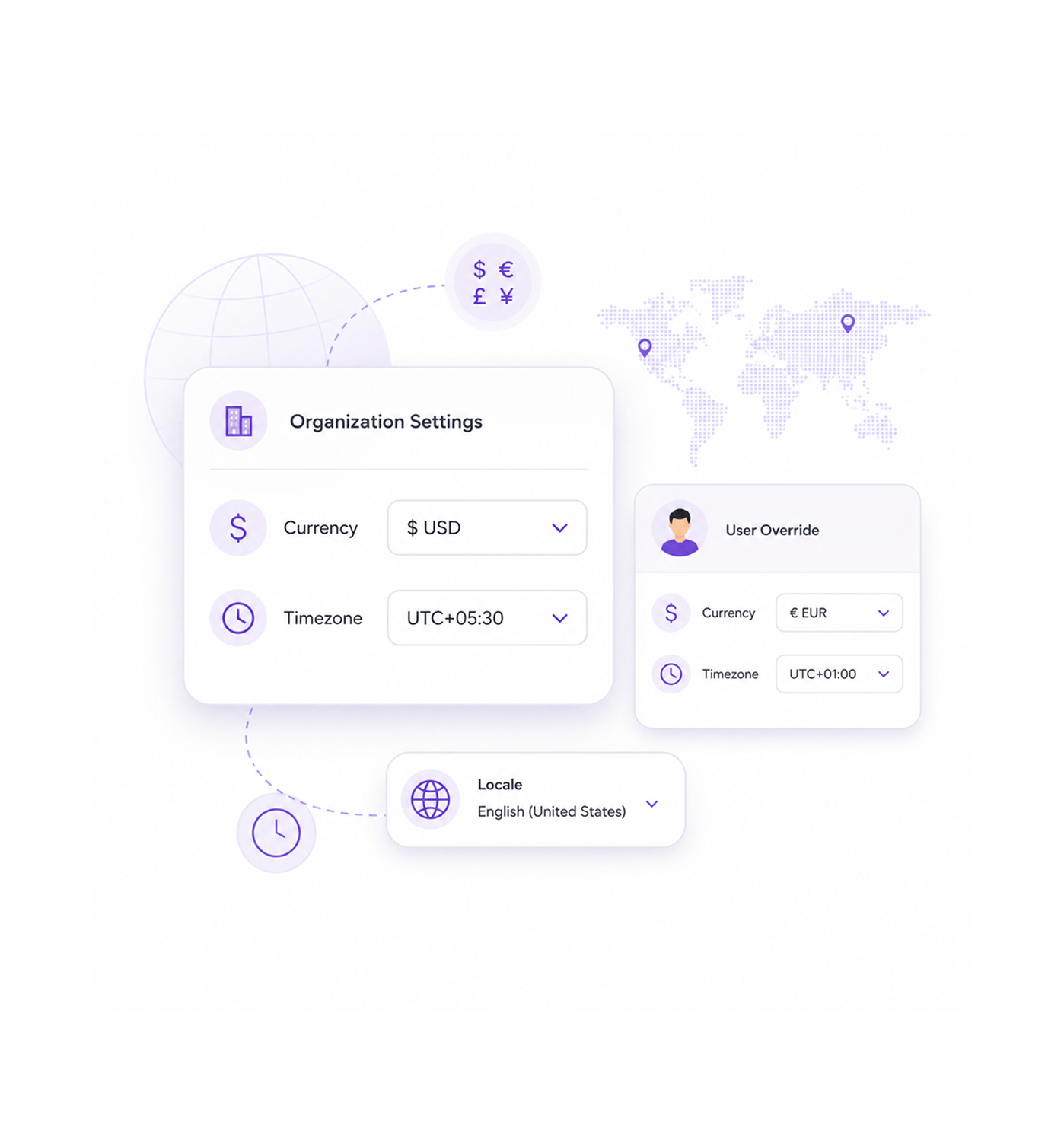
Currency Configuration
Configure currency and timezone settings
Configure organization currency and timezone settings with per user override for global team coordination and localization. This enables international coordination and supports systematic localization across global operations.
- Organization Currency
- Timezone Default
- Per User Override
- Locale Settings
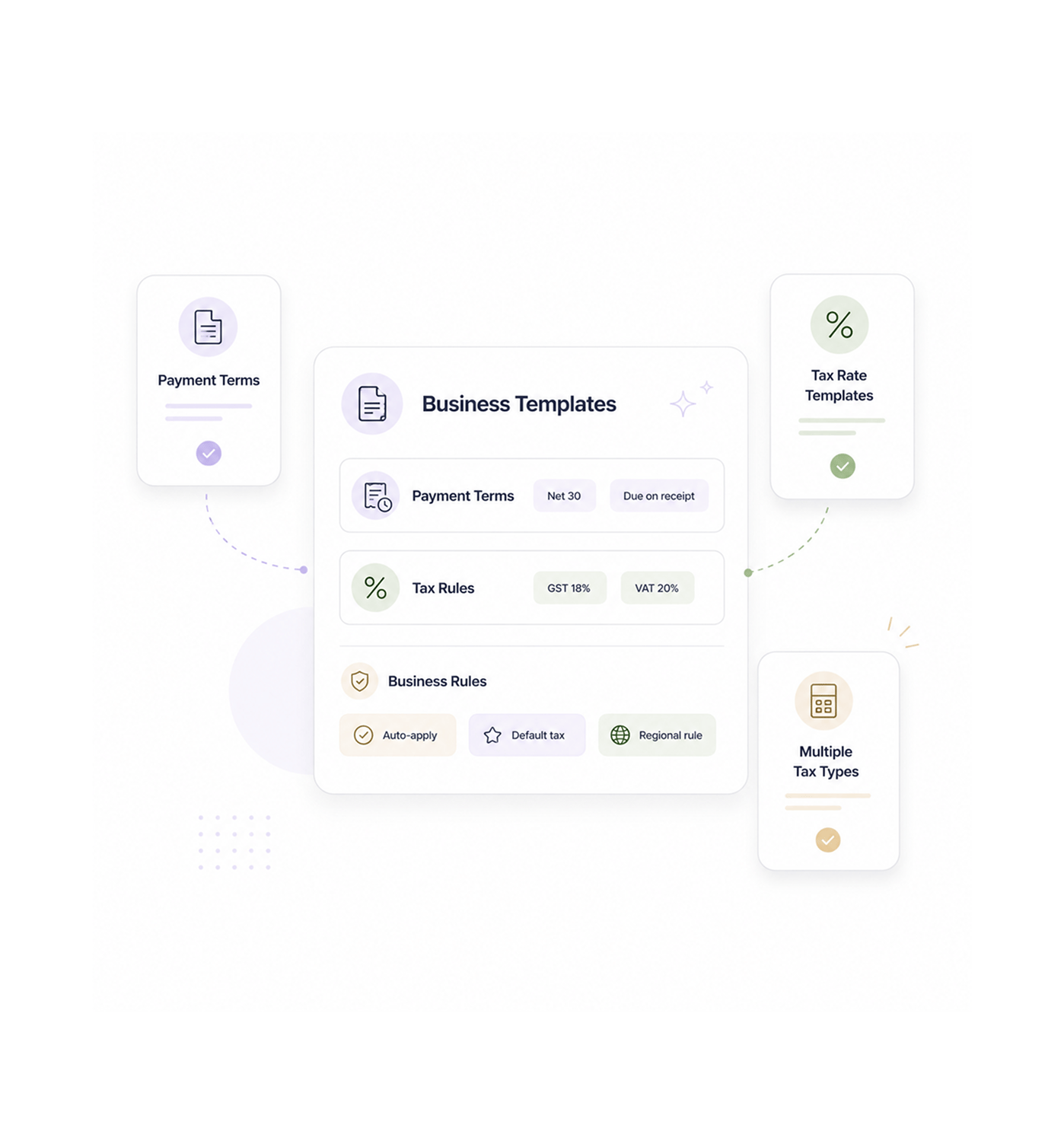
Business Templates
Establish payment terms and tax rates
Establish payment terms templates and tax rate configurations with full business rule management for financial coordination. This provides strategic business coordination and supports payment and tax workflows across operations.
- Payment Terms
- Tax Rate Templates
- Multiple Tax Types
- Business Rules
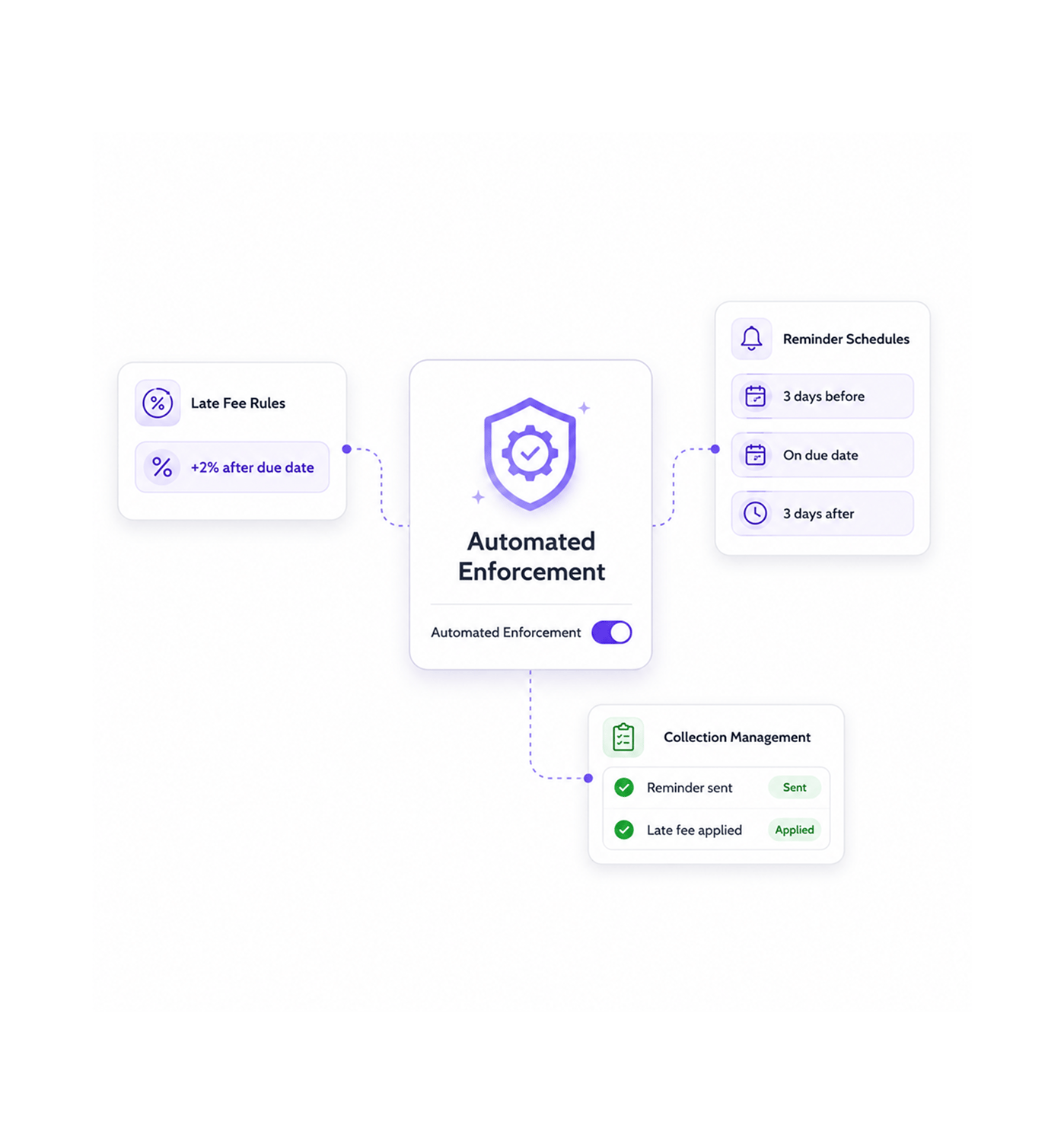
Automated Enforcement
Set up late fee rules and reminders
Set up late fee rules and reminder schedules with automated enforcement for collection coordination and payment management. This enables strategic collection and supports reminder workflows and systematic late fee handling.
- Late Fee Rules
- Reminder Schedules
- Automated Enforcement
- Collection Management
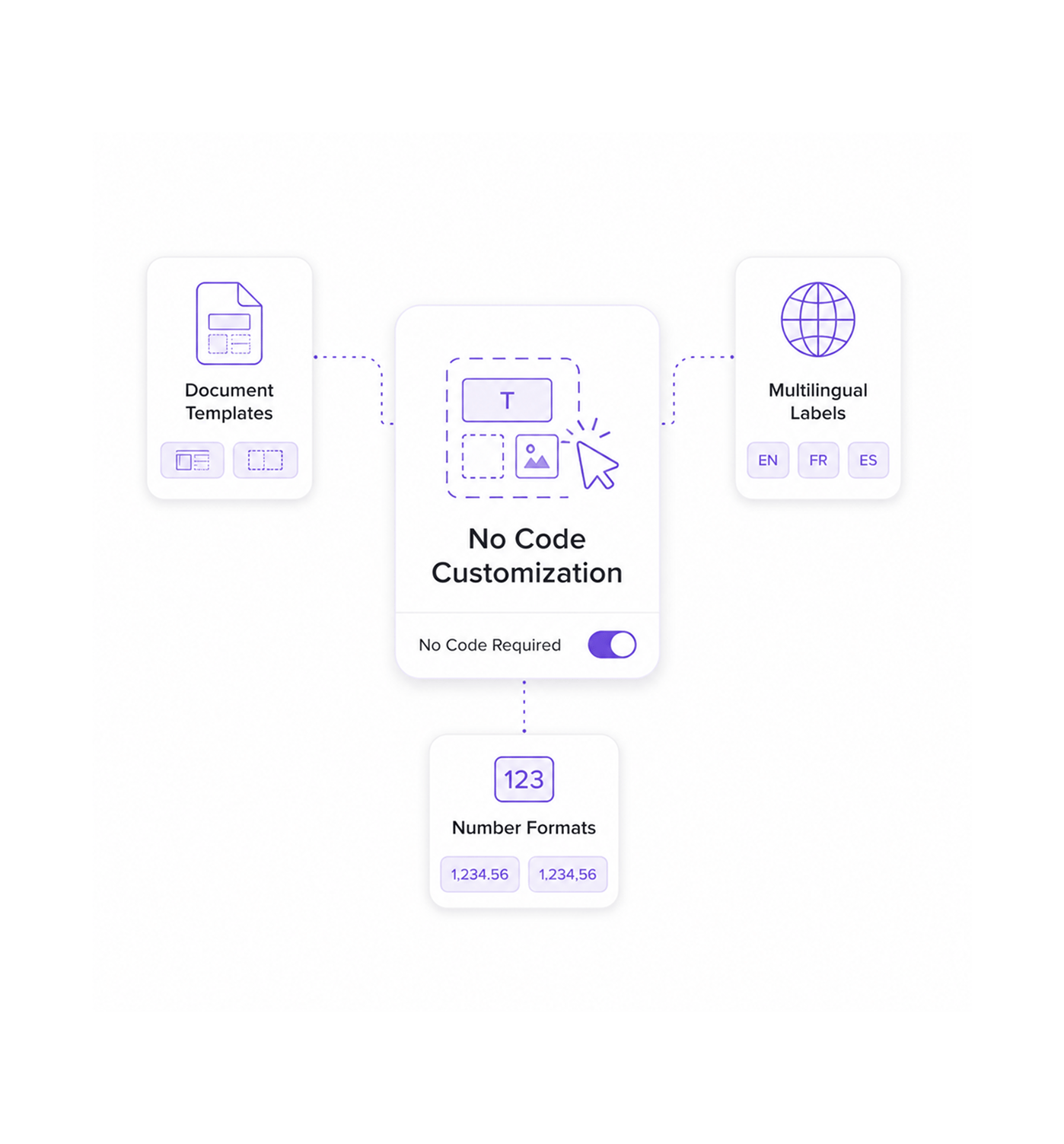
No Code Customization
Customize templates and multilingual labels
Customize document templates and multilingual labels with no code configuration for branding and document management. This enables strategic branding and supports multilingual workflows and systematic template management.
- Document Templates
- Multilingual Labels
- Number Formats
- No Code Required
Six reasons teams never go back
Once teams have organization settings with per user timezone overrides and no code templates, manual configuration feels hopelessly outdated.

Currency Settings Handle Global Operations
International teams skip currency headaches because organization level currency and locale settings handle global finances automatically. No manual conversion, no errors.

Per User Timezone Prevents Scheduling Chaos
Distributed teams keep accurate time coordination with per user timezone overrides that respect each location while holding org defaults. No manual conversion confusion.

Payment Terms Templates Speed Contract Setup
Sales teams close faster with predefined payment terms templates that keep customer agreements consistent. Standard terms cut negotiation delays and stay compliant.

Late Fee Rules Enforce Payment Discipline
Finance teams keep consistent collections with automated late fee rules that apply charges by configurable grace periods and fee structures, improving payment behavior.

Reminder Schedules Automate Follow Up
Collection teams never miss follow up because automated reminder schedules send phase based notifications that escalate systematically, improving cash flow.

No Code Templates Enable Brand Control
Marketing teams keep brand consistency with no code document templates that apply organization branding across all financial documents, no development required.


1750+
Configuration professionals
Built for teams that master
organizational excellence
Configuration specialists, financial operations coordinators, and settings managers use INZO's organization settings as the foundation for business coordination. The currency is the consistency; the timezones are the coordination.
Currency
Timezone
Templates
Code
Settings drive organizational consistency
Configuration professionals use organization settings with currency and timezone coordination and business rule management for organizational coordination, without manual overhead or guesswork.
Built for enterprise organization management
Advanced organization management with currency and timezone engines, payment terms, tax rates, and template customization.
Multi Currency Timezone System
Currency management with organization level defaults and per user timezone overrides, handling localization systematically.

Payment Terms Template Engine
Payment terms management with template creation and business rule coordination, handling terms across the org.

Tax Rate Configuration Framework
Tax management with rate configuration for inclusive, exclusive, normal, compound, and fixed tax types, handling each scenario.

Late Fee Automation System
Late fee management with configurable rules for fixed amounts and percentages, grace periods, and maximum caps.

Reminder Schedule Coordination
Reminder management with phase based scheduling and escalation coordination for collections, handling schedules systematically.

No Code Template Designer
Template customization with per document type design, multilingual labels, and number formats, managed systematically.
Everything you need to know
Get answers to common questions about INZO's Organization Settings system.
How do currency and timezone settings work?
Currency and timezone settings provide organization level defaults with comprehensive per user override capabilities for global team coordination for professional international management and systematic global coordination. Currency settings enable strategic international coordination while supporting coordinated timezone workflows and systematic localization management for enhanced global operations and comprehensive currency coordination excellence.
What payment terms and tax rate options are available?
How do late fee rules and reminder schedules work?
What document template customization features are included?
How does the no code configuration work?
What multilingual and number format options are available?