





Bulk lead import from CSV,
LinkedIn, or API
Bulk import via CSV, LinkedIn URLs, or API. LIO auto maps, enriches, and deduplicates every record before it hits your pipeline
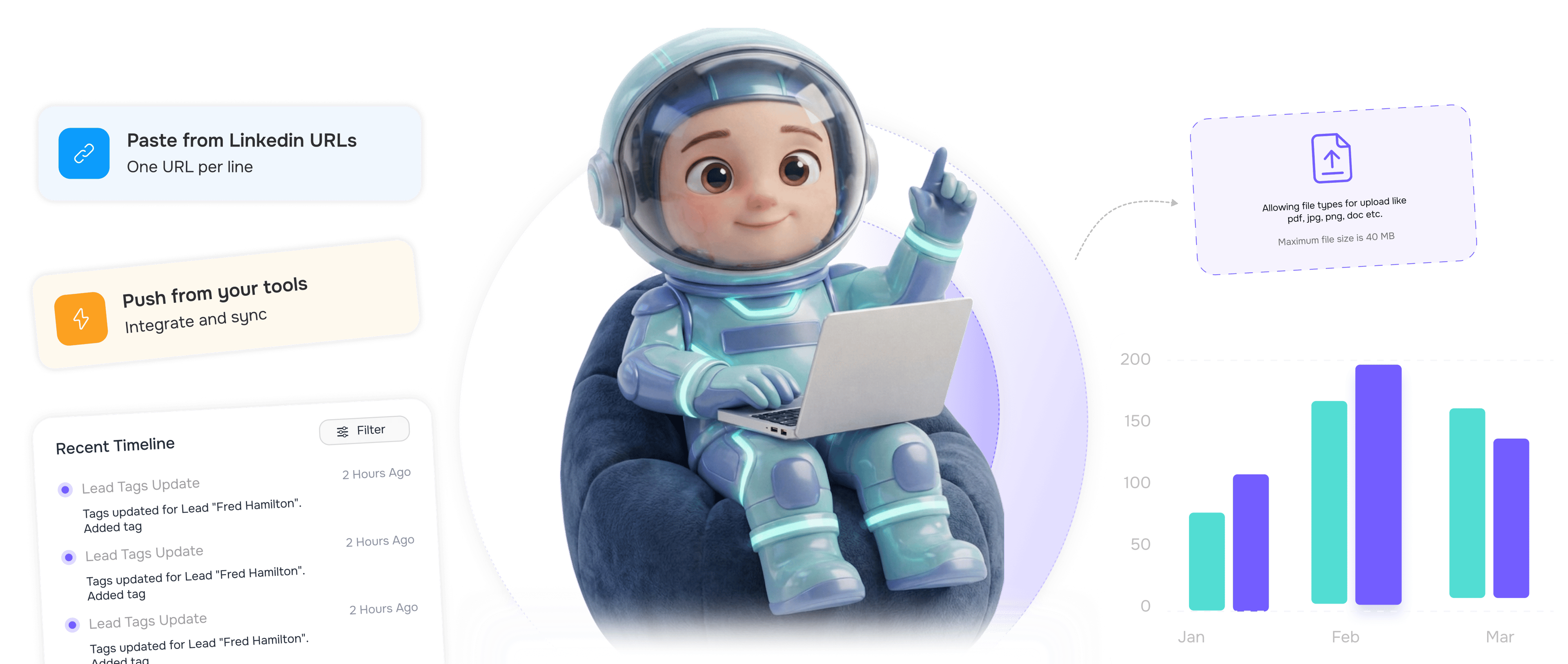
From raw data to enriched leads in 4 steps
Upload leads from any channel and LIO turns them into sales-ready prospects with enrichment.
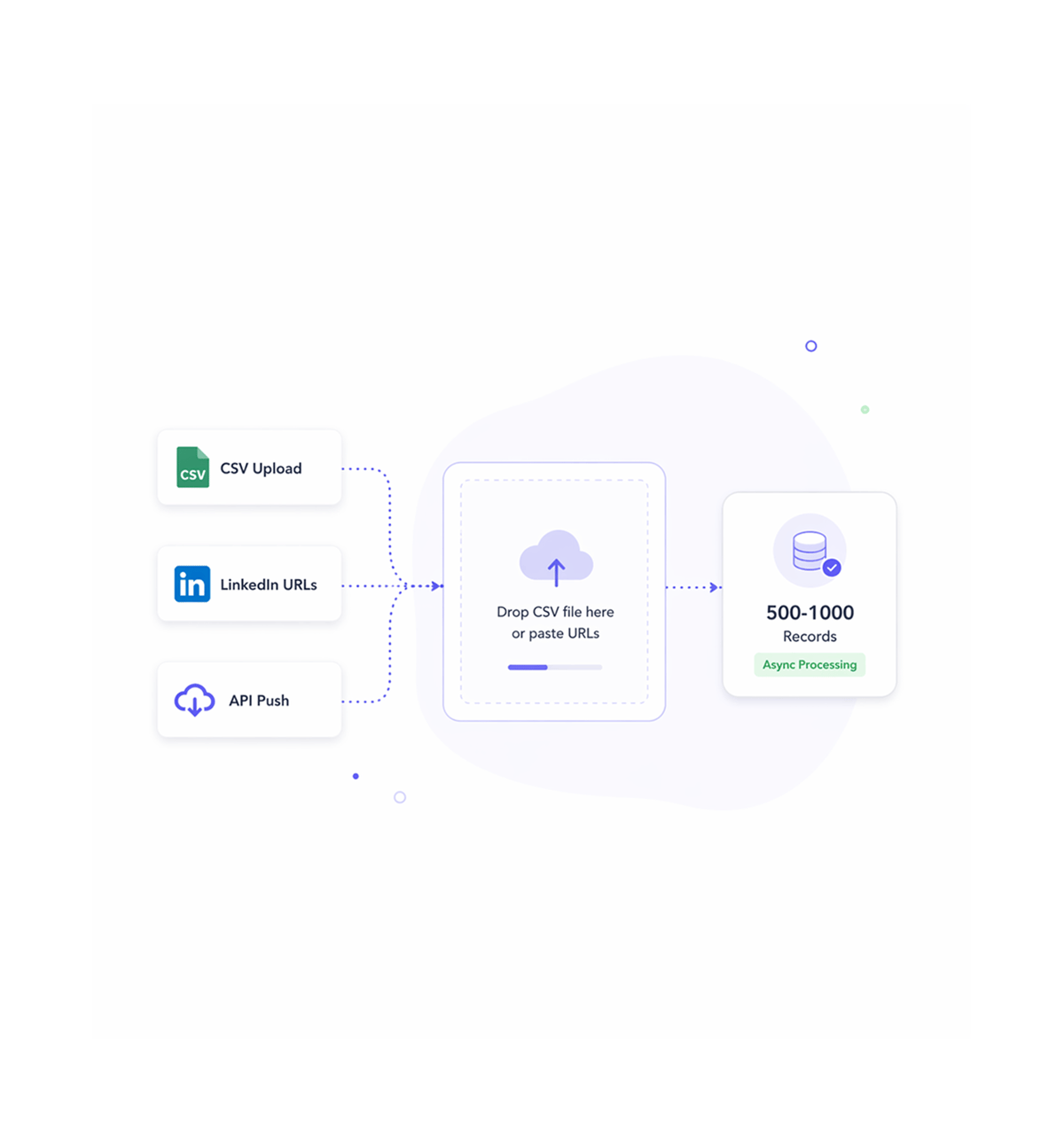
Multiple Input Methods
Upload your lead data
Choose your preferred method: drag and drop a CSV file, paste a batch of LinkedIn URLs, or push leads through our API. LIO handles 500-1000 records asynchronously.
- CSV Upload
- LinkedIn URLs
- API Integration
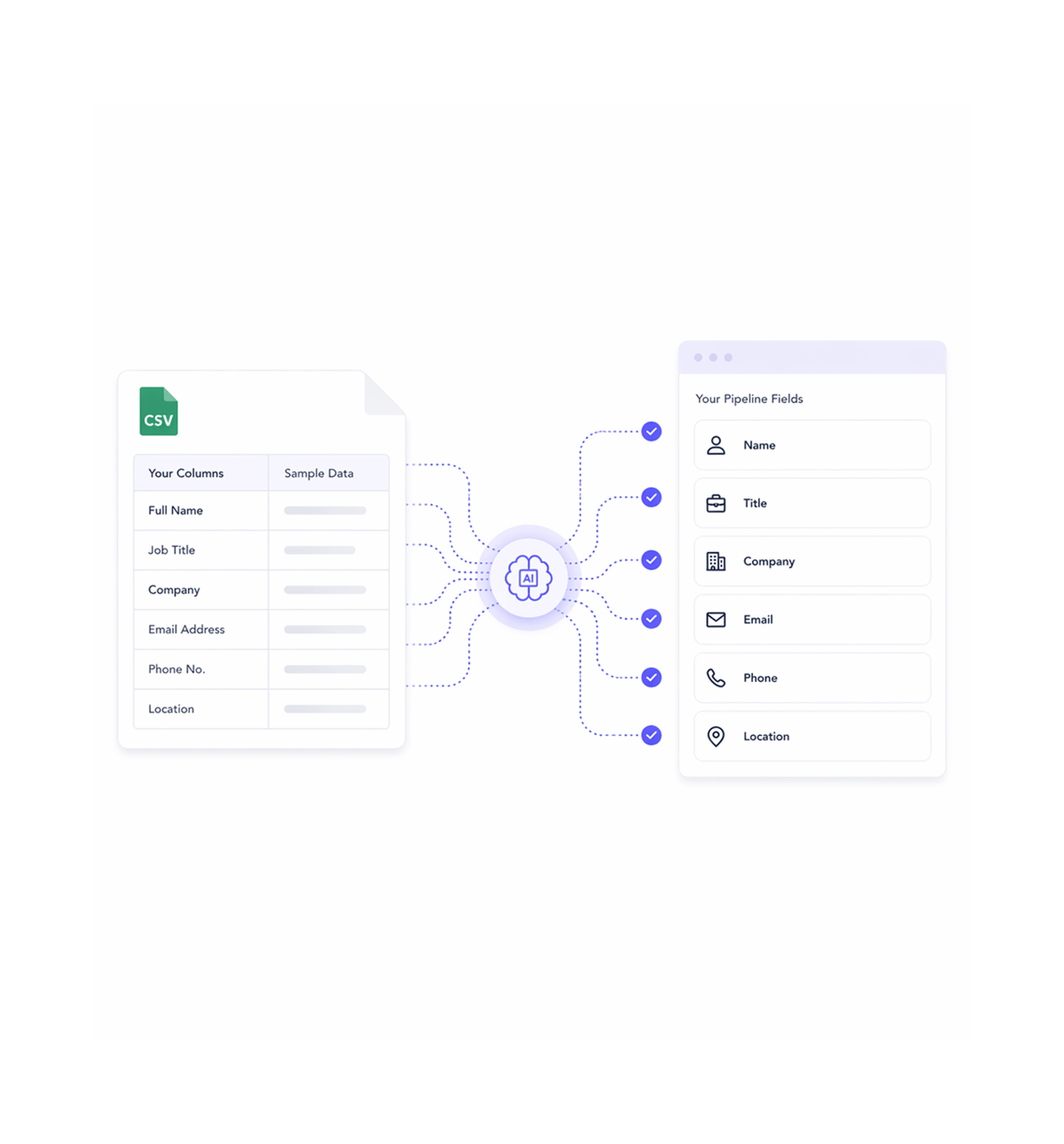
Smart Mapping
Auto map fields intelligently
LIO automatically detects and maps common fields like name, email, company, title, and phone. Custom field mapping available for specialized data structures.
- Field Detection
- Auto Mapping
- Custom Fields
- Schema Recognition
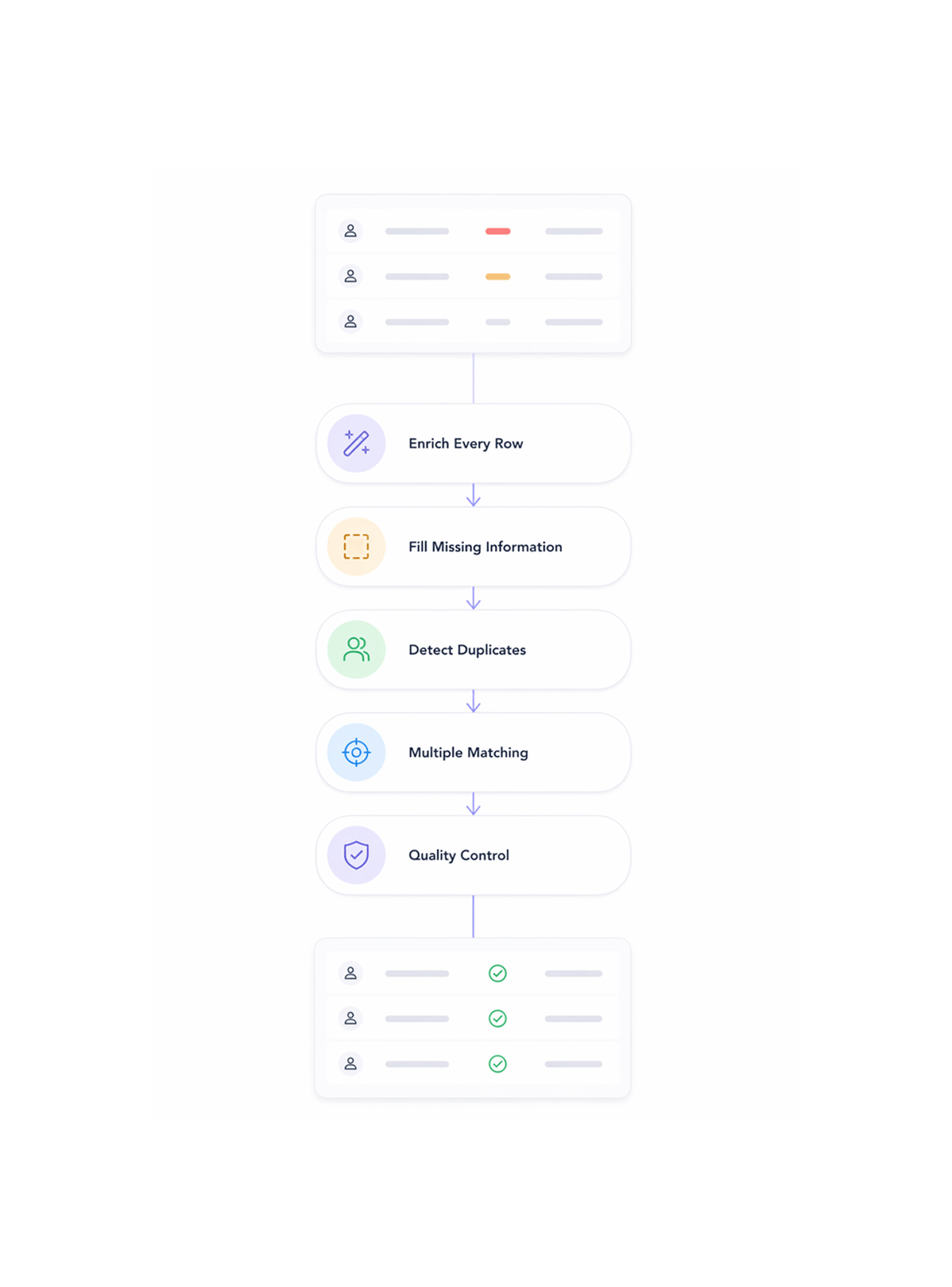
Data Enrichment
Enrich and validate every row
Each lead is enriched with additional data points, validated for accuracy, and checked against your existing pipeline to flag potential duplicates.
- Contact Enrichment
- Duplicate Detection
- Data Validation
- Quality Scoring
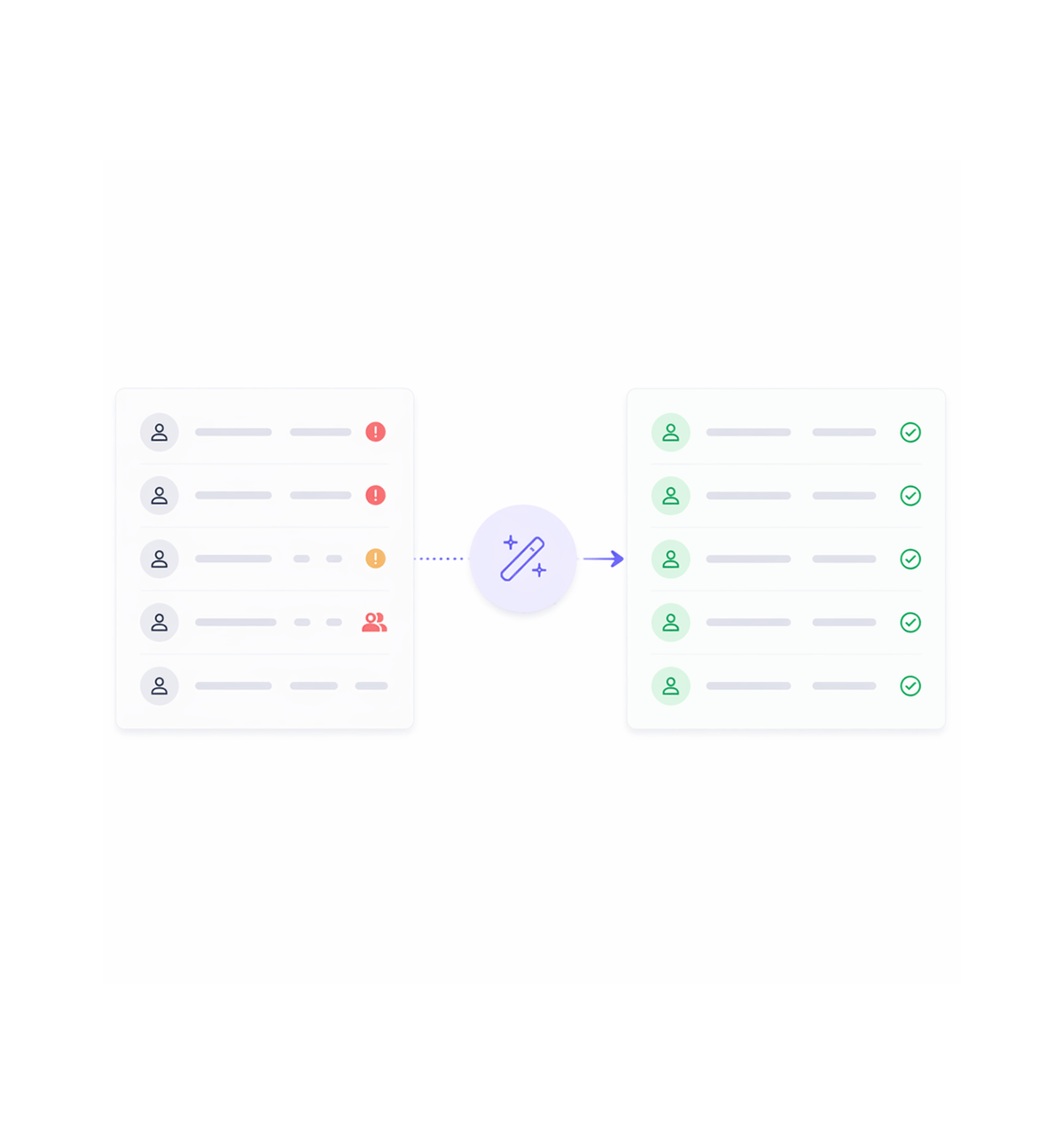
Clean Import
Import to pipeline
Clean, enriched leads are imported to your pipeline with full data integrity. Review flagged duplicates and approve the final import with confidence.
- Pipeline Integration
- Quality Assurance
- Duplicate Review
Six reasons teams never go back
Once sales teams experience bulk import with automatic enrichment, manual data entry feels like using a typewriter.

Multi Source Data Ingestion
Import leads from CSV files, LinkedIn URL batches, or API endpoints through one unified flow that handles varied formats.

Asynchronous Bulk Processing
Process 500 to 1000 records at once with asynchronous processing that keeps speed and accuracy on large-scale imports.

Automatic Field Mapping
Skip manual field setup with intelligent mapping that recognizes data structures automatically, cutting errors during import.

Real Time Row Enrichment
Enrich every imported record with full contact and company information automatically, maximizing data value without slowing imports.

Pre Pipeline Duplicate Detection
Flag duplicate records before they enter sales pipelines with intelligent matching, preventing redundancy and cleanup work.

Zero Manual Data Entry
End manual entry with fully automated import, mapping, and enrichment, raising productivity while keeping data consistent.


300+
trusted teams
Built for every team
that touches leads
Operations teams, sales managers, and marketing specialists all use LIO's bulk import as the shared data layer. The import is the input, the clean pipeline is the output, field mapping makes it work.
Import to clean pipeline
Click to auto map fields
Records per batch processed
Records enriched and deduped
Import drives data pipeline efficiency
Operations teams upload CSV files, LinkedIn URL batches, and API data to populate clean lead databases instantly. Auto mapping removes manual setup and maps records to LIO's standards.
Built for sales teams that move fast
Everything you need to import, enrich, and manage leads at scale without sacrificing data quality.

Data Quality Validation
Validate imported data with quality checks for accuracy, including format verification, required-field checks, and integrity review.

Pipeline Integration Controls
Set precise controls for how processed leads flow into existing pipelines and CRM systems, supporting custom workflows.

Error Handling & Recovery
Handle errors and data inconsistencies automatically with intelligent recovery, detailed logging, correction options, and retries.

Batch Processing Analytics
Monitor bulk import performance with analytics that track speed, success rates, and data quality to optimize imports.

Custom Import Rules
Set custom import rules that match your business needs, enabling flexible data transformation with consistency across sources.

Export Format Management
Control output formats and structure for processed leads with flexible export management that supports downstream systems.
Everything you need to know
Get answers to common questions about LIO's Bulk Lead Import feature.