





Import and export tool for
quick data migration
LIO imports leads from CSV, Excel, or CRM systems and exports filtered datasets to many formats for smooth migration.

From data import to backup workflows in 4 steps
Import from many sources, set field mapping and validation, export filtered data, then automate backups.
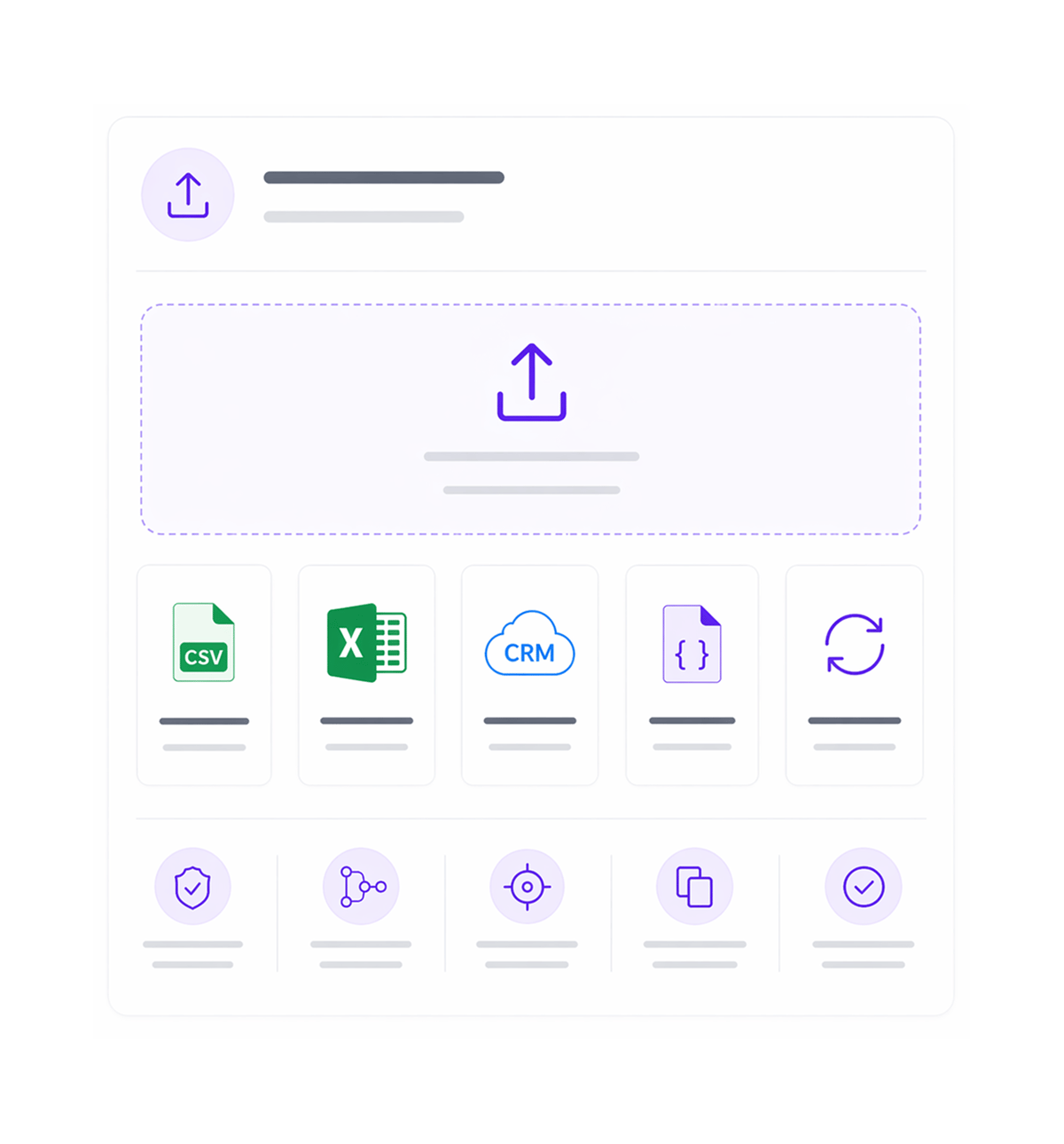
Multi Source Import
Import from any source
Import leads seamlessly from CSV, Excel files, or existing CRM systems with support for multiple data formats and sources. Multi source import capabilities ensure smooth data migration regardless of your current system or file format requirements.
- CSV Import
- Excel Files
- CRM Systems
- Multiple Formats
- Seamless Migration
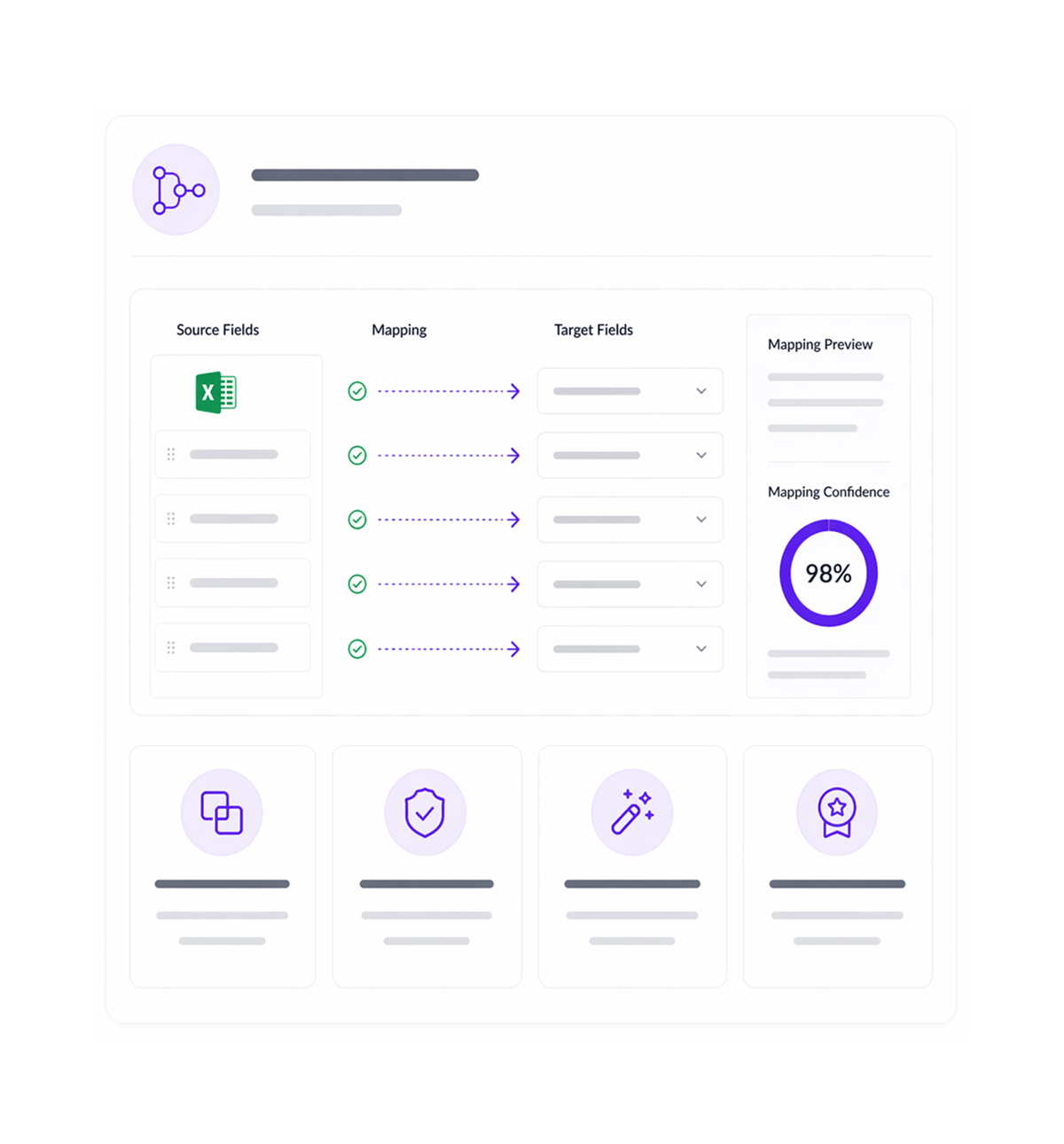
Smart Mapping
Configure field mapping
Configure intelligent field mapping and validation rules to ensure accuracy during import. Smart mapping auto-detects field relationships while allowing manual adjustments for perfect alignment.
- Field Mapping
- Validation Rules
- Auto Detection
- Data Quality
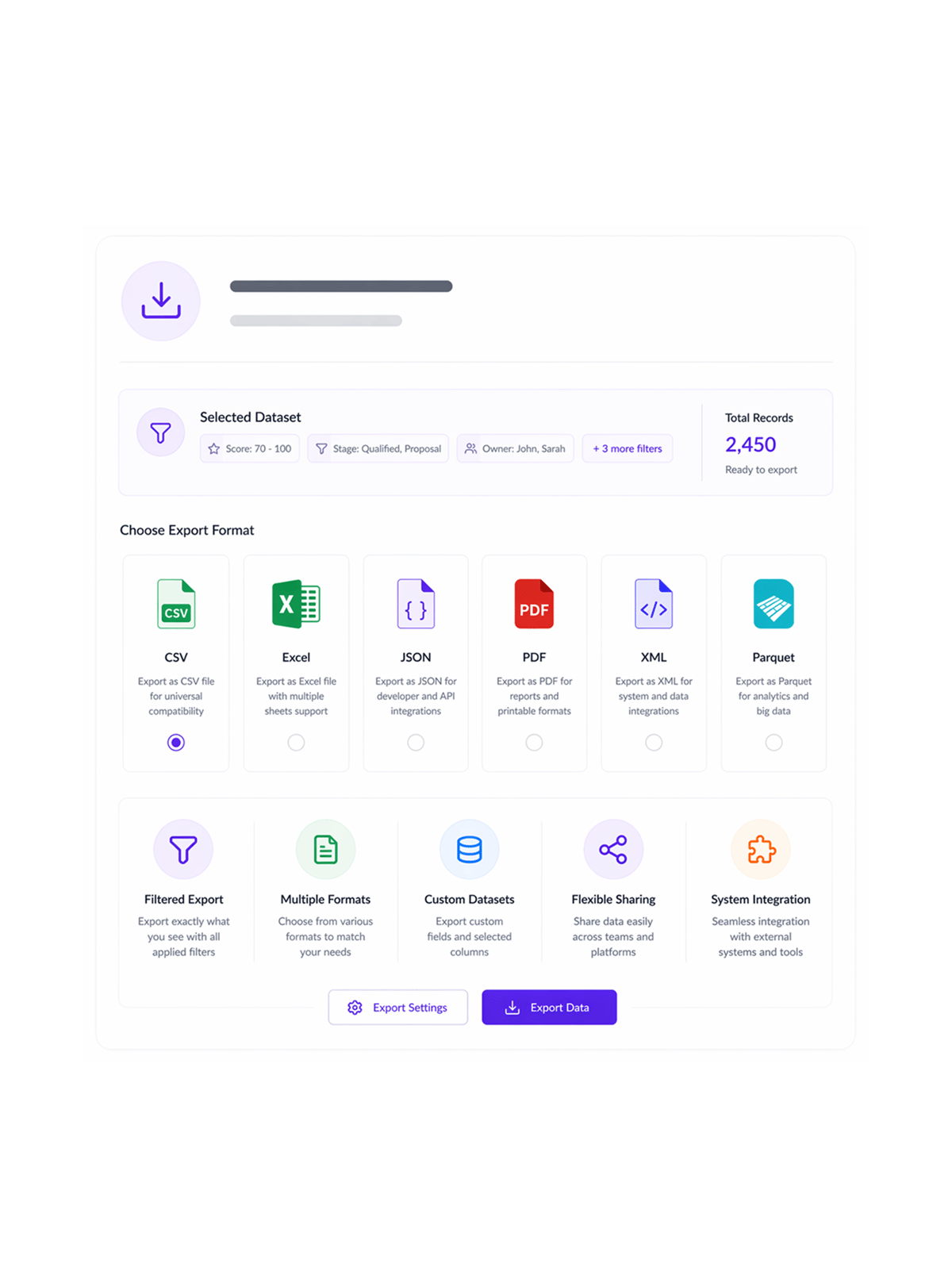
Multi Format Export
Export filtered datasets
Export filtered datasets to multiple formats including CSV, Excel, and various other formats based on your specific requirements. Multi format export capabilities enable flexible data sharing and integration with different systems and tools.
- Filtered Export
- Multiple Formats
- Custom Datasets
- Flexible Sharing
- System Integration
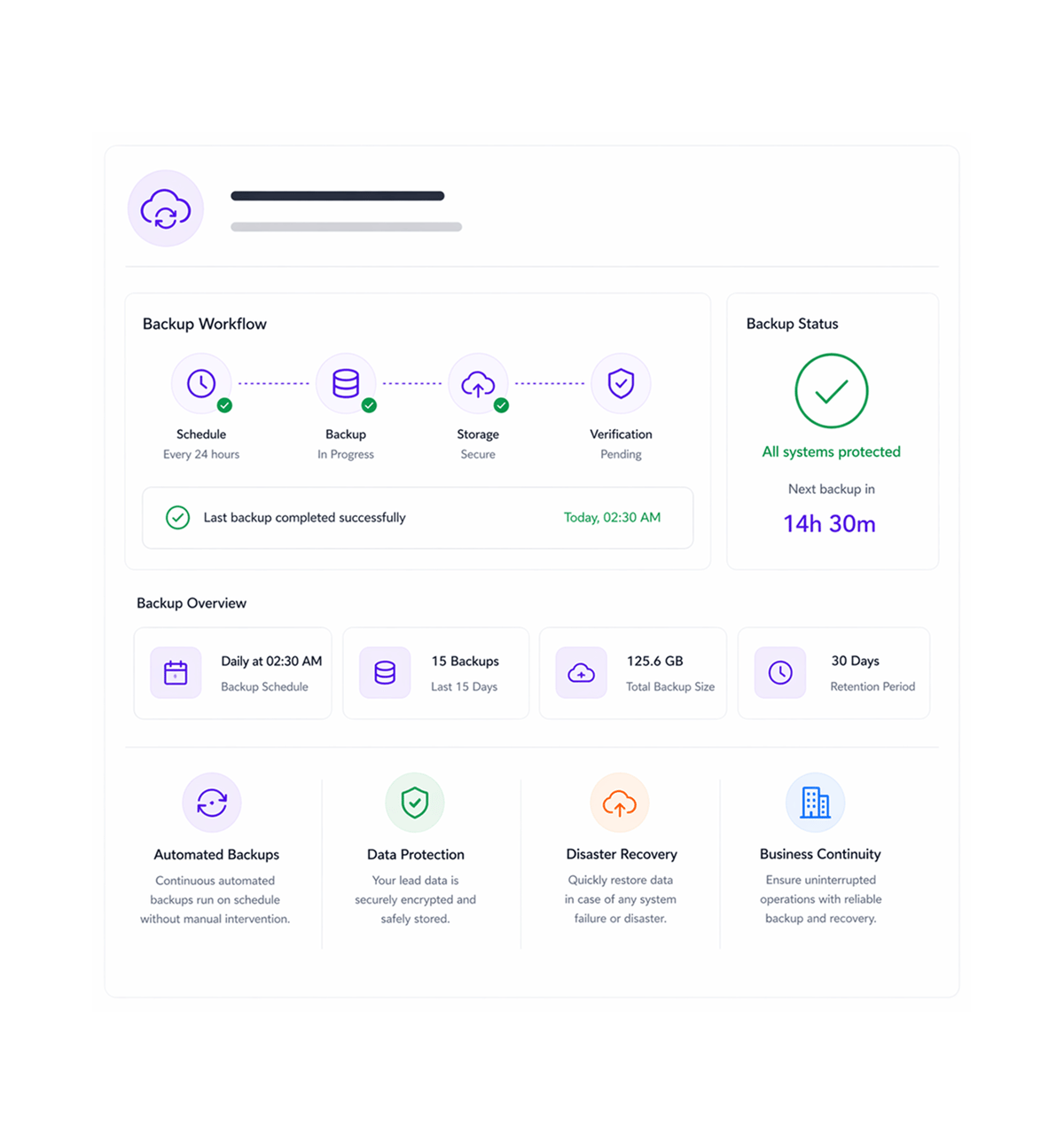
Automated Backup
Establish backup workflows
Establish automated backup workflows for continuous data protection and disaster recovery. Automated backup ensures your lead data is consistently preserved and recoverable while maintaining business continuity.
- Automated Backups
- Data Protection
- Disaster Recovery
- Business Continuity
Six reasons teams never go back
Once teams experience clean data import with automatic validation, managing leads manually in spreadsheets never feels acceptable again

Bulk Export Operations
Run comprehensive bulk export operations that process large datasets efficiently for enterprise-scale extraction across all LIO modules.

Cloudflare R2 Integration
Use Cloudflare R2 storage for reliable cloud-based export hosting and distribution, with scalable storage, security, and global access.

Export Logs Management
Access organized Export Logs that track all export operations with download link generation, ensuring audit accuracy and easy access.

Download Link Generation
Automatically generate secure download links in Export Logs for convenient access to datasets, with security controls and expiration.

Cross Module Export Triggering
Trigger bulk exports across all LIO modules through integrated systems that capture full data relationships, ensuring integrity.

Systematic Export Workflows
Run exports through systematic workflows that ensure consistent processing and reliable output, with predictable timelines and QA.


950+
migrating teams
Built for every team that needs seamless data flow
Sales managers, operations teams, and sales ops use LIO's import and export to move leads in and out without manual work. Upload a CSV, map fields, and leads are in. Export a list and data is out.
Records per upload
Manual cleanup needed
Import sources supported
Click to export any filter
Import drives data consolidation
Data teams run imports from many sources with intelligent field mapping and validation for consolidation and migration without manual overhead, keeping integrity with format flexibility.
Built for enterprise data operations
Everything for reliable import/export: cloud storage, logging, cross-module sync, multi-language.

Bulk Export Processing
Run bulk export operations that process large datasets efficiently for enterprise-scale extraction across all LIO modules.

Cloudflare R2 Storage
Use Cloudflare R2 storage for reliable cloud-based export hosting and distribution, with scalable storage and access controls.

Export Logs Management
Access comprehensive Export Logs that track all export operations with download link generation, ensuring audit accuracy and access.

Cross Module Export Integration
Trigger bulk exports across all LIO modules through integrated systems that capture full data relationships, ensuring integrity.

Asynchronous Export Processing
Process exports asynchronously without blocking the interface, using queue-based architecture for a responsive experience.

Multi Language Export Support
Generate exports with multi-language support including English and Hindi for international collaboration and consistent formatting.
Everything you need to know
Get answers to common questions about LIO's Data Import & Export feature.