


Every team, every language, every
screen, every shade
Twenty five plus languages with automatic browser detection. Eight colour themes plus full dark mode, synced across devices.
From English only software to a workspace that fits every team in 4 steps
The platform loads in your browser's language. Switch languages, pick a theme, toggle dark mode, all synced to your profile.
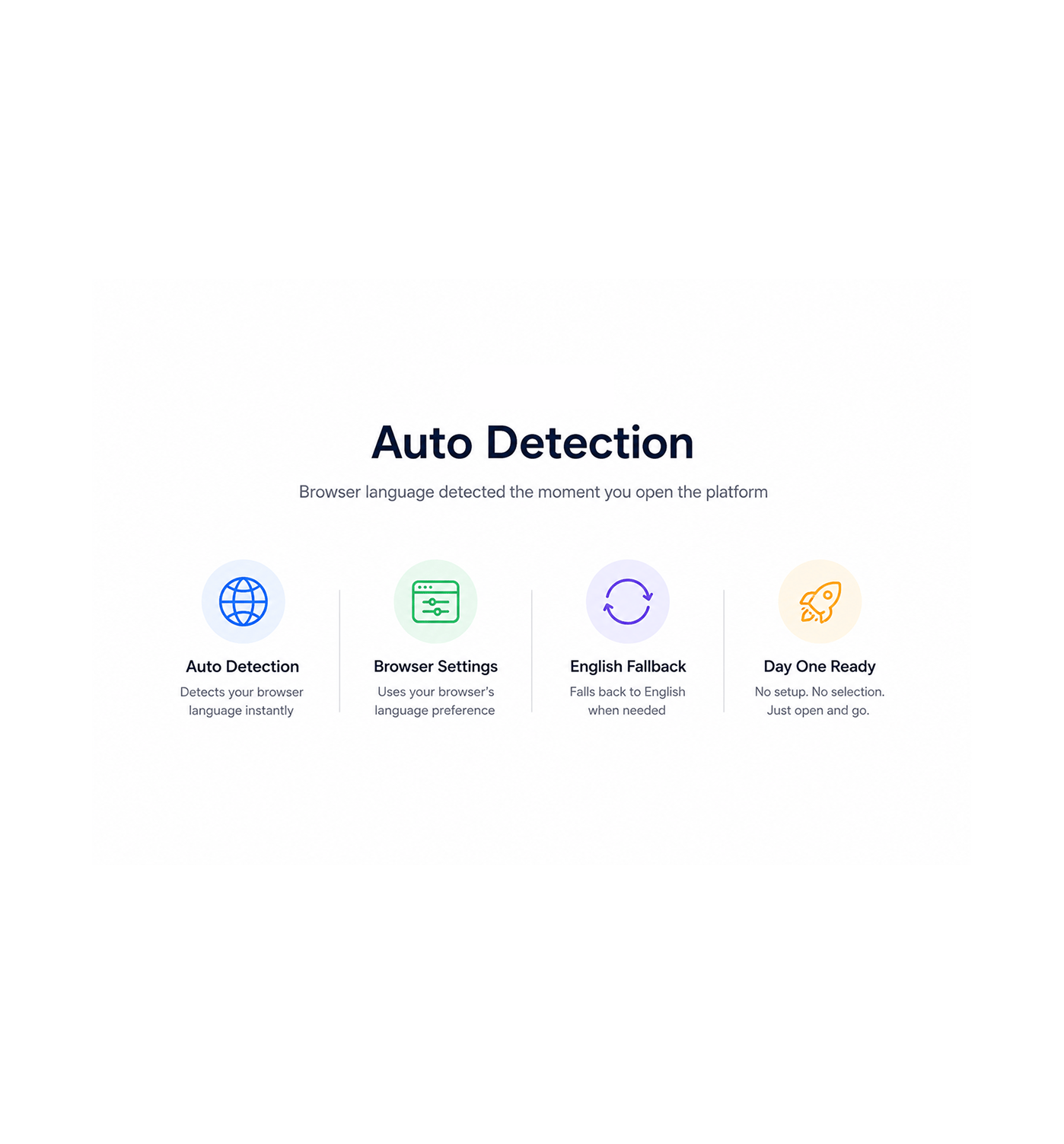
Auto Detection
Browser language detected the moment you open the platform
First load lands in your browser's language automatically. A teammate in Berlin opens in German, a rep in Madrid sees Spanish, a user in Tokyo gets Japanese. The engine reads browser settings, English as fallback.
- Auto Detection
- Browser Settings
- English Fallback
- Day One Ready
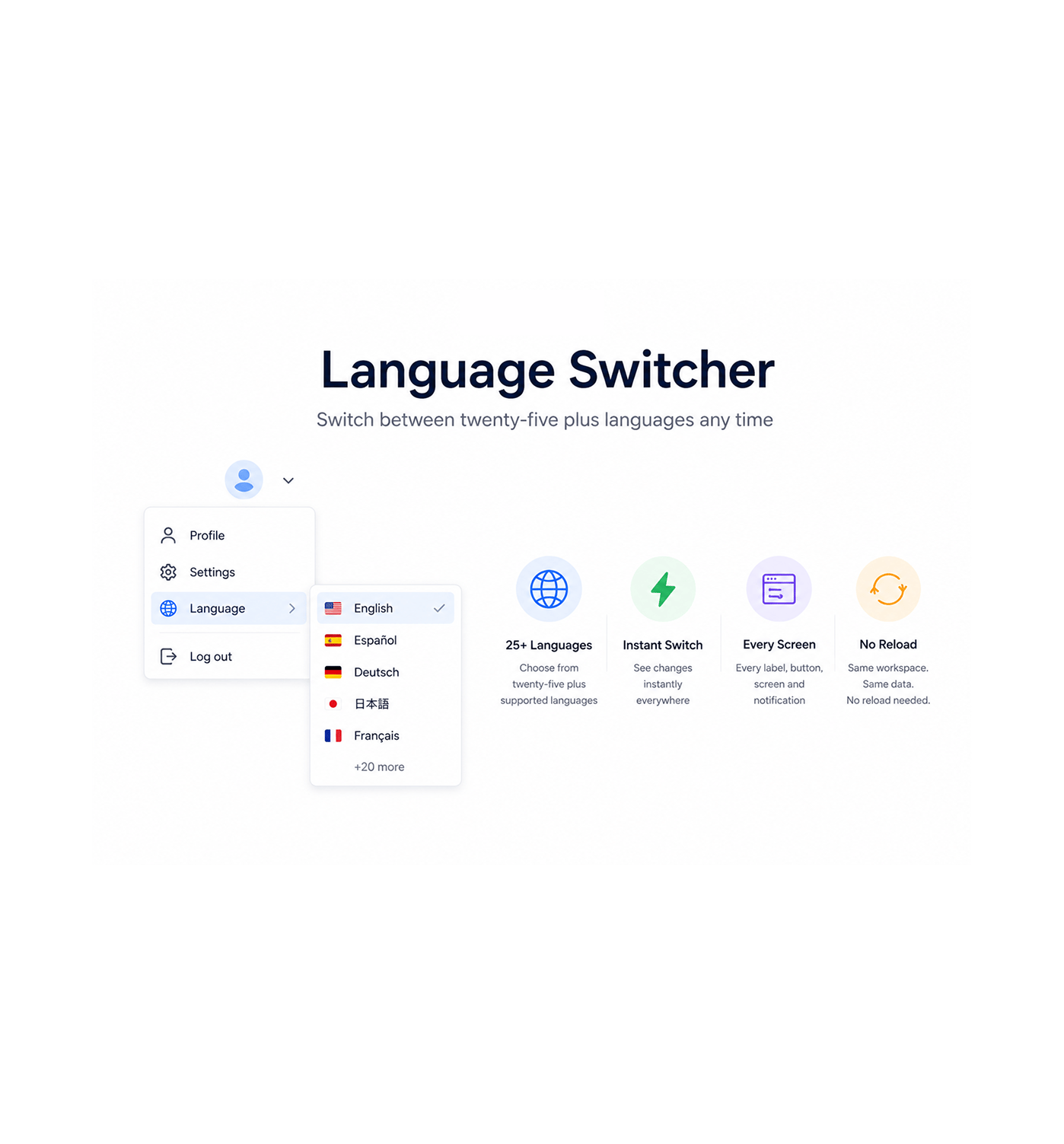
Language Switcher
Switch between twenty five plus languages any time
Open the language switcher in the profile menu and pick from twenty five plus languages. Every label, button, screen, and notification retranslates instantly. The selection saves and travels across every device.
- 25+ Languages
- Instant Switch
- Every Screen
- No Reload
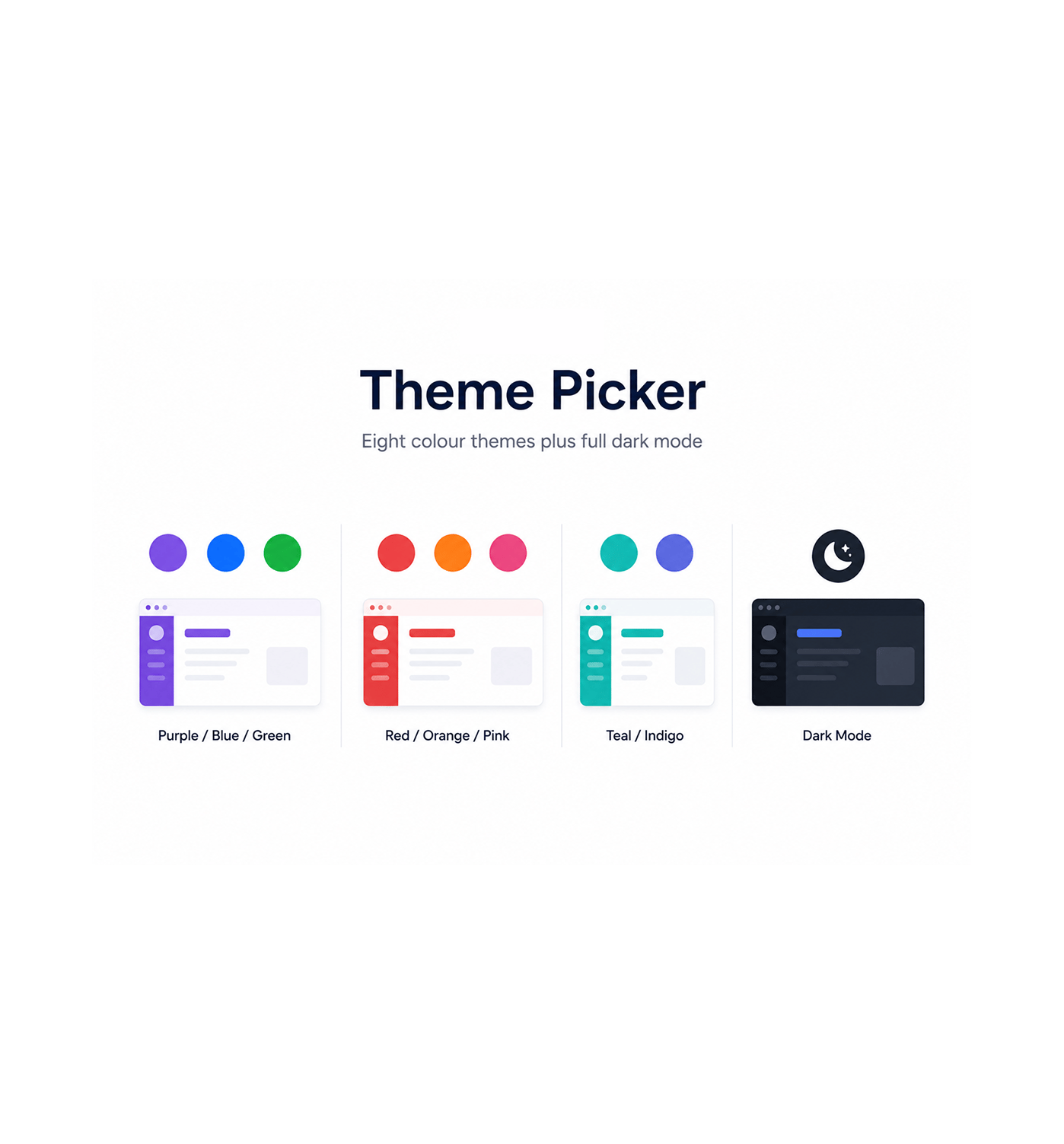
Theme Picker
Eight colour themes plus full dark mode
Choose from eight colour themes, purple, blue, green, red, orange, pink, teal, indigo, to match your brand or preference. Toggle full dark mode. Every theme keeps the same contrast and polished look.
- Purple / Blue / Green
- Red / Orange / Pink
- Teal / Indigo
- Dark Mode
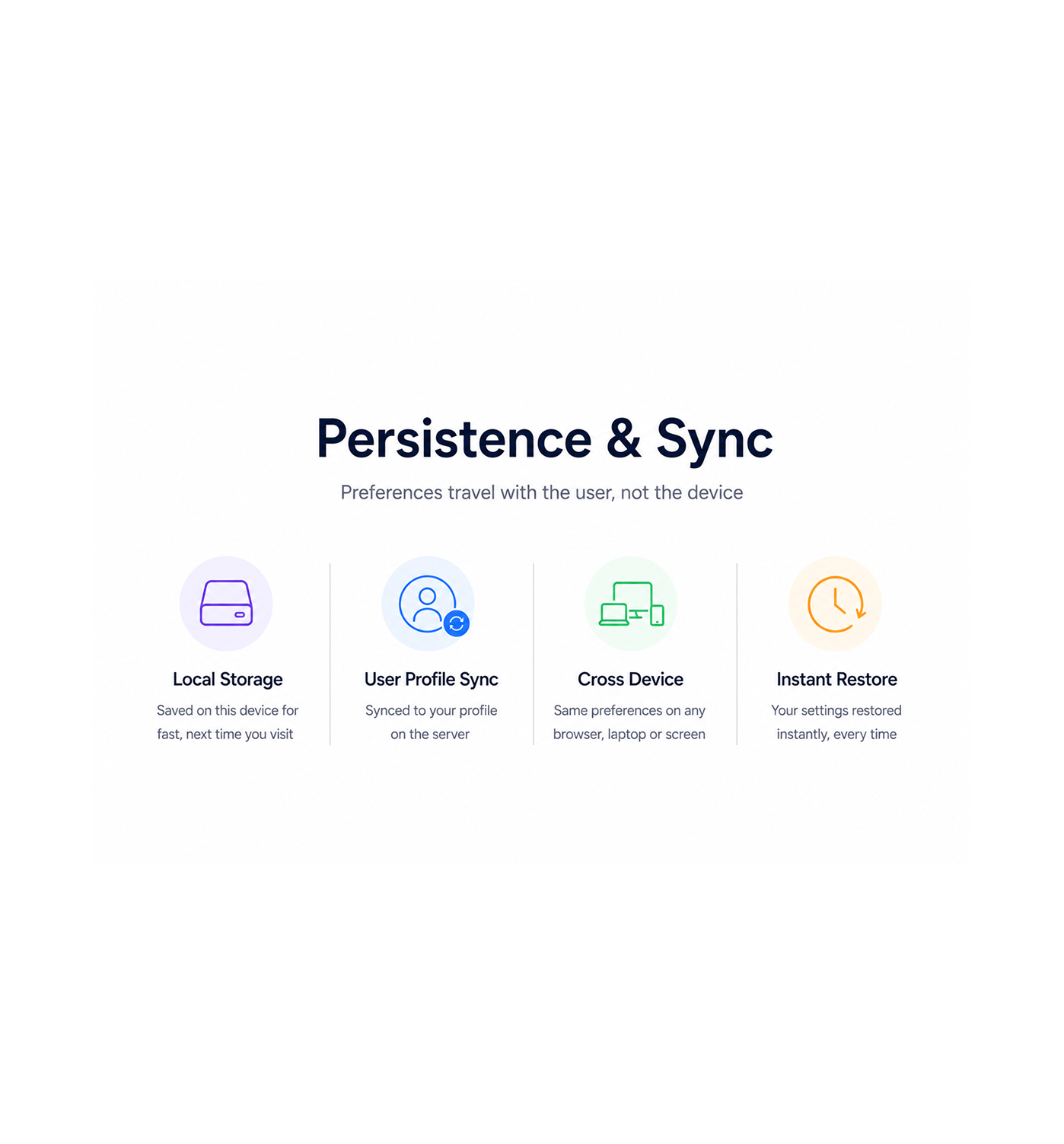
Persistence & Sync
Preferences travel with the user, not the device
Every language and theme choice persists to local storage for instant restore, and syncs to the user profile so the same preferences load on any browser, laptop, or screen. Pick once, see it everywhere.
- Local Storage
- User Profile Sync
- Cross Device
- Instant Restore
Six reasons teams never go back
Once a team works in a platform that speaks their language and looks the way they want, an English only interface feels like extra work.

Sales teams in every region work in their own language from day one
A rep in Sao Paulo opens in Portuguese, a teammate in Paris sees French, a user in Riyadh reads Arabic right to left. The second language friction disappears.

New hires do not waste time fighting an English only interface
The first week is hard enough without reading every button in a half familiar language. With browser detection, the new hire lands on a localised workspace.

Designers and operators finally get a workspace that matches their brand
A team with a green brand switches to the green theme. An agency picks a different colour per client workspace. Eight themes bend to match the team.

Eye strain stops being part of the late evening shift
Anyone who has worked in a bright white interface from eight to ten knows the feeling. Full dark mode flips every surface low while keeping text readable.

Multi region rollouts skip the we need a translated version delay
Expanding to a new market used to mean a translation project. With 25+ languages shipped, a regional team logs in to a localised workspace from day one.

Personal preferences travel with the user, not the device
The rep who set up French and the green theme on the office desktop opens the same workspace on laptop and mobile. The profile carries the preferences.


8200+
Teams working in their own language
across 25+ regions
Built for global teams that work in their own language
Sales reps, marketing leaders, CS teams, and ops specialists across every region use EVOX as the workspace that meets them in their own language and visual terms. The engine handles every region, the themes every brand.
Languages
Detection
Colour Themes
Mode
Every screen, every region
The internationalisation layer covers every label, button, screen, and notification in twenty five plus languages. Browser detection picks the right one on first load, the switcher changes it any time.
Everything the personalisation layer ships with
A localisation and theming toolkit in your email marketing software: 25+ languages, eight themes, dark mode, sync.

Twenty Five Plus Languages
Full internationalisation across every screen, covering twenty five plus languages from English and Spanish to Arabic, Chinese, Japanese, and Hindi.

Automatic Browser Language Detection
First load lands every user in the language their browser is set to, with English as the fallback. No setup screen, no manual configuration.

Eight Colour Themes
Choose from purple, blue, green, red, orange, pink, teal, or indigo to match your brand. Every theme keeps accessible contrast and a polished look.

Full Dark Mode
Toggle the platform into a low brightness palette built for late shifts and bright offices. Every surface, chart, and form keeps full readability.

Local Storage Persistence
Every language and theme choice saves to local storage the moment it is made, so the workspace restores instantly next time on the same browser.

Per User Profile Sync
Preferences also sync to the user profile on the server, so the same language and theme load on any browser, laptop, or mobile you log into.
Everything you need to know
Common questions about supported languages, the theme picker, dark mode, and preferences.
Which languages are supported?
The platform ships with twenty five plus languages out of the box, covering major European languages (English, Spanish, French, German, Portuguese, Italian, Dutch, Polish), key Asian languages (Chinese, Japanese, Korean, Hindi, Vietnamese, Thai), Middle Eastern languages with right to left support (Arabic, Hebrew), Eastern European languages (Russian, Czech, Greek), and more (Turkish, Swedish, Finnish, Ukrainian).
How does automatic language detection work?
Can I switch language without reloading the page?
What does full dark mode cover?
How do the eight colour themes differ from each other?
Do my preferences follow me to other devices?