Bring every lead in from anywhere you have data

Bulk import leads from a spreadsheet with background processing and a live progress tracker. Connect any external system to the public Lead application programming interface for create, update, and search operations. Manage application programming interface keys with one click regeneration. Read the in app application programming interface documentation right next to your data. Receive incoming events from your stack with native webhook support. An email marketing platform that lets every lead flow in, no matter where it started..

Bring every
How it works

From scattered spreadsheets to a live database in 4 steps

Upload a spreadsheet for the historical data, connect the public application programming interface for the systems that keep producing leads, set up webhook receivers for the events that should flow in real time, and watch every record land in the same lead database your team already works in. The import engine handles the volume, the integration surface handles the connections, and your team handles the conversations.

1
2
3
4

Bulk Import

Drag in a spreadsheet, map the columns, hit go

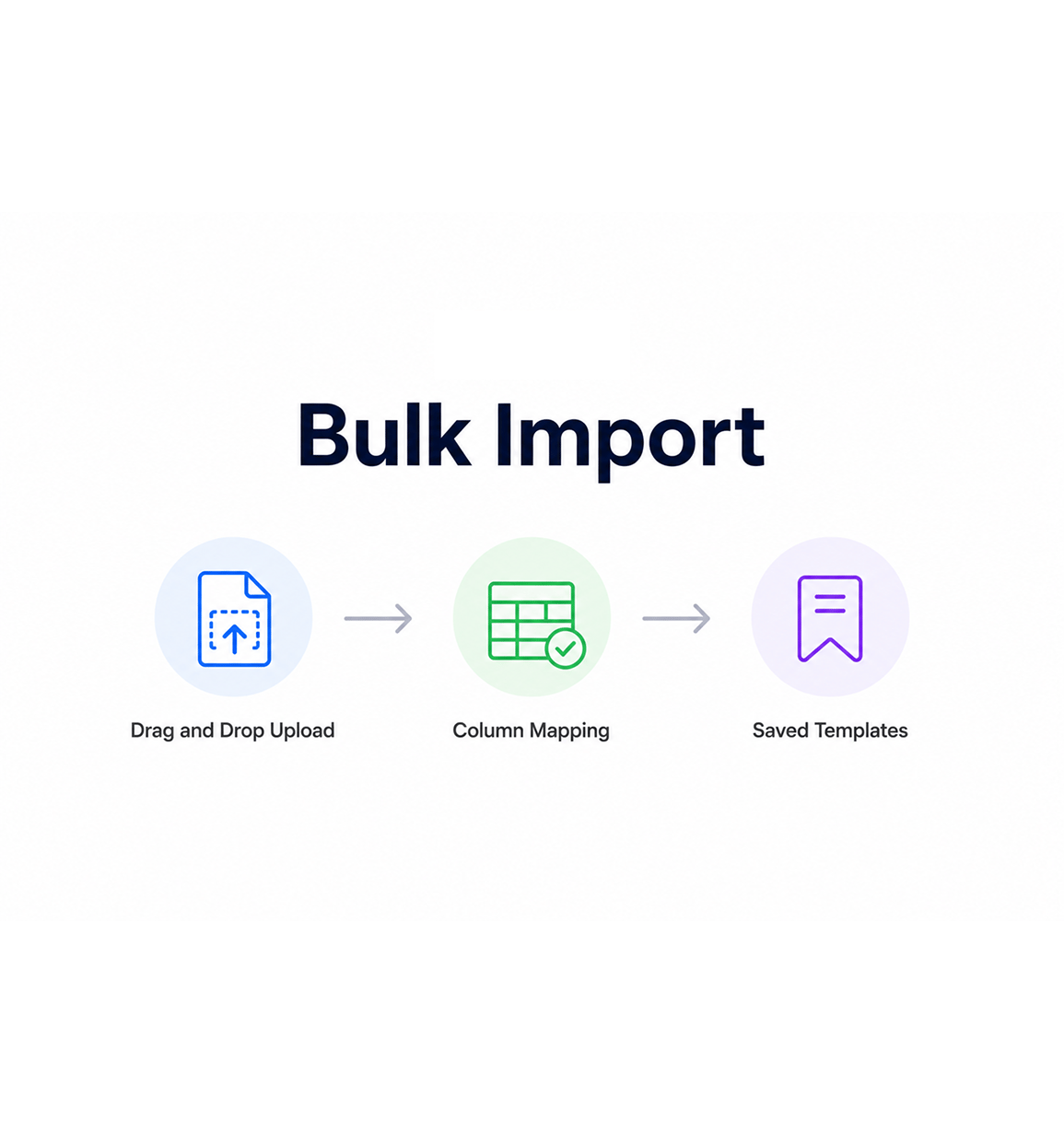
Drop a comma separated values file straight into the import screen and the platform walks you through a column mapping step where you tell it which column is the email, which is the company name, which is the lead source. Custom fields are mapped the same way. Save the mapping as a template for the next import so the routine event of bringing in a new list takes thirty seconds instead of a meeting with the data team.

Drag and Drop UploadColumn MappingSaved TemplatesCustom Fields

Background Processing

Imports run in the background with live progress

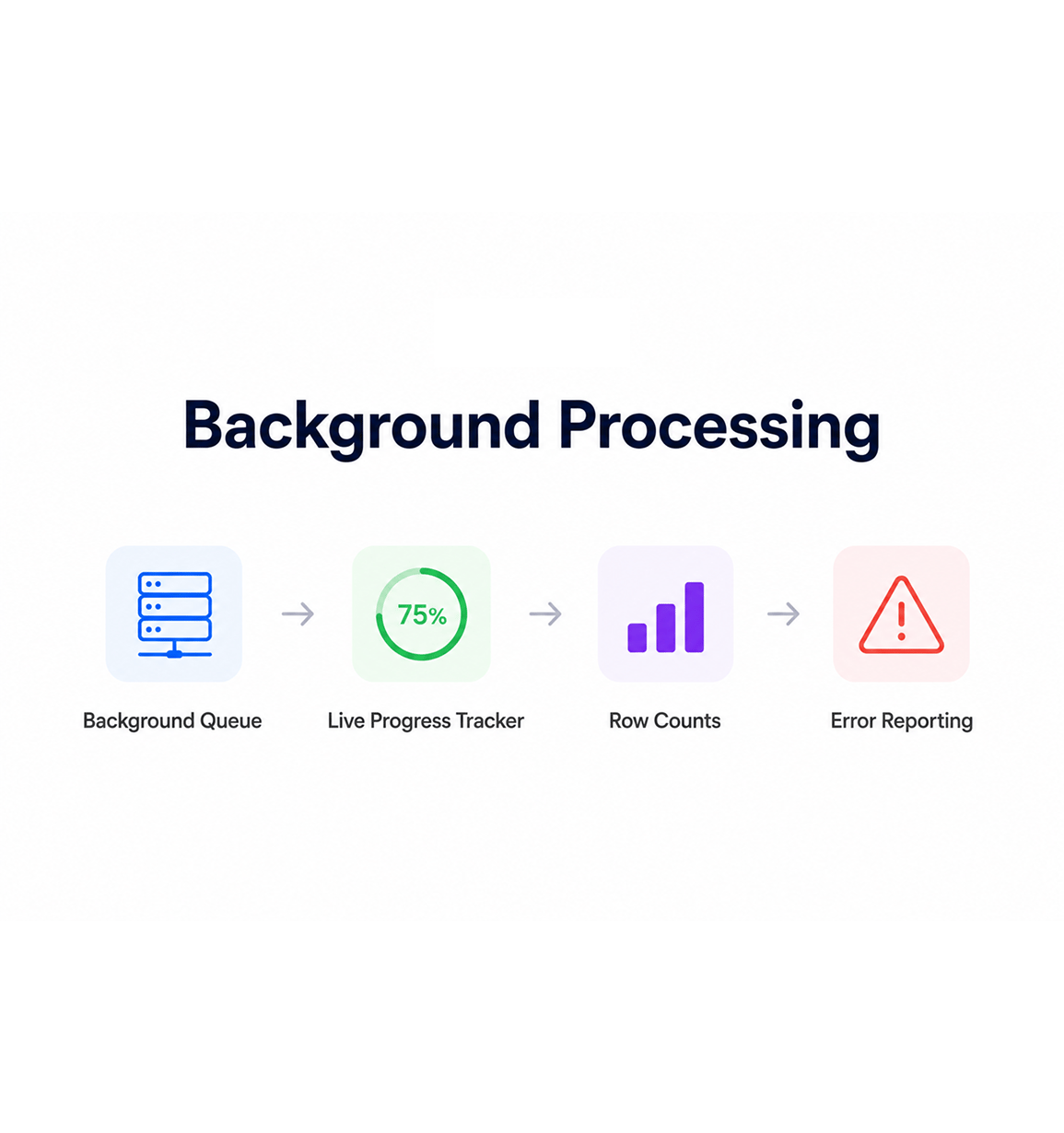
A large import does not freeze your tab. The job hands off to a background processing queue, which crunches the file row by row, validates each record, applies your duplicate detection rules, and writes the leads into the database in batches. The progress tracker shows the percentage complete in real time, with a row count for successes, skipped duplicates, and validation errors, so you can keep working while ten thousand leads are landing in the background.

Background QueueLive Progress TrackerRow CountsError Reporting

Lead API

Connect external systems with the public Lead API

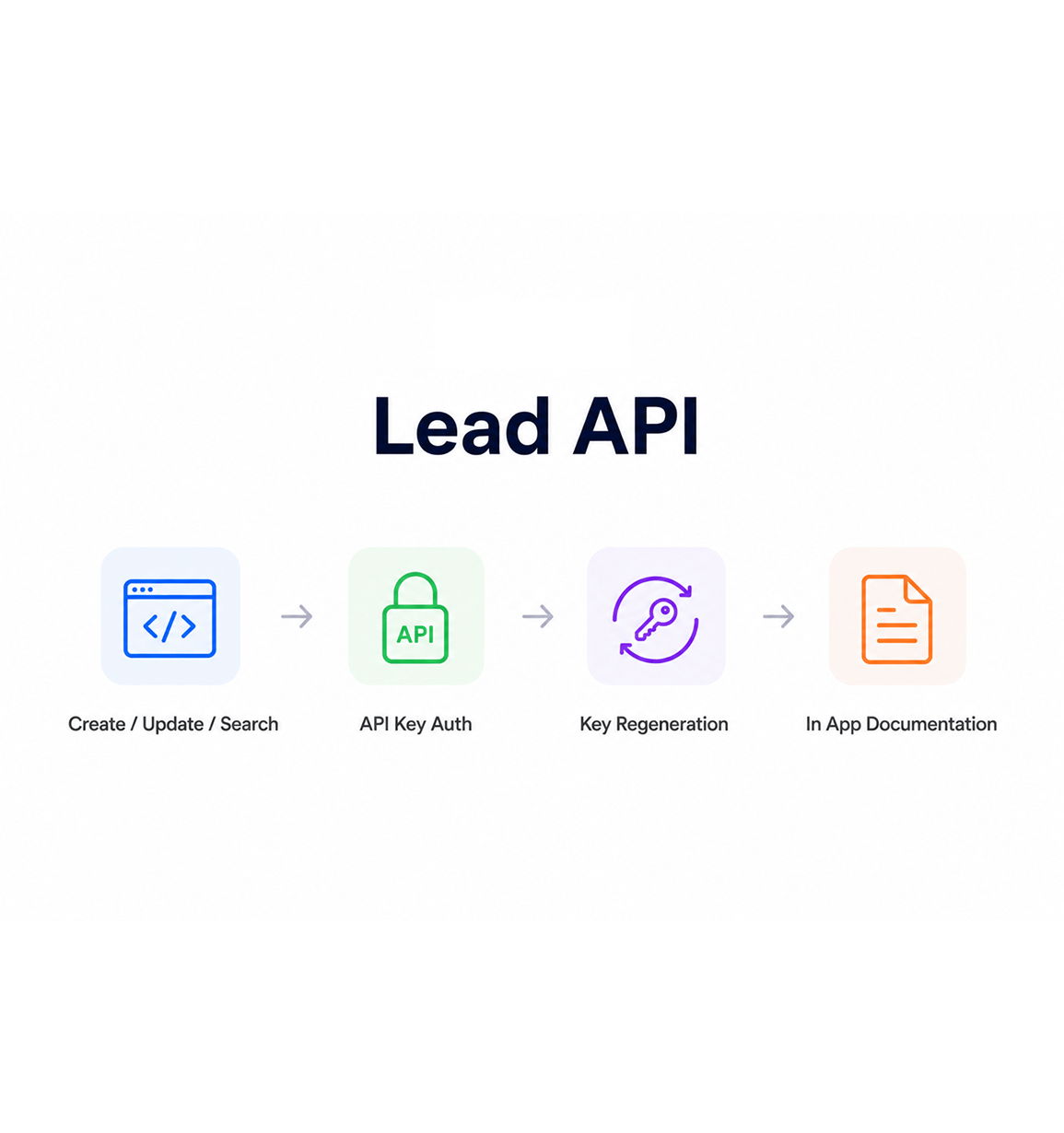
The public lead application programming interface gives any external tool a clean way to create, update, search, and retrieve leads in your workspace. Authentication uses application programming interface keys you generate in the settings panel, with one click rotation when a key needs to be regenerated. The in app documentation lives next to the data the developers will work with, so your engineering team is never reading a stale PDF in a separate browser tab.

Create / Update / SearchAPI Key AuthKey RegenerationIn App Documentation

Webhook Events

Receive incoming events from your wider stack

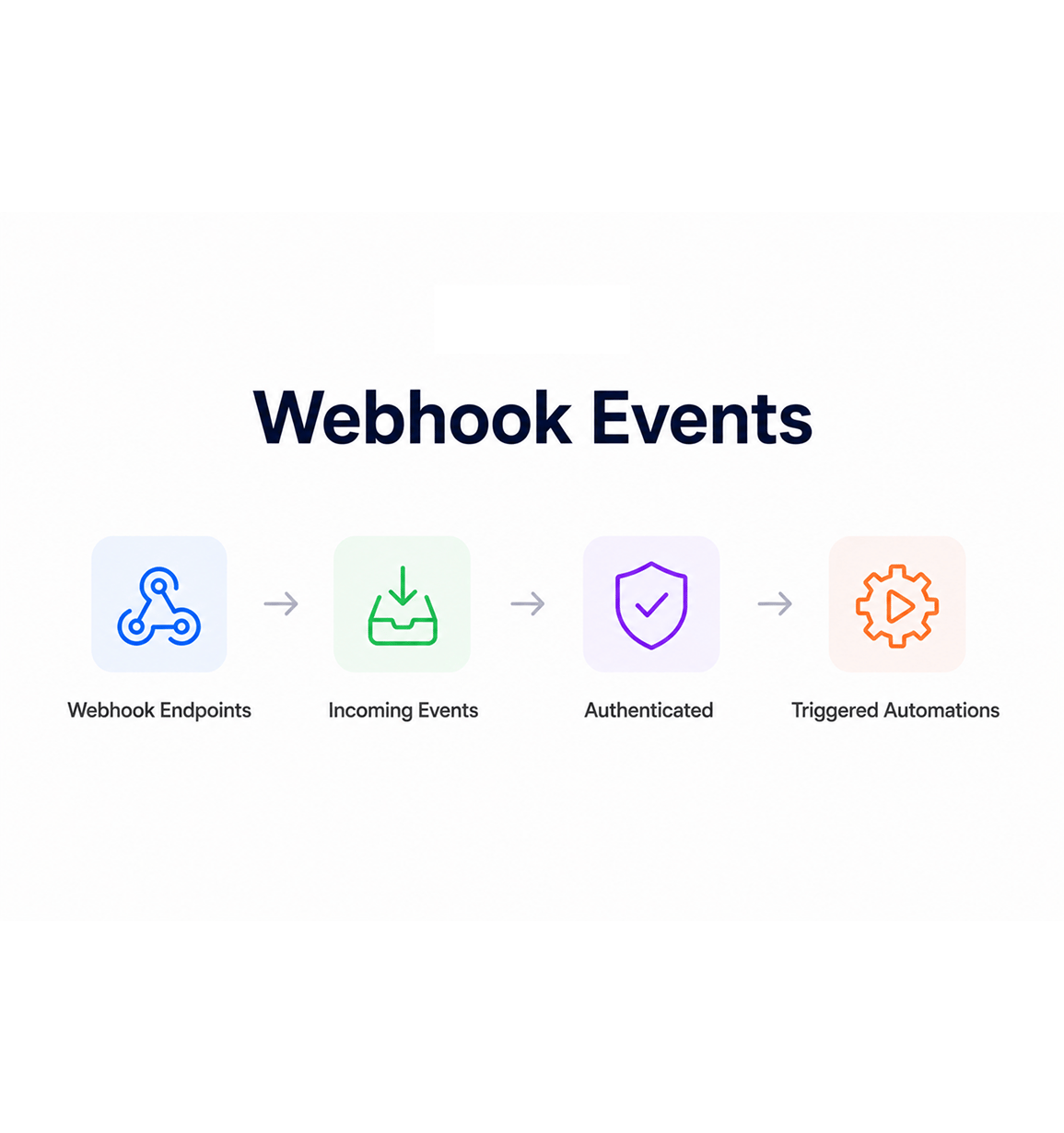
Webhook support lets external systems push events into the platform without anyone writing a polling job. A new form submission from your marketing site, a closed deal from your billing platform, a lead handed off from another tool every incoming event hits a webhook endpoint, gets authenticated, and lands in the workspace as a new lead, an update, or a triggered automation. The integrations your team has been asking for finally get built in an afternoon.

Webhook EndpointsIncoming EventsAuthenticatedTriggered Automations
Why Teams Choose EVOX

Six reasons teams never go back

Once a team has a working import flow that does not break the platform, a public application programming interface their developers can actually read, and webhook support that listens for events instead of waking somebody up to forward them the old pattern of moving data through email and one off scripts starts to feel slow. These are the changes that show up first.

Marketing teams import a fresh list without breaking the rest of the platform

Marketing teams import a fresh list without breaking the rest of the platform

The classic concern with a big import that bringing in ten thousand new leads will freeze the dashboard for everyone else disappears the moment imports run on a background queue. Your marketing colleague processes the trade show list while the sales team keeps closing deals on the same workspace, with no slowdown, no frozen tabs, no support ticket about the platform being unresponsive.

Sales reps watch a progress bar instead of refreshing a frozen tab

Sales reps watch a progress bar instead of refreshing a frozen tab

The progress tracker shows exactly where the import is rows processed, duplicates skipped, errors caught, time remaining. Reps watching for a new batch of leads to land in their pipeline see a live counter instead of an ambiguous waiting state. The cognitive overhead of is it done yet disappears, replaced by a clear answer to where exactly are we in this.

Engineering teams stop building one off import scripts

Engineering teams stop building one off import scripts

The public lead application programming interface covers create, update, search, and retrieve operations for every lead field in the workspace, including custom fields. The internal team that used to write a fresh import script every time a new source came online and then maintain those scripts forever now points the new source at the lead application programming interface and walks away. Engineering capacity that used to go into glue code goes back into actual product work.

External tools push leads straight into the database

External tools push leads straight into the database

Your marketing site, your event registration system, your billing platform, your support desk every external tool with a webhook output can push events directly into the lead database. The handoff between the form submission and the lead record stops being a manual export, a spreadsheet edit, and a re import, and starts being a single authenticated request that lands the lead in the right state instantly.

Webhook events arrive in the right place every time

Webhook events arrive in the right place every time

Incoming webhook events authenticate cleanly, validate against the expected payload, and land in the workspace as a new lead, an update to an existing record, or a triggered automation exactly the way they should. The events your wider stack has been firing for months suddenly start arriving somewhere useful, which is the only reason you ever turned webhooks on in the source system in the first place.

The API documentation lives where the developers actually look

The API documentation lives where the developers actually look

The in app application programming interface documentation sits inside the platform, next to the lead workspace developers are already working with. No separate documentation portal, no out of date PDF emailed by support, no stale page that does not match the current version. The reference your developers need to integrate is one tab away from the data they are integrating with, which is where it always should have been.

Bring your data in. Send your events back out.

Upload. Process. Connect. Listen. The integration layer your team has been asking for, built into the same workspace your sales reps already work from.

Who uses EVOX data integration
Deepak MehrotraDeepak MehrotraDeepak MehrotraDeepak Mehrotra

5400+

Teams moving data without
manual exports

Built for teams that bring data in from everywhere

Marketing operations specialists, sales operations teams, engineering integrations groups, and revenue leaders use EVOX as the integration hub for their email marketing software and customer data. The bulk import is the historical onboarding. The public application programming interface is the connection point for external systems. The webhook receivers are the live event stream. Every team a small business loading a single trade show list or a larger organisation wiring up a dozen upstream tools gets the same import engine and the same integration surface.

CSV

Bulk Import

API

Public Endpoints

Webhook Events

Live

Progress Tracking

Import Engine

Background processed at any scale

The import engine handles spreadsheets of any reasonable size without freezing the platform for the rest of your team. Background processing runs the file row by row in a queue, with validation, duplicate detection, and column mapping applied at every step. The live progress tracker keeps the user informed without making them wait at the screen.

Background processed at any scale
Features

Everything the integration layer ships with

A complete data movement toolkit built into the same email marketing platform your team already uses. Bulk import with column mapping, background processing with live progress, a public lead application programming interface, key management with regeneration, in app documentation, and webhook receivers come together in one integration surface so the data flowing in matches the data your team works on.

Bulk CSV Import with Column Mapping

Bulk CSV Import with Column Mapping

Upload a comma separated values file, map the columns to lead fields and custom fields, save the mapping as a template, and run the import. Routine data onboarding stops being a project and starts being a thirty second action that the marketing team can run without involving engineering or the data team.

Background Processing with Live Progress

Background Processing with Live Progress

Imports run on a background processing queue, so the platform stays responsive for everyone else on your team while the file gets crunched. The progress tracker shows rows processed, duplicates skipped, validation errors caught, and time remaining in real time, so the user always knows where the job is without waiting at the screen.

Public Lead API

Public Lead API

The public application programming interface exposes create, update, search, and retrieve operations on the full lead schema including every custom field your workspace has defined. External systems integrate cleanly without one off scripts, your engineering team stops maintaining glue code, and the path from a new source of leads into the workspace becomes a single integration.

API Key Management with Regeneration

API Key Management with Regeneration

Generate application programming interface keys from the settings panel, scope them to the right operations, and regenerate any key with one click when a rotation is needed. Old keys are invalidated immediately, the activity log records the change, and the integration the key was supporting can swap in the new value without any downtime worth talking about.

In App API Documentation

In App API Documentation

The full application programming interface reference lives inside the platform, in the same workspace as the data your developers will be working with. Every endpoint, every parameter, every example payload sits one click away from the lead screen, with the documentation always matching the current version of the application programming interface no stale PDFs, no external portal to keep in sync.

Webhook Support for Incoming Events

Webhook Support for Incoming Events

Webhook receivers let external systems push events into the platform without anyone writing a polling job. A new form submission, a closed deal in a billing tool, a lead handoff from another platform every incoming event authenticates, validates, and lands in the workspace as a new lead, an update, or a triggered automation. The integrations your team has wanted finally get built in an afternoon.

Bulk CSV Import with Column Mapping

Bulk CSV Import with Column Mapping

Upload a comma separated values file, map the columns to lead fields and custom fields, save the mapping as a template, and run the import. Routine data onboarding stops being a project and starts being a thirty second action that the marketing team can run without involving engineering or the data team.

Background Processing with Live Progress

Background Processing with Live Progress

Imports run on a background processing queue, so the platform stays responsive for everyone else on your team while the file gets crunched. The progress tracker shows rows processed, duplicates skipped, validation errors caught, and time remaining in real time, so the user always knows where the job is without waiting at the screen.

Public Lead API

Public Lead API

The public application programming interface exposes create, update, search, and retrieve operations on the full lead schema including every custom field your workspace has defined. External systems integrate cleanly without one off scripts, your engineering team stops maintaining glue code, and the path from a new source of leads into the workspace becomes a single integration.

API Key Management with Regeneration

API Key Management with Regeneration

Generate application programming interface keys from the settings panel, scope them to the right operations, and regenerate any key with one click when a rotation is needed. Old keys are invalidated immediately, the activity log records the change, and the integration the key was supporting can swap in the new value without any downtime worth talking about.

In App API Documentation

In App API Documentation

The full application programming interface reference lives inside the platform, in the same workspace as the data your developers will be working with. Every endpoint, every parameter, every example payload sits one click away from the lead screen, with the documentation always matching the current version of the application programming interface no stale PDFs, no external portal to keep in sync.

Webhook Support for Incoming Events

Webhook Support for Incoming Events

Webhook receivers let external systems push events into the platform without anyone writing a polling job. A new form submission, a closed deal in a billing tool, a lead handoff from another platform every incoming event authenticates, validates, and lands in the workspace as a new lead, an update, or a triggered automation. The integrations your team has wanted finally get built in an afternoon.

Questions & answers

Everything you need to know

Common questions about how EVOX handles bulk imports, what the public lead application programming interface covers, how application programming interface keys are managed, and what webhook support actually unlocks for your wider stack.

The bulk import supports standard comma separated values files and Microsoft Excel files. The column mapping step lets you tell the importer which column in your file is the email, the company, the source, the score, or any custom field your workspace has defined. Mappings can be saved as templates and reused for the next import, so a recurring data onboarding job stops needing fresh configuration every time.

Network background
EVOX · Data Import & API Integration

Stop pasting data.
Start moving it.

Bulk import. Public application programming interface. Webhook receivers. Live progress tracking. Every system in your stack, talking to the same lead database.