


Comprehensive template
creation system
Three editors in one, drag and drop, simple visual, advanced code. Pre built templates, variables, preview before send.
From template design to deployment in 4 steps
Pick from three editors, customise pre built templates, set variables and signatures, then preview before send.
Editor Selection
Choose from three powerful editing modes
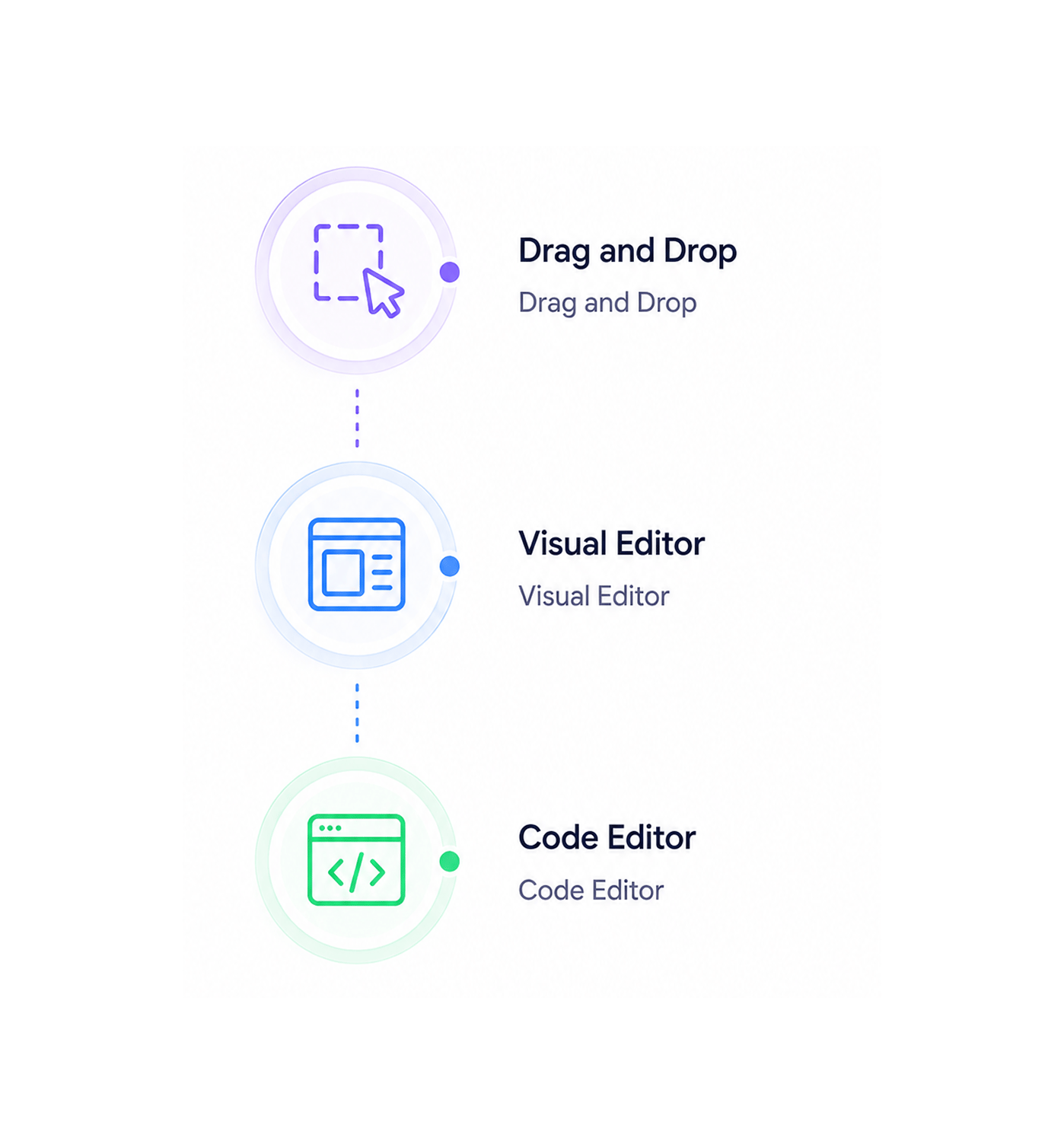
Choose from three editing modes: a drag and drop builder for intuitive design, a simple visual editor for quick edits, and an advanced code editor for precise control. Switch between them to suit the template.
- Drag and Drop
- Visual Editor
- Code Editor
- Three Modes
Template Customization
Customize pre built system templates
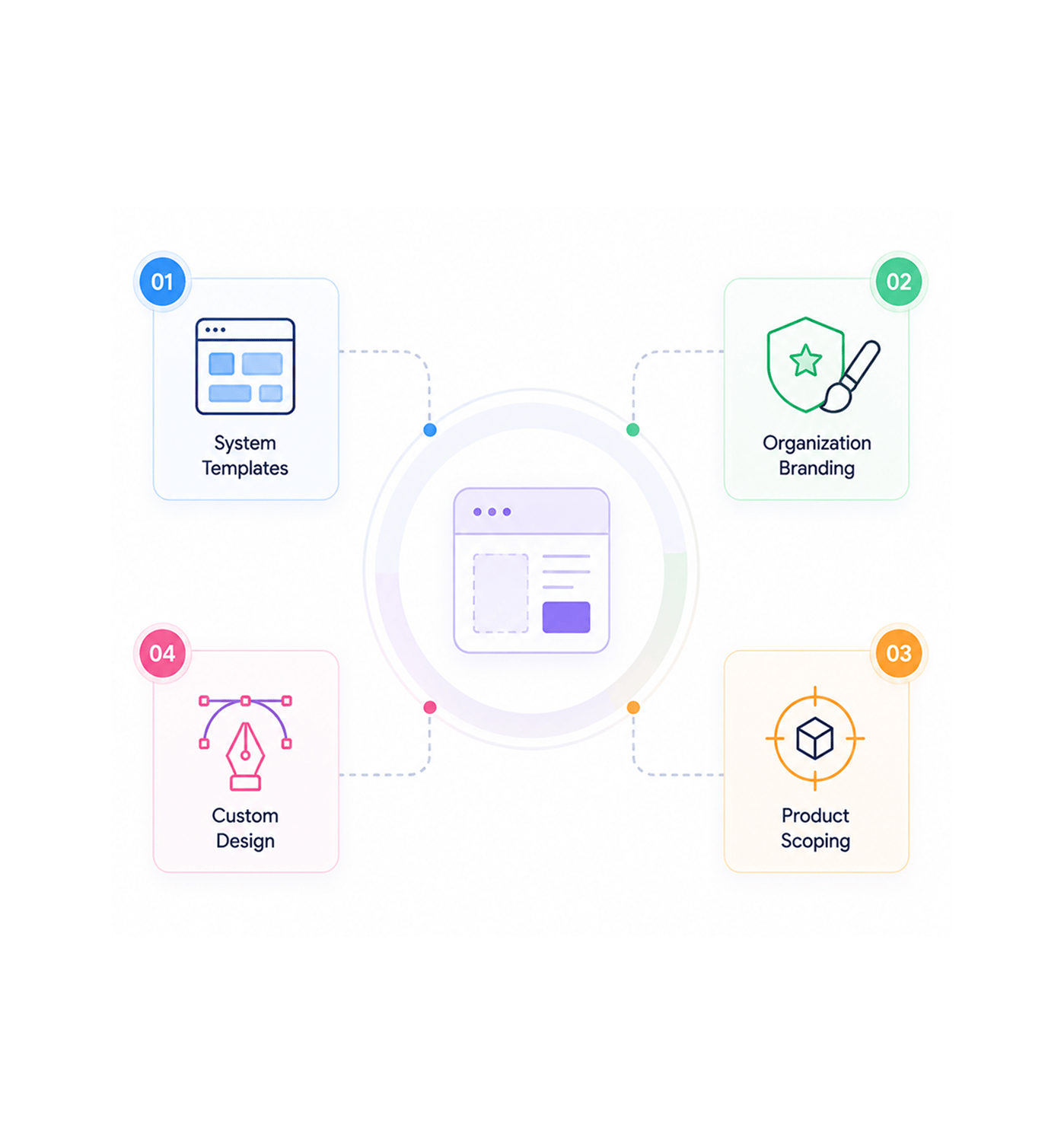
Customize pre built system templates with organization specific branding, product scoping, and design changes. Template customization enables coordinated workflows and systematic management.
- System Templates
- Organization Branding
- Product Scoping
- Custom Design
Variable Configuration
Configure dynamic variables and signatures
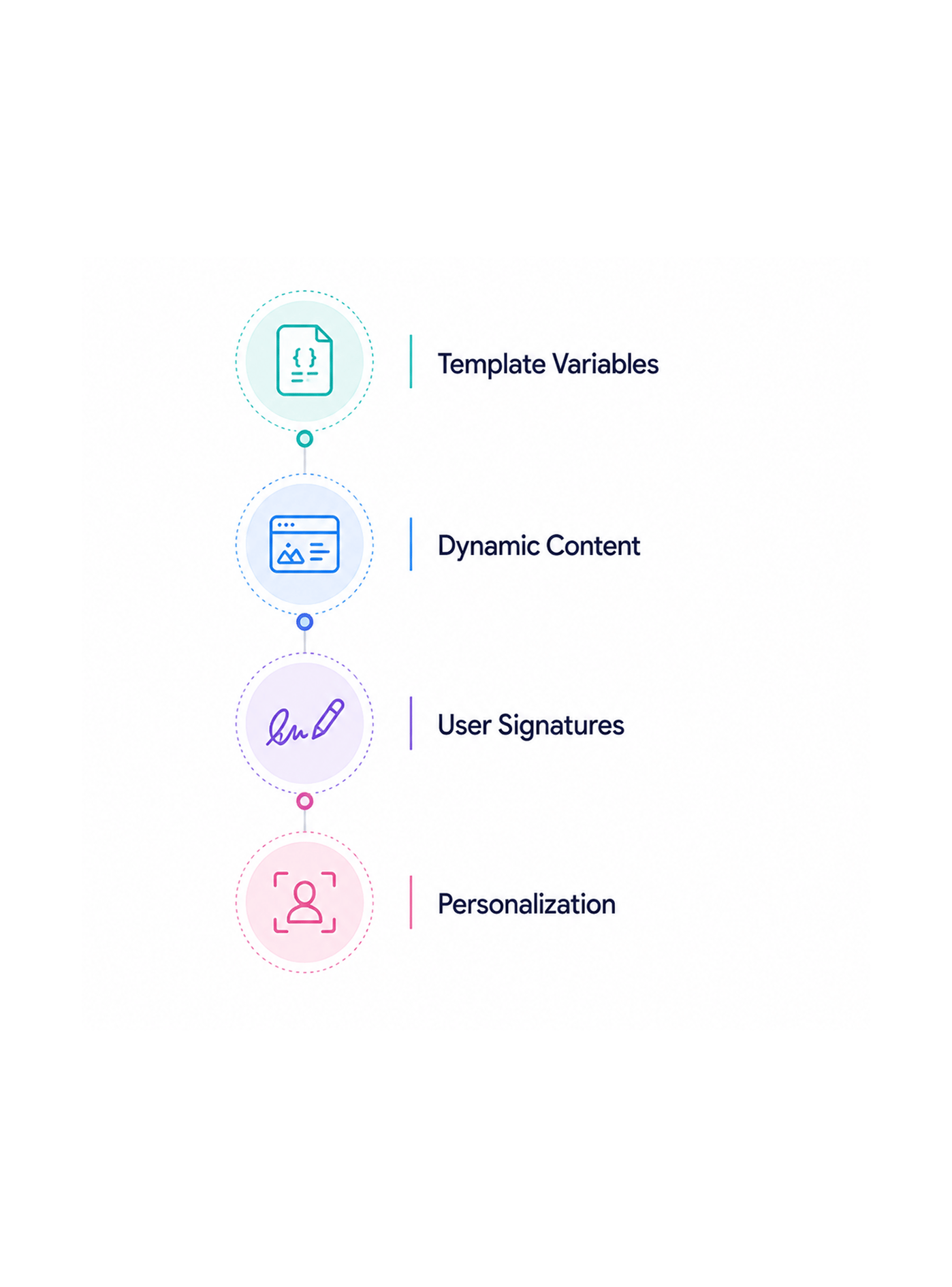
Configure dynamic template variables with personalization fields and per user email signature integration. Variable configuration supports coordinated workflows and systematic signature management.
- Template Variables
- Dynamic Content
- User Signatures
- Personalization
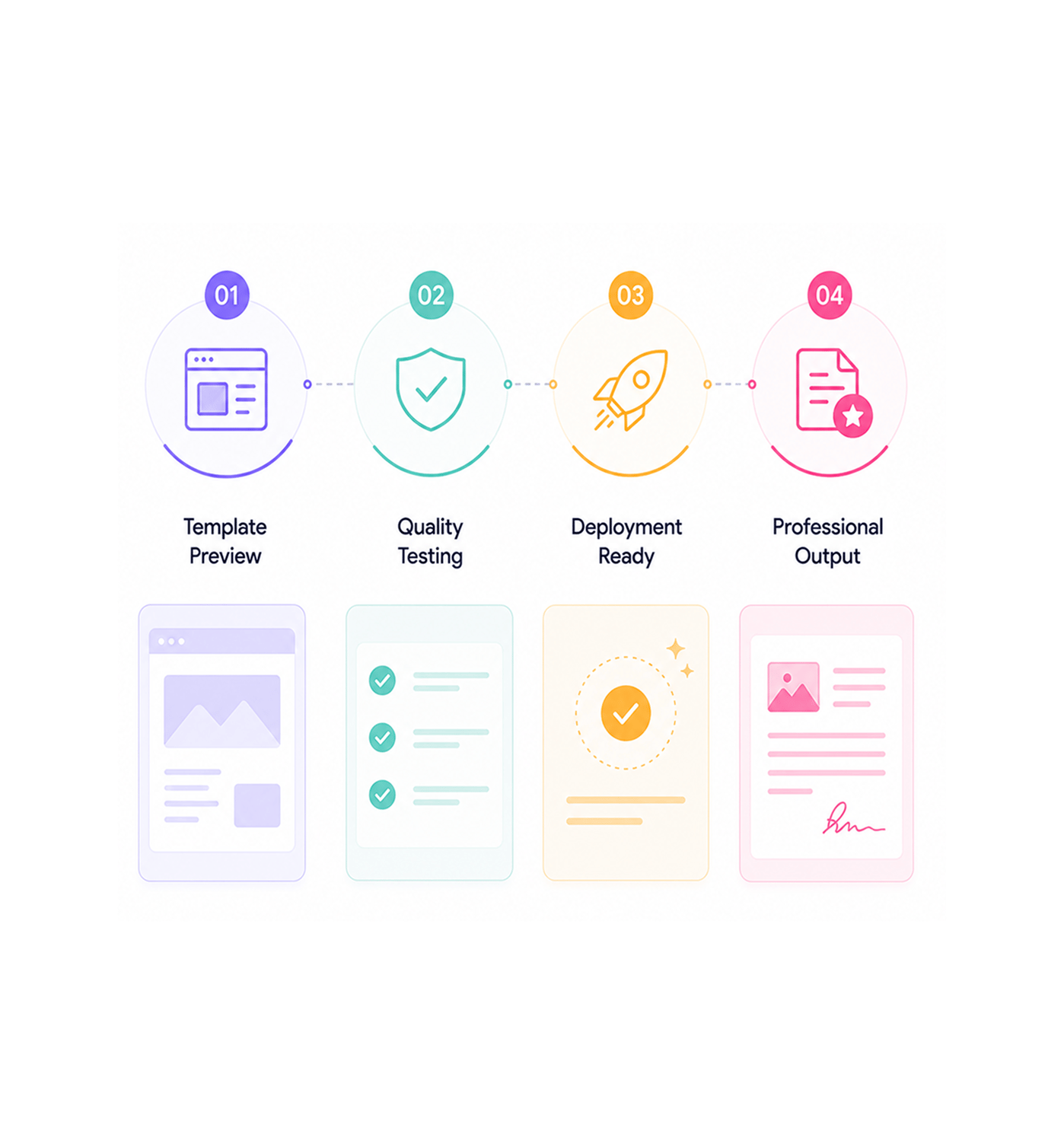
Preview Deployment
Preview templates before deployment
Preview templates before deployment with systematic testing and quality assurance. Preview deployment supports coordinated workflows and systematic management across every template send.
- Template Preview
- Quality Testing
- Deployment Ready
- Professional Output
Six reasons teams never go back
Once teams build templates across three editors with variables and per user signatures, single mode builders feel like copy paste.

No More Single Editor Limitations
Design teams stop being limited to one mode. Three editors in one provide drag and drop simplicity, visual power, and code level control.

End Template Creation From Scratch
Marketing teams stop building from blank canvases or fighting generic ones. Pre built system templates provide professional starts with your branding.

Stop Manual Variable Management
Content teams avoid manual personalization field insertion across templates. Template variables handle personalization automatically with field management.

Remove Email Signature Coordination Headaches
Operations teams stop coordinating individual signatures and formatting. Per user signature integration handles each signature automatically.

Skip Template Preview Guesswork
QA teams never send emails without knowing how they render across clients and devices. Preview before send provides full testing and validation.

Eliminate Product Scoping Complexity
Enterprise teams stop managing separate libraries per product or unit. Product scoping handles template organisation and access automatically.


2150+
Template professionals
Built for teams that master template excellence
Designers, campaign managers, and template specialists use EVOX's template builder as the foundation for design coordination. The editing is the flexibility, the customisation is the branding, the variables are the personalisation.
Editors
Variables
Templates
Branding
Intelligence drives template efficiency
Template professionals use design coordination with customization management and coordinated development for strategic work, no creation overhead. Template mastery scales design performance.
Built for enterprise template operations
Template creation with a three editor framework, customization, variables, and design management.

Triple Editor Creation Framework
Three editors in one: a drag and drop builder, a simple visual editor, and an advanced code editor. Switch freely while quality holds.

Pre Built Template Library System
Professional system templates provide industry specific starts with customizable branding and product scoping, built for deliverability.

Dynamic Variable Management Engine
The variable system handles dynamic content with personalization fields, product info, and custom data, supporting conditional display.

Organization Customization Infrastructure
Customization enables organization specific branding with product scoping, department level access, and brand guideline enforcement.

Per User Signature Integration System
Signature management integrates individual user signatures with proper formatting and positioning, keeping consistency and personalization.

Preview and Testing Validation Framework
The preview system renders templates across clients and devices with formatting validation and deliverability testing before deployment.
Everything you need to know
Get answers to common questions about EVOX's Email Template Builder system.
How do the three editing modes work for different skill levels?
Three editors provide drag and drop visual builder for beginners, simple visual editor for intermediate users, and advanced code editor for experts for strategic editing coordination and professional template management. Editor coordination enables strategic template coordination while supporting coordinated editing workflows and systematic editor management for enhanced template operations and comprehensive editing excellence.
What system templates are available and how are they customized?
How do template variables and dynamic content work?
How does organization level template customization work?
What preview and testing capabilities are provided?
How are individual user email signatures managed?