


Your CRM stays accurate, automatically.
Contacts, replies, and activity flow into HubSpot and Salesforce automatically. Deal changes flow back so customers never get a cold pitch.
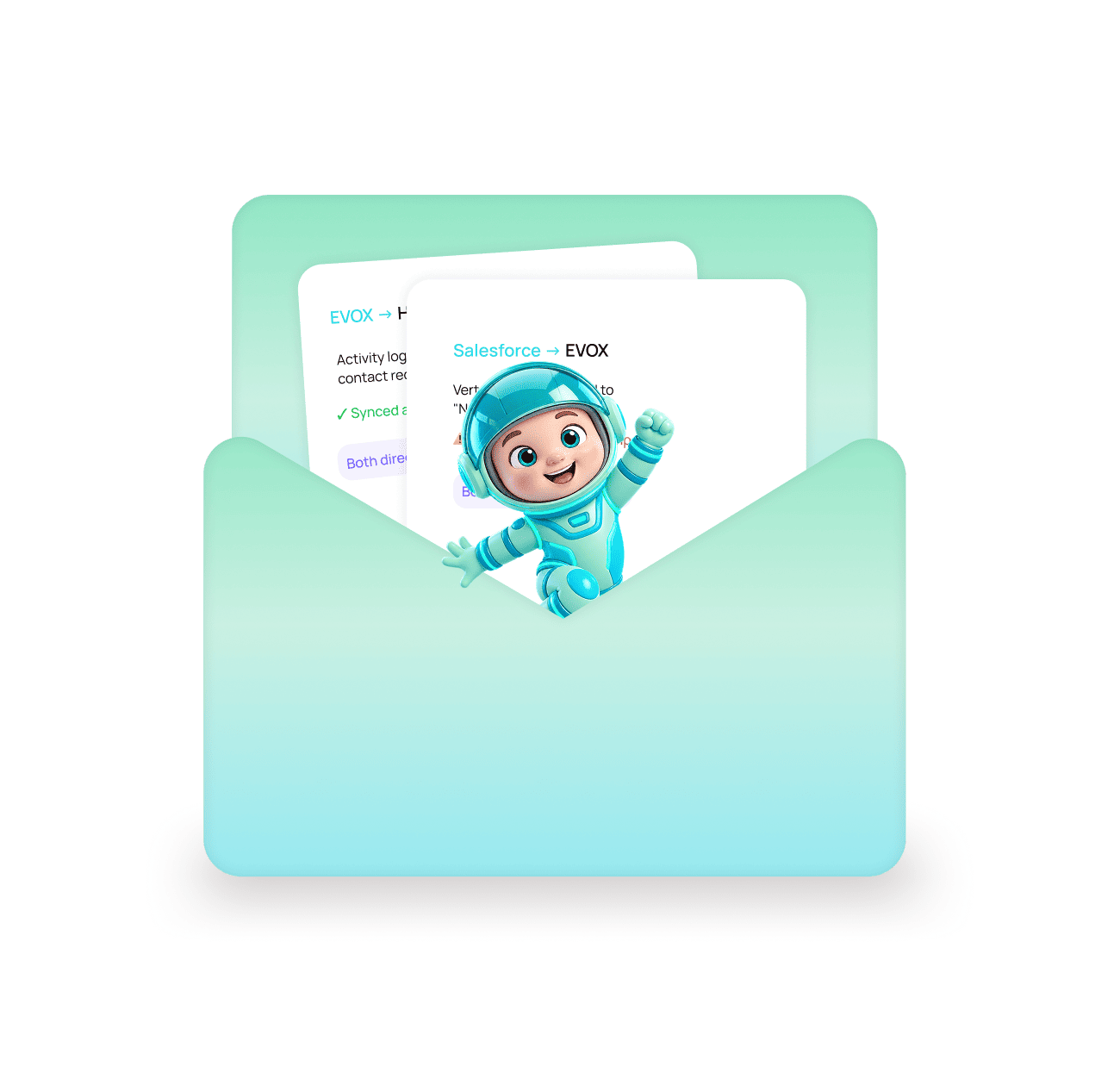
Connect it once. Data flows both ways after that.
Outbound activity writes into your CRM, and CRM changes come back to control who your campaigns are allowed to reach.

Connect HubSpot or Salesforce
Authorize the connection and map your fields once. No developer, no custom integration work.
Activity writes into your CRM
Contacts, emails sent, replies, and campaign membership all appear on the record without anyone logging it.


CRM changes control your outreach
When a deal moves to negotiation or a lead becomes a customer, they are pulled out of cold campaigns automatically.
Five problems a two-way sync prevents
If the connection between outbound and your CRM is manual, data drifts within a week and nobody trusts the numbers by month end.
Never Cold Pitch an Open Deal Again
A cold email landing in the inbox of a prospect mid-negotiation is the most expensive mistake in outbound.
No More Manual Activity Logging
Manual logging is the first thing that gets dropped when a rep is busy, and it is the reason CRM data goes stale.
Reporting You Can Actually Trust
When outbound activity and CRM records come from the same sync, the numbers agree by default.
Set Up Without a Developer
Authorize the connection, map your fields, and you are done. No custom integration build required.
Broken Connections Get Reported
Most stacks have at least one integration that quietly stopped working months ago because a token expired.
We check your CRM before sending anything.
If someone is already a customer, or your team has a deal open with them, they will not receive a cold email. EVOX checks first, every time.


CRMs natively supported
Directions, automatically
Manual activity logging
For everything else
Two things that protect your revenue automatically
The sync is not just about reporting. It is what stops outbound from damaging deals already in motion.
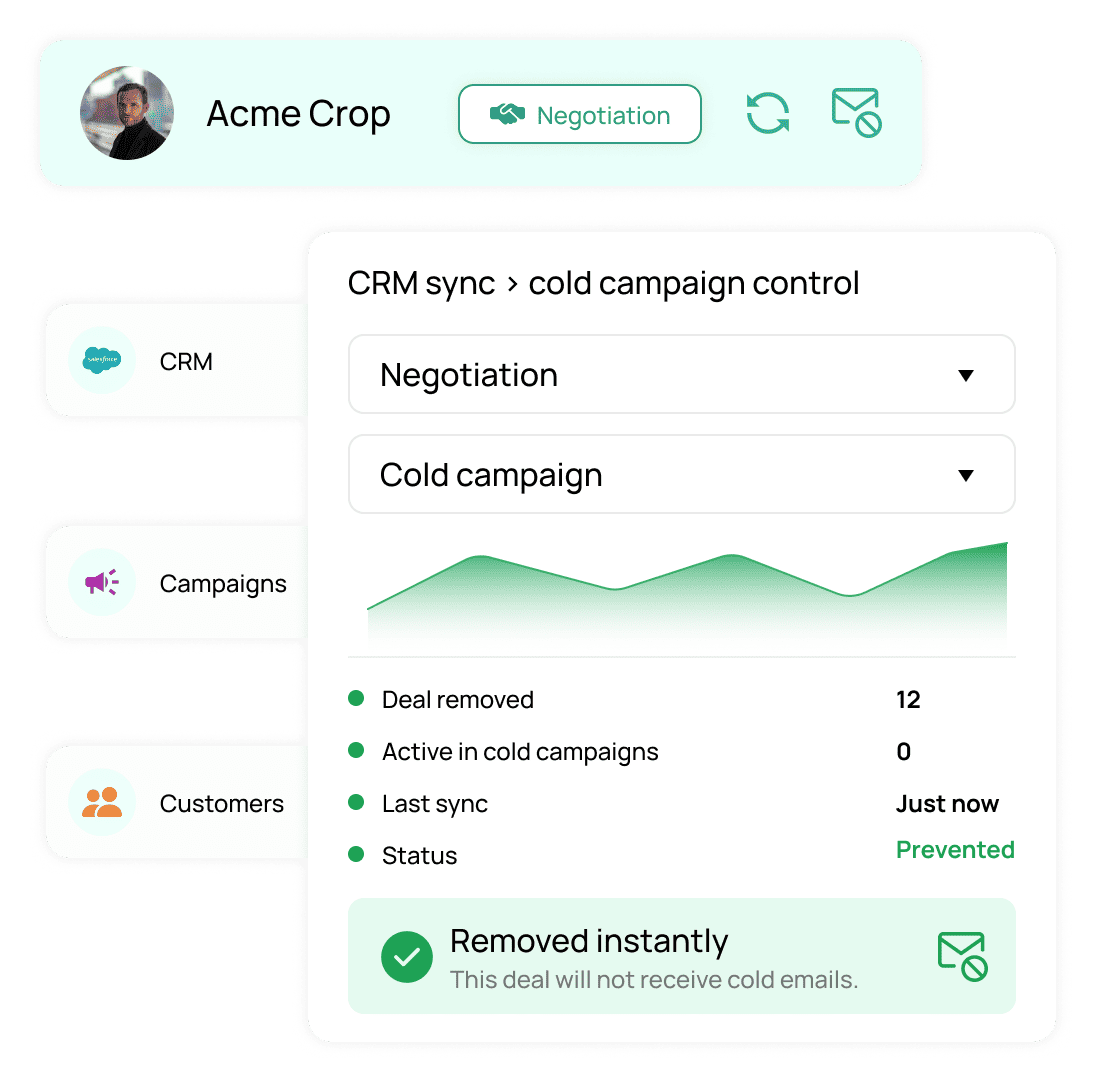
Deals in negotiation are pulled out of cold campaigns instantly.
The most expensive email in outbound is a cold pitch landing in the inbox of someone your AE is already negotiating with. CRM sync prevents it without anyone remembering to.
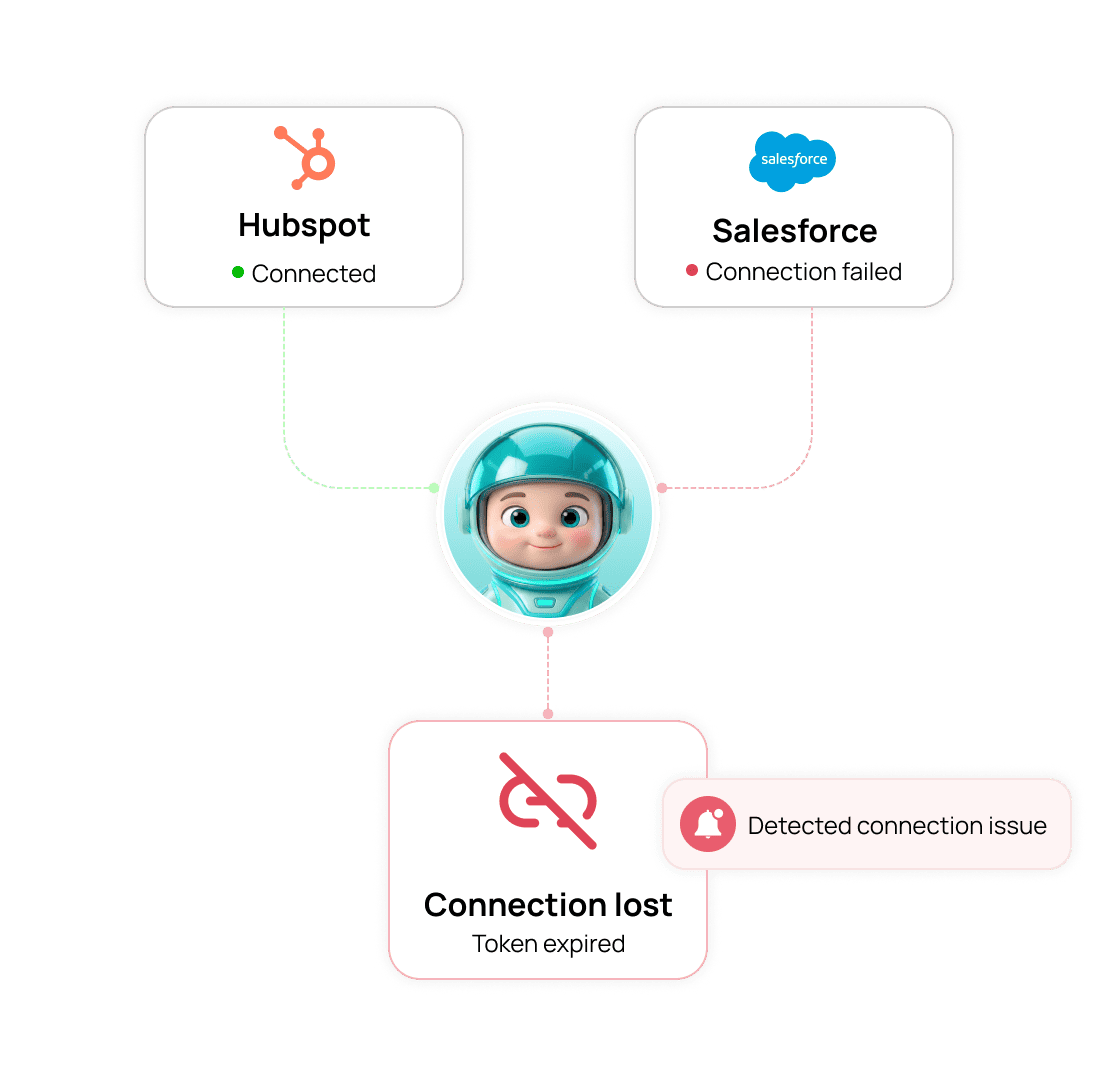
If the connection breaks, you are told, not left to discover it later.
A large share of integrations in most stacks are quietly broken because a token expired months ago. EVOX reports a failed connection instead of silently skipping the sync.
Nobody wants to log activity by hand. So stop asking your team to.
CRM stays accurate on its own
Open deals protected
No engineering time needed
Broken links get flagged
Everything you need to know
Common questions about CRM Sync in EVOX.
Which CRMs does EVOX connect to?
HubSpot and Salesforce have native two-way connections. For anything else, Zapier covers thousands of tools, and a documented REST API with webhooks is available if you want to build a custom connection.
What does "two-way" actually mean here?
How does it stop me emailing an open deal?
Do I need a developer to set this up?
What happens if the connection breaks?
What happens to my campaigns if I disconnect the CRM?

Your CRM stays current without anyone touching it.
Evox writes contacts, emails, replies, and campaign membership into HubSpot or Salesforce, and pulls open deals out of cold campaigns the moment a stage changes.