


Make every email sound human again
AI-written text gets deleted and increasingly gets filtered. The Humanizer strips the patterns that give it away, while keeping your meaning intact.
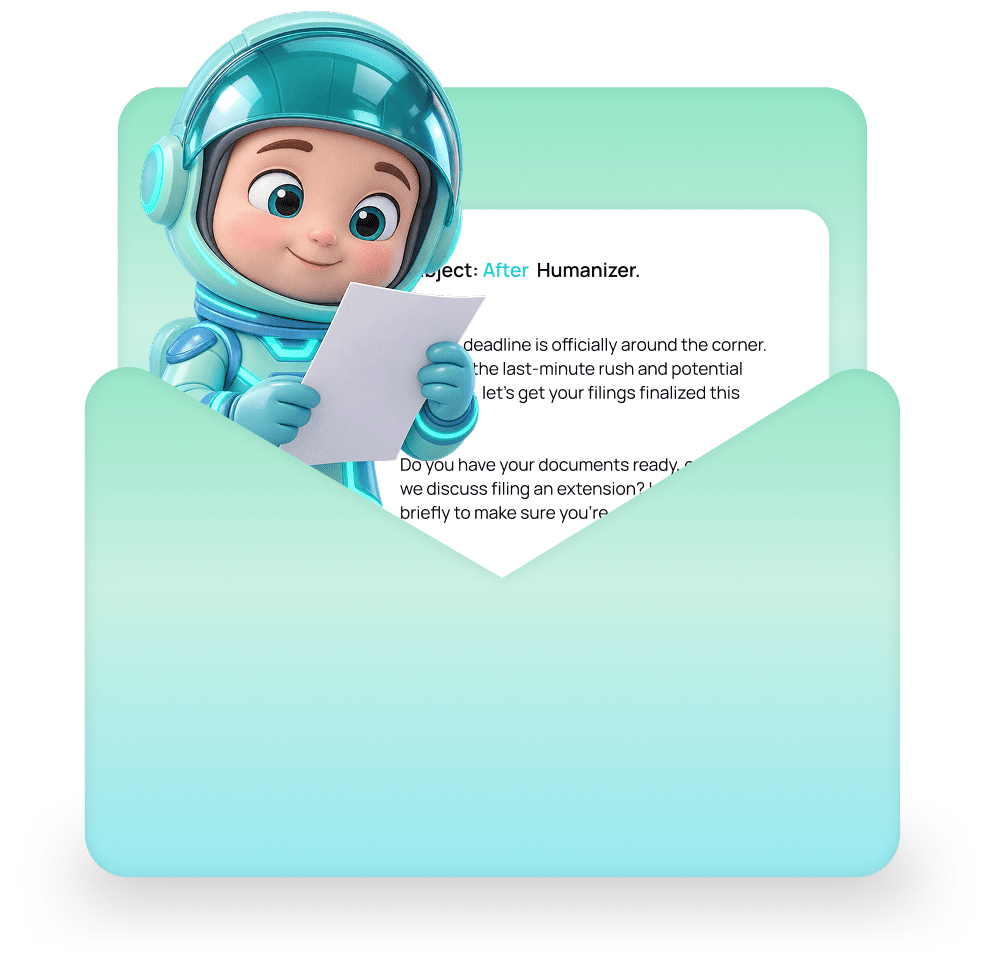
Select the text that sounds robotic. Humanizer rewrites it naturally.
The Humanizer targets the specific patterns that make copy read as machine-generated and removes them, without changing what you're saying.

Highlight the text that sounds off
Select a sentence, a paragraph, or an entire email body. The Humanizer works on whatever you have selected.
AI detects the machine-written patterns
Symmetrical clauses, throat-clearing openers, and stiff vocabulary are identified and flagged for rewriting.


Review the rewrite, accept or redo
The meaning stays. The stiffness goes. Accept the result, undo it, or regenerate with a different approach.
Five AI-writing tells the Humanizer removes
Prospects delete emails that read as machine-written. Spam filters are starting to catch them too. The Humanizer fixes both problems.
Kills Symmetrical Sentence Pairs
AI loves balanced clauses. The Humanizer breaks them into natural, uneven phrasing.
Removes Throat-Clearing Openers
Filler lines that signal a template are cut before the prospect ever sees them.
Swaps Vocabulary Nobody Uses
AI-favorite words are replaced with how people actually talk.
Breaks Predictable Rhythm
AI text follows a pattern. Real writing is messier. The Humanizer adds natural unevenness.
Keeps Every Fact You Wrote
Only the delivery changes, never the substance.
One click between robotic and readable
The Humanizer lives inside the same editor as every other Magic Pen action. No separate tool, no copy-pasting, no context switching.


AI patterns it targets
Inline, no tool switch
Meaning preserved
Facts lost in the rewrite
What the Humanizer actually changes in your copy
It does not rewrite from scratch. It identifies the specific patterns that signal AI and smooths them out, nothing more.
It targets structure, not content. Your facts stay untouched.
The Humanizer rewrites how something is said, never what is said. Claims, numbers, and product details pass through unchanged.
It works with Brand Voice, not against it. Your tone stays locked.
If you have a Brand Voice profile set, the Humanizer respects it. The output sounds like your team, just without the AI fingerprint.
You don't need to rewrite from scratch. You need to strip the AI sound.
Reads like a person wrote it
Meaning stays intact
Passes spam filters
One click, fully reversible
Everything you need to know
Common questions about the AI Humanizer in EVOX.
What exactly does the Humanizer change?
It targets five specific patterns: symmetrical sentence pairs, throat-clearing openers, vocabulary nobody uses in conversation, predictable sentence rhythm, and overly formal phrasing.
Does it change the meaning of my email?
Where can I use the Humanizer?
Does the Humanizer work with Brand Voice?
Can I undo a humanized rewrite?
Why does AI-written text get filtered?

Make every AI email sound like you wrote it.
Evox rewrites stiff, generated copy into natural language that reads like a real person and clears AI detectors.