


The AI editor inside every email
Select any line. Shorten it, rewrite it, translate it, or fix the tone. All inline, without leaving the editor.

Highlight a sentence. Magic Pen does the rest.
Select any text inside the editor. Pick what you want done. Review the result and accept or reject it in one click.

Select the text you want to change
Highlight a word, a sentence, or a full paragraph. Magic Pen opens right where your cursor is.
Pick an action from the toolbar
Shorten, expand, rewrite, fix grammar, change the tone, or translate. All from one inline menu.


Accept, reject, or try again
Every rewrite is a suggestion. Accept it, undo it, or regenerate with a different instruction.
Five editing problems that disappear instantly
Nobody ships the first draft. The real work is compression, tone, and honesty. Magic Pen handles all three inline.
Cut a Paragraph to a Sentence
Shorten compresses copy to the length that gets read on a phone, with the ask preserved.
Fix Tone Without a Rewrite
Switch between direct, consultative, warm, formal, or casual per email.
Translate Without Breaking Tags
Localize a sequence into another language with all variables and merge tags kept intact.
Strip the AI Sound Instantly
The Humanizer removes the patterns that signal machine-written text.
Grammar Without Flattening Voice
Spelling, grammar, and readability corrected without removing personality.
Editing that happens where you already write
Magic Pen lives inside every editor in EVOX. No copy-pasting into a separate tool, no losing your place, no context switching.


Inline editing actions
Accept or reject
Languages supported
Tone presets built in
How Magic Pen keeps your voice consistent
Editing at speed usually means losing consistency. Magic Pen solves that with two features working behind every rewrite.
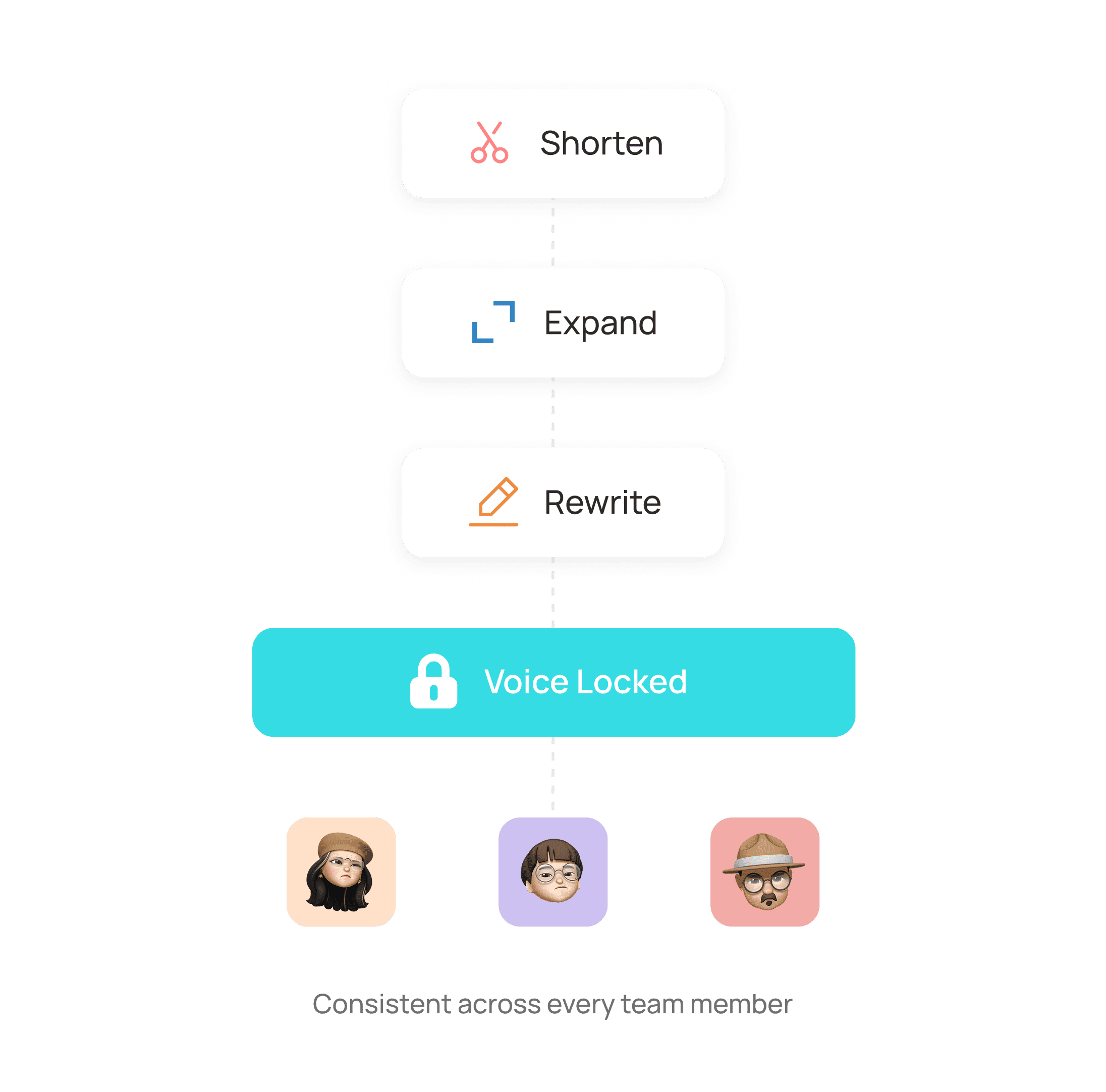
Brand Voice stays locked across every rewrite and every team member.
Define your voice once from writing samples. Every shorten, expand, and rewrite respects it automatically.
The Humanizer strips every pattern that reads as machine-written.
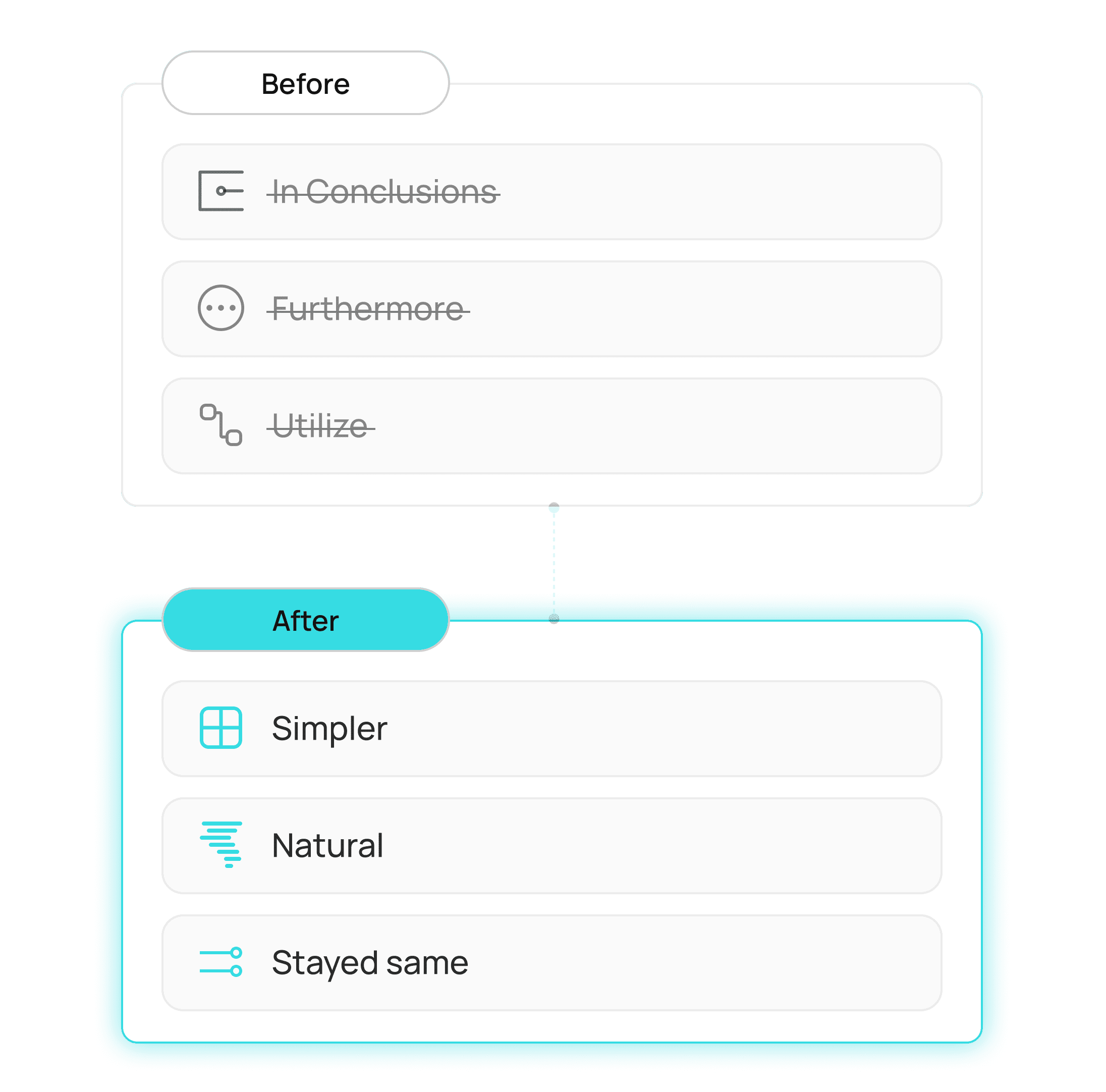
Symmetrical clauses, throat-clearing openers, vocabulary nobody uses out loud. Gone, with your meaning kept intact.
You don't need a copywriter on every email. You need an editor that never sleeps.
Edits in seconds, not rounds
One voice, whole team
Localize in minutes
Always reversible
Everything you need to know
Common questions about Magic Pen in EVOX.
Where does Magic Pen work inside EVOX?
Everywhere you write. The campaign editor, the step editor, the template editor, and the reply composer in Unibox all support inline Magic Pen actions.
What actions can Magic Pen perform?
Does it overwrite my original text?
What is Brand Voice and how do I set it up?
Can Magic Pen translate a full sequence?
What does the Humanizer actually do?

Rewrite any line until it lands.
Shorten it, warm it up, or change the angle. Magic Pen rewrites your copy in place without breaking the sequence.