


Every reply, in one shared inbox
Stop checking twelve mailboxes. Every response lands in one place, sorted by how interested the person is, with full context attached.
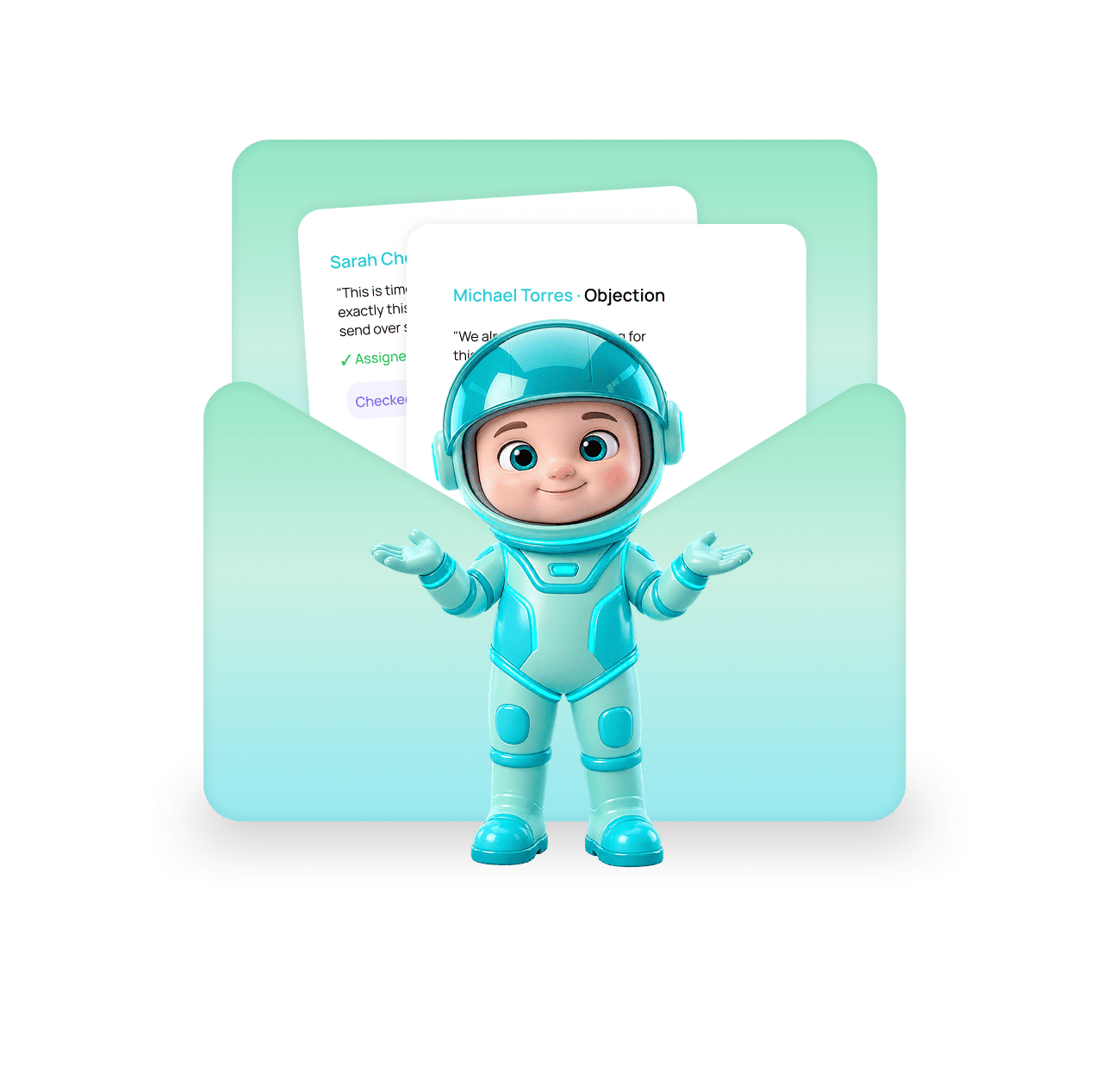
One inbox. Every reply, already sorted.
Replies from every connected mailbox arrive in one place, classified by intent, with the contact and campaign context beside them.

Every mailbox flows into one inbox
Whether you send from three mailboxes or forty, every reply lands in the same threaded inbox your whole team can see.
Replies are sorted by intent
Interested, objection, referral, out of office, wrong person. The eleven that matter float to the top.


Reply once, the campaign updates itself
Answering a reply removes that person from the remaining follow-ups. Mark it as a meeting and it is credited to the campaign.
Five ways replies get lost without Unibox
The reply is the moment your whole investment either converts or evaporates. Losing one is the most expensive mistake in outbound.
Twelve Mailboxes, Twelve Blind Spots
A campaign sending from twelve mailboxes creates replies in twelve separate inboxes. Nobody has the full picture.
The Interested Ones Come First
At volume, an unsorted inbox is unusable. Classification is what makes it workable.
Full Context Beside Every Thread
The contact record, their company details, the campaign they are in, and which step they replied to all sit beside the thread.
Nobody Gets a Follow-Up After Replying
A follow-up that arrives after someone responded tells them nobody is reading. Unibox prevents it automatically.
Your Team Works It Together
Unibox is a shared workspace, not a mail client. Assign, tag, snooze, and add internal notes on any thread.
A shared workspace, not just a mail client.
Assign replies to a teammate, tag them, snooze them, leave internal notes, and see whether someone is already typing a response.


Mailboxes in one view
Reply types classified
Drafts your response
Sequence stops on reply
Two things Unibox does that a normal inbox cannot
Reading the reply is easy. Understanding what it means and acting on it is where most tools stop.
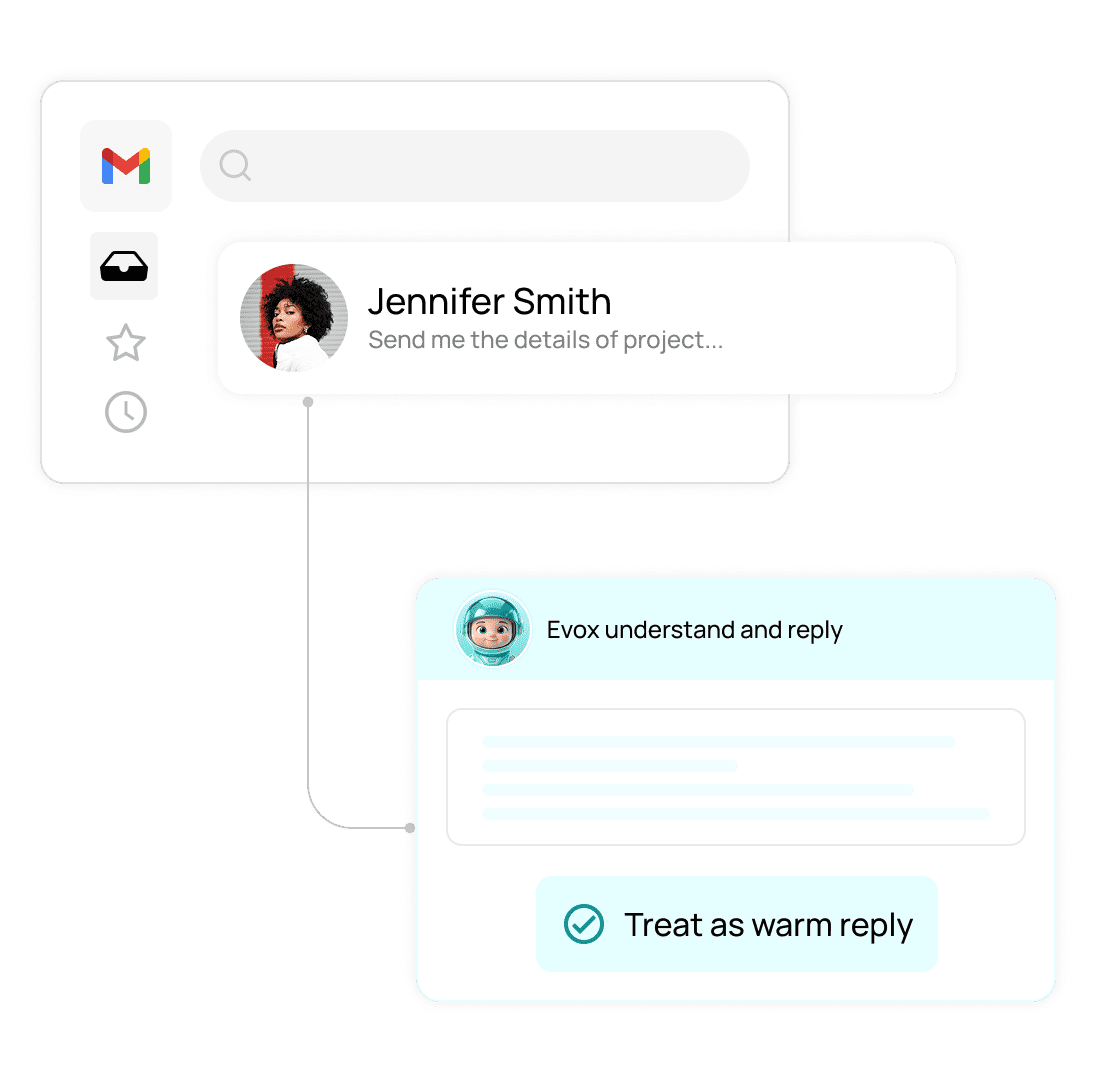
It reads the meaning, not just the keywords in a reply.
"We already use something for this, but send me details" is an objection with real interest behind it. Unibox reads it that way instead of filing it as a rejection.
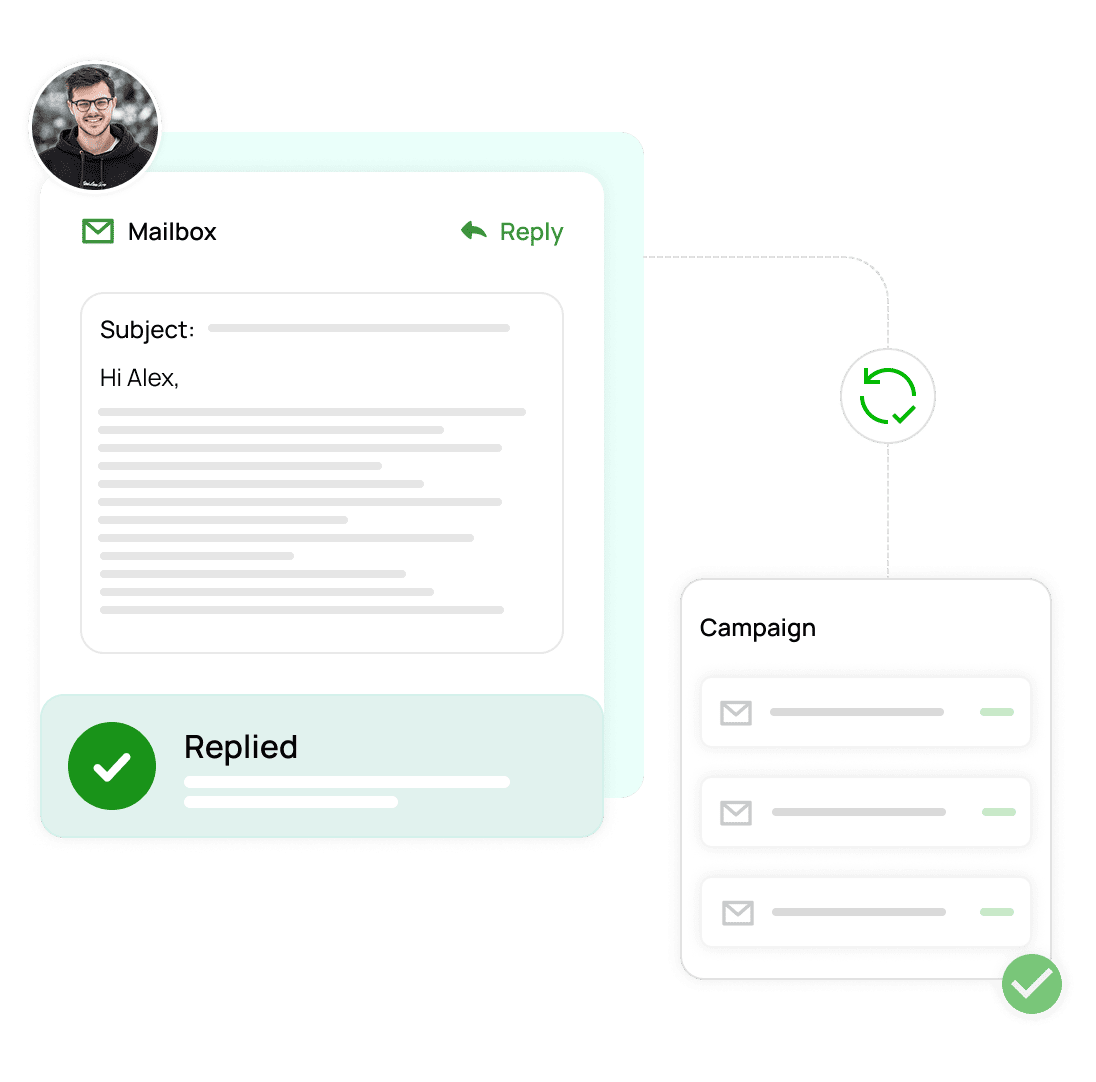
Answering a reply updates the campaign at the same time.
Reply to someone and they are removed from the remaining follow-ups automatically. Nobody gets a "just checking in" email after they already responded.
The reply is where the money is. Don't let one sit unread for a week.
No reply gets missed
Hot leads answered first
Full context on every thread
Works from your phone
Everything you need to know
Common questions about Unibox in EVOX.
What is Unibox?
It is one shared inbox that collects replies from every mailbox you send from. Instead of checking twelve separate accounts, your whole team works from a single view where every reply is already sorted by intent.
How does reply classification work?
Does answering a reply stop the follow-up emails?
Can my team work the inbox together?
Does AI help me write the response?
Can I use Unibox on my phone?

Every reply in one place, already sorted.
Evox pulls responses from every connected mailbox into one shared inbox, labels them by intent, and stops the follow-ups the moment someone answers.