


Control Access and Track Everything
Give each person exactly the access their job needs, and keep a permanent record of every action taken in your workspace.

Assign a role. Everything else follows from it.
Each role comes with a set of permissions. Sensitive actions are gated individually, and every action is written to a permanent log.

Pick a role for each team member
Seven roles are available, from owner down to viewer. Each one maps to a specific set of things that person can do.
Risky actions are gated one by one
Launching, connecting a mailbox, exporting contacts, and changing billing are each permissioned separately.


Every action is written to a log
Who did it, what they did, and when. Searchable in the product and exportable for your own records.
Five reasons access control is not optional
Outbound touches personal data at volume. Knowing who can reach it and proving what happened is the baseline for any serious team.
Not Everyone Needs Full Access
A rep who builds campaigns does not need to connect mailboxes or export your contact database.
Dangerous Actions Locked Separately
Launching a campaign, connecting a mailbox, exporting contacts, and changing billing are each individually permissioned.
Every Action Has a Name On It
Who created it, who changed it, who launched it, who paused it, who deleted it. All recorded with a timestamp.
Logs That Cannot Be Rewritten
Entries are append-only. New records can be added but existing ones can never be changed or removed.
Security Reviews Become Routine
When procurement or legal asks how you control access and what your records show, you have an answer ready.
Append-only means a record can never be erased.
Entries can be added but never edited or deleted, by anyone, including admins. That is what makes the log worth something in a review or a dispute.


Roles to assign
Action logged with actor
Only, never editable
Export for your auditors
Two things worth setting up on day one
Both take a few minutes and save you a much larger problem later.
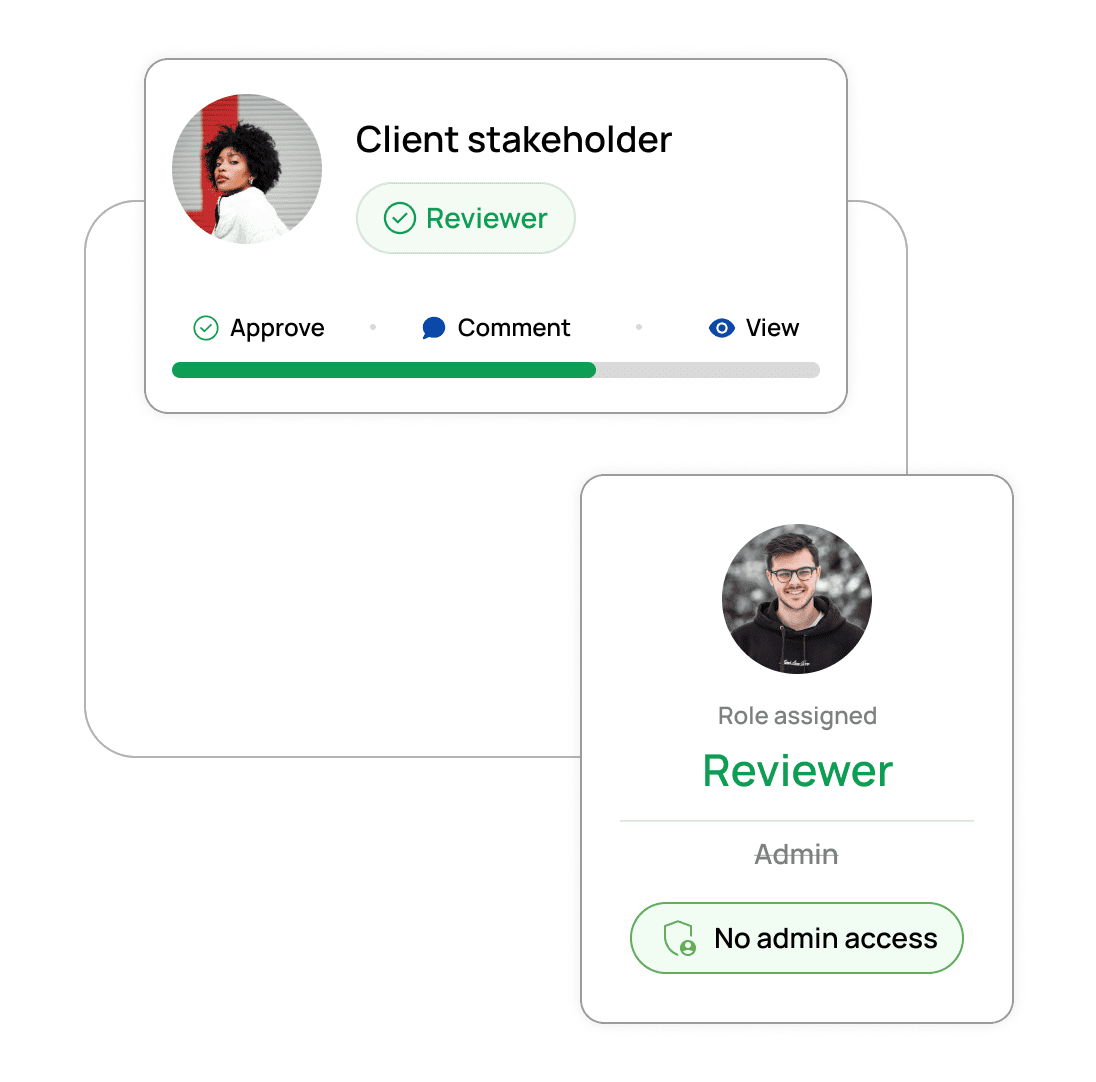
Give stakeholders the reviewer role, not admin access.
The most common cause of an accidental send is a well-meaning stakeholder with more permissions than their job requires. It costs nothing to get this right upfront.
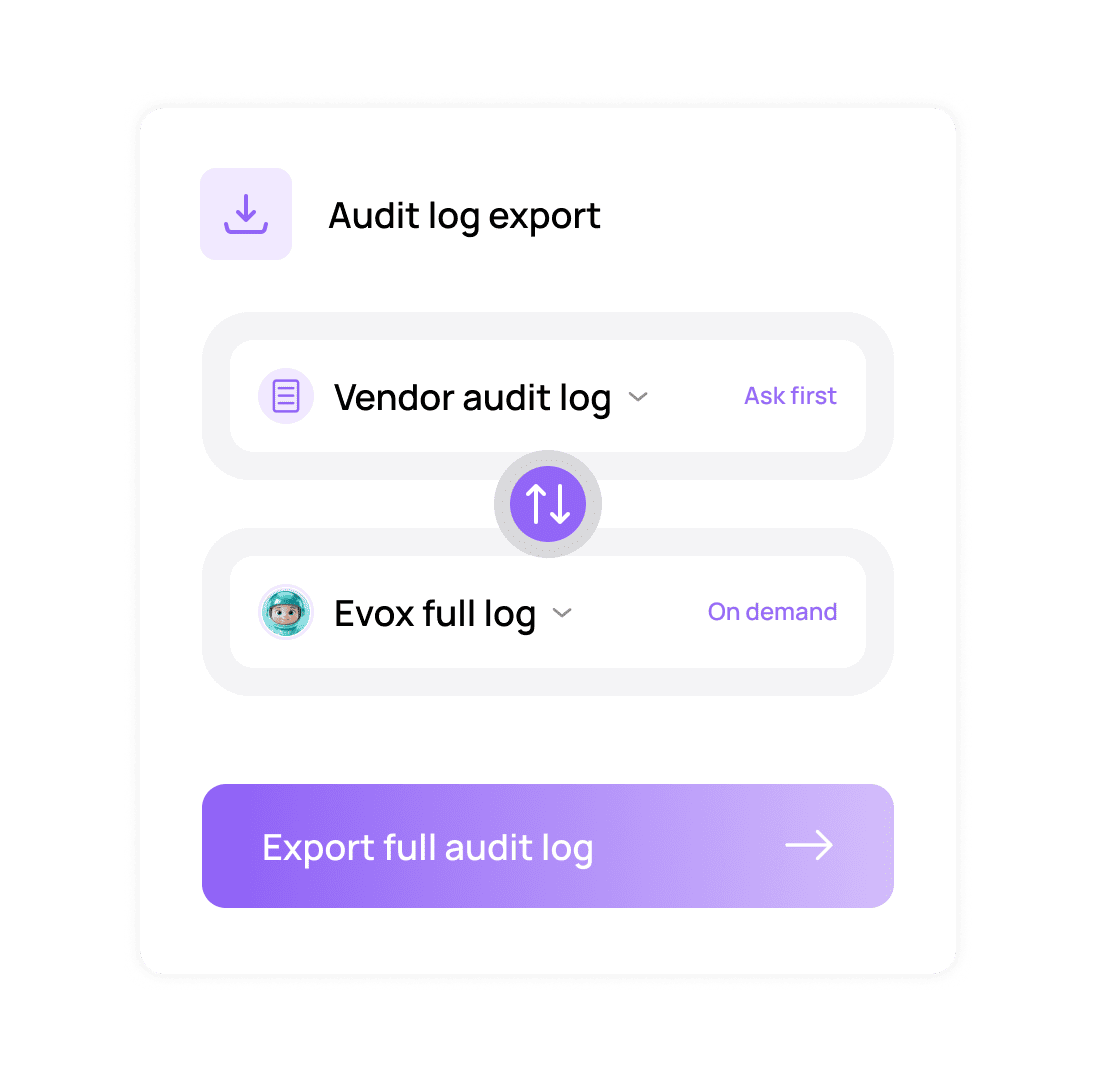
Ask any vendor for their audit log export before you sign.
It is the fastest way to tell a platform built for governed teams from one that added a compliance page to its marketing site. EVOX exports the full log on demand.
When someone asks what happened, you should have an answer.
Access matches the job
Every action has an owner
Logs cannot be erased
Security reviews pass easily
Everything you need to know
Common questions about Roles and Audit Logs in EVOX.
What roles are available?
Seven: owner, admin, manager, editor, reviewer, viewer, and billing. Each maps to a set of capabilities, so you can give people exactly the access their job needs.
Which actions can be restricted?
What gets recorded in the audit log?
Can the audit log be edited or deleted?
Can I export the log for my own auditors?
How long is the log kept?

Right access for each person, a record of everything.
Evox gives every team member the permissions their job needs and writes each action to an append-only log you can export.