


Research the account, not just the person
See every decision-maker at a company, the signals that make now the right time, and the angle most likely to get a reply.
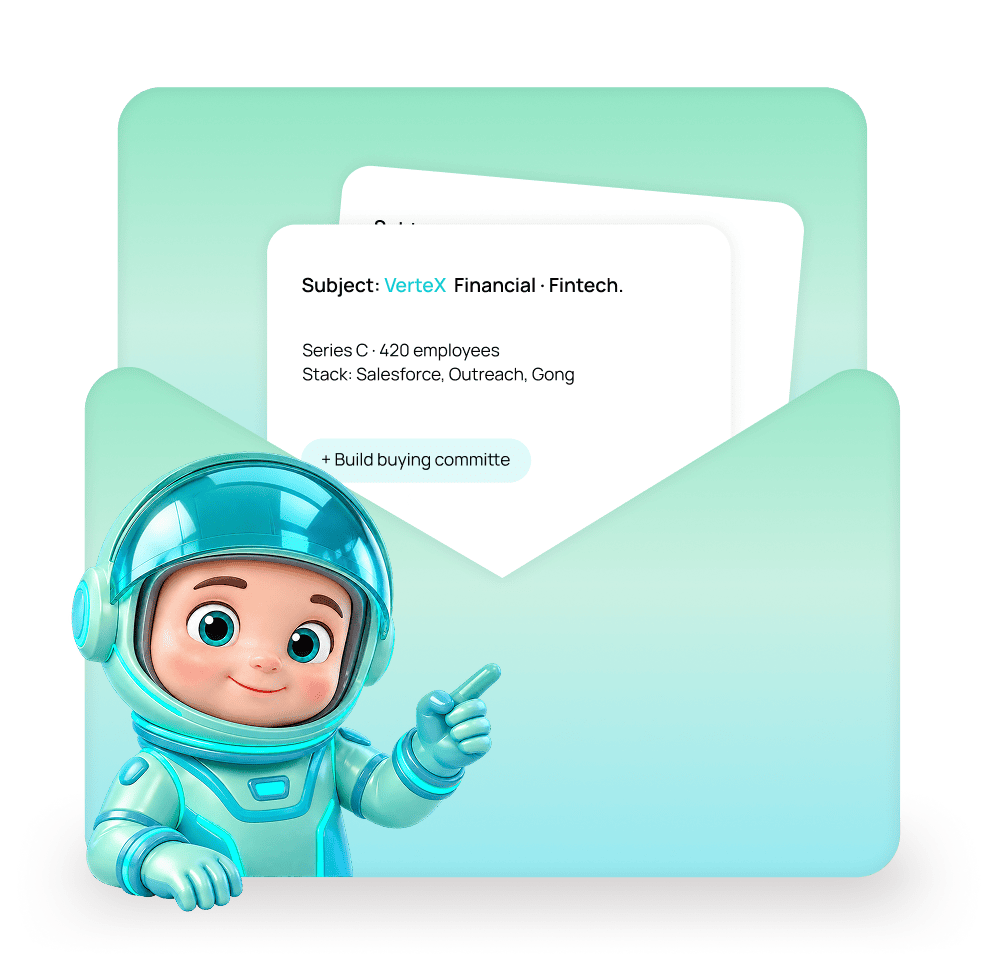
From a company name to a multi-threaded outreach plan
Search by account, see who is inside, read the signals, and build the buying committee in one pass.

Search by account, not just by person
Filter companies by industry, size, revenue, tech stack, funding stage, and growth signals to find accounts worth targeting.
See the full company profile
Structure, headcount, tech stack, funding history, and every reachable contact inside the account, all in one view.


Build the buying committee and send
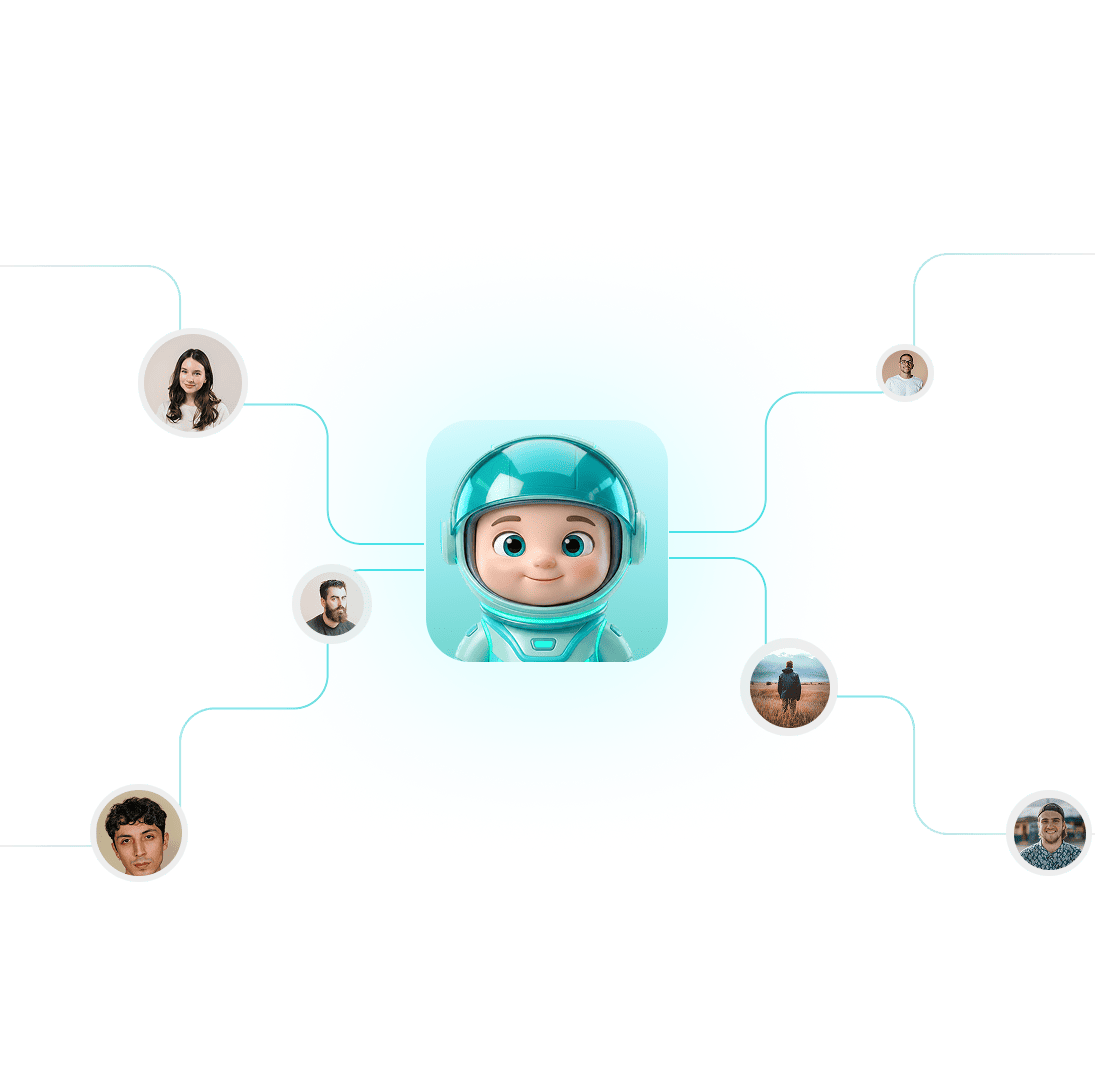
Add the economic buyer, the champion, and the user to one campaign with role-appropriate copy for each.
Five reasons to research the account, not just the contact
Individual personalization gets attention. Account-level relevance gets replies. Here is how Account Intelligence delivers both.
Reach the Whole Buying Committee
One person replying is a conversation. Multiple stakeholders engaged is a deal.
Signals That Give You a Reason to Write
A funding round, a hiring spike, or a technology adoption gives your email a reason to exist this week.
Target by Technology Stack
Knowing what a company already runs tells you whether your pitch is a displacement play or an integration play.
Customers and Open Deals Protected
The most expensive email in outbound is a cold pitch to someone your AE is already negotiating with.
Account Reporting, No Extra Work
Accounts, contacts, and campaigns share one record, so account-based reporting is built in.
Accounts, contacts, and campaigns share one record
Which accounts have been touched, by whom, how many contacts inside each, and which accounts have replied. All available without building anything.


Account-level filters
Roles per buying committee
Growth and hiring signals
Account-based reporting
How Account Intelligence turns signals into outreach timing
Knowing that a company just raised, hired, or adopted a tool in your category gives you a reason to write this week rather than any week.
Signals are attached to the account, not hidden in a separate tab.
Headcount movement, hiring in relevant departments, funding events, and technology adoption sit right on the company profile.
Existing customers and open deals are automatically excluded from cold outreach.
Account suppression keeps customers, partners, competitors, and accounts with open opportunities out of every campaign.
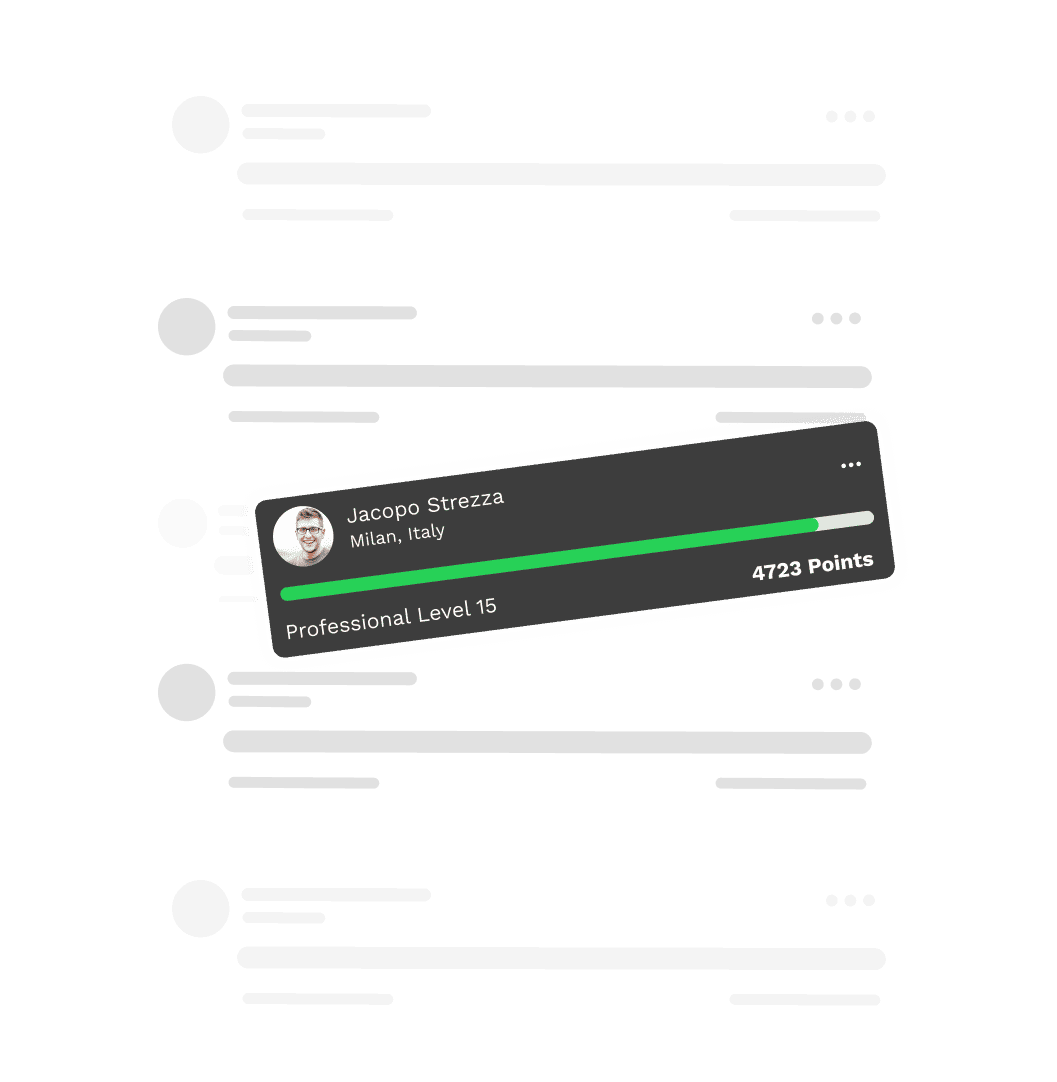
You don't need more contacts at an account. You need the right ones with the right timing.
Whole buying committee
Live growth signals
Customers auto-excluded
Account-based reporting
Everything you need to know
Common questions about Account Intelligence in EVOX.
What is the difference between Lead Search and Account Intelligence?
Lead Search finds individual contacts. Account Intelligence treats the company as the unit, showing you the full profile, growth signals, tech stack, and every reachable person inside it.
What signals does Account Intelligence surface?
What is a buying committee and how do I build one?
How does account suppression work?
Can I see account-based reporting without building it?
Does AI score accounts for fit?

Know the account before you write the first line.
Get the firmographics, the buying committee, and the live buying signals for every target account in one view.