


Nothing Sends Until the Right Person Approves
Campaigns move from draft to review to approved before a single email goes out. No more finding out after the fact.
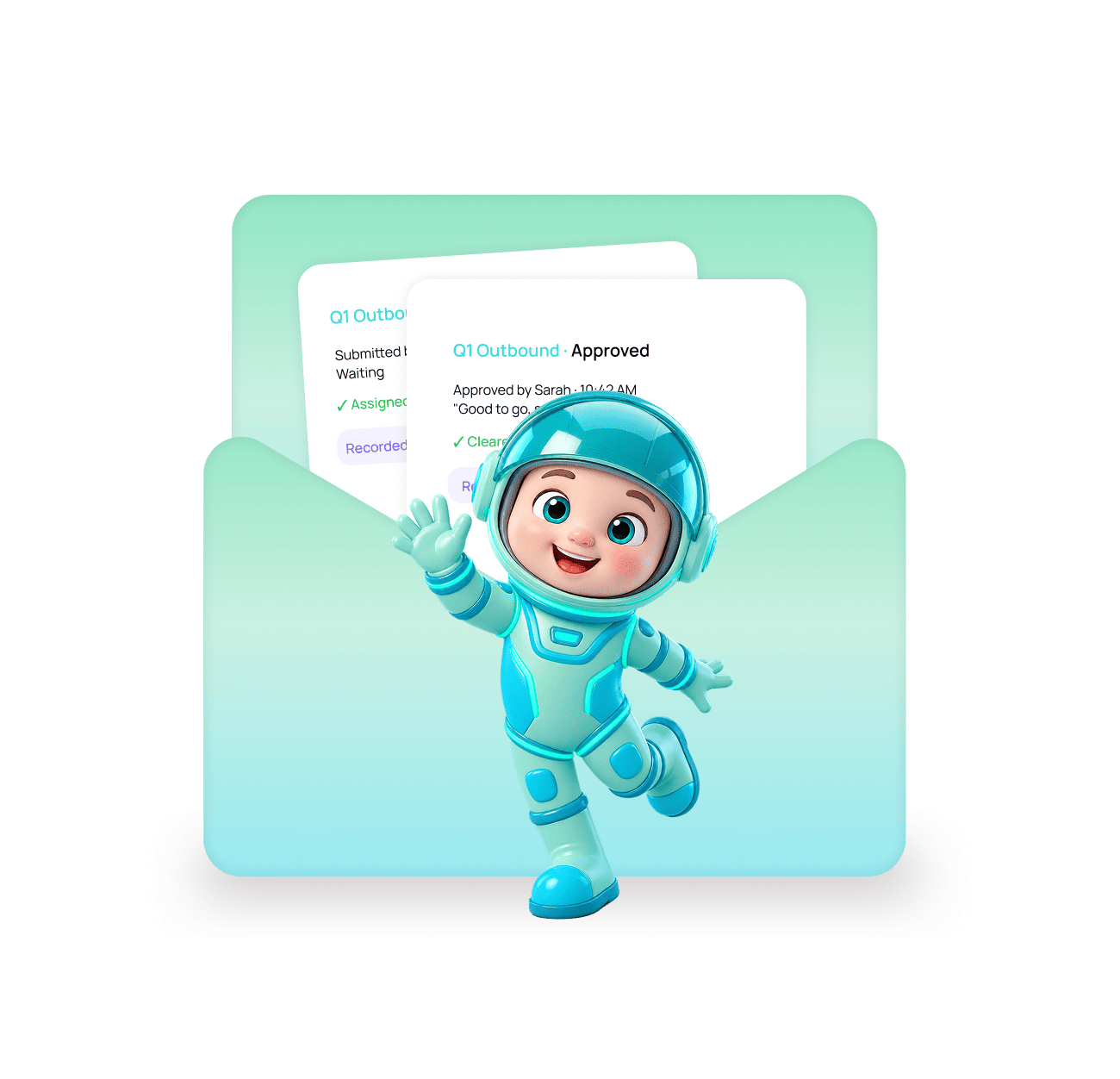
Draft, review, approve, then it can send.
Every campaign follows the same path. Sending is blocked until an approver with the right permission signs it off.

A rep builds the campaign and submits it
The campaign stays in draft until someone submits it for review. Nothing can be sent from a draft.
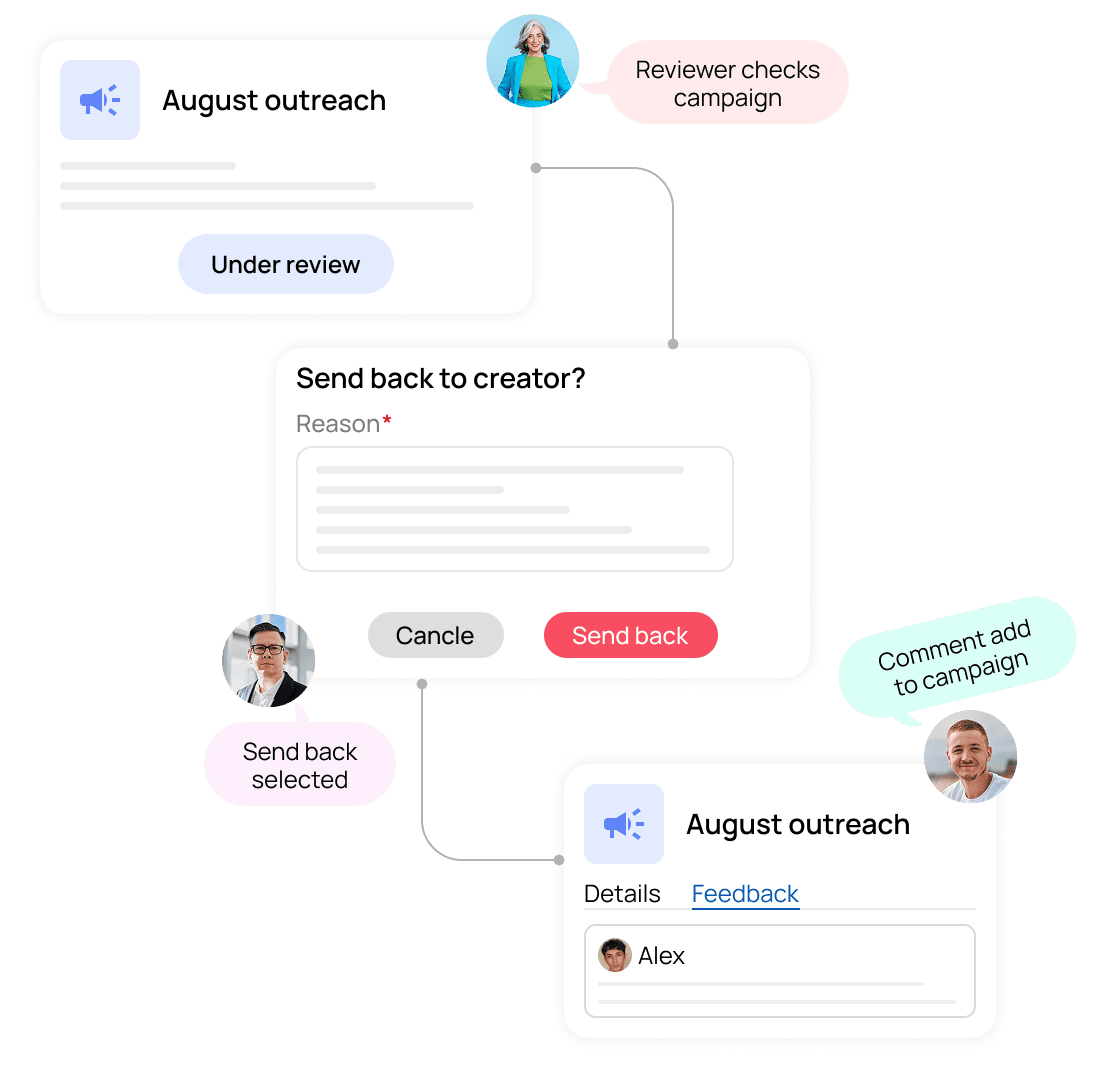
The reviewer approves or sends it back
Rejections require comments, so the feedback stays on the campaign instead of getting lost in a chat thread.


Approved campaigns unlock and send
Once signed off, the campaign can go live. Who approved it and when is recorded permanently.
Five things that stop going wrong
Copy going out under a brand name should be reviewed by someone accountable. Approvals make that a rule, not a hope.
No More Accidental Sends
The most common cause of a bad send is someone clicking launch on a campaign that was not finished.
Clients See Copy Before It Sends
For agencies, sending unreviewed copy under a client's brand name is the fastest way to lose the account.
Feedback Never Gets Lost
When a reviewer rejects something, they have to say why. That comment stays attached permanently.
Only the Right People Can Approve
Approval is a permission tied to a role, not something anyone with an account can do.
A Permanent Approval Record
Every submission, approval, rejection, and comment is written to a permanent log with the person and timestamp.
A gate, not a suggestion. Sending is genuinely blocked.
This is not a reminder or a checklist someone can skip. An unapproved campaign cannot send, no matter who tries to launch it.


Stages: draft to live
Roles you can assign
Decision logged forever
Approve from anywhere
Two details that make approvals actually work
Most approval processes fail because they slow the team down or the feedback disappears. These two things fix both.
Rejections require comments, so feedback lives on the campaign.
A reviewer cannot send something back without saying why. The reason travels with the campaign instead of sitting in a message nobody can find later.
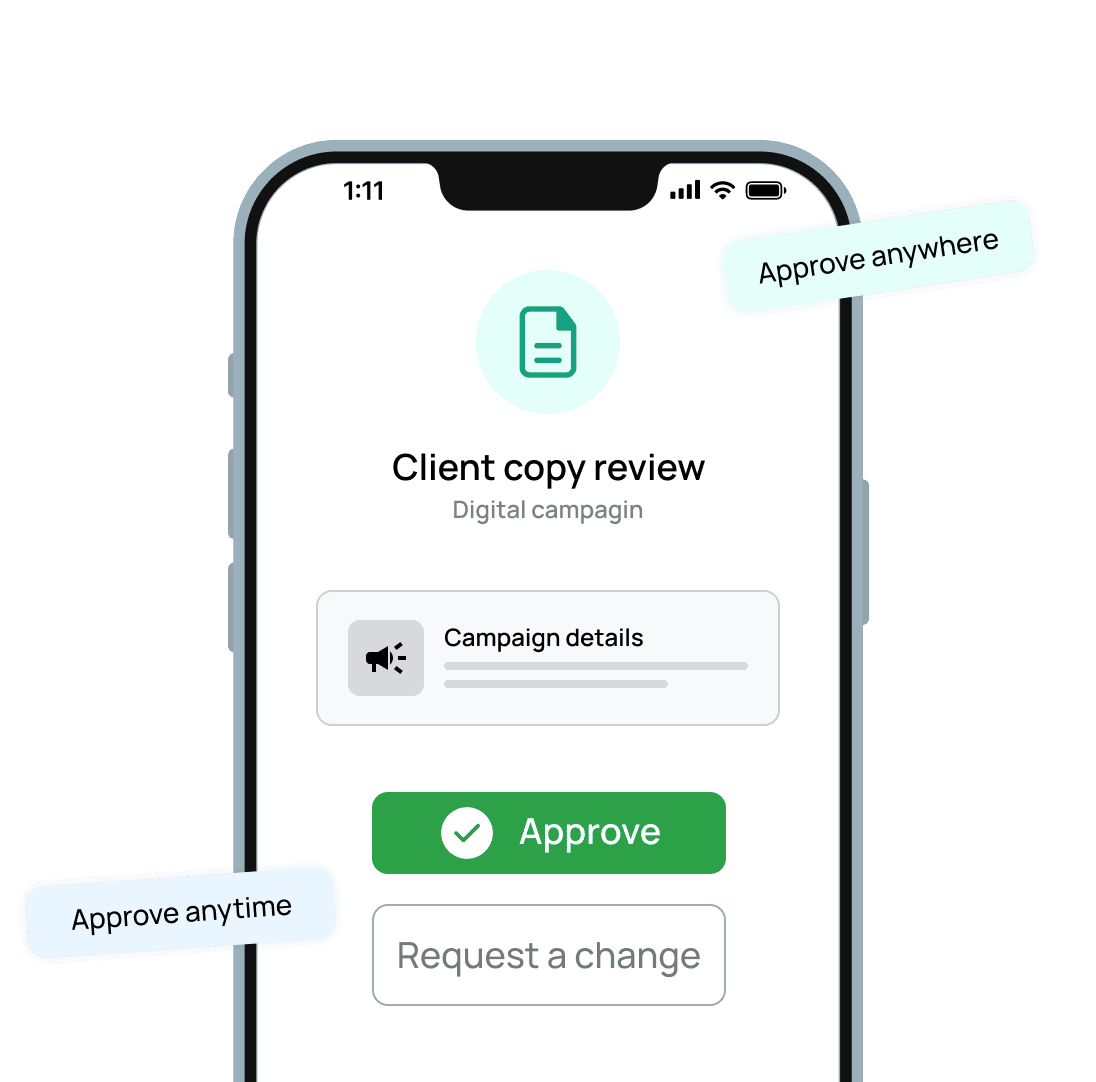
Reviewers can approve from a phone, so they never become the bottleneck.
Managers approve client copy while travelling. The campaign launches on schedule instead of waiting for someone to get back to a laptop.
You cannot unsend a bad campaign. You can stop it before it goes out.
Sending is genuinely blocked
Feedback stays on the campaign
Every sign-off recorded
Approve on mobile
Everything you need to know
Common questions about Approval Workflow in EVOX.
What is the Approval Workflow?
It is a required review step before any campaign can send. A campaign moves through four stages: draft, review, approved, and live. Sending is blocked until someone with approval permission signs it off.
Can someone bypass the approval and just send?
Who can approve a campaign?
What happens when a reviewer rejects a campaign?
Can clients be added as reviewers?
Can approvals happen on mobile?

Nothing sends until someone signs it off.
Evox moves every campaign from draft to review to approved, blocks sending until then, and records who cleared it and when.