


Who you are. What
you know about.
Ranko maintains a brand tag plus verified author tags linking LinkedIn, X, GitHub, Wikipedia, and scholarly profiles, applied sitewide.
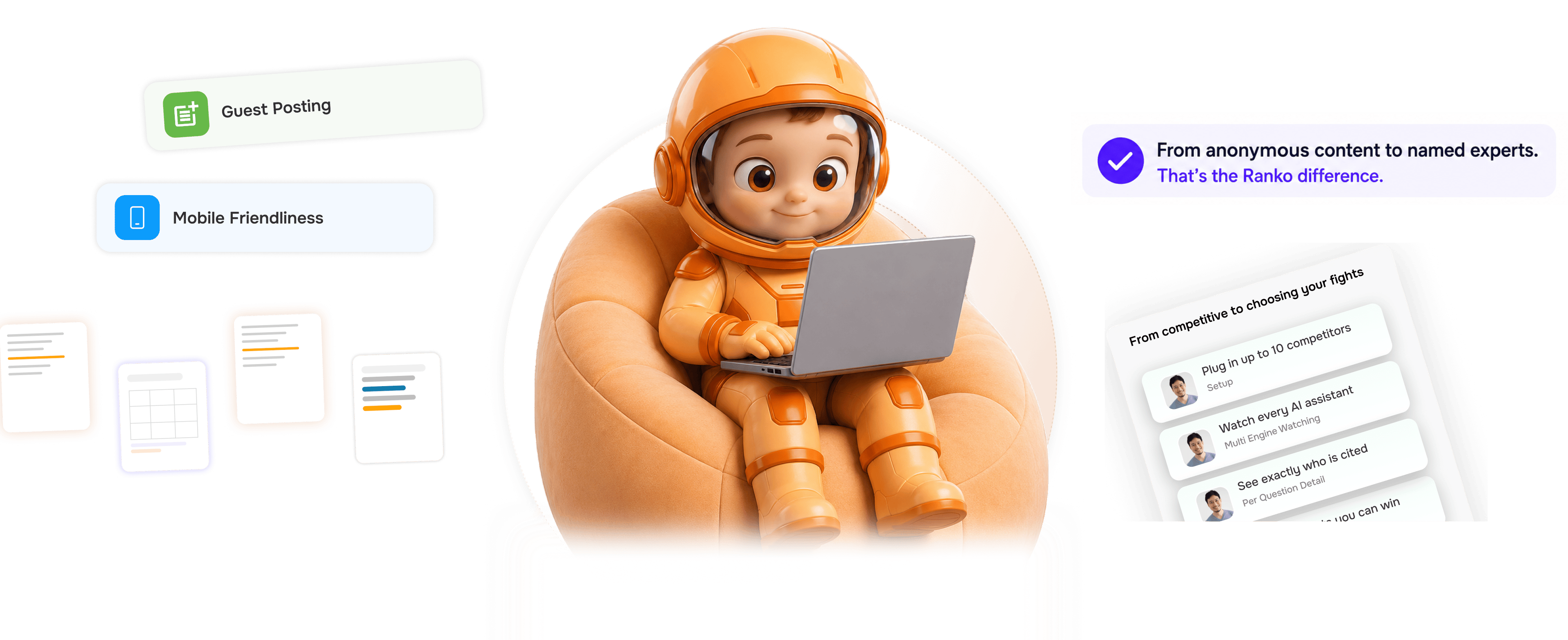
From anonymous brand to named experts in 4 steps
Set up a brand tag and verified author tags once. Ranko applies them sitewide so engines know who is behind your content.
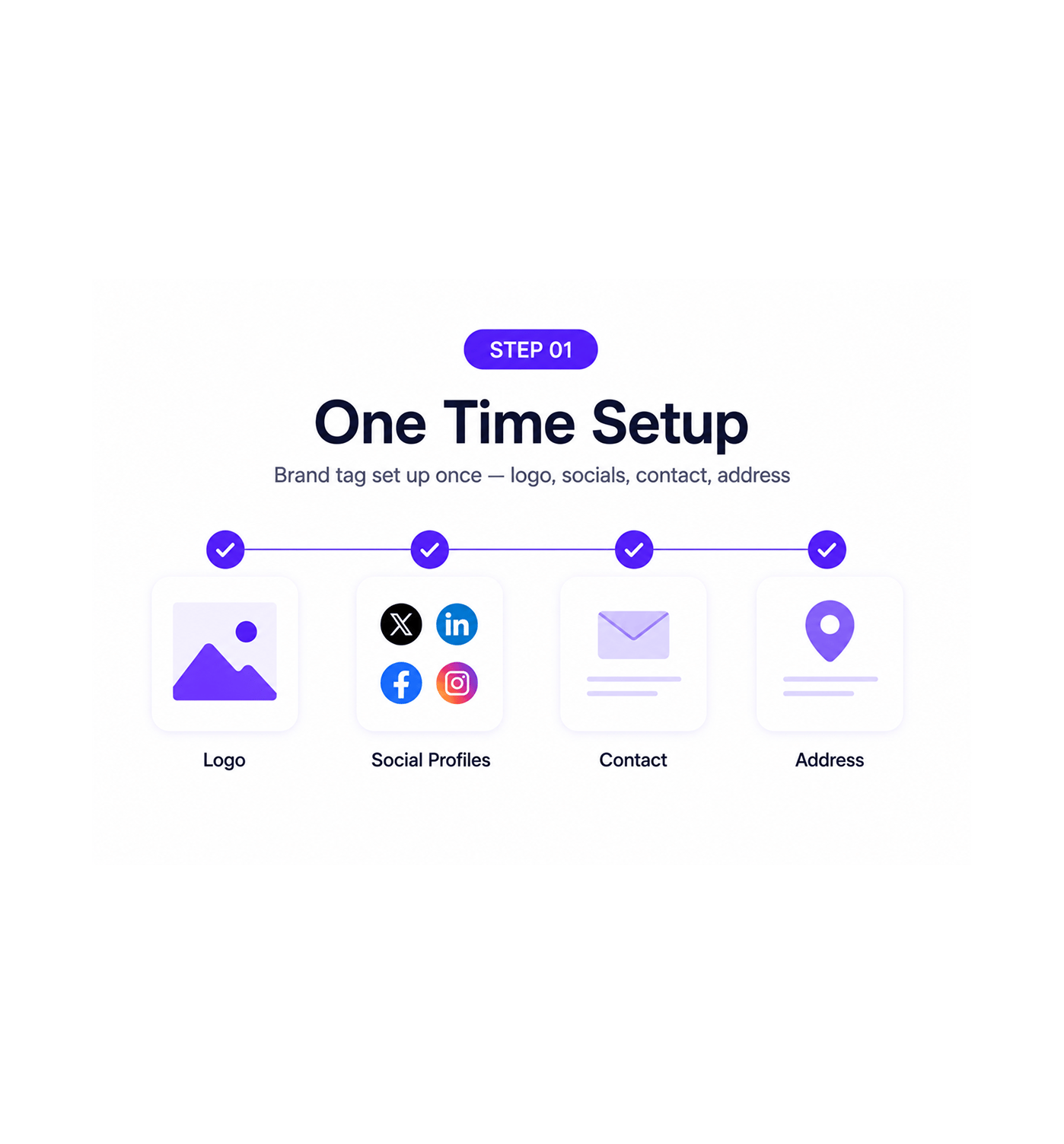
One Time Setup
Brand tag set up once logo, socials, contact, address
The brand tag describes the team as an entity: name, logo, social profiles, contact, founding date, industry, and parent organisation. Filled in once during onboarding, then every page signals the same brand.
- Logo
- Social Profiles
- Contact
- Address
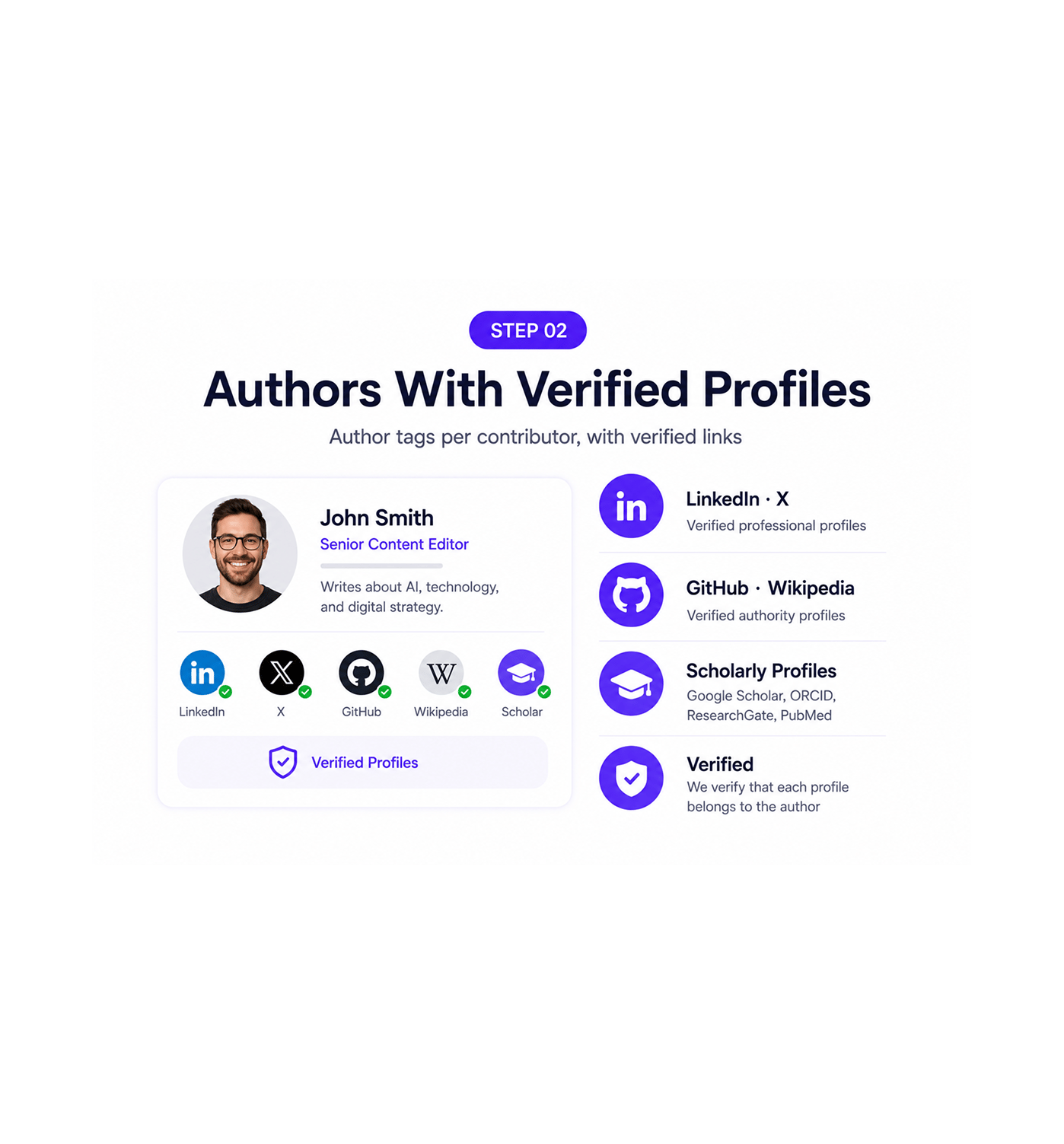
Authors With Verified Profiles
Author tags per contributor, with verified links
Every contributor gets an author tag with name, role, bio, photo, and verified links to LinkedIn, X, GitHub, Wikipedia, and scholarly profiles like Google Scholar or ORCID. Ranko confirms each is theirs.
- LinkedIn · X
- GitHub · Wikipedia
- Scholarly Profiles
- Verified
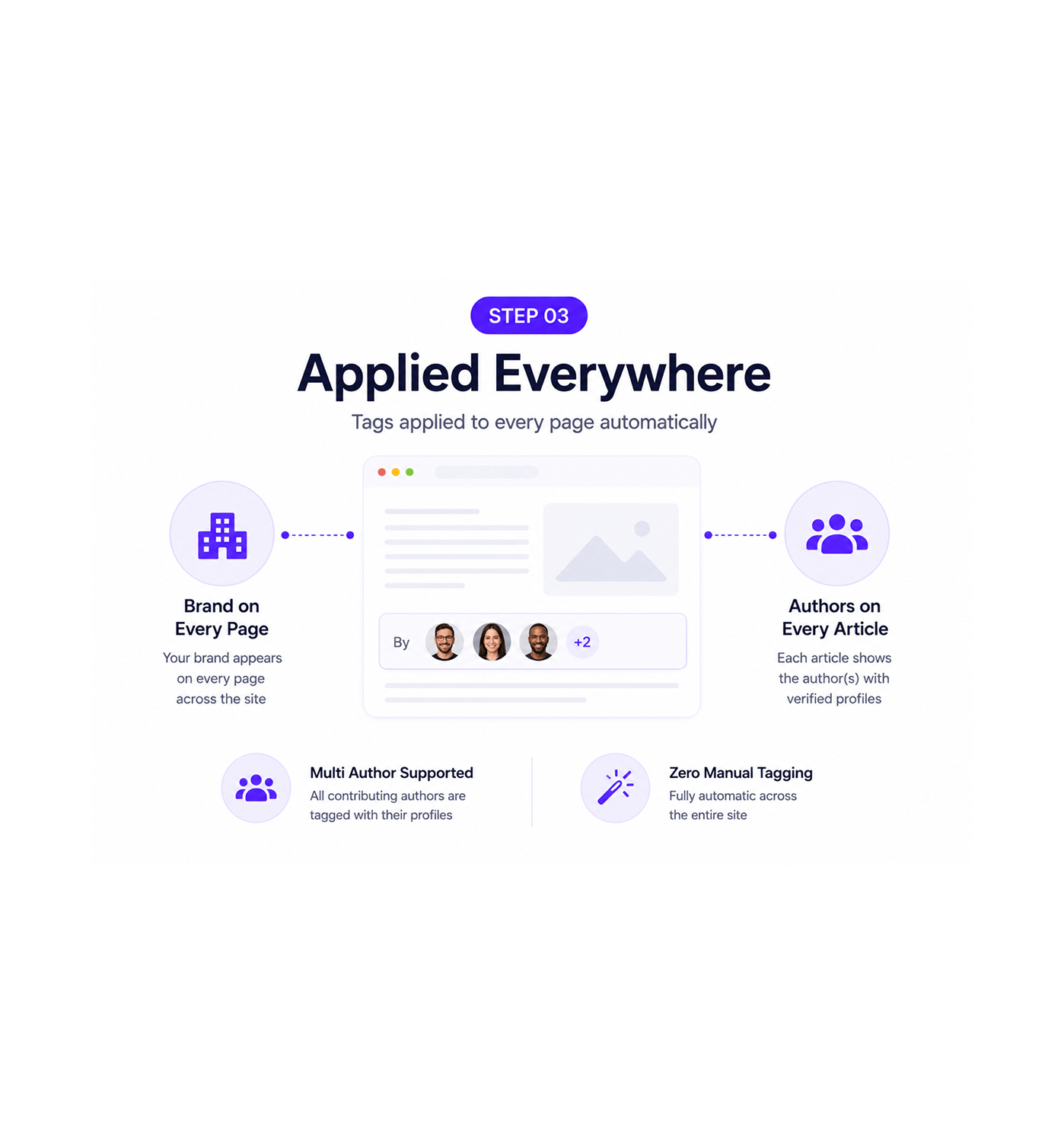
Applied Everywhere
Tags applied to every page automatically
The brand tag appears on every page with no manual work. Every article gets the author tag for whoever wrote it, full profile and verified links attached. Multi author articles tag all contributors.
- Brand on Every Page
- Authors on Every Article
- Multi Author Supported
- Zero Manual Tagging
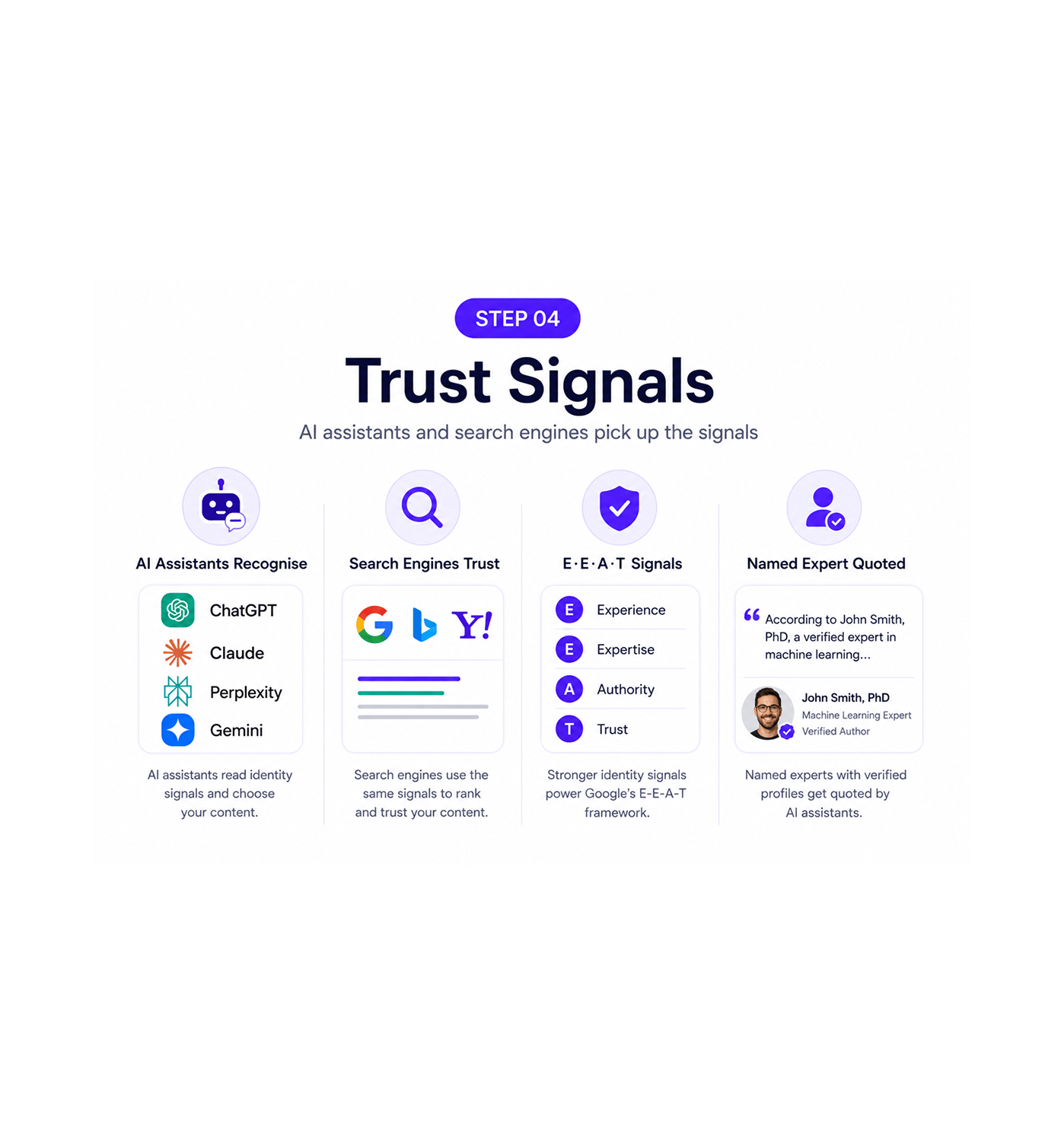
Trust Signals
AI assistants and search engines pick up the signals
ChatGPT, Claude, Perplexity, and Gemini all read identity when choosing what to quote. A page by a named expert with verified profiles carries more trust than an anonymous one. Google's E-E-A-T uses the same.
- AI Assistants Recognise
- Search Engines Trust
- E·E·A·T Signals
- Named Expert Quoted
Six reasons your authors stop being anonymous
Once a team signs every page with a consistent brand and a verified author, faceless publishing stops being acceptable.

AI assistants know who you are now
ChatGPT, Claude, Perplexity, and Gemini all weigh source identity when quoting. A page with a brand tag and a verified author beats a bare URL.

Author authority becomes a structural signal
"The author has expertise" is a claim. A verified LinkedIn showing fifteen years and a verified Google Scholar profile is a signal engines can check.

Verified links beat unverified credentials
A bio claiming twenty years is one anybody can write. A verified LinkedIn confirming it is one engines can check. Ranko confirms each link.

Every page carries the brand entity
A brand tag on the home page but missing on articles breaks when someone lands deep. Auto Page Data Tags sitewide means every page signals one brand.

Multi author teams get individual recognition
Brands publishing articles by ten members get each contributor recognised individually, with their own verified links. The brand gains team trust.

The trust signals work for traditional search too
The same identity layer AI assistants read for source trust is what Google uses for E-E-A-T. Brand and author tags pay off on both with one effort.


18800+
Teams building trusted brand and author visibility
Built for teams that want recognised expertise
Built for founders, content teams, SEO specialists, agencies, and brands that want AI assistants and search engines to recognise their expertise instead of treating content as anonymous.
Tag
Author Tagged
Types Verified
Applied
Logo, socials, contact, address
A single brand tag with the official name, logo, social profiles, contact, founding date, industry, and parent organisation if relevant. Set up once, applied to every page.
Everything the identity layer ships with
A complete brand and author identity toolkit in the same AEO platform you use, so you signal who you are sitewide.

Brand Tag With Logo, Socials, Contact, Address
A single brand tag describes the team as an entity: name, logo, social profiles, contact, industry. Set up once, applied everywhere.

Author Tags Per Contributor
Every contributor gets their own author tag with name, role, bio, photo, and verified links. Expertise is signalled, not averaged.

Verified LinkedIn Links
Every author's LinkedIn gets linked, and Ranko verifies it is theirs. Work history and endorsements become trust signals.

Verified X Profile Links
X profile linking gives the author a public identity beyond LinkedIn, valuable for thought leaders. Verification confirms it.

GitHub, Wikipedia, Scholarly Profiles
GitHub signals shipped work, Wikipedia signals validation, Google Scholar signals research, each fitting a different kind of author.

Tags Applied Sitewide Automatically
The brand tag appears on every page. Every article gets the author tag for whoever wrote it, full verified profile attached.
Everything you need to know
Common questions on brand tags, author profiles, verification, scholarly links, and multi author support.
What's included in the brand tag?
The brand tag includes all the core identity details AI assistants and search engines look for when recognising a business as a trusted entity. This includes the official brand name, logo, social profiles, contact details, address, founding date, industry category, and parent organisation details where relevant. Once configured, the same consistent brand entity is applied automatically across the full website.
What's included in the author tag?
How does profile verification work?
What counts as a scholarly profile?
How are multi author articles handled?
How do these tags help AI assistants and search engines?