


Thirty plus page data tags.
Applied automatically. Validated daily.
Ranko picks the right page data tags for every page automatically, validates each against Google's checker, and re checks daily.
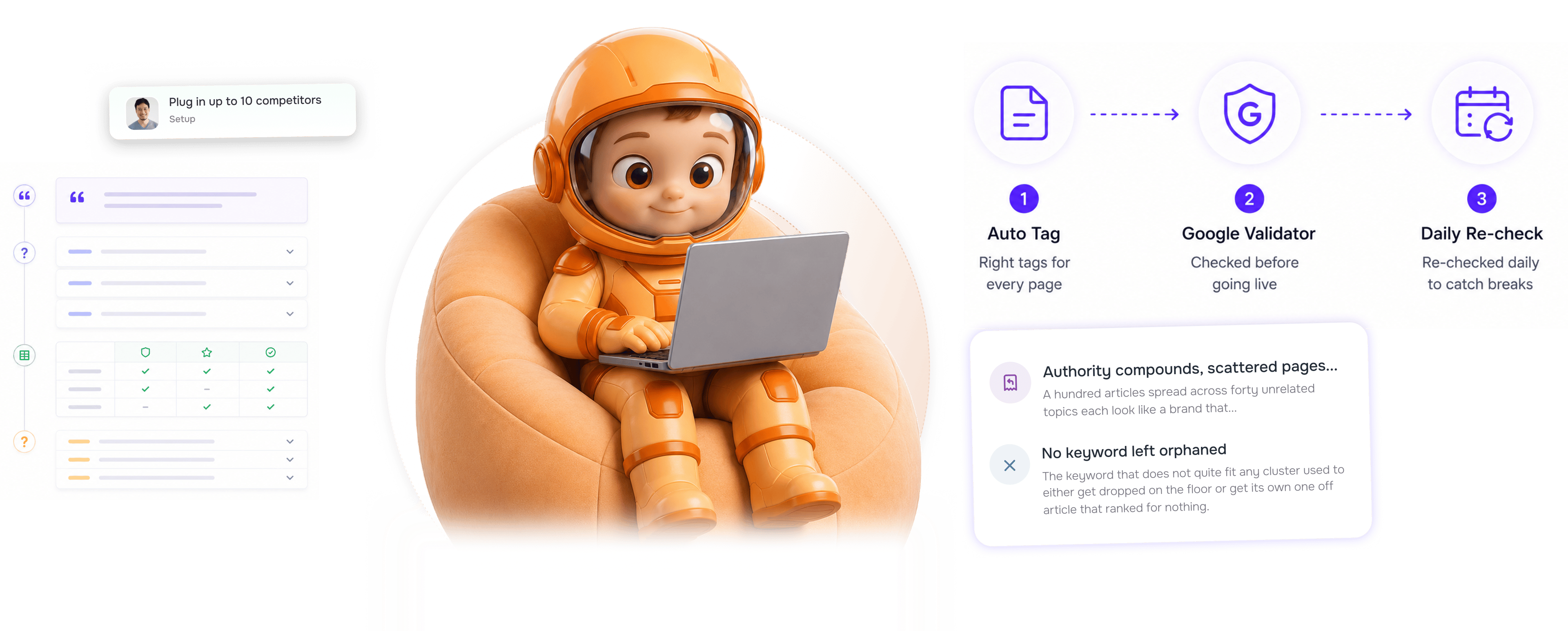
From page content to validated tags in 4 steps
Ranko reads each page, picks the right tag types, applies them, validates with Google's checker, and re validates daily.
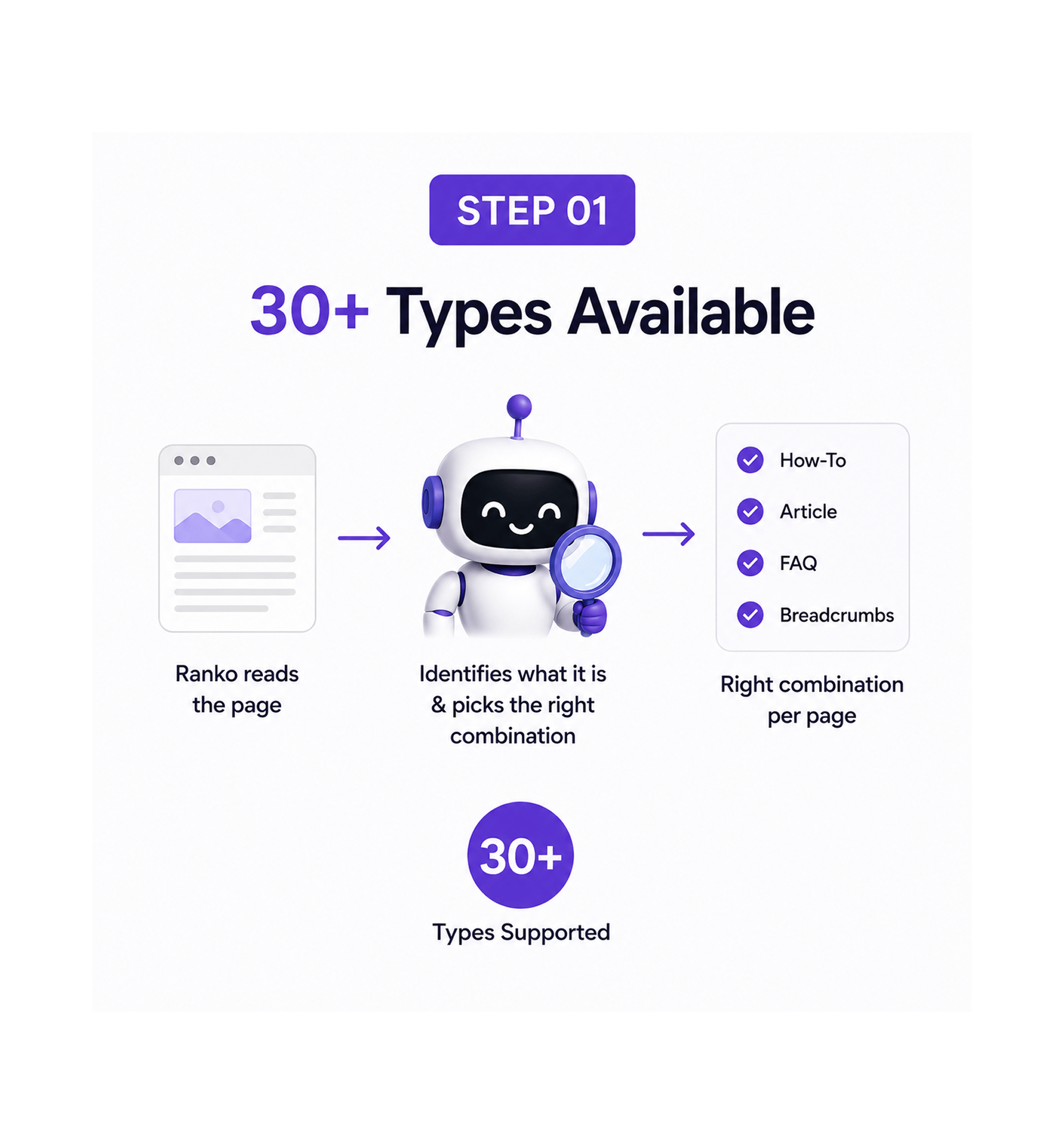
30+ Types Available
Ranko reads the page and picks the right tags
A how to guide should carry How To, Article, and FAQ. A product page should carry Product, Brand, and Review. The right combination is rarely a single tag. Ranko reads each page and picks from thirty plus types.
- 30+ Types
- Right Combination
- Per Page
- Read & Decide
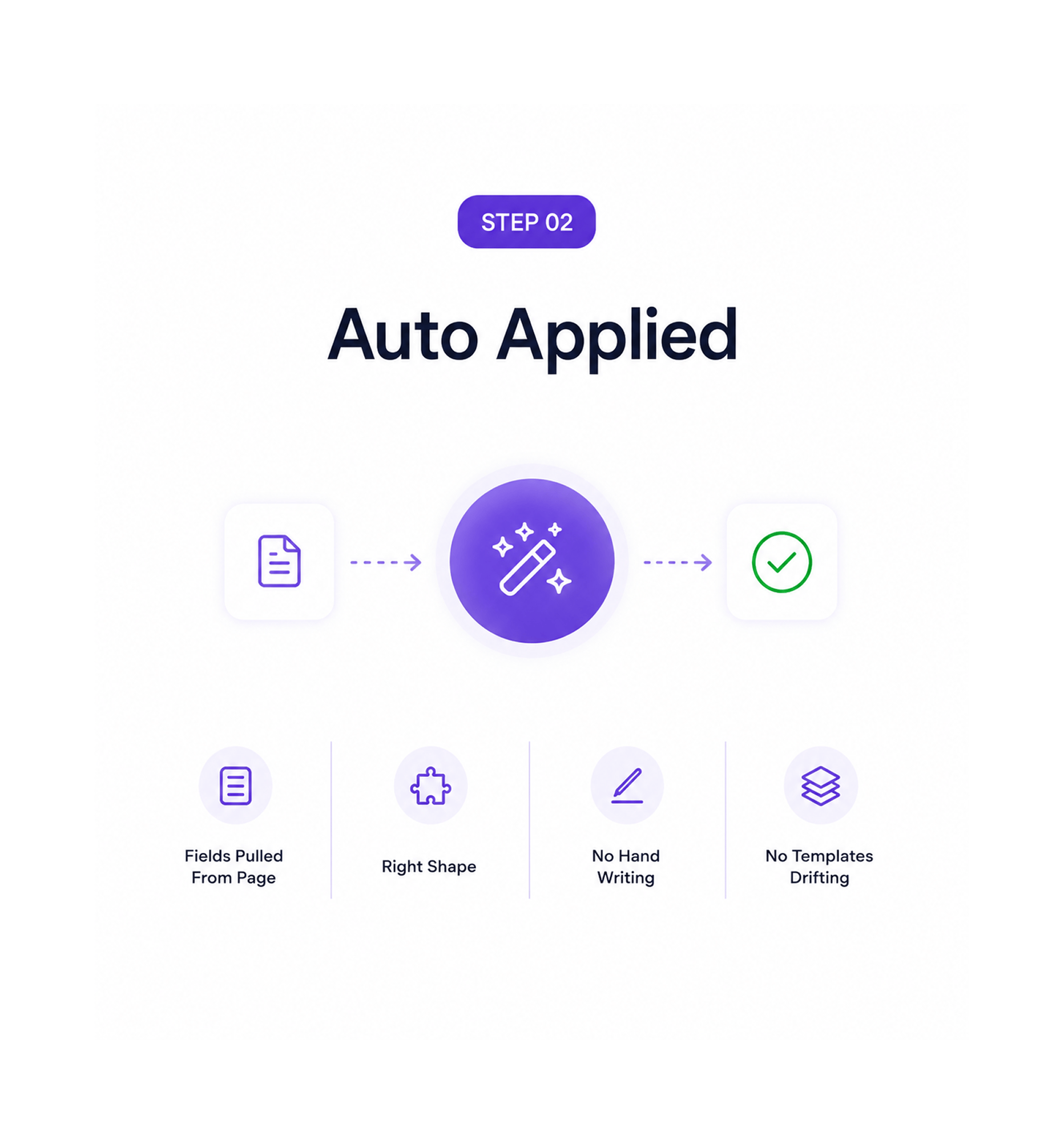
Auto Applied
The combination gets applied, no manual setup
The chosen tags are generated and applied automatically. Author, published date, article body, FAQ questions, product specifications, review ratings. Every field is pulled from the page content into shape.
- Fields Pulled From Page
- Right Shape
- No Hand Writing
- No Drift
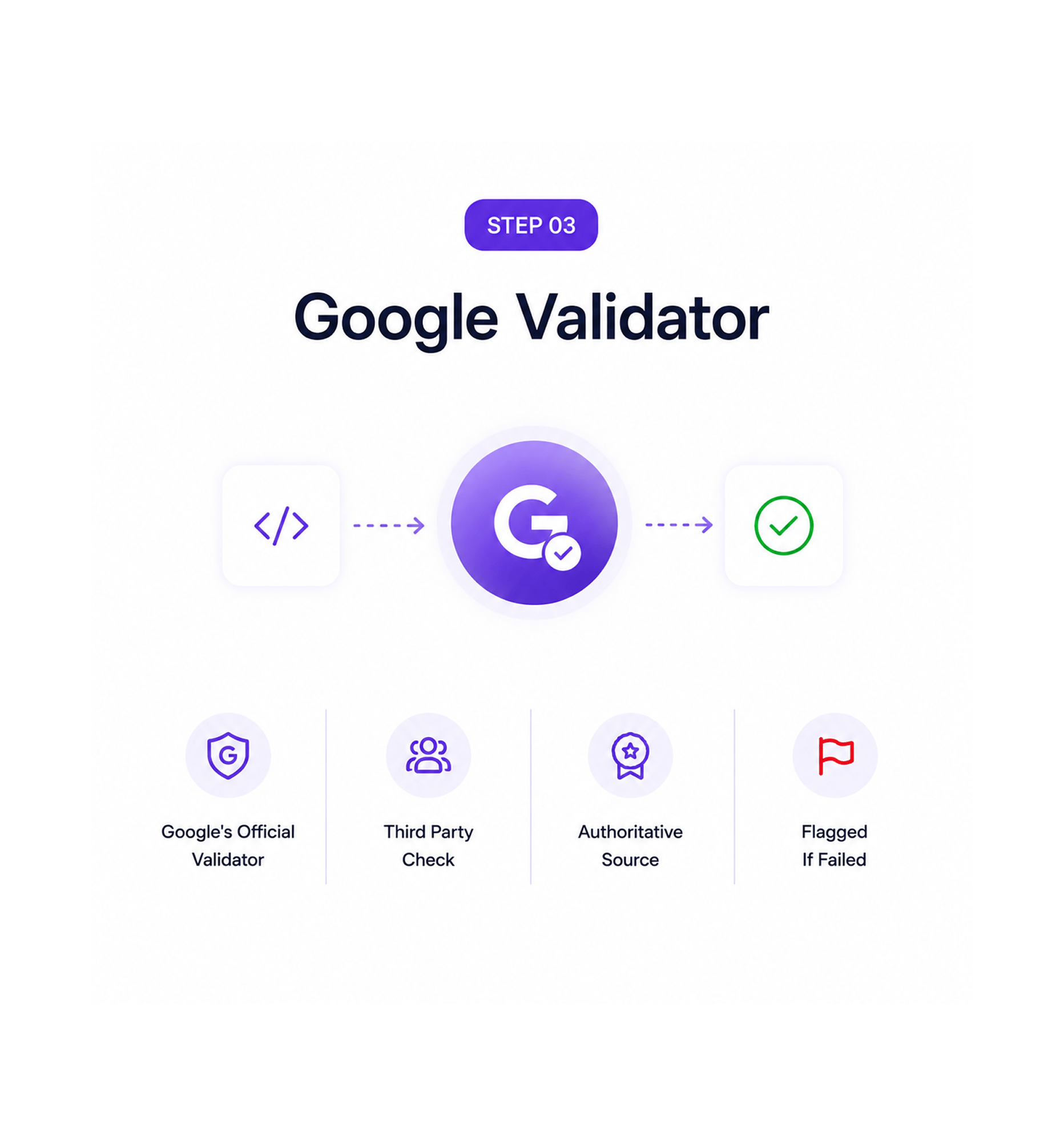
Google Validator
Google's validator checks every tag
Before any page ships, every applied tag runs through Google's validator, the same checker the search team uses. Valid pages ship. Issues are flagged with the exact field that failed and the recommended fix.
- Google's Official Validator
- Third Party Check
- Authoritative
- Flagged If Failed
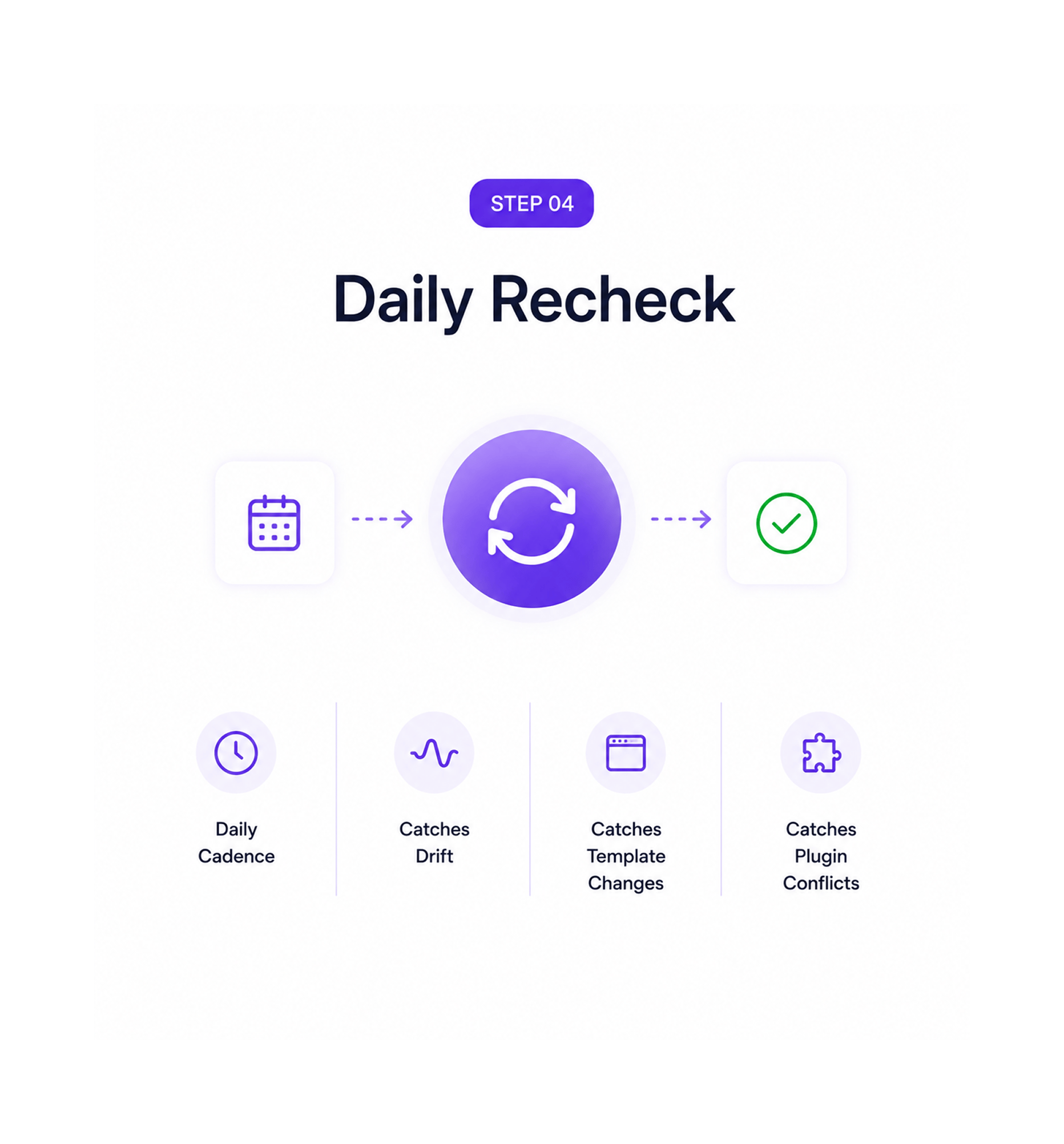
Daily Recheck
The whole set re checks daily
A tag that validated when it shipped can break later from CMS updates or template changes. Ranko re validates every tag set daily, so a tag that broke last night shows up in the morning's report, not next quarter.
- Daily Cadence
- Catches Drift
- Catches Template Changes
- Catches Plugin Conflicts
Six reasons the structured layer just works
Ranko picks the right tag combination per page, applies it, verifies with Google's validator, and re checks daily.

Thirty plus tag types covered, not just the basics
Most tools support Article and FAQ and call it done. Real sites need Product, Brand, Review, How To, Recipe, and more. Thirty plus types cover it.

The right combination per page
A page rarely needs a single tag. It needs a combination that changes per page. Picking it by hand exhausts teams. Ranko does it automatically.

Google's validator every time
Self validation against an internal copy of the spec lets subtle bugs slip through. Running every tag through Google's validator is authoritative.

Daily re checks catch what changed
Tags valid at launch can break later. CMS updates, template changes, and plugin conflicts invalidate them. Daily re validation catches it.

Broken tags become tickets, not silent regressions
When the daily re check catches a broken tag, the issue flows into the morning Site Inspector report and becomes a one click ticket to fix.

The structured layer stops being a project
Most teams treat tags as a quarterly project that decays once it ships. Auto application and daily re validation make the tag layer just run.


17400+
Teams whose structured signals just work in the background
Built for teams whose page data tags shouldn't be a quarterly project
Founders who refuse to lose a month to a hand written tag project, content leads who know signals matter, specialists tired of drifting templates, and commerce operators all use Auto Page Data Tags.
Supported
Picked
Validated
Re check
Thirty plus types, right combination per page
Article, FAQ, How To, Product, Brand, Author, Review, Event, Recipe, Video, Breadcrumbs, Organization, LocalBusiness, and many more. Ranko reads each page, picks the right combination, and applies it automatically.
Everything the tagging layer ships with
Thirty plus tag types, automatic combination picking, Google validator verification, daily re validation.

30+ Page Data Tag Types
Article, FAQ, How To, Product, Brand, Author, Review, Event, Recipe, Video, Breadcrumbs, Organization, and more. The full range.

Automatic Combination Per Page
Ranko reads each page and picks the right tags. A product listing gets Product, Brand, Review. A how to guide gets How To, Article.

Google Validator Integration
Every tag runs through Google's validator before going live, the same checker the search team uses. Valid means it will work.

Daily Re Validation
Every page's tag set re validates daily. Tags that broke overnight from a CMS update or template change get caught the next morning.

Broken Tag Detection
When the re check catches a broken tag, it flows into the morning Site Inspector report with the error, affected pages, and fix.

One Click Fix Tickets
Every broken tag finding gets a Generate ticket button that pushes the work into the team's tracker with the corrected markup.
Everything you need to know
Common questions about tag types, combination picking, Google's validator, and broken tag handling.
What do the 30+ tag types include?
The full set covers every common content type a real site ships. Article, FAQ, and How To for content marketing. Product, Brand, and Review for commerce. Author, Organization, and LocalBusiness for entity signals. Event for conferences and webinars. Recipe for food sites. Video for embedded media. Breadcrumbs for navigation hierarchy. Plus JobPosting, Course, Book, Movie, Software, Dataset, ItemList, QAPage, and more. Thirty plus total, with new types added as the official specification grows.
How does Ranko pick the right combination?
What does Google's validator actually check?
What happens when a tag breaks after publish?
Can the team override the chosen combination?
How does this work for pages not produced by Ranko?