


Every signature, proven.
In one professional document.
A PDF certificate generates automatically on completion with signer details, time stamps, drawn signatures, IP, device, and location.
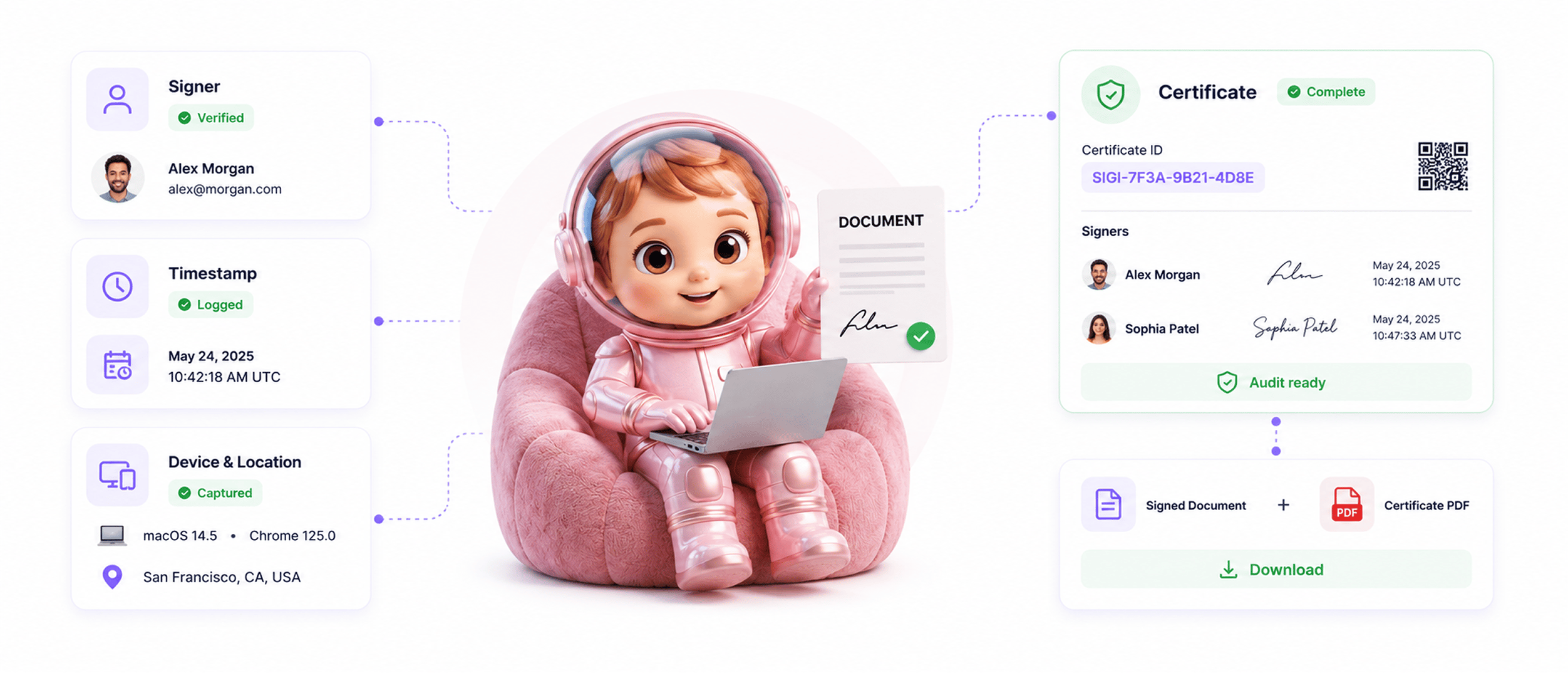
From completed document to professional certificate in 4 steps
Document completes, the certificate generates automatically, every detail captured, ready to download.
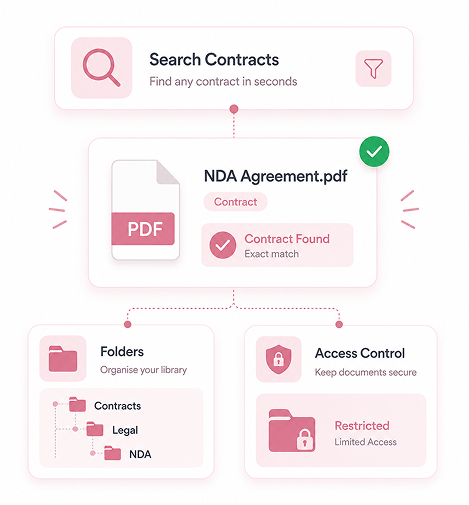
Document Completed
Document reaches completed state
When every signer has signed and the workflow finishes, the document reaches completed state. That is the trigger for the certificate. The team does not ask, click a button, or wait. Completion starts generation.
- All Signers Done
- Workflow Finished
- Auto Trigger
- No Manual Step
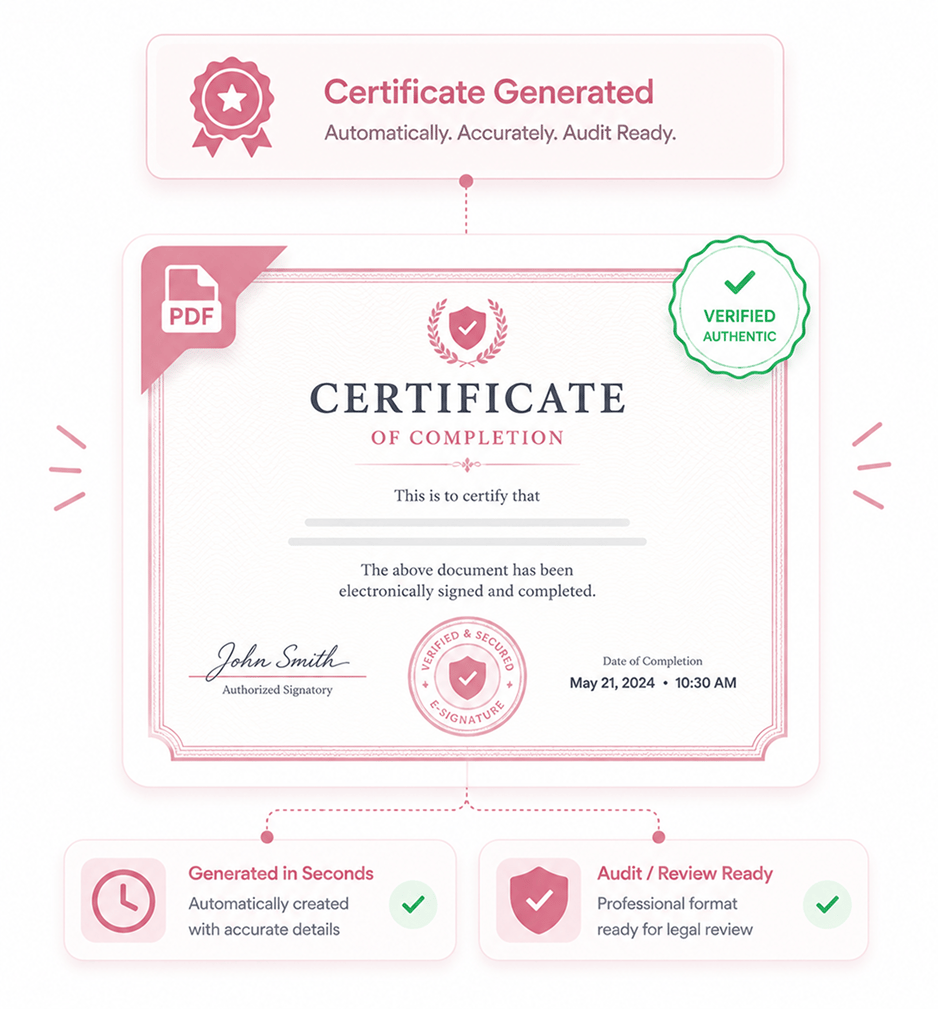
Auto Generated
Certificate generated automatically
A professional PDF certificate is built in seconds, clean and consistent across every contract, designed to look like a serious document you can hand to an auditor or lawyer. No setup, ready for legal review.
- Professional PDF
- Auto Built
- Clean Format
- Audit Ready
Every Detail Captured
Every detail captured in the certificate
All signer information, time stamps, drawn signatures, network addresses, device details, and location. Not abstract references to logs elsewhere. The certificate shows the evidence inline.
- Signer Info
- Actual Signatures
- Time · Network · Device
- Location
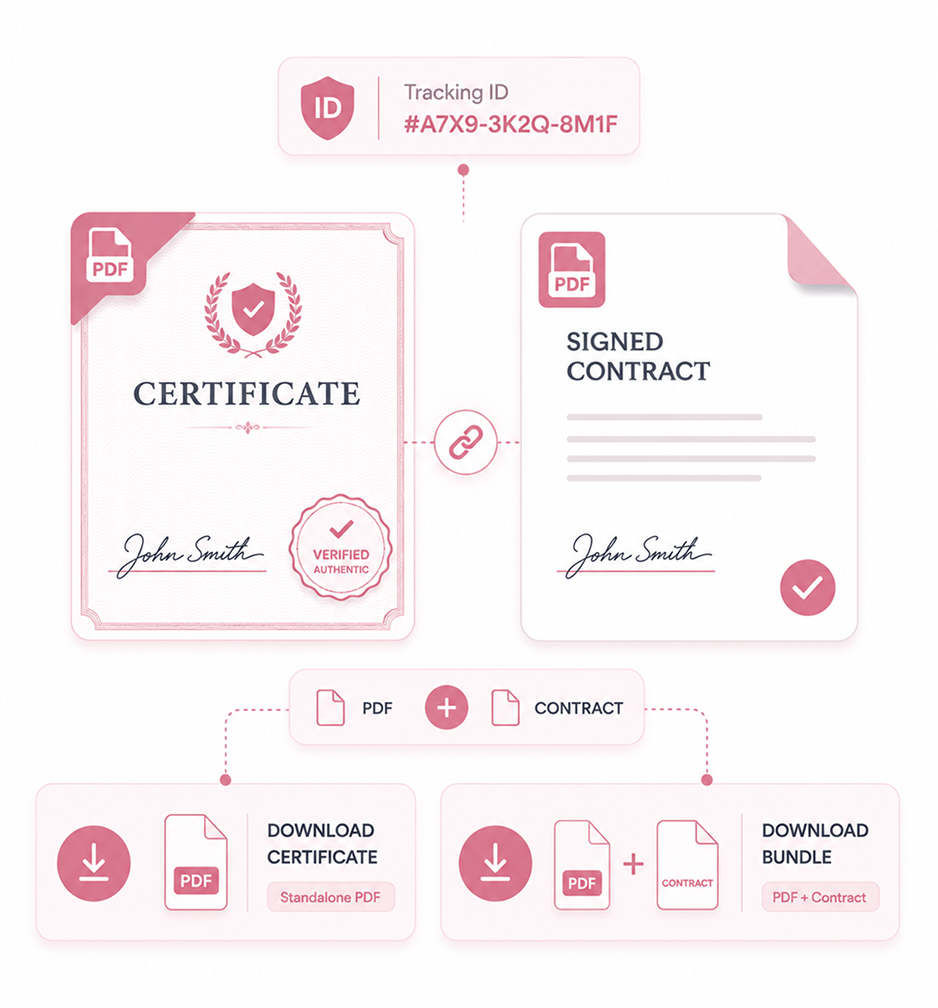
Download Or Attach
Download standalone or attached to the contract
The certificate downloads as a standalone PDF for auditors or counterparties who need the evidence without the contract. It can also download attached to the signed document, so the two travel together.
- Standalone PDF
- Attached To Contract
- Unique ID
- Easy Sharing
Six reasons the certificate actually proves the signing
Auto-generated on completion with drawn signatures, network and location details, device records, and a unique tracking ID.

Auto generated on completion, no manual work
A certificate the team must remember to request often never gets made. Auto-generation on completion means every contract has one ready, no asking.

Actual drawn signatures included, not just names
A certificate listing signer names without signatures is thin evidence. It includes the actual drawn signature each signer used, so the visual proof is in the document itself.

Network addresses and location prove identity
Email plus signature can't prove who signed in a dispute. Network addresses and location captured at signing show where each signer was.

Device details show the signing environment
The browser, operating system, and device type used during signing all appear on the certificate. If a dispute later questions it, they are there.

Unique tracking ID enables verification
Each certificate carries a unique tracking ID. Auditors and legal teams verify it is genuine by referencing the ID, not guesswork.

Standalone or attached for flexible sharing
Sometimes the team shares just the proof; sometimes the contract with the certificate attached. Both options are available, so pick what fits.


11800+
Teams handing over professional certificates that hold up
Built for teams who need to hand auditors and lawyers a single document that proves everything
Legal ops teams where the certificate replaces hours of log gathering. Compliance teams generating audit deliverables. In-house counsel assembling dispute evidence. HR teams archiving signed documents.
On Completion
Included
Per Certificate
Universal
Signatures, times, network, device, location
All signer information, time stamps, actual drawn signatures, network addresses, device details, and location coordinates included inline. The certificate shows the evidence rather than referencing it from elsewhere.
Everything the certificate ships with
Auto-generated on completion: drawn signatures, full signer info, network and location, a tracking ID.

Auto Generated On Completion
The certificate generates the moment the document completes. No manual request, no button, no waiting. Every contract has one ready.

Actual Drawn Signatures Included
The certificate includes the actual signature image each signer used, not just their name. Drawn, uploaded, or typed all appear.

Full Signer Information Captured
Each signer's name, email, signing time, and role appear on the certificate. Audit reviews see who participated, in what capacity.

Network and Location Details
The network address and location each signer used appear on the certificate, proving where each was, the proof email cannot supply.

Unique Certificate Tracking ID
Every certificate carries a unique tracking ID that auditors and legal teams use to verify it is genuine, not guesswork.

Standalone or Attached PDF
Download the certificate on its own when sharing just the proof, or attached to the signed document when both must travel together.
Everything you need to know
When the certificate generates, what's in it, why signatures matter, the tracking ID, and sharing.
When does the certificate generate?
The moment the document reaches its completed state. All required signers have completed their signatures, all required fields have been filled, and the workflow has finished. The platform detects this completion and starts generating the certificate automatically. No team member needs to remember to request the certificate or click a generate button. Generation takes seconds, so the certificate is ready immediately after completion.
What is in the certificate?
Why do actual signatures matter?
What does the tracking ID do?
How is the certificate shared?
How does this connect to Immutable Audit Trail?