


Find any contract.
Organise the whole library.
Global search with filters by type, status, and template. Recent and popular searches surface fast. Nested folders with access control.
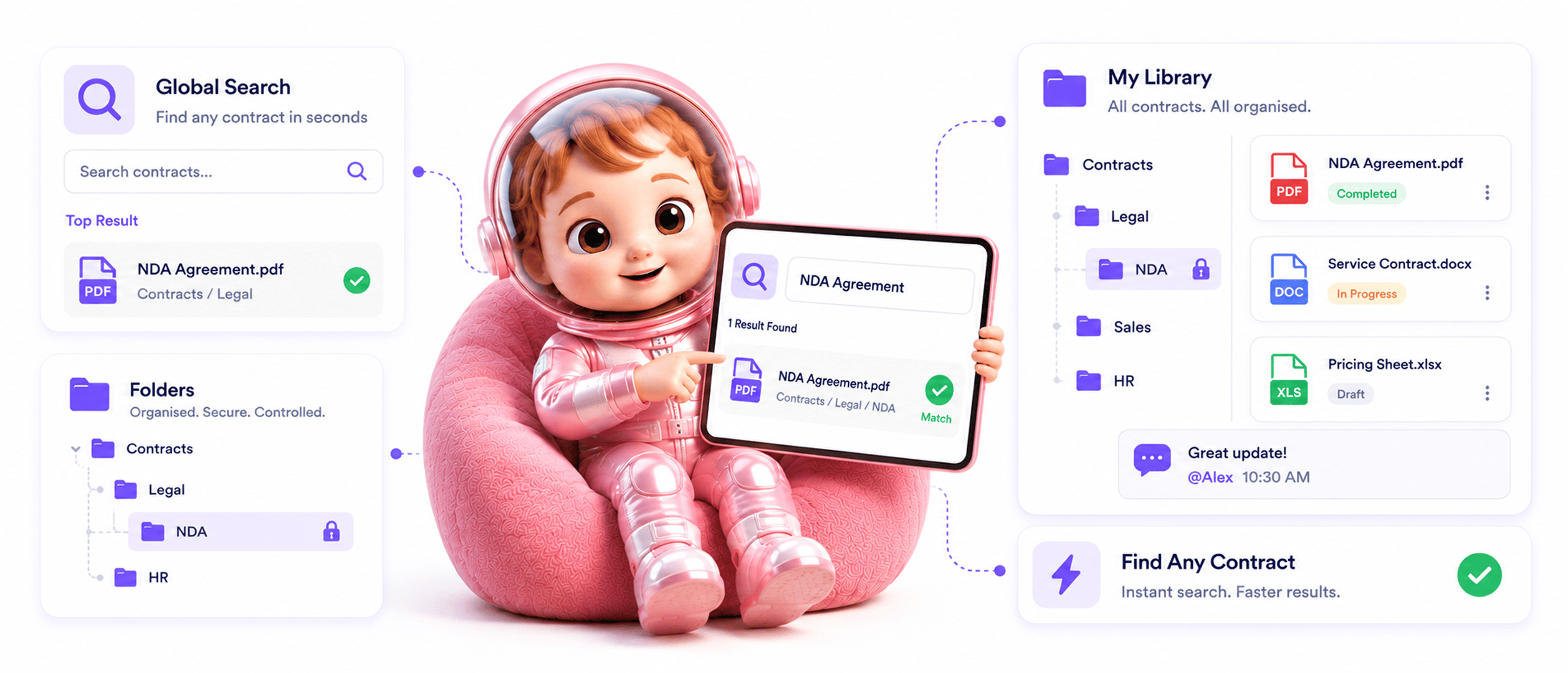
From search to collaboration in 4 steps
Search every document, recent searches surface fast, nested folders organise with access control.
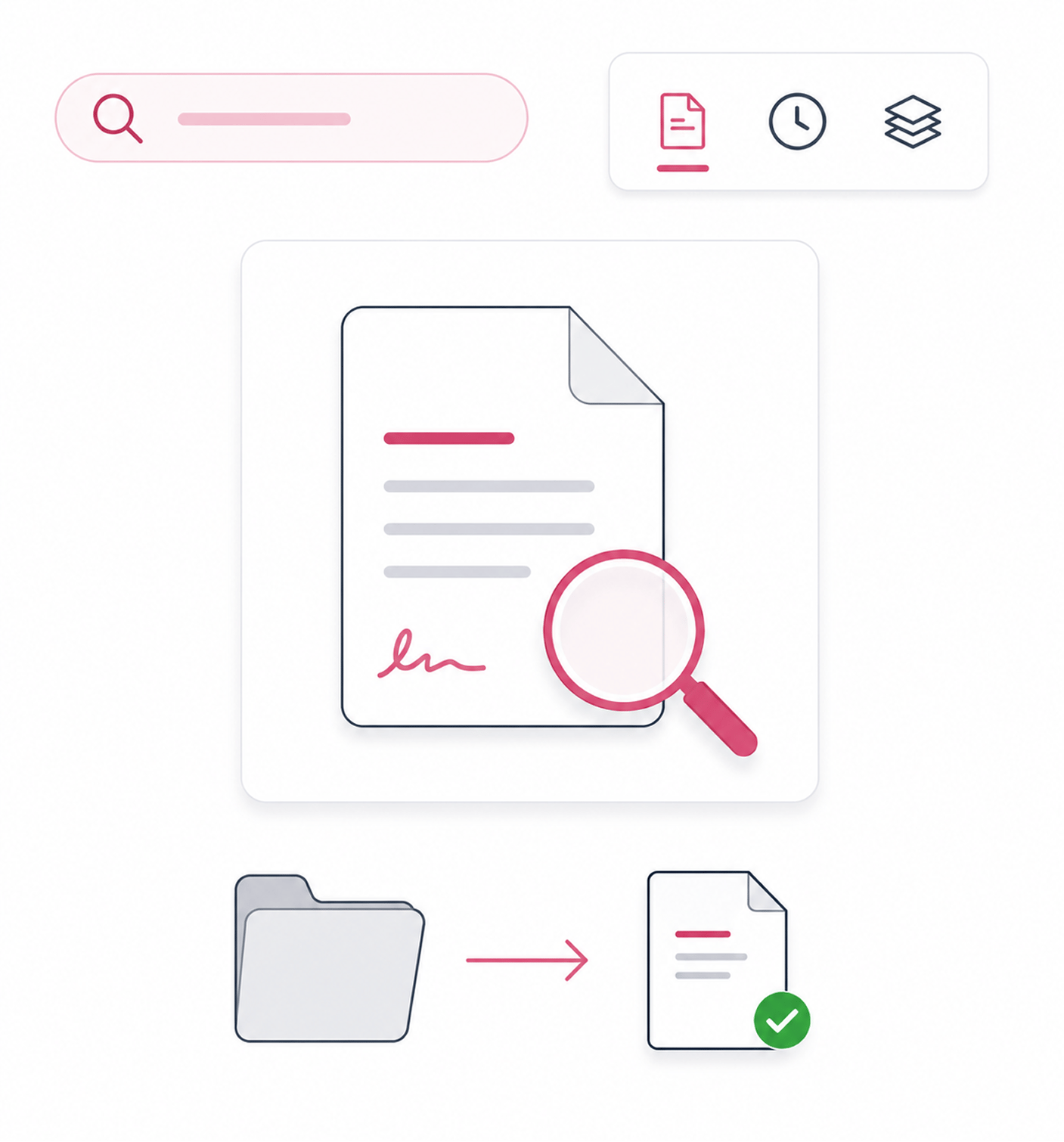
Global Search
Search across every document
Global search finds documents across the entire library in seconds. Filters narrow results by document type, status, or template. Whatever contract someone needs, search returns it without recalling its folder.
- Global Search
- By Type · Status
- By Template
- Seconds Not Minutes
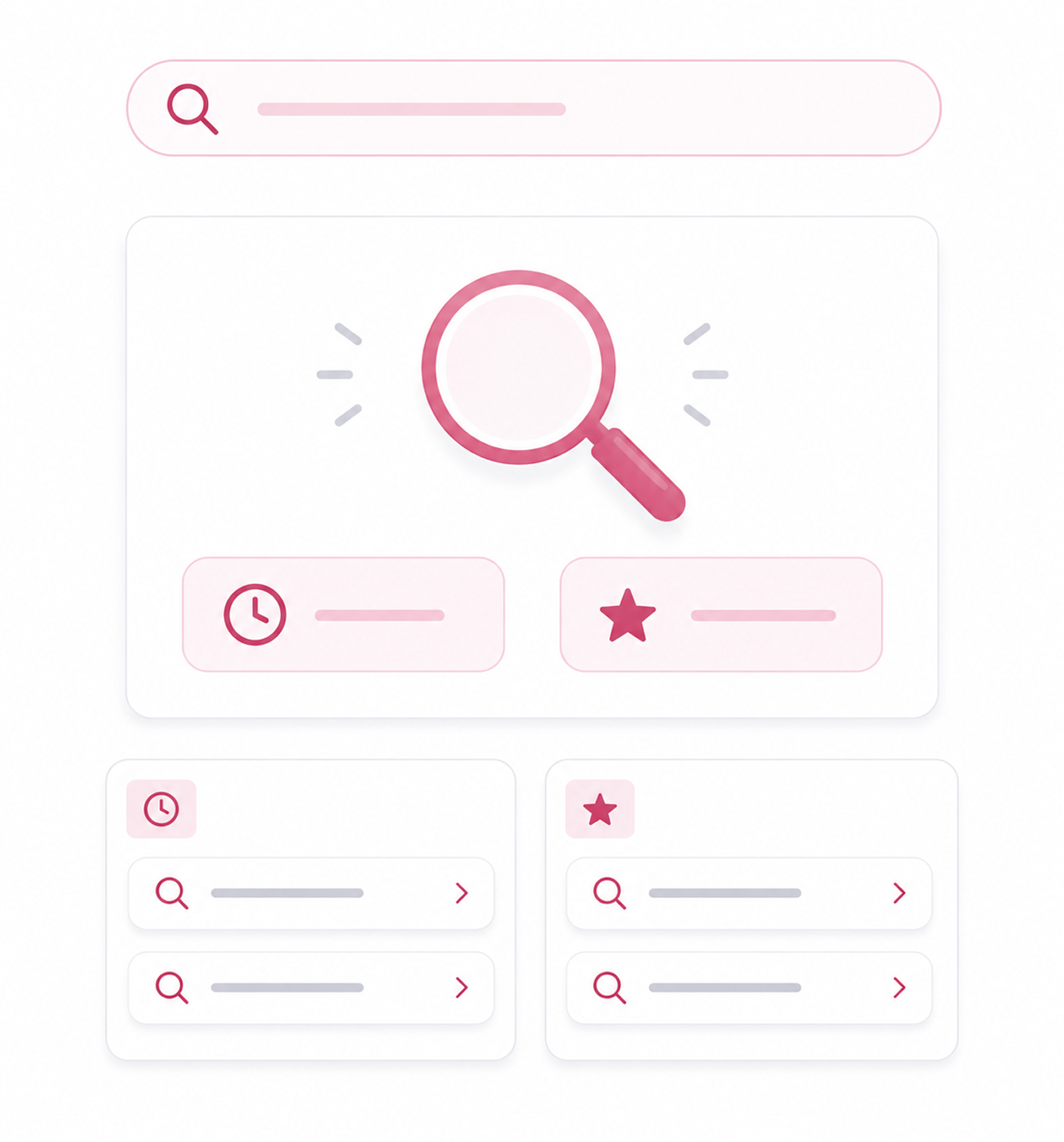
Fast Repeat
Recent and popular searches surface fast
The same searches come up again and again: last quarter's vendor contracts, all pending NDAs. Recent searches stay accessible so the team does not retype them. Popular searches highlight what everyone seeks.
- Recent Searches
- Popular Searches
- No Retyping
- Common Patterns
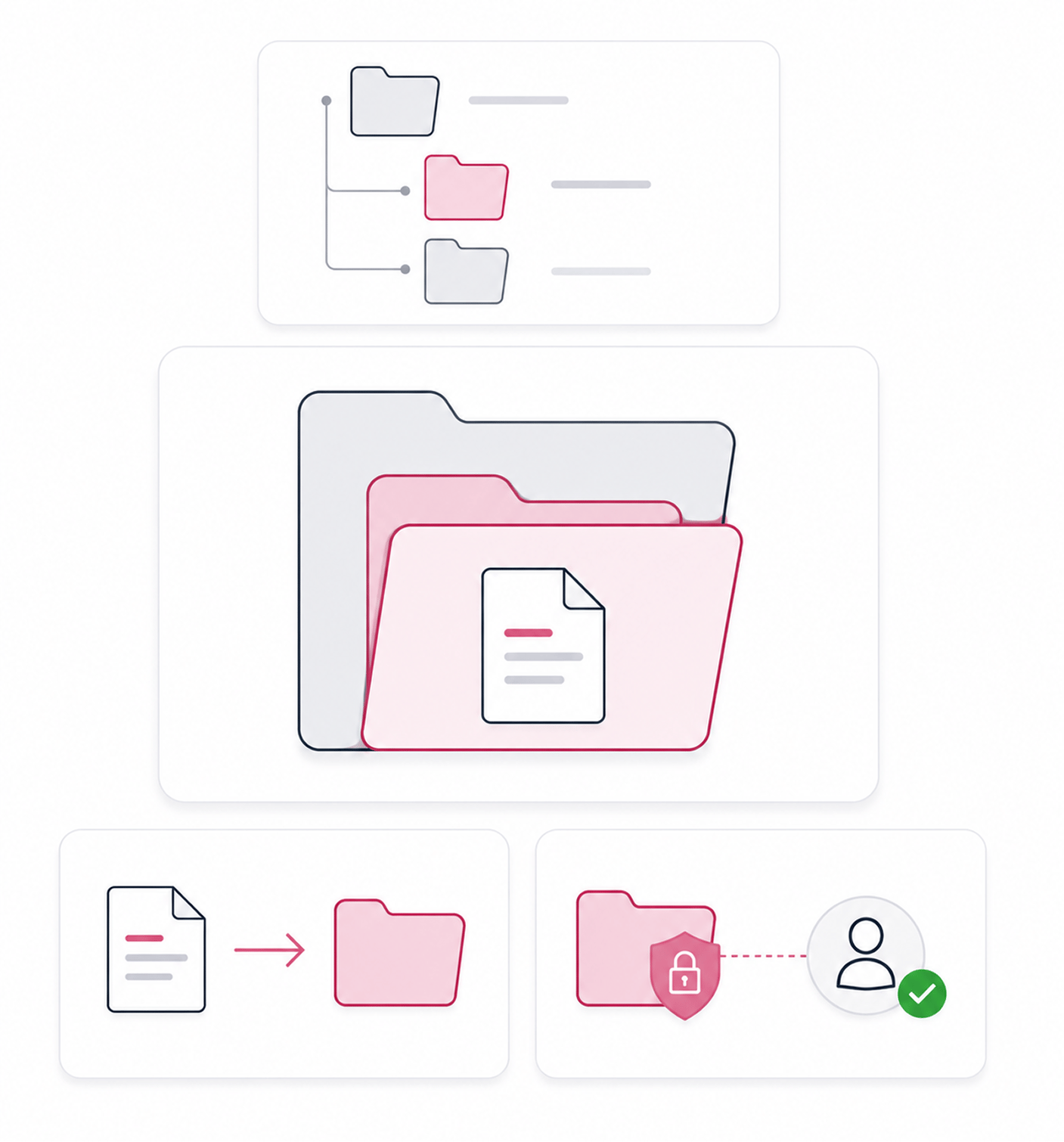
Folder Organisation
Hierarchical folders with access control
Hierarchical folders organise the library to match real team structure: client folders inside account folders inside year folders. Folder level access control restricts sensitive documents to the right people.
- Hierarchical Folders
- Folder Access Control
- Easy Moves
- Granular Permissions
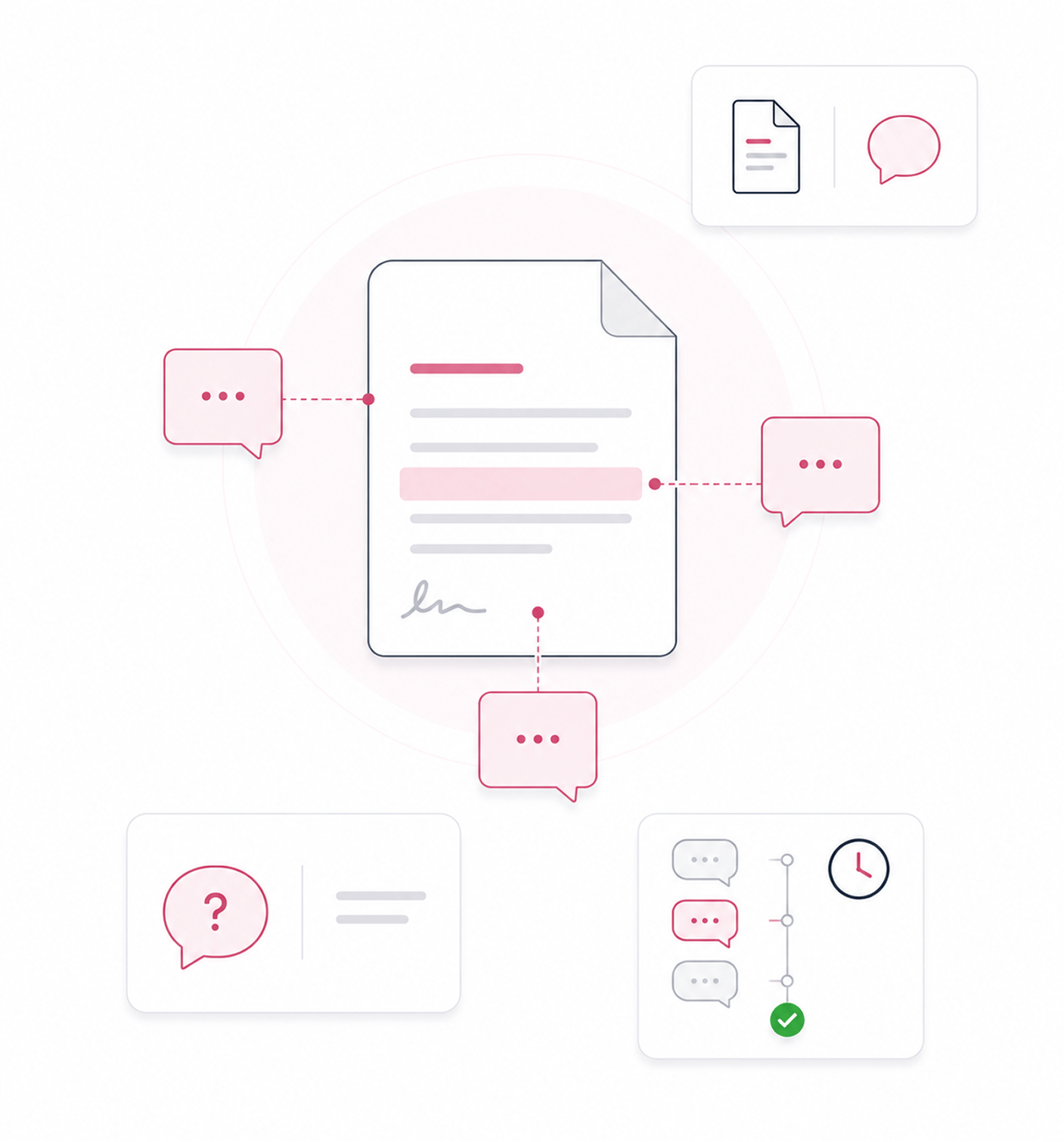
Team Comments
Comments enable team collaboration
Document comments let team members add context, ask questions, and discuss clauses on the document rather than in scattered email threads. Comments live with the document, so new reviewers see the full history.
- Document Comments
- In Context
- Full History
- No Scattered Threads
Six reasons documents become findable and organised
Global search, filters by type, status, and template, recent and popular searches, nested folders, access control.

Global search finds any document in seconds
A team with thousands of documents cannot keep browsing folders. Global search returns matches in seconds regardless of where a document is filed.

Filters narrow searches to specific types or statuses
Searching "vendor agreement" can return too many results. Filters by type, status, or template narrow to exactly the subset the team needs, in seconds.

Recent and popular searches speed up repeat lookups
The same searches recur. Recent searches stay accessible so common queries are not retyped. Popular searches highlight what everyone uses.

Hierarchical folders match real team structure
A flat list of documents becomes unmanageable past a certain volume. Hierarchical folders let the team match the real structure of their work.

Folder level access control restricts sensitive documents
Some documents must stay restricted to specific members. Folder level access control extends permissions to the folder itself, locking down drafts.

Document comments keep collaboration context in one place
Discussion scattered across email and chat loses context fast. Comments stay attached to the document, so new reviewers see the full history.


11600+
Teams finding any document in seconds and collaborating in context
Built for teams whose document libraries are large enough that organisation matters
Legal operations teams managing large libraries who need specific contracts on demand. Sales ops finding deal contracts during calls. Compliance searching contract types during audits.
Available
Folders Supported
Control Granular
Comments Built In
Global search, filters, recent and popular
Global search across the entire library in seconds. Filters by document type, status, and the template it came from. Recent and popular searches surface fast, so queries are one click.
Everything the search and organisation layer ships with
Global search, filters by type, status, and template, recent and popular searches, nested folders, access control, comments.

Global Document Search
Search across the entire library in seconds. Returns matching documents regardless of where they are filed.

Filters By Type, Status, and Template
Narrow results by document type, status, or template. Multiple filters combine to find exactly the subset the team needs.

Recent and Popular Searches Tracked
Recent searches stay accessible so common queries are not retyped. Popular searches highlight patterns everyone uses, one click away.

Hierarchical Folder Structure
Folders nest as deep as the team's real structure needs: client folders inside account folders inside year folders.

Folder Level Access Control
Access permissions can be set at the folder level. Sensitive folders stay restricted while shared folders stay open.

Document Comments and Collaboration
Comments live with the document so discussion stays in context, not scattered across email and chat. Reviewers see the full history.
Everything you need to know
Common questions about global search, filters, search tracking, folder access control, and comments.
What does global search cover?
Every document the team has access to across the entire library. The search matches against document titles, content, signer names, custom field values, template names, and tags. Documents in any folder the user has permission to see all appear in results. The team finds documents regardless of which folder they were filed in or which deal they belong to. Results respect folder level access control, so users only see documents they are permitted to access.
How do the filters work?
Why does recent and popular search tracking matter?
How does folder access control work?
How does the team move documents between folders?
How do document comments enable collaboration?