


Every event, instantly.
Where the team is already looking.
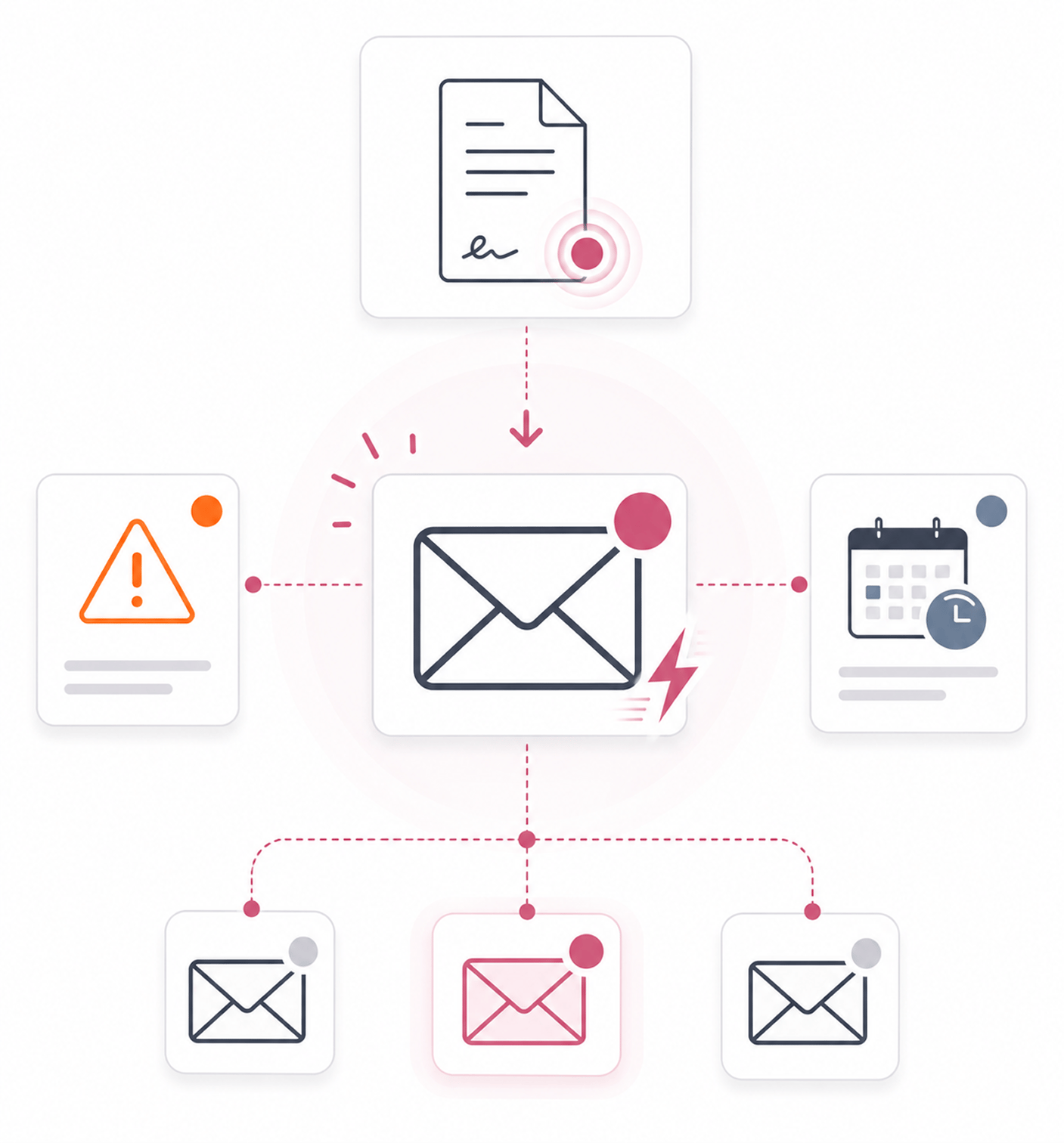
Real time push delivers every document event instantly. The in app centre keeps history, email backs up events.
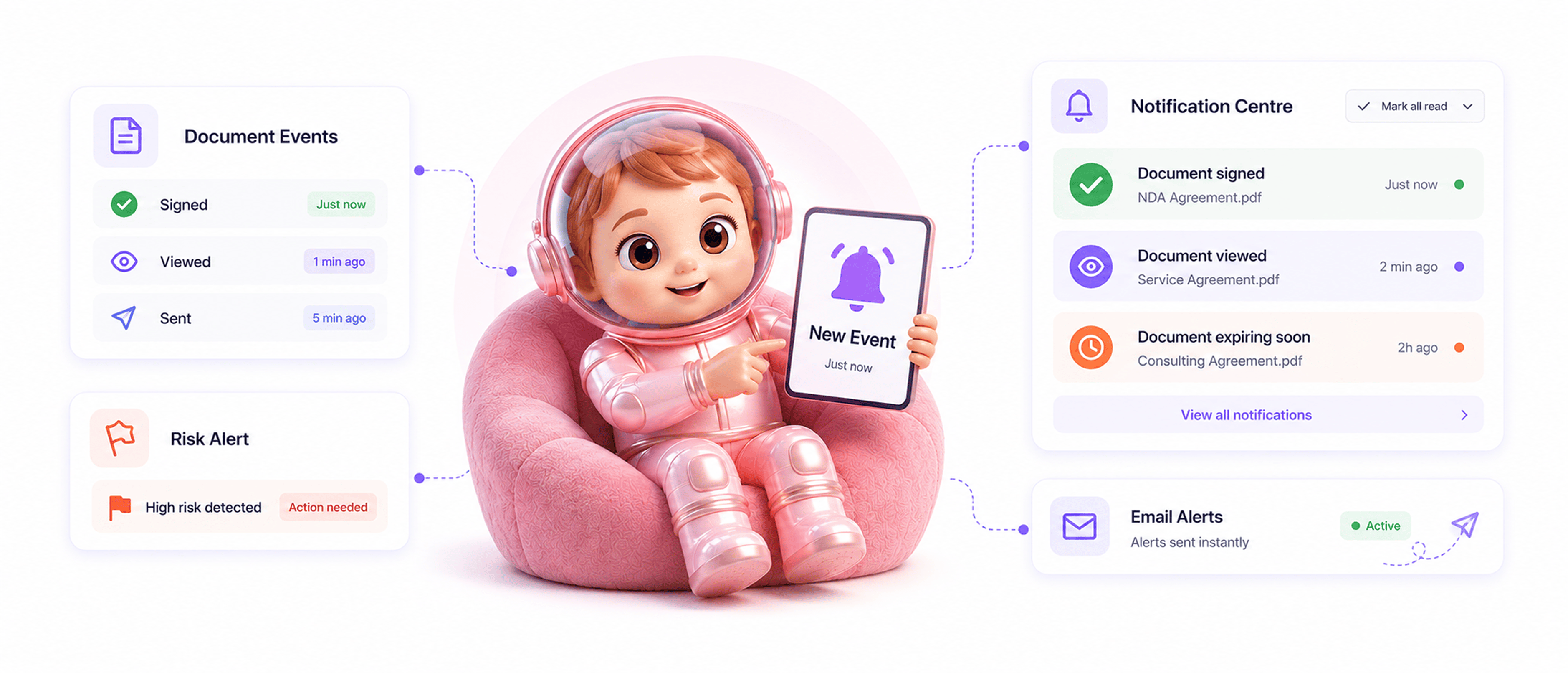
From event to action in 4 steps
Event happens on a document, real time push delivers it instantly, the notification centre keeps history, email backs it up.
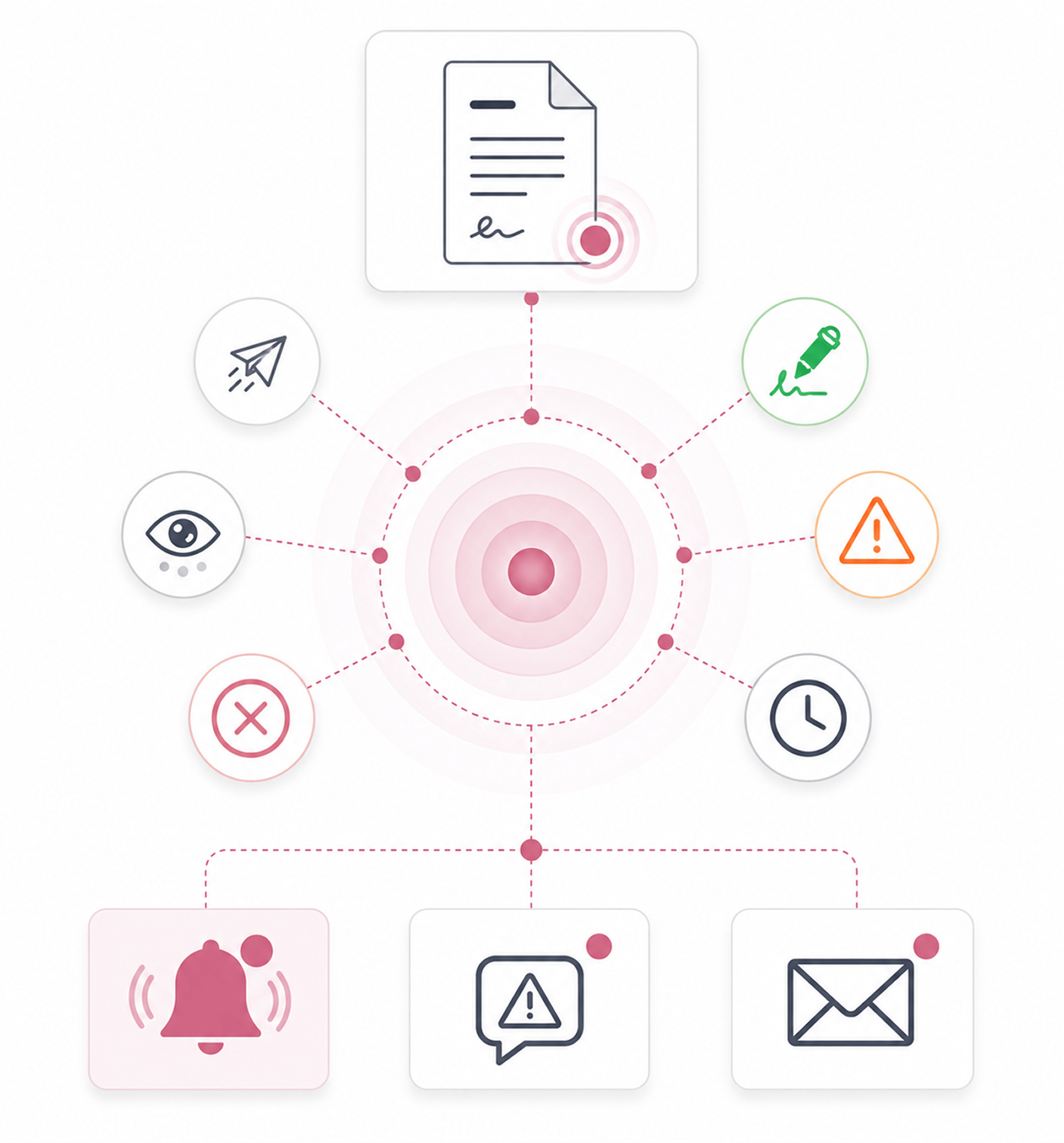
Event Happens
Event happens on a document
A document gets sent, viewed, signed, declined, completed, or flagged for risk. A signer stalls past the 24 hour threshold. A contract nears its expiration window. Every meaningful event produces a signal the notification layer picks up.
- Document Events
- Stalled Signers
- Expiration Alerts
- Risk Flags
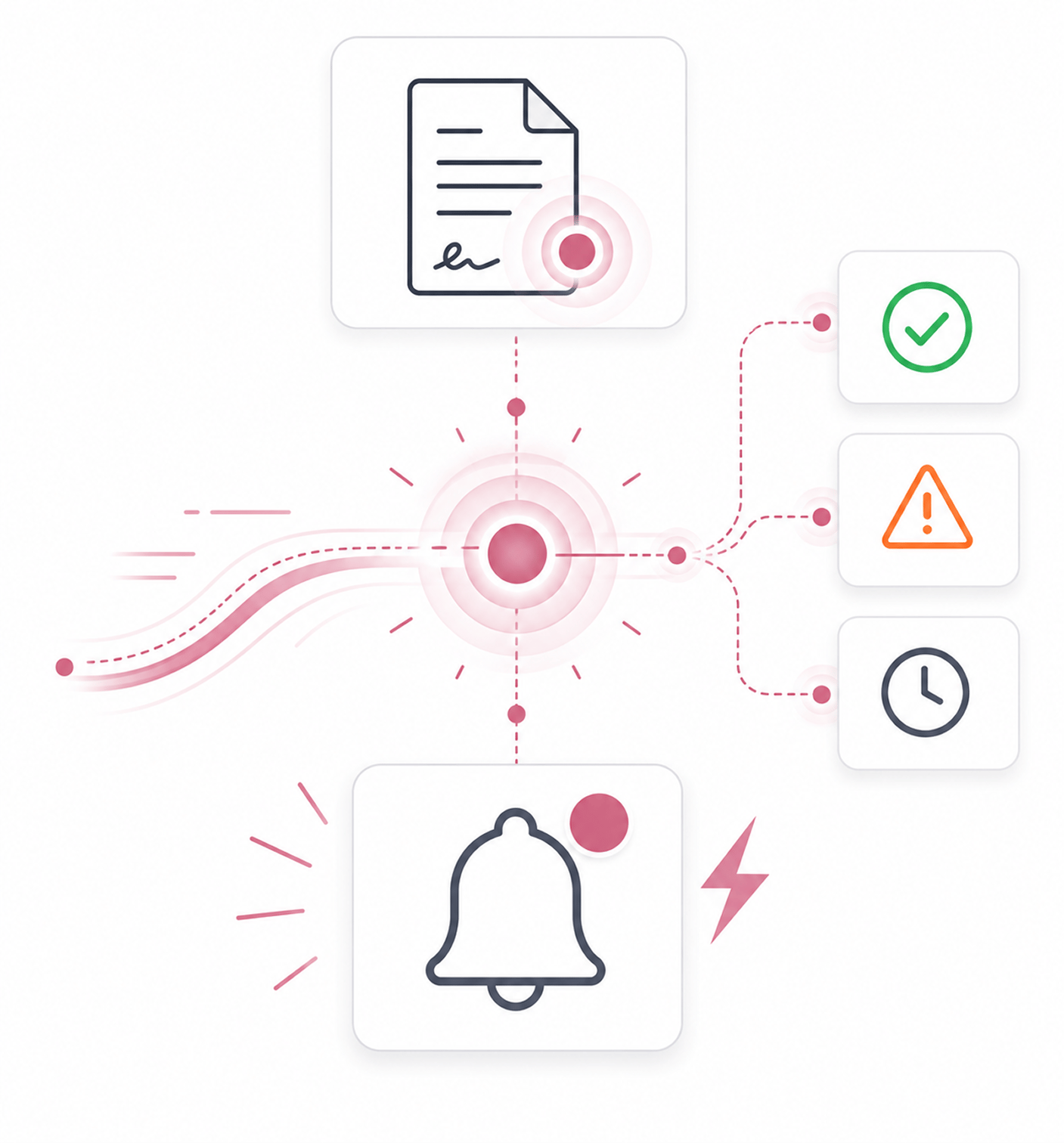
Real Time Push
Real time push delivers it instantly
The notification appears in the team's feed within seconds of the event. No dashboard refresh, no manual checking, no daily summary. The signal reaches the team in real time so they can act on stalled signers and risk flags right away.
- Within Seconds
- No Refresh Needed
- Real Time Signal
- Act Immediately
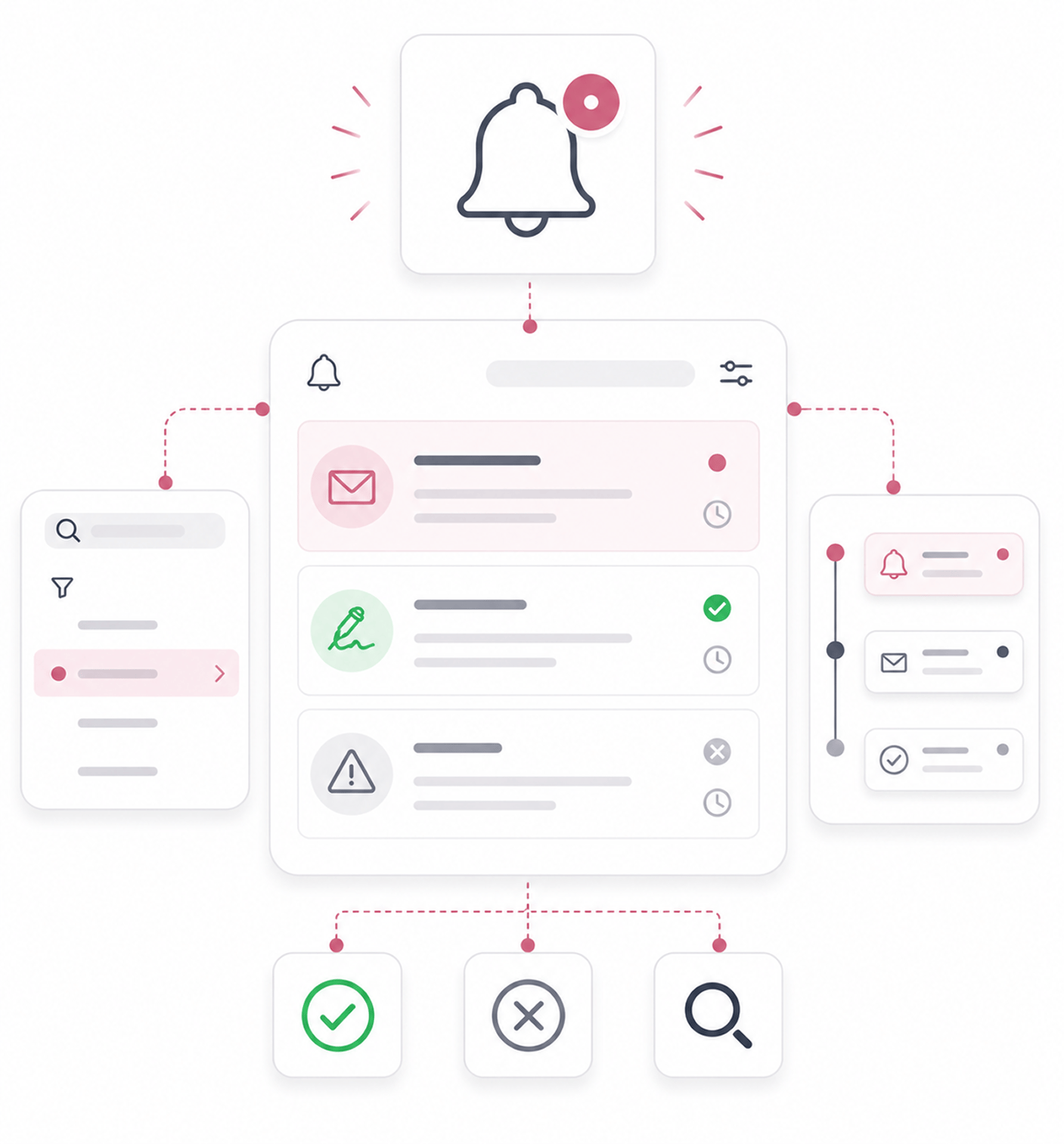
Notification Centre
In app notification centre keeps the history
Every notification lives in the in app notification centre. The team can scroll the history, search for specific events, mark items as read, or dismiss handled ones. Notifications don't flash by and disappear; they stay accessible for review.
- Full History
- Read · Dismiss
- Searchable
- Always Accessible
Email Backup
Email backs up the important events
Email notifications go out for every workflow event so the team gets the signal even when not logged in. Expiration reminders, stalled signer alerts, and risk flag notifications all flow through email too, so nothing falls through the cracks.
- Email Backup
- When Away
- No Missed Events
- Existing Inbox
Six reasons events actually reach the team
Real time push, in app centre, email backup, every workflow event covered, risk flags at once. The layer signing needs.

Real time push catches events the moment they happen
Daily digests and polling lose the moment. A signed contract can close right then; a risk flag should reach legal at once. Push delivers in seconds.

In app notification centre keeps the full history
Notifications that flash by leave gaps. Step away and signing events are missed. The in app centre keeps every one with read and dismiss controls.

Email backup ensures nothing critical gets missed
Some live in their inbox, and some events happen when nobody is logged in. Email backs up every workflow event so the signal always lands.

Every workflow event covered, no gaps
Partial coverage leaves the team checking the dashboard. Every event triggers a notification: sent, viewed, signed, declined, completed, plus flags.

Risk flag notifications surface concerns immediately
A risk flag is useless if nobody sees it for a week. Risk flag alerts fire in real time alongside document events, so legal sees concerns at once.

Expiration and stalled alerts roll into the same feed
Time and behaviour based alerts often live apart. Expiration reminders and stalled signer alerts flow into one feed, keeping attention in one place.


11700+
Teams whose events reach them in real time across every channel
Built for teams who refuse to keep refreshing the dashboard to see what's happening
Operations teams running high signing volumes who can't check every contract by hand. Sales ops chasing deal close who need signing events instantly. Legal ops managing many active deals. Compliance teams monitoring risk flags.
Push
Plus Email
Covered
Included
Real time push, in app centre, email
Three channels work together. Real time push delivers within seconds. The in app centre keeps the full history with read and dismiss controls. Email backs up every workflow event when the team is away.
Everything the notification layer ships with
Real time push, in app centre, read and dismiss, email for events, expiration and stalled signer alerts.

Real Time Push Notifications
Notifications reach the feed within seconds. No dashboard refresh, no polling, no daily summary. The signal arrives when it matters.

In App Notification Centre
The notification centre holds the full history of every event. The team scrolls and searches without losing signal to time.

Read and Dismiss Controls
Mark notifications read once seen, or dismiss them once handled. The feed stays focused on what still needs attention.

Email Notifications For Every Event
Email covers every workflow event, so the team gets the signal even when logged out. Sent, viewed, signed, completed all trigger it.

Expiration and Stalled Signer Alerts
Time based alerts for expirations and behaviour based alerts for stalled signers flow into one feed, keeping attention unified.

Risk Flag Notifications
When the contract intelligence layer raises a risk flag, the notification fires at once. Legal sees concerns as they arise.
Everything you need to know
Questions on which events trigger notifications, push, the centre, email, and managing volume.
Which events trigger notifications?
Every meaningful event across the platform. Document workflow events including sent, viewed, signed, declined, and completed. Stalled signer alerts when a signer has viewed but not signed for 24 hours. Expiration reminders at 7, 3, and 1 day before a validity window closes. Risk flag notifications when the contract intelligence layer surfaces a risk. Approval actions when approvers respond on routed contracts. The layer covers every operational signal.
How do real time push notifications work?
What is in the notification centre?
When does email get sent versus push?
How does this connect to Stalled Signer Alerts and Expiration Reminders?
How does the team manage notification volume?